
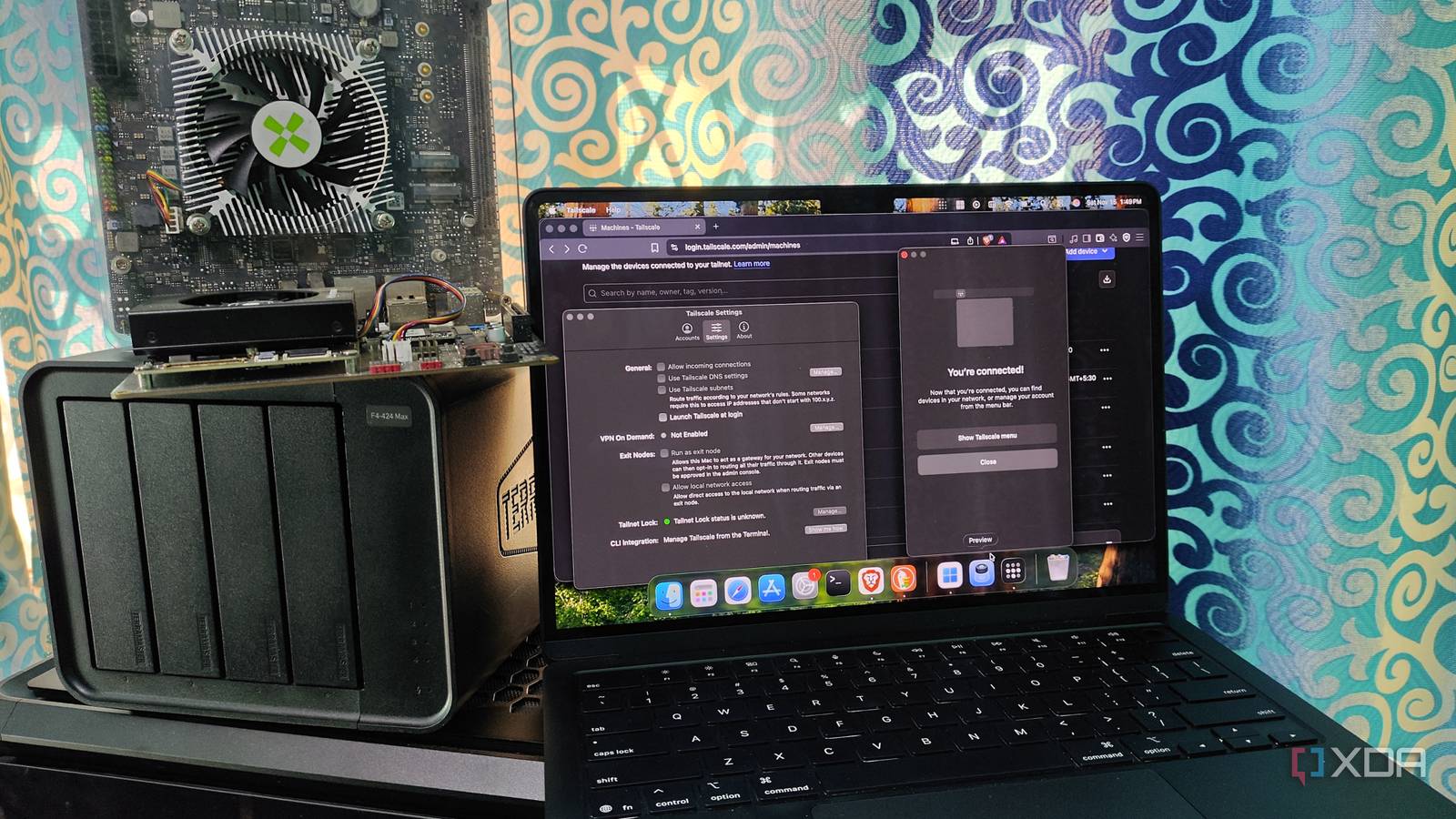
Published Aug 13, 2026, 1:00 PM EDT Korbin is a Linux system administrator who spends most of his time in a terminal figuring out how things actually work. Over the last decade he's written hundreds of articles about Linux configuration, troubleshooting weird problems, and using open-source tools in the real world. He also works a lot with Windows systems and networking, especially in mixed environments where things don't always behave the way the documentation says they should. Writing things down is how he makes sense of it all and hopefully saves someone else a few hours. Tailscale is a great way to avoid the hassle of port forwarding and hardening machines just to expose a few services over the internet. I'd been running it the ordinary way for a while, with the Tailscale client installed on the machines that I cared about most. It covered things like my Proxmox host and NAS, but my managed switch and printer don't have package managers, so they're trickier to put on my tailnet. Subnet routing is how I bridged that gap. The way it works is that a single node on my LAN now advertises the whole subnet to my tailnet, so every device on my home network answers on its usual IP address, regardless of where I'm connecting from. One machine advertises the whole LAN It only took a minute to set up By default, Tailscale builds a mesh where every participating device gets its own IP address in the 100.64.0.0/10 range on the tailnet. Anything that can't run the Tailscale client just doesn't exist, as far as the tailnet is concerned. A subnet router changes that arrangement. I designated one Linux machine on my LAN to advertise the 192.168.1.0/24 CIDR block, and it forwards traffic from everything behind it. The number of things in my home lab that can't run a Tailscale client ended up being bigger than I expected. I have the switch's web UI, my server's IPMI interface, a printer, the router's admin page, and a NAS appliance that runs a locked-down OS that won't let me install many extras. I also have a dozen or so LXC containers, and had never gotten around to setting up authentication for each one. To configure the Linux machine for this setup, all I needed to do was enable IP forwarding, install and log into Tailscale, then tell the Tailscale daemon which subnet to advertise: echo 'net.ipv4.ip_forward = 1' | sudo tee -a /etc/sysctl.d/99-tailscale.conf echo 'net.ipv6.conf.all.forwarding = 1' | sudo tee -a /etc/sysctl.d/99-tailscale.conf sudo sysctl -p /etc/sysctl.d/99-tailscale.conf sudo tailscale set --advertise-routes=192.168.1.0/24 Once that was done, I went to the Machines page of Tailscale's admin console, opened the Subnets section of the device, and checked the IP range I wanted to use. Now, even at the airport, I can enter the same local IP address on my phone as I would at home, and Proxmox loads. A few things worth setting up after The stuff that makes it feel local instead of remote Raw IP addresses started working as soon as I approved the new route, but typing them got old fast. I addressed this by adding my Pi-hole as a nameserver on the DNS page in Tailscale's admin console and turning on split DNS, so only my home domain is sent there. This allows my hostnames to resolve the same way they would at home, no matter where I am. The split DNS part is an important feature, because without it every lookup goes across the tunnel, even if it has nothing to do with my home lab. One problem I ran into pretty quickly was an address collision. If my subnet router advertises 192.168.1.0/24, and I join a coffee shop that hands out the same range, the local network will trump Tailscale. I ended up changing my home network to use a more unlikely block in 10.0.0.0/8, and haven't had any conflicts since. If you plan to implement this setup, it's worth knowing that subnet routing only carries traffic for the range you advertise, so all of your regular browsing still goes out through whatever connection you're currently on. If you want to have all your browsing traffic routed through the home connection, too, then you need to configure it as an exit code. That can be done with the --advertise-exit-node flag on the same machine you're using for the subnet router. Mine's off most of the time, but I'll occasionally flip it on if I'm on a public hotspot. Installing the client is still better Subnet routing is a compromise, but it's convenient for me The initial thing that drew me to Tailscale was that it gives every device its own identity, and I can control exactly who reaches what. Approving a whole subnet takes that advantage away, because anyone on the tailnet can now reach everything on the network. There's a potential hardware bottleneck, too, depending on the device you use for a subnet router. Something like a Raspberry Pi may cap network speeds long before the internet connection does. Both of these drawbacks have workarounds. It's not actually necessary to advertise the entire subnet, and listing a handful of specific addresses is enough to cover most home labs. For example, if you just have three devices that you want to advertise, this would work: sudo tailscale set --advertise-routes=192.168.1.50/32,192.168.1.51/32,192.168.1.60/32 That way, everything else stays invisible on the tailnet. As for the connection bottleneck, my cheap mini PC handles the routing duties without breaking a sweat. Besides, I keep the Tailscale client installed on all the most important machines anyway, and the subnet router is just meant to cover everything else. My LAN follows me around now The best part of this setup is that I don't have to adjust the way I connect to anything when I'm away from home. When I'm away, all of my addresses, hostnames, and bookmarks still work the same way they do at home. Getting that kind of benefit from a one-time setup is rare among my home lab projects.
I used Tailscale's subnet routing to make my entire home lab feel like it's on my laptop
Full Article
Original Source
Read the full article at Xda-developers →KhanList aggregates and links to publicly available news content. We do not host full articles from third-party sources. Always verify important information with original sources.