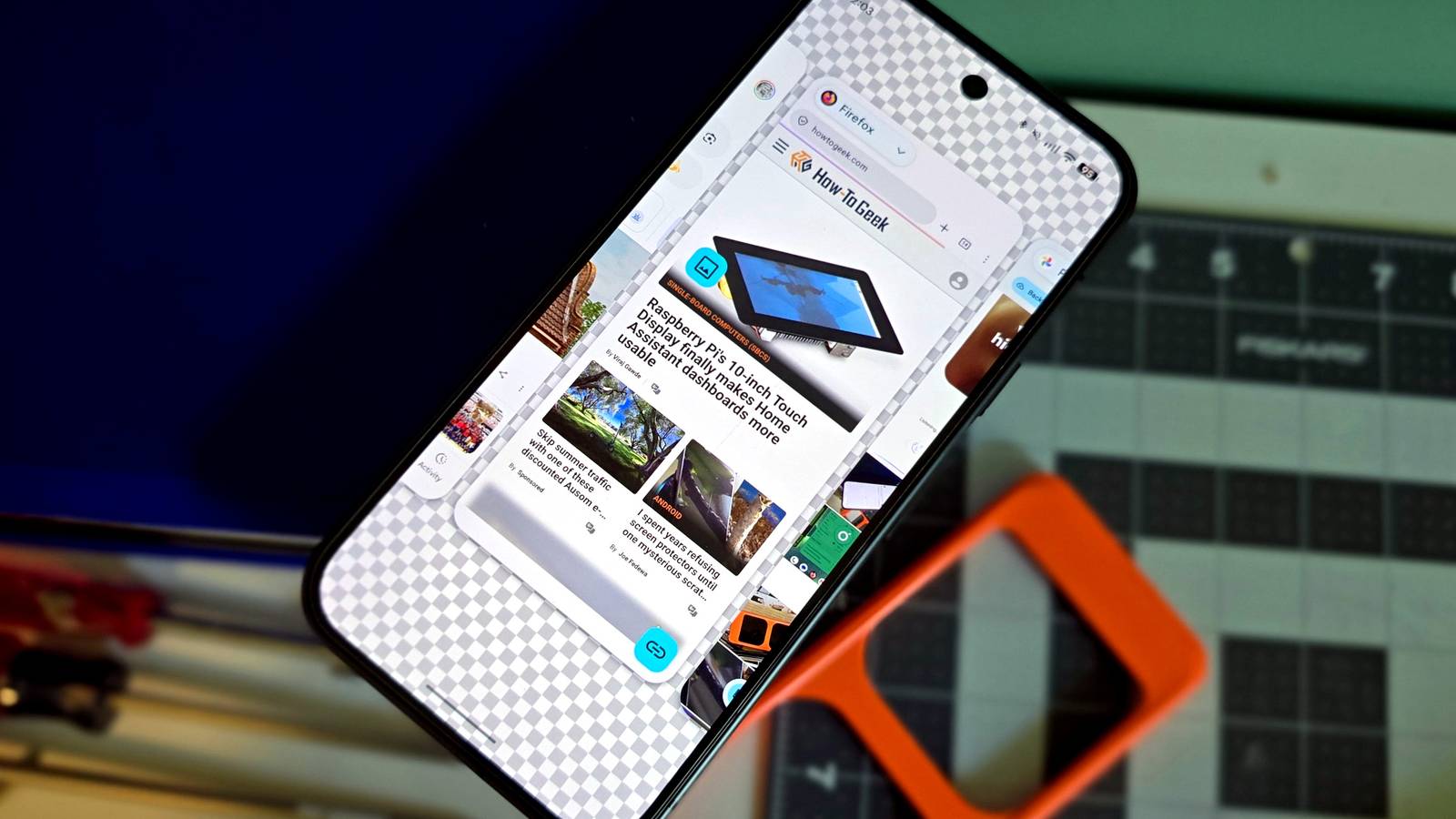
Published Jul 24, 2026, 8:15 AM EDT Joe Fedewa has been writing about technology for over a decade. Android and the rest of the Google ecosystem have been a focus for years, as well as reviewing devices, hosting podcasts, filming videos, and writing tutorials. Joe loves all things technology and is also an avid DIYer and food blogger. He has written thousands of articles, hundreds of tutorials, and dozens of reviews. Before joining How-To Geek, Joe worked at XDA-Developers as Managing Editor and covered news from the Google ecosystem. He got his start in the industry covering Windows Phone on a small blog, and later moved to Phandroid where he covered Android news, reviewed devices, wrote tutorials, created YouTube videos, and hosted a podcast. From smartphones to Bluetooth earbuds to Z-Wave switches, Joe is interested in all kinds of technology. After several years of jailbreaking and heavily modifying an iPod Touch, he moved on to his first smartphone, the HTC DROID Eris. He's been hooked ever since. The Android home screen hasn’t changed much in the last 15 years. It’s still essentially a grid for app icons and widgets. I wanted to try using my phone without what we’ve come to know as a “home screen,” and I’m glad I did. The modern smartphone home screen is largely credited to the first iPhone in 2007, but Apple was far from the first to put app icons in a grid. This basic layout is easy to use, but not terribly inventive. There was one company, however, that tried to do something different. The phone OS without a home screen An idea so good that Android stole it Credit: Joe Fedewa / How-To Geek In 2009, Google released version 2.0 of Android (Eclair), and Palm debuted its brand new operating system called webOS. Unlike Android and iPhone, webOS didn’t have a traditional home screen. Instead, it relied almost entirely on multitasking. To its credit, multitasking on webOS was miles ahead of everyone else. Nowadays, when you open the recent apps screen on Android, you see a horizontal list of app cards. That’s exactly what webOS had all the way back in 2009. Meanwhile, the Android “multitasking screen” at that time looked like nothing more than an expanded folder. Anyway, that beautiful multitasking screen on webOS was also the “home screen.” When you’d swipe up to go home, you’d see a search bar, a dock for frequent apps, and big recent app cards front and center. webOS also had great gestures for quickly switching between apps without leaving the current one. That’s the experience I wanted to try on Android. Rather than treating the recent apps screen as an afterthought, I wanted it to be my primary method for opening apps. So, for over a week now, that’s what I’ve been doing. Living life in recent apps A more intentional way to use a phone Credit: Joe Fedewa / How-To Geek Now, replacing the home screen with the recent apps screen is not really something Android allows you to do. Believe me, I tried many methods. However, I was so committed to this idea that I built my own app to mimic the webOS “home screen.” I’ve got a full story on that process if you’re interested. Right away, I was pretty surprised by how different it felt to use Android with a multitasking-first mentality. The act of going home and tapping an app icon has been seared into my brain. Even with unconventional launchers like Niagara Launcher, that’s still the basic premise: go home, find app, tap icon. That muscle memory is both a blessing and a curse. It allowed me to quickly jump into apps without having to think too much. But on the flip side, it allowed me to quickly jump into apps without having to think too much. How many times have you unlocked your phone for a specific purpose, but got sucked into something else and forgot your original intent? The recent apps list is always changing, which means it’s much harder to get pulled into the usual distractions. Every time I unlock my phone, I’m immediately put back where I left off. Of course, where I left off could be Reddit, Instagram, or any number of distracting apps, but that hasn’t really happened. I may have a lot of apps installed on my phone, but in typical daily life, I’m only using a handful of usual suspects. Those are the apps I end up seeing in my recents, not the occasional time killers that are too easy to find on a traditional home screen. My phone feels more like a tool again One of the big things I’ve noticed is that everything being where you expect is not the same as everything you need always being nearby. What I need often changes, but a traditional home screen doesn’t. It feels a bit cliché to say, but this experience has made my phone feel like a tool again. Certain situations call for different apps. If I’m hanging out with friends, I use Google Messages to coordinate, Google Maps to find them, and probably the browser to look up a dozen things that come up in conversation. While I’m in this situation, those apps stay at the front of the recent list, and it changes when I’m in a new situation. That’s pretty cool. Sadly, this is one experiment that’s hard to suggest. Unless you’re willing to build your own app, it’s not easy to use Android like this. Whether we like it or not, the traditional smartphone home screen doesn’t seem to be going anywhere.
I used my Android phone without a home screen for a week, and I loved it
Full Article
Original Source
Read the full article at Howtogeek →KhanList aggregates and links to publicly available news content. We do not host full articles from third-party sources. Always verify important information with original sources.