
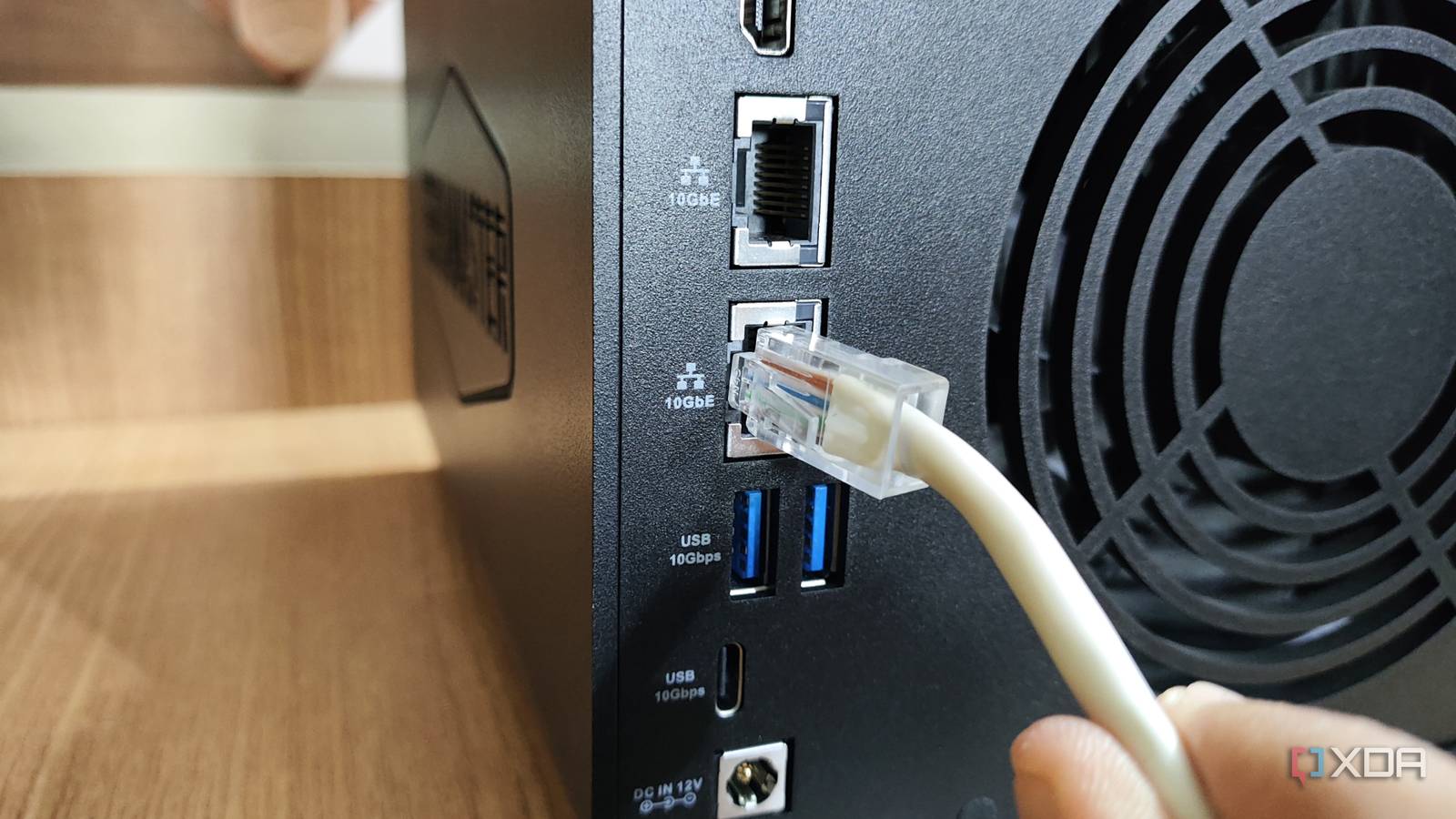
Published Aug 7, 2026, 5:00 PM EDT Maker, meme-r, and unabashed geek, Joe has been writing about technology since starting his career in 2018 at KnowTechie. He's covered everything from Apple to apps and crowdfunding and loves getting to the bottom of complicated topics. In that time, he's also written for SlashGear and numerous corporate clients before finding his home at XDA in the spring of 2023. He was the kid who took apart every toy to see how it worked, even if it didn't exactly go back together afterward. That's given him a solid background for explaining how complex systems work together, and he promises he's gotten better at the putting things back together stage since then. I wanted 10 GbE networking at home. I (probably) didn’t need it, but I wanted 10 GbE and I was going to get it. The first piece of networking equipment with that speed wasn’t a client device, but a managed network switch. Then came a Synology DS1621xs+, with 10 GbE as standard equipment, a rarity for the company. And a vision in my head of my NAS backup strategy zooming along at a full gigabyte per second. The math told me I would be moving VMs and backups at 1,250 MB/s. My benchmarks said 230 MB/s. The network wasn’t the problem. I’d fallen into the trap of 10 GbE networking, thinking that it would make everything connected to it faster. In my case, it was two hard drives pretending to be a storage array. Two drives in RAID 1 were part of the issue No, mirrors don’t double your read speeds At this point, my array consisted of two 20TB drives in SHR ( effectively RAID1), which seemed perfectly sensible for redundancy. Could I have gone for more smaller drives? Sure, but then I would have needed to upgrade more drives to expand the storage pool, where I could add one at a time this way. Two drives mean each write is sent to both, limiting my top data transfer speed to around 290 MB/s. That’s barely 20% of what a 10 GbE link could handle. I had assumed read speeds would be faster, because two copies of the data should mean two drives serving it. Synology uses Linux under the hood, and kernel developers have said for two decades that a single sequential read comes from only one mirror member. Read balancing only helps out when several clients are pulling data from the box at once; one person copying a big file gets one drive. I tested that, because I had to know. Using 64GB of direct I/O over SSH, with no caching or network overhead, the Synology reported 259 MB/s sustained writes, and 274 MB/s sustained reads. That’s on nearly-empty drives, with only 6% of capacity used. That’s the best day that array would ever have for speed, because those are outer-track numbers and as it fills up, the inner tracks are slower. Much slower. SMB can be part of the problem Sometimes the bottleneck is sitting on your desk Even with faster storage, SMB sometimes has its own thoughts on what is going to go down. A single-file copy is handled by a single TCP stream on a single CPU core, resulting in single-threaded performance per connection. SMB Multichannel can break that equation, but it didn’t arrive on DSM until version 7.2, and there’s only one 10 GbE on this NAS, with the rest of the ports are gigabit. My SFP+ card has issues of its own, which is why I’ve not been using it. But I tested using my 2.5 GbE motherboard port, with iperf3 putting that link at 296 MB/s. A 64 GiB CrystalDiskMark run couldn’t fill the 2.5 GbE link, with 277 MB/s reads and 230 MB/s reads on a single queue, representative of a real-world file copy. The drives had headroom left, and 10 GbE would have handed them more to waste. The proof? Random 4K reads? 4.5 MB/s. Now, the general advice here is to enable jumbo frames on a direct link between the PC and the NAS, and use a second network card for the PC’s internet connection. I’ve tested that already on my network, including this NAS, and modern hardware barely noticed them. Meanwhile, the half-configured MTU 9000 broke more things than it made faster. I keep my network at MTU 1500 for a reason: that day. Maybe I’ll have a network setup at some point where they make sense, but it’s not this one. Not this time. A cheaper NAS would have hit CPU limits instead Disk transfers need CPU cycles even before encryption hits the mix My desire to over-spec things had actually worked in my favor, this time. The DS1621xs+ has a quad-core Xeon D-1527, and I’ve seen reviews reporting transfer speeds exceeding 1,100 MB/s with faster arrays. My CPU wasn’t the limiter here; neither was the 32GB of RAM I had added. Most of the consumer NAS market isn’t so lucky. The bulk of NAS boxes use low-power Arm chips, N100, N150, or Celeron-class Intel CPUs, or embedded Ryzen. These CPUs can’t maintain consistent speeds regardless of storage, with Reddit and forums full of users reporting 300 to 700 MB/s on a good day. Then encryption makes it even uglier. If you want data security at rest, know that those low-power CPUs will drag your read throughput to less than 100 MB/s with AES-CMAC signing enabled. Is it even worth having 10 GbE networking in that case? Ugreen DXP4800GT $560 $660 Save $100 Brand Ugreen CPU Ryzen Embedded R2514 Memory 8GB DDR4 Drive Bays 4 Expansion 2x M.2, 2x DDR4 The Ugreen DXP4800 GT has a Ryzen embedded processor, dual 10 GbE Ethernet ports, and a ton of extra ports on top of that, too. It's more server-oriented than the DXP4800 Plus, but it's functional for both home server usage and media transcoding. Saturating 10 GbE would take more drives or SSD storage So, was the upgrade a mistake? No, it gave me room to grow into, but my expectations out of the gate needed adjusting. Stuffing six HDDs into that NAS with RAID5 or SHR would have lifted every sequential read into the 700-900 MB/s range, although parity writes would trail behind that. The only way to saturate that link with six bays would have been with SATA SSDs, and that was a price barrier for how much I wanted to store. Okay, one NVMe might have done it, but that would have needed Synology’s expensive PCIe card, because the M.2 slots inside the unit are there for random I/O acceleration, not sustained transfers.
I upgraded my NAS to 10 Gigabit and immediately discovered the bottleneck nobody warns you about
Full Article
Original Source
Read the full article at Xda-developers →KhanList aggregates and links to publicly available news content. We do not host full articles from third-party sources. Always verify important information with original sources.