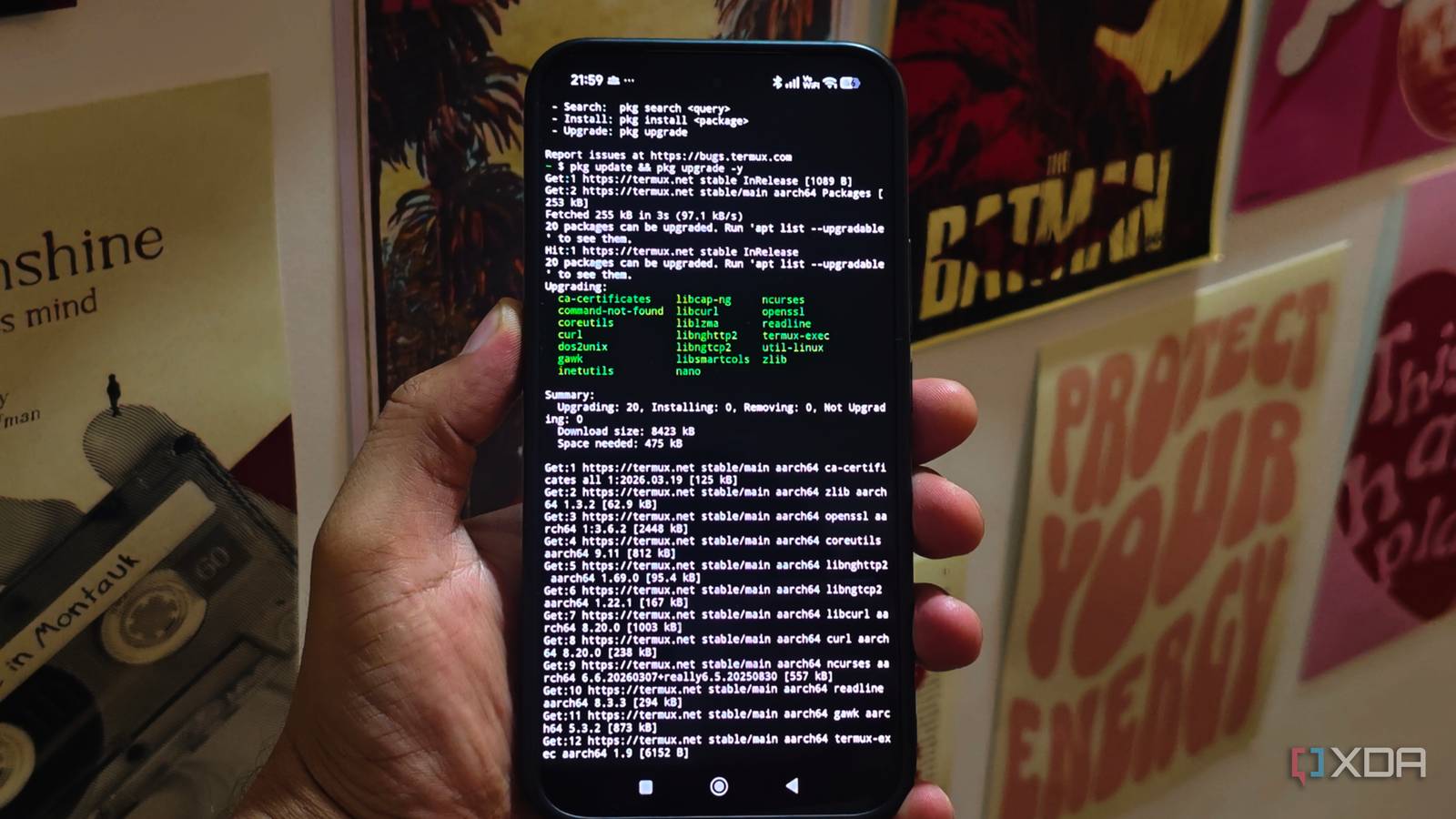
Published Aug 4, 2026, 7:00 AM EDT Anurag is an experienced journalist and author who’s been covering tech for the past 5 years, with a focus on Windows, Android, and Apple. He’s written for sites like Android Police, Neowin, Dexerto, and MakeTechEasier. Anurag’s always pumped about tech and loves getting his hands on the latest gadgets. When he's not procrastinating, you’ll probably find him catching the newest movies in theaters or scrolling through Twitter from his bed. The hardware inside your phone has a lot more potential than you think. Even if it’s half a decade old, it has significantly more powerful hardware than an entry-level NAS or even a Raspberry Pi, which many of us use for home automation. I have already turned my phone into an always-on Jellyfin server so I can stream movies without keeping my computer running. Since then, I have kept finding more things for it to do. My old phone is an almost four-year-old device from the Chinese phone maker iQOO, and it is now one of the most useful devices in my household. It runs Papra and a few other lightweight services alongside Jellyfin, all of which I previously ran on my NAS. The phone does a much better job of running them. One phone replaces several always-on machines The first service I set up on the phone was Jellyfin, and it remains the most demanding part of the setup. I use Termux to create a Linux environment where I can install and run the Jellyfin server without replacing Android or rooting the phone. The processor inside the iQOO 12 has no trouble serving movies through Direct Play, which is how I stream most of my library. Just don't depend on the phone for live transcoding. That requires more processing power and access to hardware acceleration. I use the same environment to run several lighter services alongside Jellyfin. The most useful one is Papra, which gives me a self-hosted place to store and organize documents. The workload is light enough that it can remain active without affecting media playback or making the phone noticeably slower. I also run Syncthing and a few automation scripts that don’t need much processing power but must remain available throughout the day. I previously ran most of these services on my Ugreen NAS, which costs almost $350 and has an abysmal Rockchip processor and soldered 4 GB RAM. It did run all of these services, but the performance took a hit because of the lackluster hardware. The phone also handles remote access and backup internet My services remain accessible almost everywhere The cellular modem and built-in battery give the phone a few advantages that you wouldn’t get from a regular home server. I keep Tailscale active on the phone so I can access Jellyfin, Papra, Syncthing, and the other services when I’m outside my home. The connection gives the phone a private Tailscale IP address that remains accessible from my other devices without requiring port forwarding or exposing any of the services directly to the internet. The same phone also acts as a backup internet connection during power cuts. The battery keeps the services running when the rest of my home-server hardware loses power, while the SIM card allows the phone to switch to mobile data. I can turn on the hotspot and connect my laptop or other battery-powered devices without setting up a separate portable router. I use the hotspot in a similar way when I’m travelling. The phone creates a private network for my devices, carries a local Jellyfin library, and provides mobile data when the hotel Wi-Fi is slow or unreliable. The hotspot also lets multiple devices access the media library without each one needing its own copy of the files. Preparing your phone to act like a home server You need to make a few tweaks here and there The phone doesn’t require a custom ROM or root access to handle these services, but Android needs a few changes before it works reliably as an always-on server. Start by removing unnecessary apps and reserving a fixed IP address through the router. The fixed address prevents Jellyfin and other services from moving to a different local address after the phone reconnects or the router restarts. The next step is preventing Android from closing Termux in the background. You need to disable battery optimization for Termux, enable a wake lock, and use Termux:Boot to launch the required services after the phone restarts. More importantly, you need to figure out the battery management here. A phone's battery is not meant to be plugged in all the time. If you do that, you're risking wear and battery damage. Modern phones stop drawing power once the battery is full, so they don’t technically overcharge, but keeping an older battery at 100% while the phone is warm accelerates battery wear. A built-in charging limit is the easiest solution if the phone allows you to stop charging at 80%. If you have a rather old smartphone, consider using a smart plug. You can connect it to Home Assistant or a similar automation platform, cut power when the battery reaches 80%, and restore it when the charge drops to around 30%. The internal storage is enough for lightweight services, although a larger Jellyfin library may require an external drive connected through a powered USB-C hub. I would also recommend keeping backups of important service data because the phone remains a single point of failure. Your phone can do a lot more than you think Most of us replace our phones every three or four years. If you don't trade yours in for a newer device and it ends up collecting dust in a drawer, you can still put it to good use. It can serve as a portable storage device, a hotspot you can carry with you, a security camera, or even a webcam.
I turned my old phone into a device that does something my $300 smart home gadgets can't
Full Article
Original Source
Read the full article at Xda-developers →KhanList aggregates and links to publicly available news content. We do not host full articles from third-party sources. Always verify important information with original sources.