
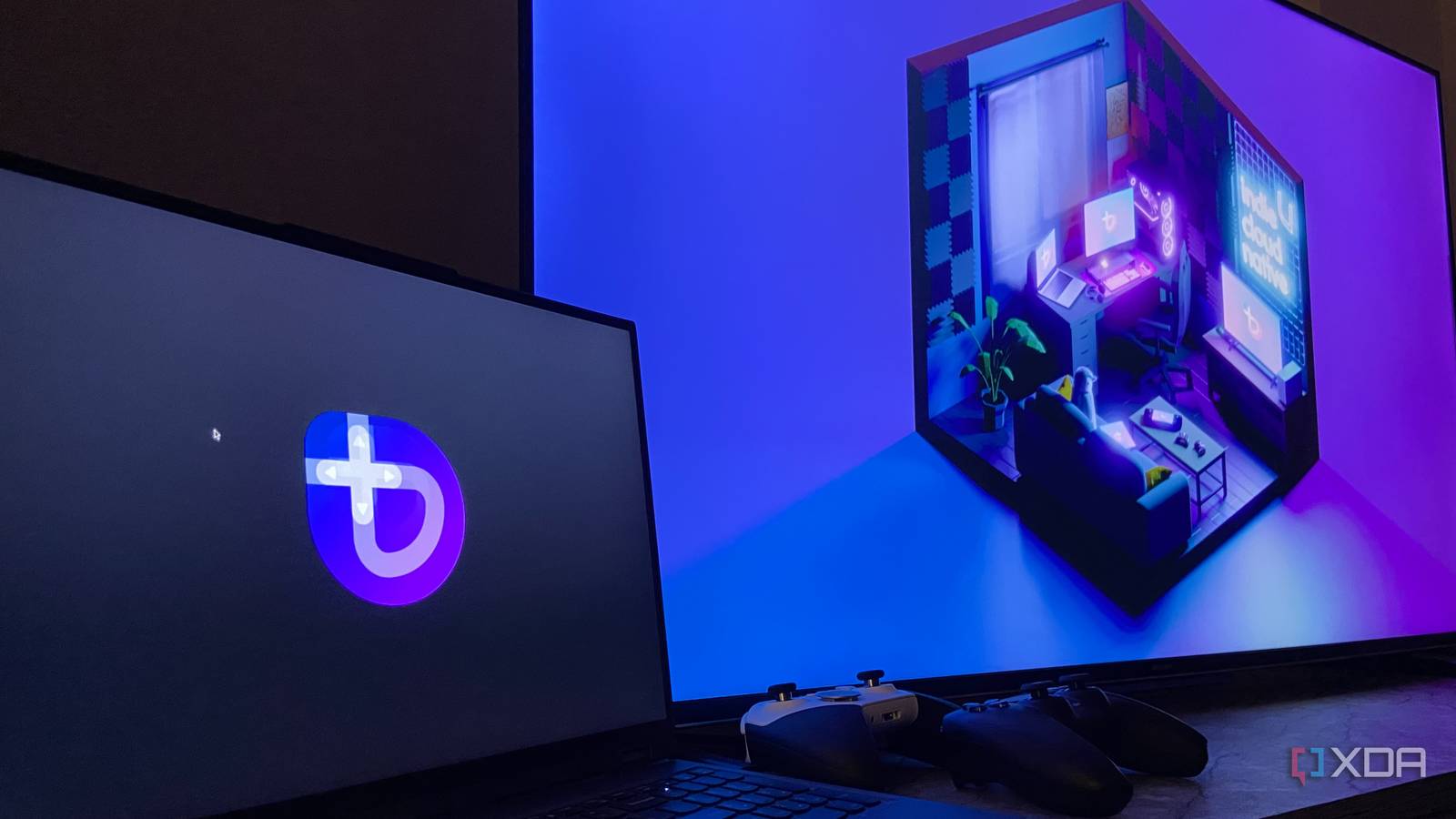
Published Oct 25, 2026, 8:00 AM EDT Abhinav pivoted from a career in banking to pursue his first love in writing. Even while working full-time, he continued contributing as an editor-at-large, a role he has held for more than 7 years. A lifelong tech enthusiast who has built three gaming and productivity powerhouse PCs since 2018, his passion for technology keeps him closely following the semiconductor industry, from NVIDIA and AMD to ARM. His MSc dissertation explored how artificial intelligence will reshape the future of work, reflecting his curiosity about the wider social impact of emerging technologies. Lately, I've been thinking a lot about the Steam Machine, and what its actual value proposition is to gamers like myself. Underneath Valve's neat little cubic form-factor, its GPU delivers performance close to a discrete RTX 3060, but that's a GPU tier that has been available in the market since 2021. What occurs to me, then, is that Valve's primary pitch for the GabeCube is the experience it delivers right out of the box. You boot right into Steam, navigate around the interface with a controller, and nothing else on the OS stands between you and hours of gaming. My Lenovo Legion 5 Pro from 2022 nearly matches the Steam Machine spec-for-spec, running an AMD Ryzen 7 5800H, a mobile RTX 3070, and 32GB of DDR4 memory, which puts it in the same performance tier. The only thing that was missing in delivering the complete Steam Machine experience, therefore, was the OS that makes much of the cube's persona. Here's what I did to see how close my laptop could get to the Machine, with a total budget of zero dollars. Windows was never designed to play nice with a TV Xbox Mode gets an honorable mention, but it wasn't what I was after I've always taken a rather keen interest in the finer aspects of devices and operating systems relating to usability, and it is my belief that the biggest friction in bringing the console experience on PC has been the OS itself. Windows tends to assume that you're sitting at a desk with a mouse and a keyboard within your reach, and the moment there's a hiccup, like a launcher update or a system-generated pop-up, it hands the control back to the desktop. While it wasn't the primary reason for me to switch the OS to a Linux distribution, it was certainly a contributing factor. Microsoft has acknowledged this issue with relative success, though. Xbox Mode comes very close to addressing the vast majority of the points of friction in the journey, and its integration with other storefronts makes the "console" experience they were chasing on Windows 11 more seamless than it has ever been before. I have no argument against using Xbox Mode whatsoever, and for anyone looking for a hassle-free way to chase their console experience without reserving a partition for another OS, it's a valid workaround, and even one that I'd recommend. My objective for this little experiment, however, was to get as close to the Steam Machine as possible, which meant either running SteamOS or something that's most like it in terms of user experience. SteamOS itself was off the table since it doesn't officially support Nvidia graphics yet, so the closest match was the Deck variant of Bazzite, which can boot straight into Steam. Dual-booting Bazzite was easier than I imagined I can keep Windows for work, and Bazzite for entertainment Barring a few detours (owing, of course, to my inexperience with the Linux shell and Windows defaultism), getting Bazzite up and running was the easiest bit. I started on the Windows side, shrank my C: drive in Disk Management to make some space for the distro, had to switch off the page file and disable secure boot for good measure. Then, it was time to grab the right ISO, which Bazzite's image picker makes quite easy. I picked the Home Theater PC option because that's where I can find the Gaming Mode build. This is the closest possible option when your objective is to turn your laptop into a gaming machine that sits next to the TV. I flashed the ISO to a USB drive with Fedora Media Writer (which I grabbed from the official GitHub) and booted into it from the Lenovo Legion 5's BIOS menu. As the OS installed, I found myself thinking that there was, after all, another, perhaps better argument for this setup, and that relates to the separation that it buys me. Windows can continue to stay on the laptop and provide a work environment, while Bazzite remains to provide an option to switch to the "console mode" once work's done. How close did it get to the GabeCube? Closer than I imagined, and better in one aspect I'll save you some time here and say that I won't be talking about the performance deltas between a machine running a mobile RTX 3070 and a custom RDNA 3 GPU, although if I were to comment, I would assume that the former would hold a slight edge in raw performance. The Steam Machine would likely claw back some of it through FSR 4.1, while the 3070 will have to make do with DLSS, but none of Nvidia's newer frame generation features, since that's not supported. The argument that I'm making here, however, relates mostly to the gaming user experience, including both accessibility and convenience. Where I think I'd prefer the Legion 5 Pro running Bazzite over the Steam Machine, is that, while Valve designed the console to sit under a TV, the laptop can stay in any corner of the house, run Sunshine, and stream to Moonlight on my 4K Google TV, with nothing around the TV itself, no HDMI cables running into the ports, and no reason to find the right spot to place the device so that it's not thermally constrained. Additionally, Valve's Steam Machine doesn't officially support dual booting Windows and SteamOS just yet, so switching between a work machine and a console with a single reboot is an advantage that only the laptop has. Every gaming laptop can be a Steam Machine If your laptop comfortably plays the games that you would like to play, it most certainly can. Virtually any gaming laptop in the same tier as the GabeCube already has the horsepower, so what decides whether it feels like a Steam Machine is the experience on top, and that's where Bazzite completely won me over. One of the aspects that I didn't expect and found pleasantly surprising was how Bazzite was controller-first from the get-go. Right from the very first boot, I had controller prompts available on the screen, and when it was time to sign in to Steam, an on-screen keyboard came up, so I had no reason to get up from the couch and manually enter any of the details by reaching for the laptop's actual keyboard. If you have a gaming laptop that's sitting idle, there's no reason to not give it a go, because all that the setup will cost you is an hour of your time. And hey, perhaps even less if you're more comfortable with Linux than I am.
I turned my old gaming laptop into a Steam Machine for free, and it does one thing Valve’s box can’t yet
Full Article
Original Source
Read the full article at Xda-developers →KhanList aggregates and links to publicly available news content. We do not host full articles from third-party sources. Always verify important information with original sources.