
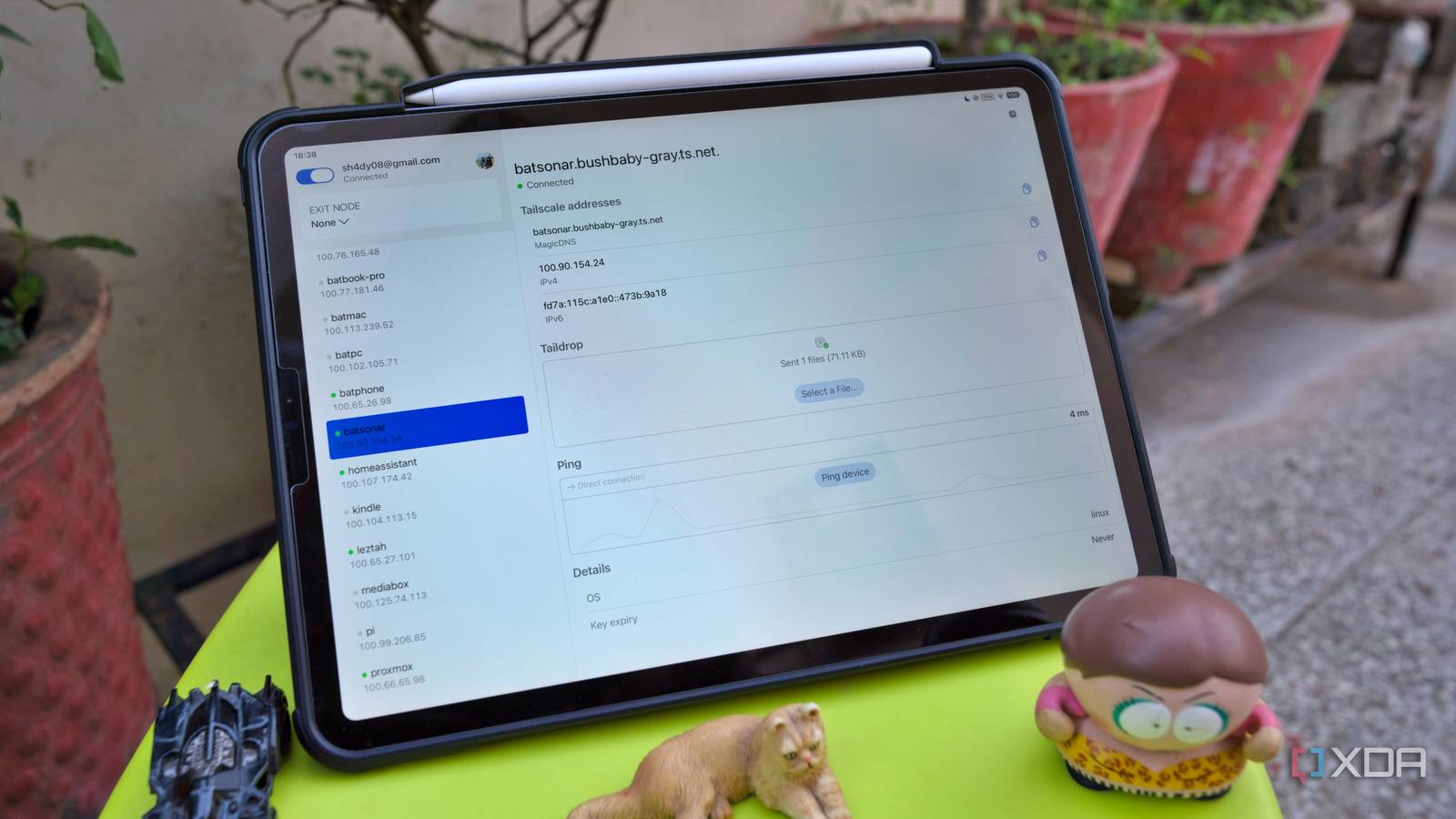
Published Aug 30, 2026, 2:30 PM EDT Samir Makwana is a technology journalist and editor from India since past 18 years and his work appears on MakeUseOf, HowToGeek, GSMArena, BGR, GuidingTech, The Inquisitr, TechInAsia, TechWiser, and others. He has written news, features, and gadget reviews for national technology media publications. His passion is to help people with their technology problems and gadget purchases. For that, he has worked for some of the biggest international technology publications, covering news, explainers, how-to guides, listicles, and product-buying guides. He has worked as an editor and managed teams since 2015. His expertise broadly covers computers, smartphones, game consoles, headphones, smart home products, browsers, and apps. Tailscale has been my go-to solution for remotely accessing my home network when I am traveling. That’s also when everything started crawling. Syncing photos to Immich, uploading receipts to my paperless-ngx instance, or streaming a movie from my Jellyfin library, all moved at the same frustrating pace. I just accepted it as the price of using Tailscale's private mesh network. After years of using traditional VPNs, I expected a similar experience with Tailscale for securely reaching my home network when I was away. The premise of a private mesh made me brace for a few compromises, and speed was one of them. Turns out, that assumption was wrong. The real fix to stop my crawling transfers took about five minutes. All I needed was to flip one switch for my home server that runs 24/7. My transfers were never going directly A status check revealed the whole story Using Tailscale to reach my home setup felt so convenient that I never bothered checking how well it actually worked. As long as it was connected, I didn’t question it. But slow transfer speeds and a mediocre streaming experience eventually made me curious enough to run Tailscale’s built-in connection check while transferring photos to my Immich instance. I always assumed that Tailscale connected my devices directly to one another. Instead, the check revealed that my connection was being relayed, bouncing through one of Tailscale’s own servers. It wasn’t going straight from one device to the other. In plain terms, neither of my devices could find a direct path to talk to each other. So Tailscale quietly worked as a middleman for every single packet. It never occurred to me to check whether my ISP’s network was preventing that direct link between my devices every single time. Streaming and watch parties pay the same tax A closer look helped a few annoyances suddenly make sense. A remote stream from my Jellyfin server occasionally buffered, and my friends joining Emby watch parties pointed out that they were out of sync a couple of times. I wrote them off as separate, unrelated glitches. What I hadn’t realized was that every one of those connections was traveling through the same shared relay server. And that server handles everyone’s traffic too, not just mine. That explained why every transfer or stream over Tailscale felt like a crawl even on a decent connection. That’s when I learned that I had overlooked a feature the whole time. The fix is called Peer Relays, which turns a dedicated device on my tailnet into a high-speed relay server. That way, I skip routing everything through Tailscale’s shared infrastructure. So my devices don’t need to guess their way to a public relay somewhere across the world. This helps with a home network environment, especially if you’re behind a strict NAT, as I am. Turning a dedicated device into a peer relay machine A mini PC became the fix When I looked for solutions to fix the slow transfer problem, I stumbled upon my colleague Adam’s explainer on what Peer Relays are and how they work. It took me little effort to turn my HP ProDesk 600 G6 into a relay. The mini PC functions as a home server handling reverse proxy setup and manages free TLS certificates for my self-hosted apps. So adding yet another task to that was simple. The whole process involved tweaking options in the Tailscale admin console, with no terminal work. I didn’t have to open a single port on my router. However, I had to write a quick rule for select devices to use the mini PC’s relay instead of Tailscale’s public relays. The best part is that I didn’t have to pay extra for a subscription or buy dedicated hardware to make it happen. The difference became noticeable with remote access Focusing on real experience rather than synthetic benchmarks Once everything was set up, I faced no issues while pulling a backup from outside. File transfers finished in a fraction of the time my old transfers used to take. The experience wasn’t subtle, but it was certainly better, even before I checked the numbers. Streaming Jellyfin remotely stopped buffering as soon as the video started. Emby watch parties stayed in sync for everyone who joined in. My RustDesk sessions over Tailscale to remotely access my home computer felt snappier. Those connections were benefiting from the private relay on my home network. In the end, I relied on the speed of Taildrop transfers between my machines. So I tried to enjoy the experience rather than run speed-test benchmarks with a vengeance. Making the relay reachable and always available is the key A dedicated relay at home is only useful when the machine is reliably reachable from outside. I don’t use a static IP for my home connection; the address keeps changing, which could make my relay unreliable. Thankfully, Tailscale helped overcome the need for a static IP and my dynamic DNS setup. My relay never deals with an address change while I’m transferring files. The same tailnet also lets Pi-hole quietly block ads and trackers. It’s reassuring that a single, well-placed device can carry the weight of my entire homelab without adding complexity. I spent several months accepting that slow transfers were how Tailscale behaves since it’s a private mesh VPN, and didn’t explore the existing settings. Fixing my remote access and transfer woes didn’t cost me anything, and it took just five minutes to point all the relay traffic to my mini PC. Tailscale Tailscale is a tool that allows you to create specific network connections so you can remotely access resources within a private network.
I turned my mini PC into a Tailscale relay, and remote transfers went from crawling to instant
Full Article
Original Source
Read the full article at Xda-developers →KhanList aggregates and links to publicly available news content. We do not host full articles from third-party sources. Always verify important information with original sources.