
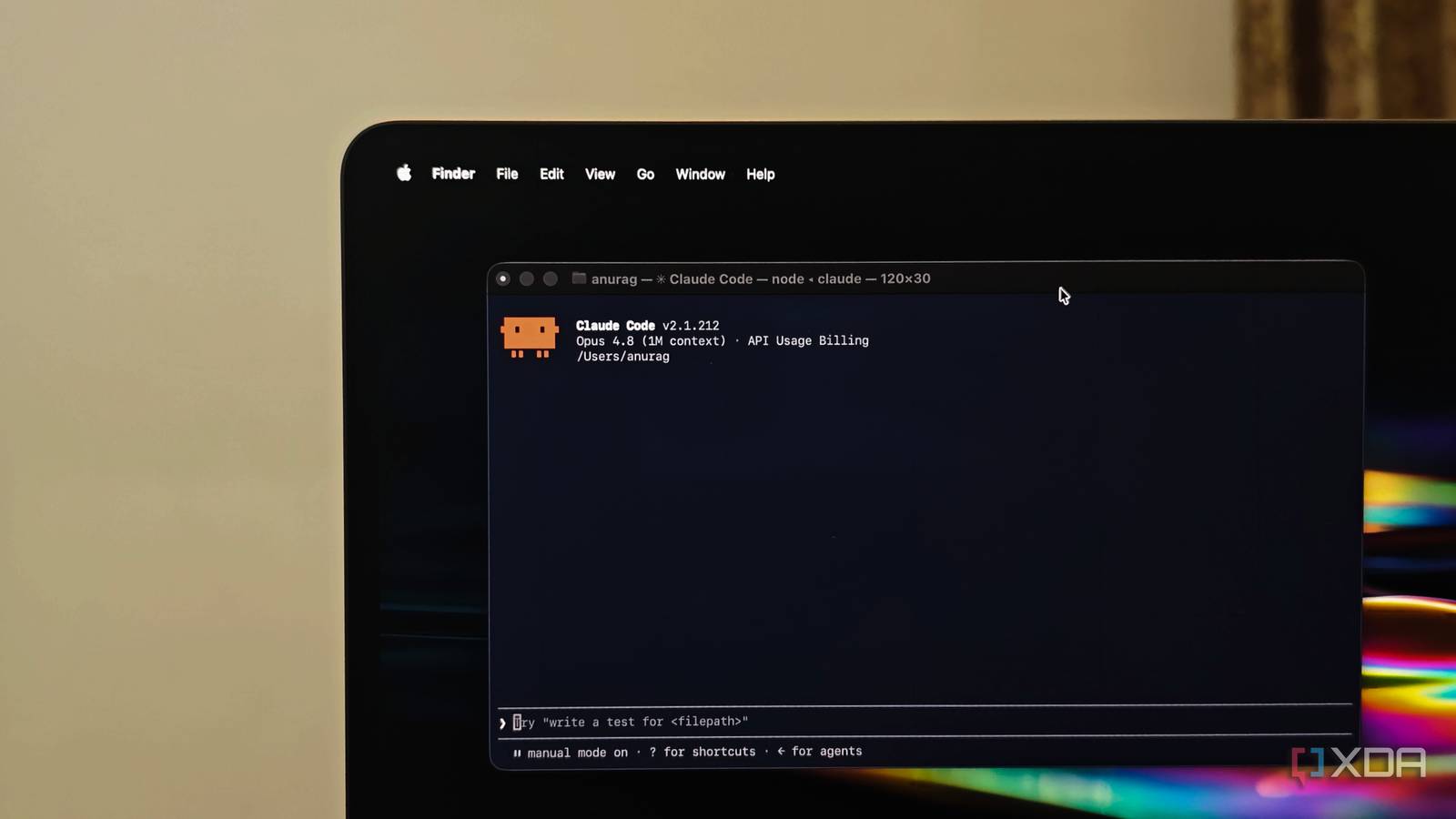
Published Oct 25, 2026, 1:00 PM EDT Anurag is an experienced journalist and author who’s been covering tech for the past 5 years, with a focus on Windows, Android, and Apple. He’s written for sites like Android Police, Neowin, Dexerto, and MakeTechEasier. Anurag’s always pumped about tech and loves getting his hands on the latest gadgets. When he's not procrastinating, you’ll probably find him catching the newest movies in theaters or scrolling through Twitter from his bed. I’ve been a long-term VS Code user, and after years of writing code by hand, getting AI assistance through tools like GitHub Copilot was almost revolutionary. I could get suggestions and help fixing my code while I was writing it. I’ve been using that setup for a few years, but more recently, I started moving some of my development work to Claude Code because it was so effective. For almost a month, I used both alongside each other, turning to VS Code for some tasks and Claude Code for others. I consistently got more done with Claude Code, and I’ve now moved my primary development workflow over to it. VS Code has become my fallback editor for when I hit Claude Code’s usage limit or need to review the code myself. I went from writing code to directing the work I hand over the implementation now For most of my time using VS Code, I was the one writing the code and figuring out how to put everything together. GitHub Copilot made that easier by suggesting code as I typed and giving me something to work with when I needed help. I still had to work through the implementation myself, but having assistance inside the editor was useful enough that it became part of my regular workflow. That’s the setup I was coming from when I started using Claude Code. I was used to asking AI for help with code I was already writing. With Claude Code, I started handing over the task itself. If I wanted to build a feature or fix a bug, I could describe what I needed and let it work on the changes, instead of working through each part manually with suggestions along the way. My involvement now starts with explaining what I want built or what isn’t working. Once Claude Code has made the changes, I need to look at what it has done and whether it addresses the task. There’s still code to understand and review, but writing all of it myself is no longer the starting point. Using both made Claude Code my first choice Five new features in a month Having both tools in my daily workflow gave me plenty of opportunities to decide which one I wanted to use for the next task. VS Code had years of familiarity behind it, so I continued using it for some work while giving Claude Code more to do. I wasn’t trying to force a switch, and I had no reason to stop using an editor I already knew well unless the alternative worked better for me. Claude Code kept winning that choice across feature development and bug fixes. Fixing something that already exists is a particularly useful part of that comparison, because my development work doesn’t end once I have the initial code. There are changes to make and problems to resolve afterward, and I now use Claude Code for those too. For about a year, I’ve been trying to build features for a self-hosted app called Karakeep, and using VS Code has meant spending a long time adding even one feature. Just last month, I used Claude Code to add five new features to the app, making it more useful than ever. That gives you an idea of the difference a tool like Claude Code has made to my development workflow. When I say VS Code, I’m talking about using it as an editor with AI suggestions through extensions or GitHub Copilot. I’m comparing that editing workflow with an agentic one. You could replace VS Code in this comparison with just about any other editor, whether that’s Neovim, Zed, or even the editor functionality in Cursor. I’m still going to choose Claude Code for core development. I still open VS Code occasionally Usage limits bring me back regularly While most of my development happens in Claude Code, I can’t abandon the editor. It’s my fallback when I hit Claude Code’s usage limits. I’m sure you’ve heard about those infamous limits, which mean that even though it’s very good, you can’t just keep getting things done indefinitely. At some point, you exhaust your allowance and have to wait. When that happens, I open my project in VS Code and do whatever little I can manage myself. The other reason I open it is to look through the code myself. As much as I like having Claude Code handle development, sometimes I want to open the files and see what’s going on. I’m already comfortable doing that in VS Code, so I still use it when I need to inspect a codebase or review changes. After a decade with the editor, I don’t need to replace it for those tasks. I’m happy to do less typing I don’t particularly want to spend hours writing something myself when Claude Code can help me get it done sooner. I still care about what goes into my projects, but I’m happy to let it handle more of the work. That’s been a worthwhile change for me.
I tried VS Code with AI and Claude Code side by side for a month, and VS Code is now my fallback editor
Full Article
Original Source
Read the full article at Xda-developers →KhanList aggregates and links to publicly available news content. We do not host full articles from third-party sources. Always verify important information with original sources.