
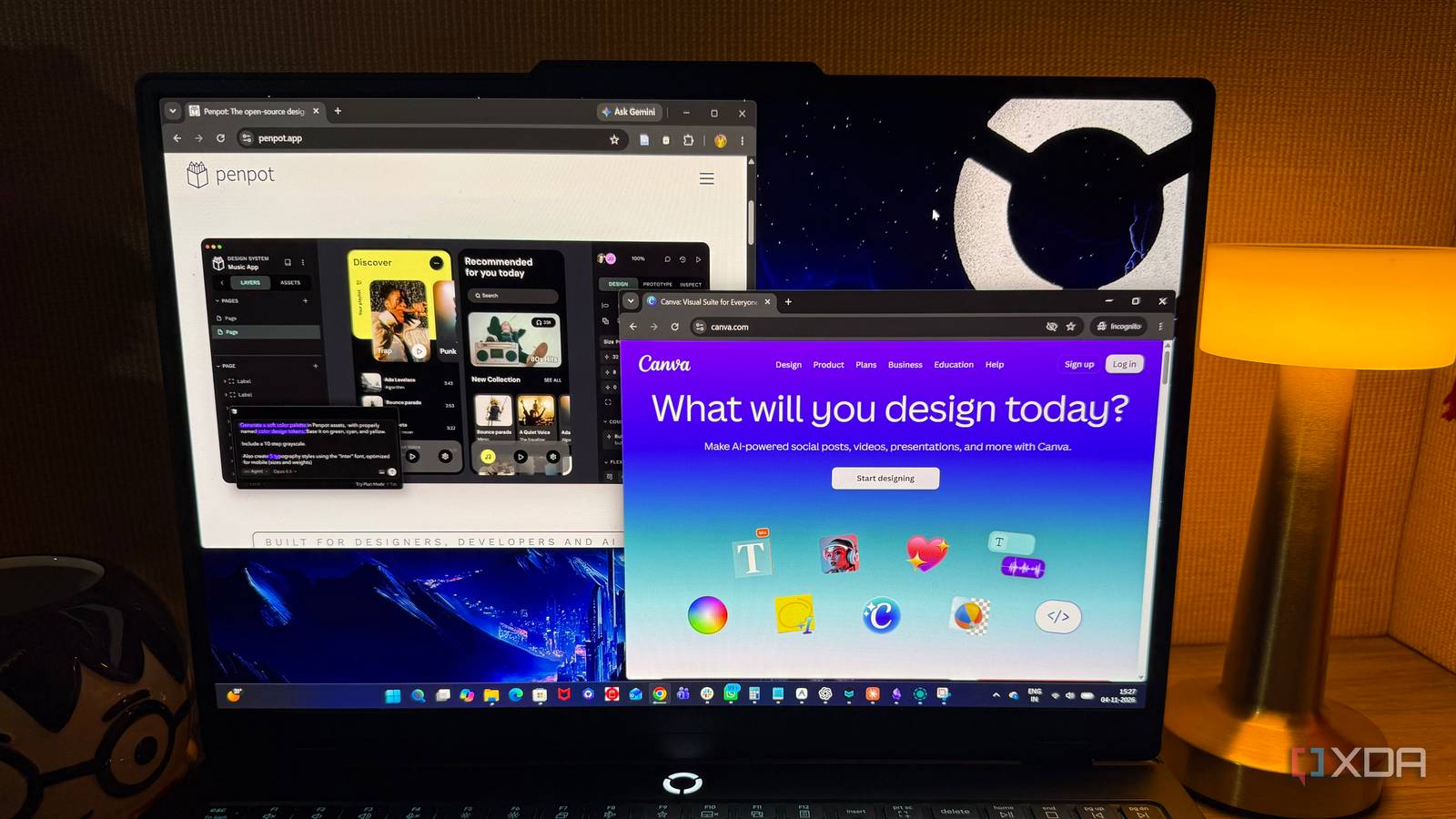
Published Nov 8, 2026, 10:30 AM EST Beginning his professional journey in the tech industry in 2018, Yash spent over three years as a Software Engineer. After that, he shifted his focus to empowering readers through informative and engaging content on his tech blog – DiGiTAL BiRYANi. He has also published tech articles for MakeTechEasier. He loves to explore new tech gadgets and platforms. When he is not writing, you’ll find him exploring food. He is known as Digital Chef Yash among his readers because of his love for Technology and Food. Canva has become my go-to for creating everything from blog graphics to social media posts. It's convenient, but I don't always want to depend on a proprietary platform for my design work. I wanted to see whether open-source tools could offer a similar experience without making graphic design unnecessarily complicated. So, I picked five alternatives and used them for a month. I created blog headers, social media graphics, promotional posters, illustrations, and other visual assets to see how each application handled different projects. Each tool offered something different, but their strengths varied considerably. One, however, stood out enough to make me seriously consider leaving Canva behind. GIMP A capable image editor My first project in GIMP 3.2.8 was a promotional graphic combining a background image, a headline, and a few decorative elements. I imported the image, created separate layers for the text, and adjusted the colors to bring everything together. GIMP offered plenty of control over individual elements without affecting the original image. Its selection tools, layer masks, filters, and color adjustments were pretty useful. Removing unwanted objects, isolating parts of an image, and tweaking photographs felt straightforward once I got familiar with the interface. GIMP offers an impressive range of editing options for a free application. Starting with a blank canvas was a different story. Without ready-made layouts, I had to arrange the background, position text, add graphics, and fine-tune everything manually. Even a simple Instagram announcement involved several steps. GIMP is excellent for image editing, but it wasn't my first choice for quickly producing marketing graphics. GNU Image Manipulation Program (GIMP) The GNU Image Manipulation Program (GIMP) is an open source, free image editor with support for multiple operating systems. Inkscape Inkscape gave me more freedom with vectors After experimenting with GIMP's image-editing capabilities, I wanted to try something more focused on vector design. That's when I installed Inkscape 1.4.4. I used it to create a logo-style graphic with custom shapes and typography, and its approach to working with vector objects immediately stood out. The Pen (Bézier) tool became my favorite. It made drawing custom shapes, adjusting curves, and creating decorative elements precise and intuitive. I also explored object grouping, gradients, clipping, and alignment controls. Since vector graphics retain their quality at any size, adapting designs for different dimensions was straightforward. The downside was the amount of manual work involved. Inkscape revolves around individual drawing and editing tools, so even relatively simple compositions require attention to detail. I enjoyed creating logos and illustrations with it, but putting together quick promotional graphics required more effort than necessary. Inkscape Inkscape is a vector graphics editor available on Windows, macOS, and Linux. Graphite Graphite showed me a different way to design Graphite caught my attention with its unusual combination of traditional editing tools and node-based design. I tested Graphite 1.1.10 using its desktop application on my Windows 11 setup. The vector editor offered familiar controls for moving, resizing, rotating, and arranging shapes on the canvas with the Select tool. Its snapping controls made alignment easier by positioning objects against edges, corners, and anchor points without requiring manual adjustments. The Layers panel helped me organize design elements, while the Inspector provided access to individual node parameters. I could also switch between the regular canvas and node graph to see how different operations contributed to the final design. However, the node-based approach added some complexity, especially when I only wanted to make simple changes. Graphite is still in alpha, and many features remain unfinished. It showed plenty of potential but wasn't ready to replace my regular design tool. Graphite Graphite is a free, open-source 2D vector and raster graphics editor and procedural design engine built like a game engine. Aktivisda Built for consistency, not creative freedom Aktivisda took me in a completely new direction. Instead of starting with a blank canvas, I explored its template-oriented approach to creating branded graphics using version 1.7.2. My focus was on creating several campaign graphics without having to rebuild their layouts from scratch. Its focus on reusable designs made sense for campaign materials, announcements, and promotional graphics. Existing templates made it easier to maintain the same colors, typography, and appearance across multiple assets. This approach could be useful for organizations that regularly publish similar content. Aktivisda is more specialized than the other applications. I enjoy experimenting with layouts, combining visual elements, and trying different styles depending on the project. But its narrower focus didn't leave enough room for the variety of creative work I wanted to do. It's a practical option for branded campaign materials, but not the application I'd choose for all my design projects. Aktivisda Aktivisda is a free, decentralized, open-source graphic design tool designed specifically for activist teams, grassroots movements, and non-profit organizations to create communication materials like posters, stickers, and social media graphics. Penpot The closest thing to a Canva replacement Penpot was the application that came closest to replacing Canva in my daily design work. I tested Penpot 2.19.0 in my web browser by creating a blog header with a custom background, headline, and decorative shapes. Its canvas-based editor made arranging elements feel natural, and the properties panel gave me precise control over fills, borders, shadows, opacity, corner radius, and spacing. I didn't have to jump between different tools to fine-tune the design. Reusable components were another highlight. I created frequently used elements and saved them for other projects. Multiple pages, grids, guides, and layout constraints also helped organize larger designs. Prototyping was another useful addition, letting me connect screens and build interactive previews. SVG export, real-time collaboration, and self-hosting options added even more value. What ultimately won me over was its versatility. Blog headers, Instagram posts, promotional graphics, and interface layouts all felt at home in the same editor. Penpot doesn't offer Canva's enormous template library, but it gave me the creative freedom and flexibility I wanted from an open-source alternative. Penpot Penpot is the first open-source, web-based design and prototyping platform built specifically for product design teams and developers. Not every Canva alternative deserves a place in my toolbox This experiment reminded me that having more features doesn't always mean having a better design experience. Some tools are worth keeping around for specific projects, but I prefer having one application that covers most of my creative needs. Penpot has earned that spot for me. I still see room for improvement, particularly when it comes to templates, but I'm happy to have an open-source option that doesn't make me compromise on creative freedom.
I tried 5 open-source Canva alternatives for a month, and only one stuck
Full Article
Original Source
Read the full article at Xda-developers →KhanList aggregates and links to publicly available news content. We do not host full articles from third-party sources. Always verify important information with original sources.