
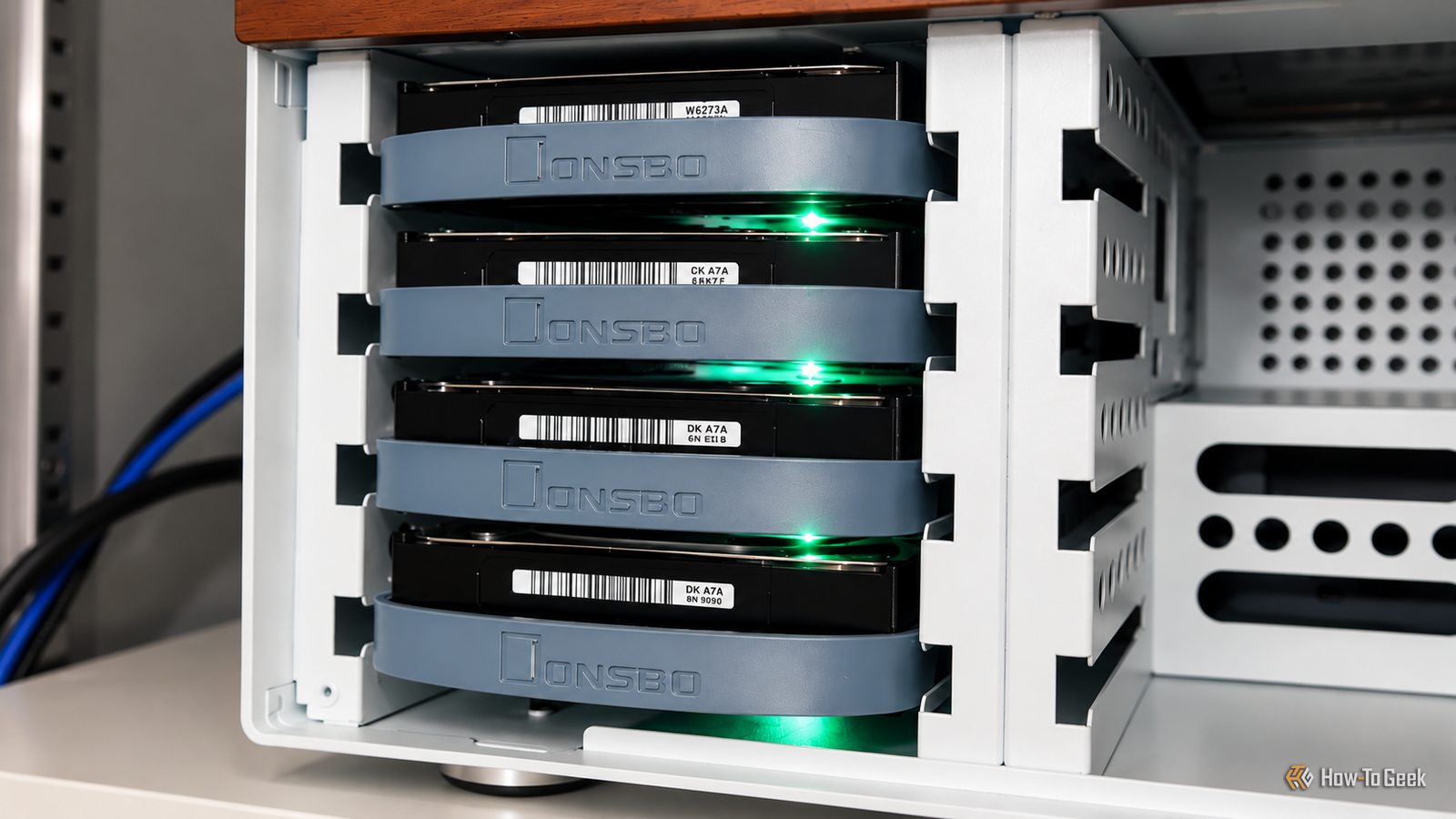
TrueNAS has become almost synonymous with building your own NAS, and for good reason. It brings together ZFS, snapshots, replication, and a comprehensive web interface that makes managing even fairly complicated storage setups much easier. I like TrueNAS, but I have always wondered whether it is a little excessive for an ordinary home server. If all you want is somewhere to store files, back up your computers, and perhaps stream a few movies, do you really need everything it offers? While TrueNAS does an excellent job of making ZFS accessible, its approach to storage might not suit everyone, especially if you have a collection of mismatched hard drives or want more flexibility with the underlying system. That got me curious about what else is available, and I decided to explore three alternatives to see whether any of them could make a better home NAS. XigmaNAS is a good old-fashioned NAS A lightweight FreeBSD-based alternative with native ZFS support XigmaNAS is interesting because it shares its ancestry with TrueNAS. Both trace their history back to the original FreeNAS project, although XigmaNAS continues to use FreeBSD, while modern TrueNAS is based on Linux. What I particularly like about XigmaNAS is its focus. It feels like a NAS OS from a time when a NAS was primarily expected to store files. That might sound old-fashioned, but I think there is something appealing about a machine that has one primary responsibility. You get native ZFS support, including RAIDZ, snapshots, compression, and checksumming. Its web interface lets you configure storage pools, network shares, users, and services such as SMB, NFS, and iSCSI. It also supports VLANs, link aggregation, and other networking features. Another advantage is its relatively lightweight base system. XigmaNAS offers an embedded installation designed to minimize disk writes, which can be useful when booting from flash storage. The underlying system has modest requirements, although the developers recommend at least 8GB of RAM for better ZFS performance. I can see this working particularly well on an older desktop with a few hard drives and a supported SAS HBA. You could configure it as a dedicated storage server, enable snapshots, and let it handle backups from the other computers on your network. However, XigmaNAS becomes less attractive when you want to run additional applications. Since it uses FreeBSD, Docker isn't natively available like it is on Linux. You have alternatives such as FreeBSD jails, but the experience is quite different from running containers through a Linux-based NAS interface. Hardware compatibility is another thing to consider. Although FreeBSD supports plenty of hardware, certain newer network adapters and expansion cards may lack drivers available on Linux. That is particularly worth checking if you have recently purchased a 2.5GbE or 10GbE adapter. Personally, I like the idea of XigmaNAS more than I expected. It makes considerable sense if you want a dedicated storage appliance. However, if you expect your NAS to become a general-purpose home server, its limited application ecosystem can quickly become frustrating. Especially if you have collected mismatched hard drives OpenMediaVault takes a different approach. It is based on Debian and provides a web interface for managing disks, filesystems, network shares, users, and other everyday NAS services. Of the three alternatives, I think this is the easiest one to recommend to someone building a NAS for the first time. The interface is reasonably straightforward, and since Debian handles the underlying operating system, you benefit from Linux hardware support and a familiar software ecosystem. Unlike TrueNAS, OpenMediaVault does not revolve around ZFS. You can use ext4, which is perfectly adequate for many home storage workloads. If you prefer ZFS, community plugins can add support, though that adds configuration and maintenance. However, what really makes OpenMediaVault interesting is its support for MergerFS and SnapRAID through plugins. If you have been around computers for long enough, you probably have a collection of hard drives that somehow never made it to the recycling bin. Perhaps you have two 4TB drives, an older 2TB drive, and an 8TB drive purchased during a sale. MergerFS lets you combine these into a single directory structure without requiring matching capacities. SnapRAID can add parity protection to such a configuration. There is one important catch, though. Unlike conventional RAID or ZFS, SnapRAID does not continuously update parity. You need to synchronize it regularly, making it better suited to relatively static files such as media collections than constantly changing databases. I particularly like this arrangement because it allows you to expand storage gradually. You can purchase another hard drive when you need more space instead of planning an entire storage upgrade around matching disks. OpenMediaVault also has a plugin ecosystem, with options for Podman and additional services; Docker Compose is available through third-party OMV-Extras plugins. That makes it relatively convenient to run something like Jellyfin alongside your storage. The downside is that adding enough plugins can undermine the simplicity that made OpenMediaVault attractive in the first place. Every additional component introduces potential compatibility issues, particularly during major upgrades. Still, for an ordinary home NAS, I suspect most people would be perfectly happy with OpenMediaVault. It offers a good balance between convenience and flexibility without requiring you to become a full-time storage administrator. Debian with ZFS, Cockpit, and Samba is my personal favorite You can build something surprisingly close to TrueNAS yourself This might be an unpopular opinion among dedicated NAS enthusiasts, but I actually like the idea of building a storage server from a regular Debian installation. The setup is fairly straightforward in principle. Install Debian, add OpenZFS for storage, Samba for network shares, and Cockpit for web-based administration. You can also use community Cockpit extensions for managing Samba shares and certain ZFS functions. The result is a conventional Linux server with many of the storage capabilities that make TrueNAS attractive. You get snapshots, checksumming, compression, and replication, with complete control over the underlying operating system. What I appreciate most is the flexibility. You can configure Docker, install additional networking tools, run KVM virtual machines, or customize system services without working around the restrictions of a dedicated NAS appliance. Since I am already comfortable administering Linux servers, this approach feels quite natural. If something stops working, I generally prefer troubleshooting familiar Linux services rather than figuring out which configuration option a specialized web interface has hidden away. There is also a strong argument for Debian when it comes to backups. ZFS supports incremental snapshot replication through zfs send and zfs receive. Tools such as Sanoid and Syncoid can automate snapshot schedules, retention policies, and replication to another server. For example, you could maintain frequent snapshots locally and replicate them to a secondary NAS. If your primary server fails, you still have a separate copy of your datasets. You would need to protect the backup destination from compromised credentials, of course, but the underlying tools are extremely capable. The disadvantage is that you become responsible for putting everything together. Cockpit does not automatically provide the integrated experience you get from TrueNAS. You still need to configure permissions, monitoring, scheduled backups, drive-health alerts, and recovery procedures. There is also ongoing maintenance. Also, ZFS uses a kernel module on Linux, so kernel and package compatibility deserves attention, particularly during major upgrades. I can understand why people on homelab forums recommend simply installing Debian and Samba. However, I can also imagine someone spending an entire Saturday troubleshooting permissions and wondering why they did not just install OpenMediaVault. For me, the additional control is worth it. Whether it is worth it for you depends largely on how much you enjoy managing Linux. So did I find a TrueNAS replacement? Before settling on a favorite, I should mention two other names that frequently appear in NAS discussions: Unraid and Proxmox. Unraid is a legitimate alternative, particularly if you have drives of different capacities. Its application ecosystem and virtualization features are also attractive. However, it requires a paid license, and I wanted to focus on free, open-source alternatives. Proxmox can also host a NAS OS inside a virtual machine, but Proxmox VE is primarily a virtualization platform. It makes sense if you want one machine running several virtual machines and containers, although it is not specifically designed to be a dedicated NAS operating system. Would I replace TrueNAS with one of them? Absolutely, depending on the setup. Personally, I am leaning toward building my next NAS with Debian and ZFS, mainly because I like having complete control over the system. However, Unraid is also tempting, especially because it handles mismatched drives so conveniently. I have not made up my mind yet. If anything, testing these alternatives has made me appreciate how much work TrueNAS saves by bringing storage management, monitoring, and backups together in one interface.
I tried 3 NAS operating systems to see if I could find a TrueNAS alternative
Full Article
Original Source
Read the full article at Howtogeek →KhanList aggregates and links to publicly available news content. We do not host full articles from third-party sources. Always verify important information with original sources.