
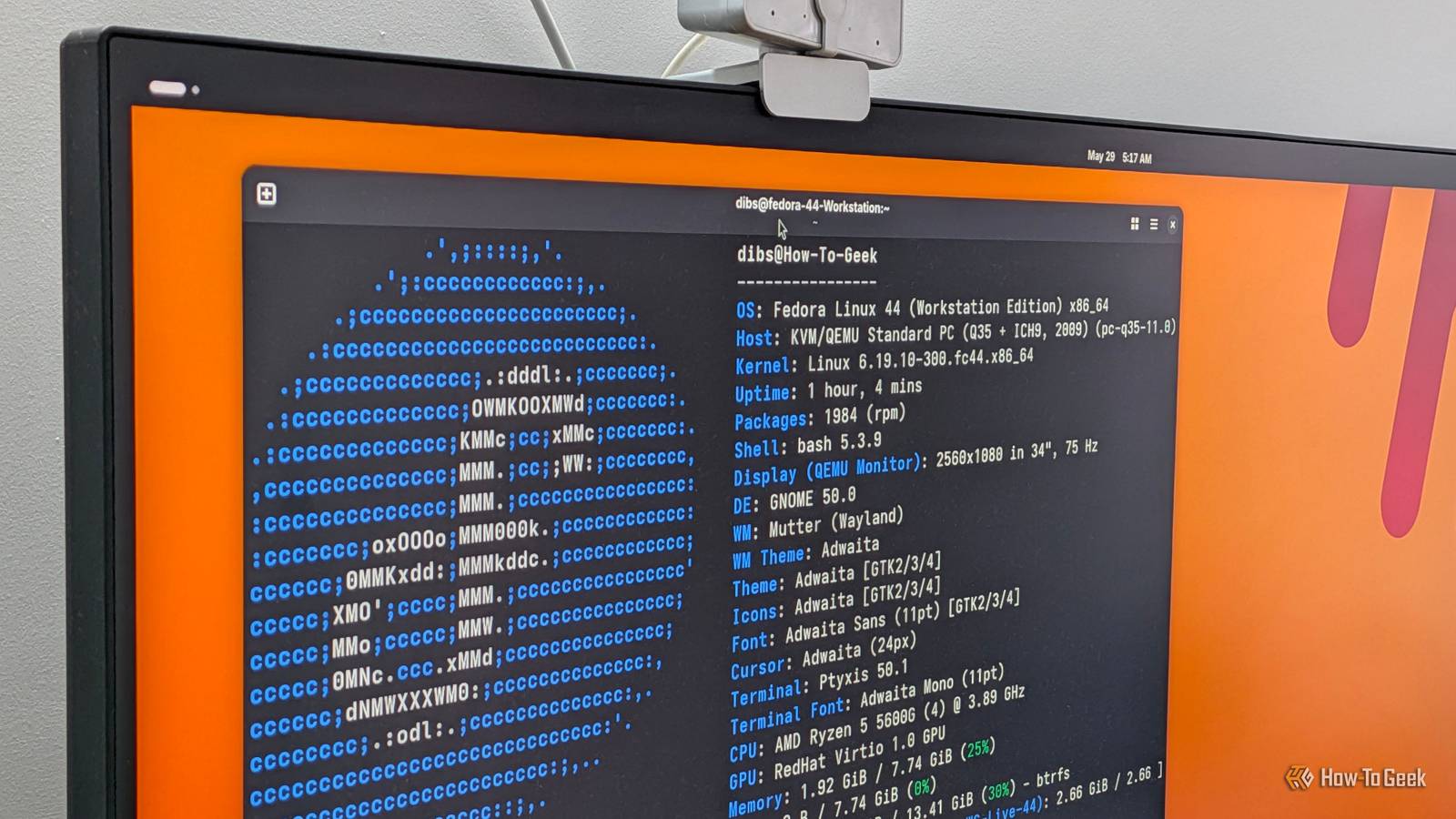
I’ve been using Linux for over a decade now, and during that time I’ve tested dozens of distros — both popular and obscure options. Like most distro hoppers, I usually find my next one on DistroWatch. However, it’s worth remembering that DistroWatch’s rankings aren’t representative of a distro’s quality or user count. It simply ranks how many people visit each distro’s page on DistroWatch. Credit: DistroWatch It’s a decent gauge of the overall buzz surrounding a distro, but a poor metric for finding what you should use next — which is problematic because many newcomers look at DistroWatch for reference. As such, to make the list more practical, I took the top 10 distros listed on the site and ranked them myself based on functionality and ease of use. Here’s how they stack up. 10 Pop!_OS It used to be a good distro Coming in dead last, we have Pop!_OS. In fact, if it were up to me, I wouldn’t even put it on a list of the top 50 distributions right now. And that’s a shame because Pop!_OS used to be a really solid distro and one I daily drove for quite some time. You see, Pop!_OS is in a sort of transitional state right now. It used to use a heavily customized version of GNOME, but the developers have since decided to ditch that in favor of building their own in-house desktop environment called COSMIC. And while COSMIC does have a lot of potential, at the time of writing, it still feels like a work in progress. I ran into scaling issues, rendering artifacts, and a general lack of polish that I just don’t want to deal with on my main PC — let alone recommend to Linux newcomers. That said, I am optimistic about where COSMIC is headed, and I believe it can reclaim its lost status. 9 Debian It's legendary — but doesn't fit my ranking criteria I personally like to call Debian the granddaddy of Linux distributions. It’s one of the oldest distributions still around, and a huge chunk of the Linux ecosystem is built on top of it. In fact, five distributions on this very list are either based on Debian or on a Debian-based distribution. That said, even though Debian powers some very beginner-friendly distros, it’s not particularly easy to use itself. It’s a relatively minimal (read: technically demanding) distribution that gives you a lot of freedom but also expects you to know what you’re doing. That makes it incredibly powerful, reliable, and perfect for servers. However, this list is about desktop Linux, particularly for regular users and newcomers. For them, I think Debian adds unnecessary technical overhead. Instead, you get much of the same stable foundation with a more accessible experience by choosing one of the many Debian-based distributions. 8 EndeavourOS It’s Arch minus the terminal-based installer EndeavourOS is the first distribution on this list that I feel comfortable recommending. It’s essentially Arch made easy, with a graphical installer and sensible defaults to streamline the difficult, terminal-based installation processArch is famous (or rather infamous) for. However, the abstractions mostly stop at the installer level. Once the installation is complete, you’re still left with a relatively minimal system that requires you to configure and maintain it yourself. This makes EndeavourOS excellent if you specifically want a vanilla experience or want a distro for learning Linux. Speaking of which, the EndeavourOS community is exceptionally helpful. If you feel stuck or can’t understand something, you can generally drop a question in the forums, and someone should respond with a helpful comment within an hour or so. That being said, if your priority is simply getting a powerful, ready-to-use desktop, the distributions higher on this list will make more sense. 7 Zorin OS A good Windows-like Linux distro Next up is Zorin OS, one of the most popular Windows-like Linux distributions. It focuses on three core points: providing a familiar Windows-like interface, a feature-rich default setup, and a curated selection of software. That last part is particularly useful for newcomers because finding Linux alternatives to the software you already use can be a hurdle. Zorin does a good job of taking that work off your hands. It even bundles in Wine and Bottles to help you run some supported Windows applications on your new Linux system. The only problem is that the full Zorin experience costs $49. Yes, there is a free edition, but it lacks many of the features that make Zorin stand out, especially the curated software selection, installation support, and premium desktop layouts. At that point, I think the free alternatives higher on this list offer more value. 6 Linux Mint Linux perfected for newcomers Linux Mint is what I consider the definitive choice for Linux newcomers. Like Zorin OS, you get a familiar Windows-like desktop layout to ease the transition. However, unlike Zorin OS, which uses a heavily customized version of GNOME, Mint ships with its own Cinnamon desktop environment. Cinnamon looks and feels more polished and intentional than Zorin, and strikes a strong balance between power and accessibility. By design, the basics are very intuitive, so you can start working without learning how the OS works. But once you get comfortable and start poking around the Settings app, you’ll find a lot of advanced features. This includes desktop extensions, widgets, configurable right-click context menus, the ability to run custom terminal commands by swiping on the touchpad, and more. 5 Ubuntu The name synonymous with Linux itself Next up is Ubuntu. Traditionally, I would have ranked Ubuntu much lower, but I’ve been genuinely impressed with the new Ubuntu 26.04 LTS release. It does a lot of things right and, overall, makes for an excellent general-purpose Linux distribution. Ubuntu isn’t Windows-like, but it’s intuitive enough and doesn’t introduce a steep learning curve. It’s polished, well-supported, and relatively up to date. You can choose between an LTS (long-term support) release, with new versions every two years, and a non-LTS release, with new versions every six months. You also get excellent hardware and software compatibility simply because Ubuntu is so widely used. And with Canonical increasingly focusing on AI and local AI workflows, Ubuntu is likely to be one of the first places you’ll see new AI-related tools and integrations land in the Linux ecosystem. 4 MX Linux The distro veterans swear by MX Linux might lack Ubuntu’s mainstream popularity, but it’s extremely well regarded among Linux veterans — and for good reason. Like Ubuntu, it’s based on Debian, so you get a reliable, rock-solid base. However, unlike Ubuntu, which defaults to GNOME, MX Linux lets you choose between KDE Plasma, Xfce, and Fluxbox. If you’re a power user looking for a feature-rich desktop, choose KDE Plasma. If you want something very lightweight to breathe life into decade-old hardware, you’ve got Fluxbox. Xfce, which is the default desktop environment, sits somewhere in the middle in terms of features and resource consumption. However, the key standout feature of MX Linux is persistent live booting. The distro makes it super easy to install the operating system directly on a flash drive and carry your entire Linux environment with you. All you have to do is plug that flash drive into any PC, boot from it, and continue your session with all your apps, files, and settings intact. Other distributions support persistent live booting, but it usually requires much more technical setup. MX Linux turns it into a much more accessible feature. 3 Fedora The “everything” Linux distro With Fedora, we have entered the top three. I love this distro, and it’s my go-to recommendation for people coming to Linux to learn software development or DevOps. With direct backing from Red Hat, Fedora has excellent developer tooling, including Red Hat-backed projects like Podman and Ansible. I also like to call Fedora the “everything distribution” because it lets you experience a lot of what’s new in the Linux ecosystem. Fedora offers official spins for almost every popular desktop environment and window manager, immutable variants, and a six-month release cycle that strikes a great balance between stability and cutting-edge software. The main downside is that it strictly adheres to open-source software in the official repos. This means that if you use an Nvidia GPU or your laptop requires proprietary Wi-Fi or Bluetooth drivers, they might not work out of the box until you manually install them using third-party repos. Granted, most developers might not mind the extra hassle, but it can be a pain for casual, non-tech-savvy users. 2 Omarchy Unconventional, opinionated, and a blast to use At number two, we have Omarchy. It’s a relatively new distribution built by DHH — the creator of Ruby on Rails — that launched last year and quickly went viral. In fact, at the time of writing, the distro has raised $18.7 million. Omarchy is based on Arch, so you get cutting-edge software as soon as the developers release it. And while that’s typically discouraged for beginner-focused distros, Omarchy comes with Btrfs and Snapper preconfigured, which automatically create system snapshots before updates. This way, if something breaks, you can simply roll back to a previously working state. It also uses a tiling window manager rather than a traditional desktop environment. As such, the overall workflow can feel a bit different, but it’s surprisingly easy to get used to and actually more productive once you get the hang of it. Now, Omarchy is primarily designed for developers and AI-agent workflows. That said, I’ve found it surprisingly accessible for non-technical workflows — and, more importantly, a lot of fun to use. Still, I can see super-casual PC users struggling with the distro. But if you’re a tech-savvy user, someone who likes to look through guides and tweak different settings, I believe you’ll get used to Omarchy within a day or two. 1 CachyOS I won’t argue with DistroWatch on this one And finally, at number one, we have CachyOS, which also happens to be the distribution currently topping DistroWatch. It strikes an excellent balance between the flexibility of Arch Linux and the convenience you’d want from a general-purpose desktop operating system. Unlike EndeavourOS, CachyOS doesn’t leave you with a bare-bones system. You get plenty of quality-of-life features, like Btrfs and Snapper for easy system restores, and the CachyOS Hello app, which gives you a graphical interface for routine maintenance and system tweaks. It also defaults to KDE Plasma, so the desktop feels familiar to Windows users while still offering an enormous amount of customization for power users. That said, the killer feature is the CachyOS kernel, optimized to squeeze maximum performance from your hardware, especially on Intel Haswell and newer CPUs and AMD Ryzen processors. So if you’re moving to Linux because your Windows PC feels sluggish and you want to get more out of your existing hardware, CachyOS is one of the best options. Do you agree with the list? At the end of the day, choosing a Linux distribution is a very personal decision. The best distro for you depends on where you’re coming from, what you use your computer for, and what you want from your operating system. As I mentioned earlier, I personally prioritize ease of use and feature availability, which is why I’ve ranked these distributions the way I have. That said, I’d love to know which features you prioritize and how you’d rank these distros differently.
I tested the top 10 popular Linux distros, here's how I'd rank them
Full Article
Original Source
Read the full article at Howtogeek →KhanList aggregates and links to publicly available news content. We do not host full articles from third-party sources. Always verify important information with original sources.