
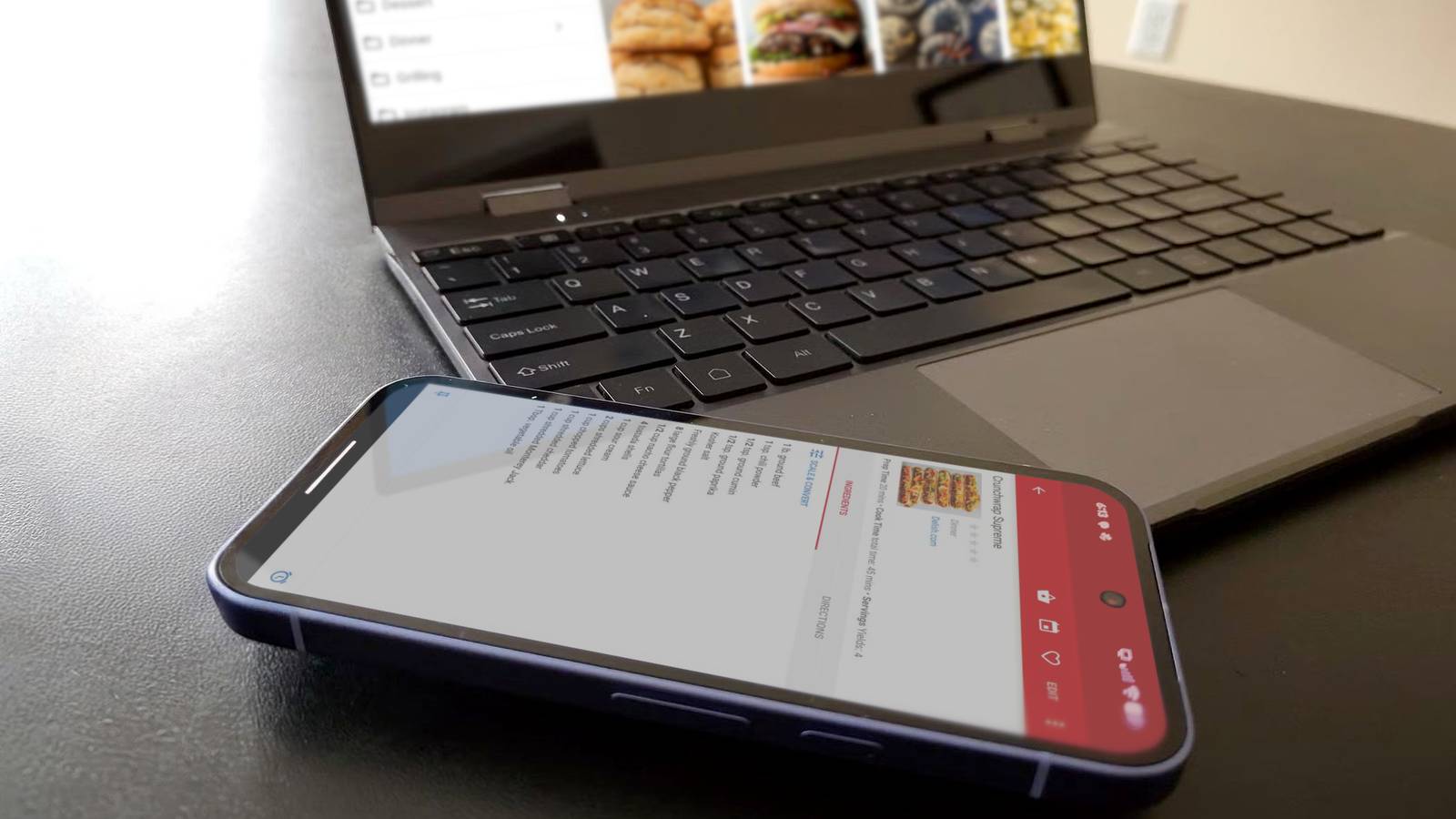
Published Oct 7, 2026, 9:00 AM EDT Joe Fedewa has been writing about technology for over a decade. Android and the rest of the Google ecosystem have been a focus for years, as well as reviewing devices, hosting podcasts, filming videos, and writing tutorials. Joe loves all things technology and is also an avid DIYer and food blogger. He has written thousands of articles, hundreds of tutorials, and dozens of reviews. Before joining How-To Geek, Joe worked at XDA-Developers as Managing Editor and covered news from the Google ecosystem. He got his start in the industry covering Windows Phone on a small blog, and later moved to Phandroid where he covered Android news, reviewed devices, wrote tutorials, created YouTube videos, and hosted a podcast. From smartphones to Bluetooth earbuds to Z-Wave switches, Joe is interested in all kinds of technology. After several years of jailbreaking and heavily modifying an iPod Touch, he moved on to his first smartphone, the HTC DROID Eris. He's been hooked ever since. Android phones can do so much, but that doesn't stop many of us from also having a laptop or desktop PC in our lives. That's why it's handy to have apps that can work on both screens. There's no need to switch devices and break your flow. Of course, not every single Android app needs a desktop companion. There are certain functions that make sense to have on your phone and computer. I use a few of these myself, and I found a couple of others that are worth checking out for that sweet, sweet synergy. Tasks.org A better to-do and checklist app I previously wrote about switching from Google Tasks and Google Keep to a consolidated solution called Tasks.org. It's an open-source app for to-do lists, checklists, location-based notifications, tons of organization options, syncing to other platforms, and more. It's great. The Tasks.org mobile app is free, but if you spring for the $2.50/month (billed annually) cloud subscription, you get access to a desktop app as well. It's available for Windows, Mac, and Linux. I love being able to create a work reminder on my phone, then seeing it later on my computer. It's also nice to make my weekly grocery list while browsing the store's website on my "big screen." Paprika It's just the best If you're familiar with my writing, you know one of my all-time favorite Android apps is Paprika. Give it a recipe from any random food blog, and Paprika spits it out in a neat, uniform format. With the recipe in Paprika, you can adjust serving sizes, cross off ingredients as you go, and even set timers directly inside the app. All of this is available in the desktop app, too. Though I find recipe creation is the best use for big screens. The mobile app is free, but I highly recommend paying the one-time fee of $5 to unlock more recipes and syncing between devices. The desktop app (Windows, Mac) is an additional one-time purchase, but it's admittedly pricier at $30. Thankfully, Paprika has a Black Friday Sale every year, and it's usually 50% off. Pocket Casts An underrated feature Pocket Casts is arguably the best podcast player on Android. It's been around forever, and it was open-sourced back in 2022. I briefly stopped using Pocket Casts when I clearly was not in my right mind, because I was immediately reminded of how awesome it is when I returned. Anyway, of all the handy features, synced progress is the one I use the most. It's basically like Spotify Connect for your podcasts. I listen on a few different devices, so this is very useful to me. However, I was never willing to shell out for the desktop app — then they became free last year. There's no reason not to use it. Readest A recent discovery One of my big tech moves this year was finally ditching my Kindle for a Kobo eReader. It started with rejuvenating an old model, and ended with a brand new Kobo Libra Colour. During this process, I started using an excellent interface replacement called KOReader, and that turned me on to Readest. KOReader doesn't have a native way to sync books and progress like Kindle's or Kobo's stock software. That's where Readest comes in. Think of it like an open source version of the Kindle app. Upload a book to Readest, and it's available anywhere you can download the app — including eReaders and the desktop. It's great for those rare occasions when I want to read a few chapters on my laptop. Obsidian There if you need it Obsidian has rocketed in popularity over the last few years, and it's easy to see why. The simple way to think of it is to imagine all your knowledge laid out like Wikipedia. You can link words to different notes, just like a Wikipedia page. This creates a 3D constellation map of your knowledge. It's powerful. Now, by design, Obsidian doesn't use a centralized cloud server. Your information is saved locally. However, you can pay $4 per month for Obsidian Sync and see your knowledge graph on various devices, including Windows, Mac, and Linux. Move between screens with ease When Android phones were a fresh, new idea, desktop integrations were a big deal. People wanted their phone and PC to work together. That's still the case these days, but it's much easier to accomplish. Apps such as KDE Connect make it easy to sync notifications across devices. I love anything that helps me reach for my phone less while I'm at my keyboard.
5 Android apps with desktop companions so good you'll forget you have a phone
Full Article
Original Source
Read the full article at Howtogeek →KhanList aggregates and links to publicly available news content. We do not host full articles from third-party sources. Always verify important information with original sources.