
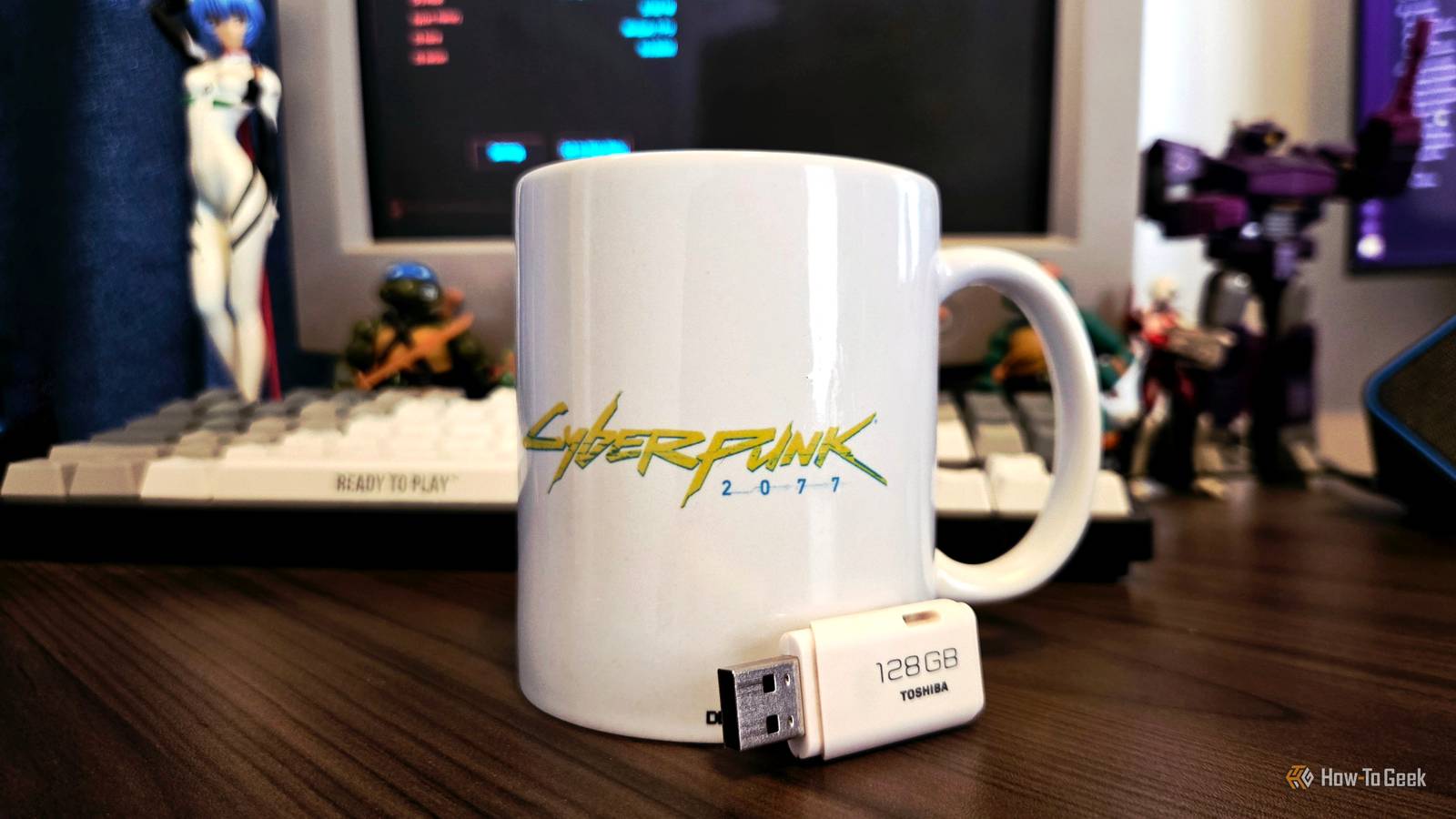
Published Nov 29, 2026, 11:30 AM EST Sydney Butler is a technology writer with over 20 years of experience as a freelance PC technician and system builder and over a decade as a professional writer. He's worked for more than a decade in user education. On How-To Geek, he writes commerce content, guides, opinions, and specializes in editing hardware and cutting edge technology articles. Sydney started working as a freelance computer technician around the age of 13, before which he was in charge of running the computer center for his school. (He also ran LAN gaming tournaments when the teachers weren't looking!) His interests include VR, PC, Mac, gaming, 3D printing, consumer electronics, the web, and privacy. He holds a Master of Arts degree in Research Psychology with a minor in media and technology studies. His masters dissertation examined the potential for social media to spread misinformation. Outside of How-To Geek, he hosted the Online Tech Tips YouTube Channel, and wrote for Online Tech Tips, Switching to Mac, and Helpdesk Geek. Sydney also wrote for Expert Reviews UK. He also has bylines at 9to5Mac, 9to5Google, 9to5Toys, Tom's Hardware, MakeTechEasier, and Laptop Mag. I realized recently that if you add up all my flash drives; it comes to almost half a terabyte of storage. These drives are just sitting in my closet, since these days I use AirDrop, Quick Share, or cloud-based services to share files. With all that flash memory sitting around, could it do something useful? When I still had a Windows gaming laptop, I used the 1TB SD card from my original Nintendo Switch to store and play everything up to PS4-era titles. The card was faster than the hard drives these games were designed for. Now that I've returned to desktop PC gaming, I don't have an SD card slot, but I do have a bunch of USB ports and those aforementioned flash drives... SSD real estate is too expensive to waste on games that don't need it Every kilobyte is worth its weight in gold I have two 1TB NVMe SSDs, two 500GB SATA III SSDs, and a 1TB SATA III mechanical hard drive that I use for mass-storage purposes. Since my desktop PC is only used for gaming, I try to use as much storage as possible for titles I'd like to play. The latest and greatest games designed for SSDs go on the two NVMe drives, and everything older than that goes on my SATA SSDs. The thing is, plenty of current-generation games work just fine on a SATA SSD (especially on 32GB systems like mine), so I can use my SATA SSDs to host some current-generation games instead of titles from before the PS5-slash-XSX era. That means I need a third tier of storage, and my options are a USB hard drive or my flash drives. Mechanical hard drives suck even for older games I feel myself aging as it spins up Since PS4 and Xbox One era games were designed to run from a hard drive, why not put those and older games on a mechanical drive and play them from there? The thing is, storage performance isn't just about max throughput. For example, running games from a hard drive or SD card might both result in similar maximum transfer rates, but the SD card's seek time is virtually nothing compared to the hard drive, and that makes a difference in responsiveness. Especially if the drive has spun down while you were enjoying the content that had been loaded into RAM. That's not just speculation on my part either. I've actually tried running my games off mechanical hard drives, and even an SD card is better for minute-to-minute gameplay. I can't quantify it precisely, but it definitely feels more sluggish whenever the game has to access the drive. Not all flash drives are made equal From cheap to champion I have two main flash drives to test here. One is a 256GB USB 3 drive with a rated read speed of up to 400MB/s using 5Gbps USB. The other is a 128GB USB 2.0 flash drive I bought years ago as a backup drive for my last Intel MacBook. That limits it to a theoretical 480Mbps max, but only if the internal controller and flash memory are up to it, and even then, in real-world situations, you're not going to get there. I will say, if you're going to try this on a Windows PC, format the flash drive to NTFS rather than exFAT. Some game clients reserve space on the target drive before installing, and on an exFAT drive, in my experience, this can take an insane amount of time. With NTFS, it should be just a few seconds. You'll also want to optimize USB storage and change these flash drives to use the "better performance" policy. Enable write caching too, if the drive supports it. The caveat is that you must eject the drives before removal or you risk data loss. Unsurprisingly, retro games run well on (almost) any flash drive Some of these used to run from a floppy While I wasn't expecting a different result, anything from the PS4 and Xbox One era and earlier worked perfectly fine running from my USB 3 flash drive. Basically, if a game doesn't list an SSD as a requirement, then it's almost certainly going to work running from a USB 3 flash drive like the one I used. What did surprise me was how poorly this 128GB Toshiba USB 2.0 flash drive performed, even with ancient games designed for systems with truly slow hard drives or CD storage. I tried Wing Commander 3 and the original Fallout, both of which took ages to load and stuttered during FMV sequences. I was hoping to score a whole 128GB of space for old DOS games and maybe some emulated titles, but I think this drive should go in the trash instead. Cyberpunk 2077 on a flash drive? No problem! A surprise, to be sure, but a welcome one Benchmark result from Cyberpunk 2077 running on a USB 3.0 flash drive.Benchmark result from Cyberpunk 2077 running on a NVMe SSD. My most ambitious "new" game to try was Cyberpunk 2077. Now, when this game first came out, it didn't require an SSD; it just strongly recommended one. However, even though it's a title from the PS4 era, today the game has been updated and revamped to a massive degree and requires an SSD. So, it is absolutely a modern game that can take advantage of modern SSD speed. Therefore, I think it's a good candidate for testing the limits of a flash drive. Since I own the GOG version, it's also easy for me to have two separate copies of the game. One on my main NVMe SSD and the other on my USB 3.0 flash drive. To make it a fair comparison, the game uses the exact same settings (High preset at 4K, no ray-tracing, no upscaling), and I'm using the internal benchmark tool. The benchmark shows essentially no difference in performance, though, of course, you could argue the whole thing is loaded into memory, and so storage would play no part. With that in mind, I booted up the flash drive copy, picked a direction, and kept riding my character's vehicle to force asset streaming. Doing this, I was able to cause a fraction of a second of traversal stutter now and then. Nothing that would affect normal gameplay, but it's not present when playing the NVMe copy. The biggest difference is in loading, when using the fast-travel feature, for example. Here, things take significantly longer than even my SATA SSDs, but I wouldn't call it intolerably long. The little story lore audio that plays during loading doesn't even have time to end when loading from the flash drive. I'm dead serious I'm keeping my 256GB USB 3 flash drive permanently attached to my PC to host my retro games, and that pretty much includes my entire GOG games collection. Since these games are DRM-free and portable, it even means I can just unplug this drive from my desktop gaming PC, connect it to a laptop, and play the same copies of a game. However, "retro" in this case would also include games from the PS3 era, such as Metal Gear Rising, and even smaller PlayStation 4-era games, which were designed to work from a hard drive, and so I have no trouble running flawlessly from my USB 3 drive. As for my 128GB USB 2.0 drive? While, on paper, it should handle old DOS games and '90s multimedia games just fine, in practice it's laggy and problematic even with old FMV games like Wing Commander 3. So, ultimately, I think using a cheap flash drive to host older games that don't benefit even from SATA SSD speeds is a practical solution in these times of sky-high prices.
I tested retro and new video games running on a flash drive and the results surprised me
Full Article
Original Source
Read the full article at Howtogeek →KhanList aggregates and links to publicly available news content. We do not host full articles from third-party sources. Always verify important information with original sources.