
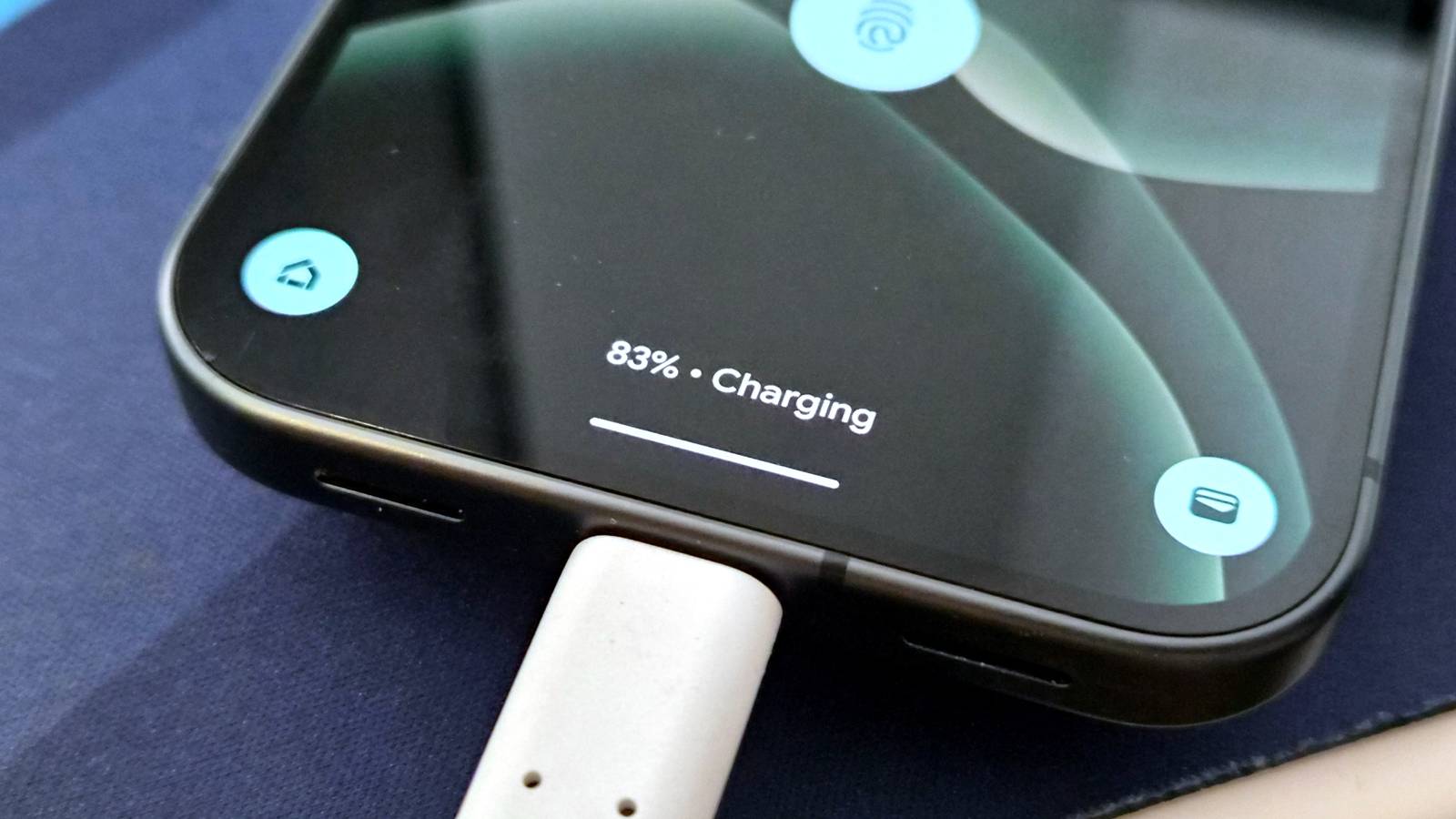
Published Aug 31, 2026, 6:30 AM EDT Arol is a tech journalist who currently works as a contributor at How-To Geek since 2022. He first began writing online for the short-lived portal of Spanish-language gaming forum Emudesc in 2013. Years later, in 2017, he got his true start in tech journalism working for a small Google-focused site called Pixel Spot. He transitioned to a news and feature writer role at XDA Developers that same year, where he worked until 2021 before making the jump to other websites. Arol brings nearly a decade of writing experience, and the occasional hot take, to his writings. While he's a technology lover at heart, he holds computer hardware and smartphones particularly close to heart. You'll normally find him covering news, although he has also written the occasional deal, buyer's guide, how-to post, and round-up. He's also written for Android Police and MakeUseOf. He's also a Political Science student. When he's not writing, you'll probably find him hitting the gym, trying to ace a new hobby, reading his textbooks, or traveling. You can reach him at me@arolwright.com. My Pixel used to run hot every time I plugged it in—so much that I'd pull it off the charger mid-session. Surprisingly, simply swapping the cable fixed it completely, and the reason why says a lot about how charging actually works. Why does it overheat in the first place? The real culprit is rarely the phone itself Most of the fixes people suggest for phone overheating during charging miss the actual problem. Closing background apps, turning on battery saver, taking the case off, none of that addresses what's really happening when the charger and cable can't deliver power cleanly. When a phone heats up during charging, the instinct is to blame the battery or the charging chip, but in a lot of cases, the actual bottleneck is the cable sitting between the wall and the device. Something as simple as a bunch of copper wrapped around in rubber should be pretty straightforward, but the answer is actually more complicated than you'd think. USB-C cables vary wildly in build quality, even when they look identical on the outside. Thinner internal wiring, poor shielding, and missing or low-grade e-marker chips all affect how much power a cable can move and how cleanly it can move it. When a cable can't reliably communicate with the charger and the phone about how much wattage to deliver, the negotiation between the three can become unstable, causing the power draw to spike and drop rather than hold steady. That instability doesn't just heat up the cable and the charging circuitry; it puts extra load on the phone's processor, too. The CPU has to work harder to manage the fluctuating power input, regulate voltage, and compensate for an inconsistent charge, and that extra processing generates its own heat on top of whatever the battery is already producing. So the phone can end up warm from two directions at once, the charging hardware and the chip trying to keep up with it, and neither of those is something battery saver mode or closing your apps will touch. Pixels, like most modern Android phones, use USB Power Delivery to negotiate charging speed, and that negotiation depends on accurate signaling through the cable. A cable that's out of spec, even slightly, can force the phone to work harder than it should just to keep the charge stable. The phone isn't malfunctioning, and the charger usually isn't either. The cable is the weak link, and it took me longer than I'd like to admit to figure that out. The cable I'm using What changed once I made the swap Credit: Arol Wright / How-To Geek Most fellow Pixel owners will agree with me that the Pixel doesn't have the fastest charging speeds. My Pixel 9 Pro goes up to 27W, though when it overheats, it drops down to about 15W-10W. Getting the right cable, then, was ideal. I moved to an INIU cable rated for the full 100 watts of USB-C Power Delivery—my specific cable came bundled with a charging brick, but if you already have one, the company also sells standalone cables as well. I know what you're thinking—it's very overkill for this charging speed. You're right. But also, higher-specced, higher-quality cables can negotiate and deliver lower speeds more effectively as well. I don't have hard numbers to share on exactly how much current the old cable was letting through compared to the new one, since I didn't test that myself, but the practical difference was obvious. My Pixel now charges without getting noticeably warm, even during faster charging sessions, and it holds a consistent speed instead of ramping up and down. Of course, it's going to overheat if I use it a lot while I charge it, but now it doesn't happen by itself, which is good. The cable I'm using also has braided nylon shielding, which isn't strictly necessary for performance but has made it more durable than the rubber-coated cable it replaced. I'd note that I haven't independently verified the manufacturer's wattage and e-marker claims with a power meter, so if you want to confirm a specific cable's real-world output before buying, that's worth doing yourself or checking third-party teardown reviews for that model. What I can say is that the change lined up directly with the heat issue disappearing, and nothing else about my charging setup changed at the same time. How to get a cable that works What to actually check before buying Credit: Goran Damnjanovic / How-To Geek The most reliable way to avoid this problem is to look for cables that carry official USB-IF certification, which means the cable has been tested against the USB Implementers Forum's own standards rather than just claiming compliance on the packaging. For anything charging above 60 watts, an e-marker chip is required by spec, so a cable claiming 100-watt support without one isn't trustworthy, regardless of price or branding. Checking the wattage rating printed on the cable or its packaging against what your phone and charger actually support is worth doing before assuming a cable is the reason for a charging problem. Buying directly from your phone's manufacturer or from well-reviewed third-party brands with a track record of accurate spec sheets reduces the odds of ending up with a cable that under-delivers. Reading recent buyer reviews, rather than just the star rating, tends to surface overheating or slow-charging complaints that don't show up in the initial listing. It's also worth retiring cables that have been bent sharply, pinched in a drawer, or visibly frayed near the connector, since physical damage to the internal wiring can cause the same instability as a poorly made cable from the start. None of this requires spending a lot more money. It just means being deliberate about what's actually inside the cable, rather than trusting the price tag or the packaging to tell the full story. A cheap cable can cost you more in heat The overheating wasn't a Pixel problem; it was a cable problem. A properly rated, certified USB-C cable resolved it completely, and it's worth checking yours before assuming your phone or charger is at fault.
I switched to a better USB cable and my Pixel stopped overheating while charging
Full Article
Original Source
Read the full article at Howtogeek →KhanList aggregates and links to publicly available news content. We do not host full articles from third-party sources. Always verify important information with original sources.