
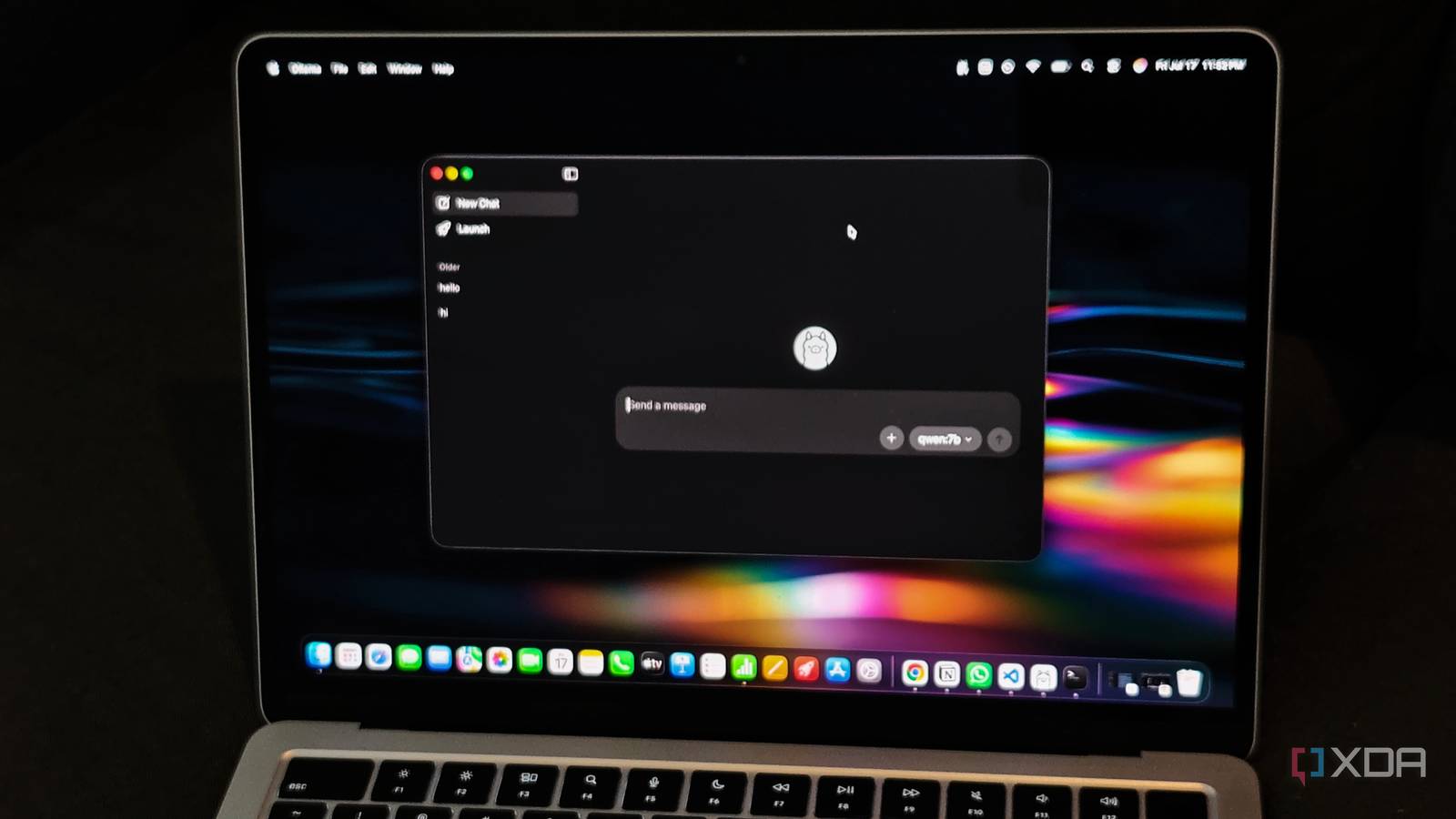
Published Nov 20, 2026, 2:30 PM EST Anurag is an experienced journalist and author who’s been covering tech for the past 5 years, with a focus on Windows, Android, and Apple. He’s written for sites like Android Police, Neowin, Dexerto, and MakeTechEasier. Anurag’s always pumped about tech and loves getting his hands on the latest gadgets. When he's not procrastinating, you’ll probably find him catching the newest movies in theaters or scrolling through Twitter from his bed. I've been running local LLMs on my home server for quite some time, and Ollama has been my go-to tool. It's incredibly convenient. However, I've always wanted to squeeze more performance out of my existing hardware, especially since local LLMs can be painfully slow on machines without powerful GPUs. I recently switched from Ollama to llama.cpp, and my local LLM got faster without any hardware upgrades. Interestingly, Ollama already uses llama.cpp under the hood to run GGUF models, but running it directly somehow gave me better performance. Ollama is convenient, but it doesn't give you complete control I wanted more control over inference Ollama manages model loading and unloading, schedules requests, and allocates resources depending on your hardware. You can adjust settings like context length, parallel requests, and GPU offloading, but Ollama still makes several decisions about how the model runs. That's useful when you want something that works with little configuration, although it isn't necessarily the best setup for squeezing maximum performance out of your hardware. On a home server, memory and processing power are already limited, especially when you're running other services alongside your LLM. Larger context windows consume more memory, and handling multiple requests simultaneously increases those requirements further. Even the number of CPU threads assigned to inference can affect generation speed, and using more threads doesn't always produce better results. I wanted to experiment with these settings more directly, which is where llama.cpp comes in. Its llama-server lets you load a GGUF model and control parameters like CPU threads, batch sizes, and context length through launch arguments. It also exposes an OpenAI-compatible API, so that you can continue using the model with other applications. I switched to llama.cpp, and the performance improved Running the model directly made a difference Setting up llama.cpp is easy. It comes with a built-in server that lets you run a local AI model and access it from other applications, much like Ollama. You can also run it through Docker, which makes it convenient for a home server. The main difference is that you have to manage the model files and configure how the server runs them yourself. I can control how much processing power the model uses, how much conversation history it keeps in memory, and how it handles longer prompts. One particularly useful option is the ability to allocate CPU resources separately for reading a prompt and generating a response. These two operations have different processing requirements, so using the same settings for both isn't necessarily efficient. You can also experiment with the number of CPU threads, since using every available thread doesn't always produce the best performance. My local LLM started responding faster after the switch, even though the hardware remained unchanged. Part of the difference could come from llama.cpp receiving performance optimizations before they reach Ollama, along with differences in how the two applications configure inference. Ollama isn't the only good option anymore There are plenty of alternatives worth trying Ollama still has an advantage when it comes to convenience. You can download models with a single command, switch between them easily, and let Ollama handle loading and unloading them from memory. With llama.cpp, you have to manage more of this yourself, including model files and server configurations. There are also several other alternatives to Ollama worth exploring. LM Studio is one of my favorites, particularly because it offers a proper graphical interface for downloading, managing, and testing models. It supports both GGUF and Apple's MLX models, giving Mac users more options for running models efficiently. There's even a headless version called llmster that runs as a background service without requiring the desktop application, making it suitable for home servers. BaseRT is another interesting alternative, especially if you have an Apple Silicon Mac. It's an inference engine designed around Apple's GPU architecture, and its developers have published benchmarks showing 15% to 56% faster text generation than llama.cpp across the tested models on an M4 Pro. It uses its own model format and also supports certain AMD and NVIDIA systems. If you're primarily interested in performance on a Mac, it's worth experimenting with. Docker Model Runner is particularly appealing if you already use Docker for self-hosting. It lets you download, manage, and serve AI models through Docker, using llama.cpp as its default inference engine. It also supports other engines, including vLLM for handling heavier workloads on compatible NVIDIA GPUs. Look beyond Ollama Ollama is easily the most popular option for running local LLMs, and for good reason. However, if you want to make the most of the hardware you already own, it's worth experimenting with alternatives and comparing their performance.
I switched my home server from Ollama to llama.cpp, and my local LLM got faster
Full Article
Original Source
Read the full article at Xda-developers →KhanList aggregates and links to publicly available news content. We do not host full articles from third-party sources. Always verify important information with original sources.