
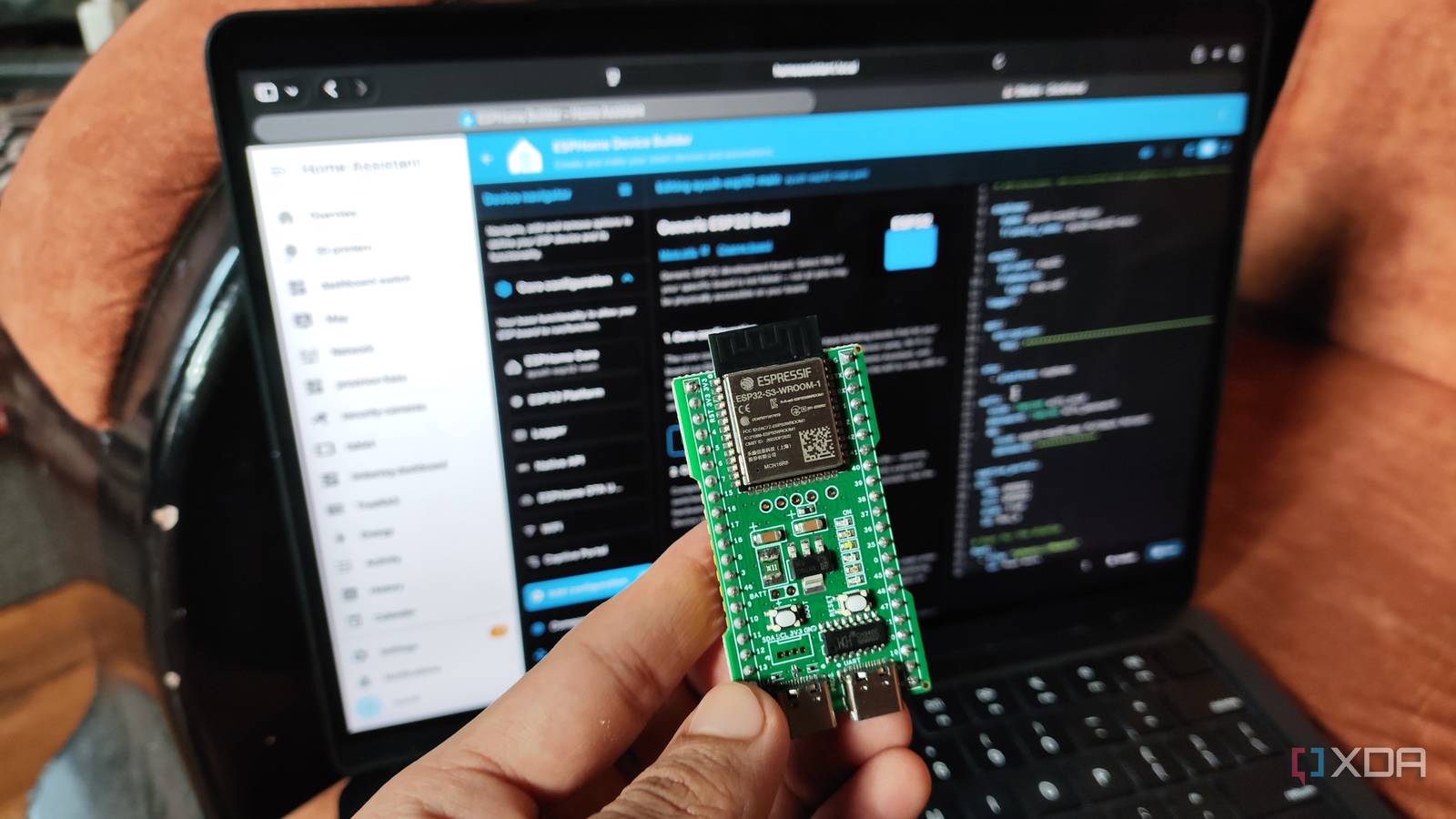
Published Sep 18, 2026, 3:30 PM EDT Ayush Pande is a PC hardware and gaming writer. When he's not working on a new article, you can find him with his head stuck inside a PC or tinkering with a server operating system. Besides computing, his interests include spending hours in long RPGs, yelling at his friends in co-op games, and practicing guitar. Ever since the prices of Raspberry Pi single-board computers hit deranged levels, I’ve found myself gravitating towards the ESP32 lineup for my DIY smart home gadgets. But as much as I hate to admit it, I was somewhat intimidated by these microcontrollers when I first bought an ESP32 module years ago. You see, I’d started my ESP32 journey with Arduino IDE, and while it’s definitely helped me get some C++ practice in, I had to put in a lot of effort just to pull sensor readings from it, let alone use it to build complex automations. Fortunately, I came across ESPHome Device Builder a few years ago, and it just clicked with me instantly. Now, I won’t go so far as to say that it can replace the Arduino IDE for every ESP32 project. But when it comes to designing DIY smart gizmos for my Home Assistant server, I’d use ESPHome over Arduino IDE any day. ESPHome’s reliance on YAML makes it extremely easy to use Its detailed docs are really useful when pairing random sensors with the ESP32 As much as I adore the powerhouse that’s C++, spending hours working on long blocks of code was not something I wanted to do just to grab the temperature readings from a cheap weather sensor hooked up to an ESP32. Of course, I really appreciate the ability to tinker with low-level code for complex circuitry projects, but being forced to write multiple lines of code, only to end up with conflicts because I used the wrong function with the wrong library, was enough to deter my teenage self from ESP32 projects. ESPHome, on the other hand, streamlined the experience so much that I’d sometimes take longer to connect the sensors to my ESP32 than actually writing the code. That’s because ESPHome uses YAML as the primary language for writing config files, and generates the equivalent C++ firmware under the hood. While YAML definitely has its quirks, it’s significantly easier to tinker with than C++, to the point where I’ve had projects where a handful of lines would be enough to pull the necessary metrics from my sensors. It also helps that ESPHome has extremely detailed documentation covering everything from the run-of-the-mill sensors I’d find on cheap kits to wacky modules designed for specialized tasks. The current ESPHome Device Builder web UI also has a lot of menu-based elements corresponding to my code, and it’s so useful that I can easily configure different components for my ESP32 projects without writing a single block of code. The same holds true for troubleshooting, as I can just edit the variables of a conflicting code block from the accompanying menu. The best part? ESPHome also supports C++ code, so I can use YAML for general syntax and switch to C++ lambdas when I want the extra flexibility of loops and conditional logic. Combine that with the ability to create automations using simple menu-based elements without leaving the ESPHome page, and you can see why I immediately switched to this platform from Arduino IDE. Connecting custom ESP32 devices with HASS is just as simple on ESPHome It also helps me manage multiple ESP32 (and even Raspberry Pi Pico) microcontrollers I control all my smart gadgets and IoT paraphernalia from Home Assistant, and this includes everything built with ESP32 systems. On Arduino IDE, I’d have to use extra libraries and scripts to connect my ESP32 creations with Home Assistant over MQTT. It’s not impossible to pull off, but it adds extra work on top of the extra C++ coding complexity. ESPHome, on the other hand, makes pairing my ESP32-powered projects with Home Assistant a breeze. Once ESPHome is done flashing the microcontrollers, Home Assistant’s automatic network discovery functionality picks it up, and I can configure the rest from the Devices & Integrations tab of the Settings page. And since all the sensors hooked up to my ESP32 are detected as entities, I can create all sorts of wacky automation pipelines with them. Another neat perk of ESPHome Device Builder is its ability to manage multiple ESP32 (and even Raspberry Pi Pico) modules simultaneously. Sure, I can create different Arduino IDE windows, connect each one to different ESP32 units, and save the project files. But working on multiple ESP32 projects is a lot easier on a centralized ESPHome interface, where I can glance at the connection status, check recent logs, and run OTA updates for every microcontroller in my arsenal. That said, Arduino IDE has a lot of utility in embedded projects Although I’m not very fond of using Arduino IDE for smart home projects, things are a lot different when it comes to circuitry, embedded, and robotics experiments. Writing all the C++ code manually may be a hassle, but it allows for minimal overhead in projects with strict memory constraints. The same holds true for experiments where I need precise timings down to the last millisecond for the sensors, resistors, motors, and other accessories hooked up to my ESP32. ESPHome
I switched from Arduino IDE to ESPHome for my custom ESP32 smart home devices, and my projects got a lot easier
Full Article
Original Source
Read the full article at Xda-developers →KhanList aggregates and links to publicly available news content. We do not host full articles from third-party sources. Always verify important information with original sources.