
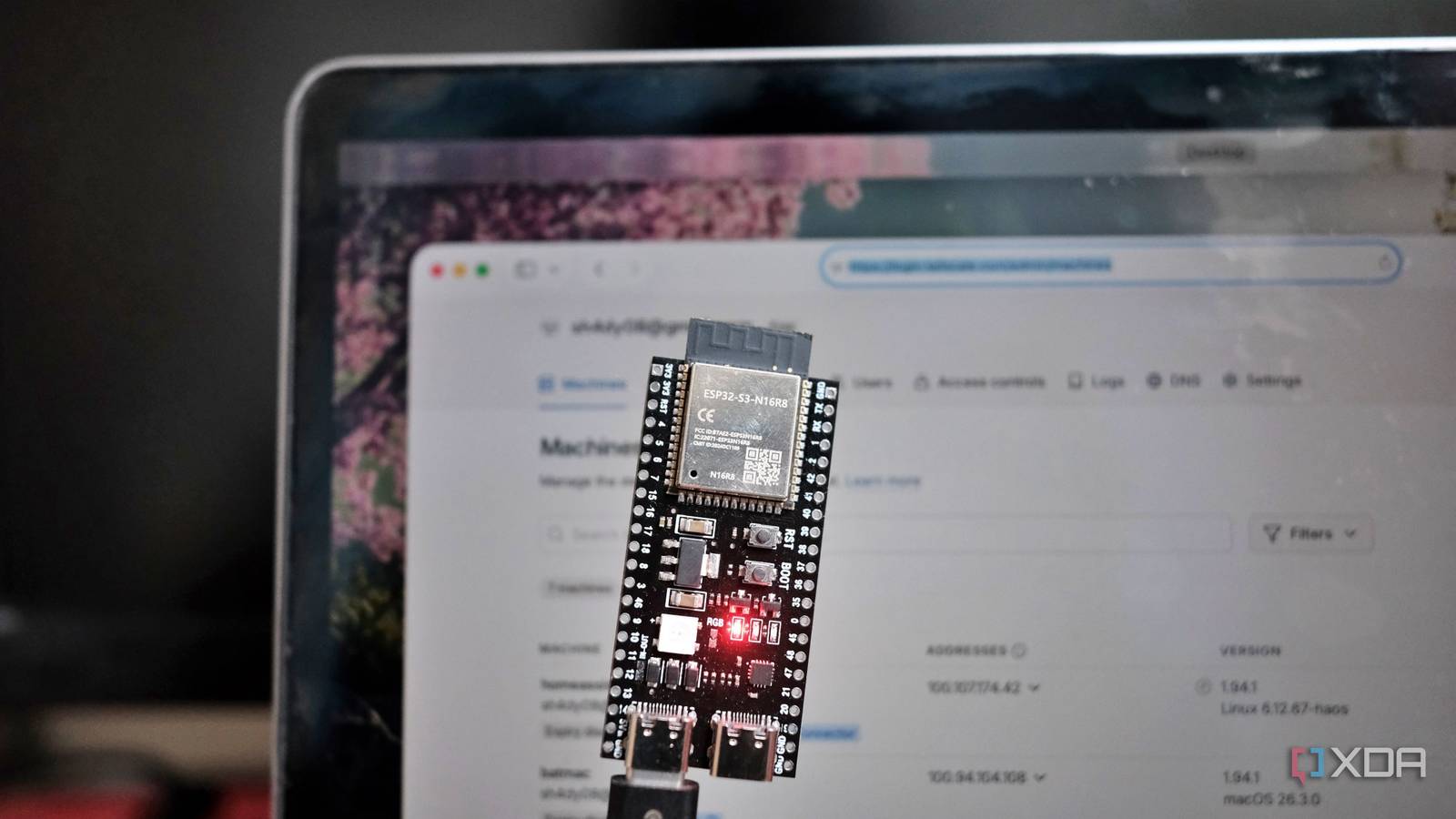
Published Nov 13, 2026, 11:00 AM EST Samir Makwana is a technology journalist and editor from India since past 18 years and his work appears on MakeUseOf, HowToGeek, GSMArena, BGR, GuidingTech, The Inquisitr, TechInAsia, TechWiser, and others. He has written news, features, and gadget reviews for national technology media publications. His passion is to help people with their technology problems and gadget purchases. For that, he has worked for some of the biggest international technology publications, covering news, explainers, how-to guides, listicles, and product-buying guides. He has worked as an editor and managed teams since 2015. His expertise broadly covers computers, smartphones, game consoles, headphones, smart home products, browsers, and apps. For a long time, I configured my ASUS RT-AX88U router to run a VPN. It worked, but running it on the router felt like more effort than it should have. Whenever I wanted to reach my home lab from outside, I would open my laptop, launch the VPN app, wait for the handshake, and only then start working. A few weeks ago, I swapped that setup for an ESP32-S3, which I had already turned into a Tailscale entry point just for basic queries and not a full VPN. Since then, I stopped thinking about the VPN step at all, and that surprised me most. My router’s VPN service dragged every login Too many moving parts Like many mid-tier consumer routers, even my RT-AX88U came with a built-in VPN configuration. Mine has an OpenVPN server and comes with baggage. To use it, I needed to forward a port on the router and keep a dynamic DNS service pointed at my home IP since my ISP doesn’t give me a static one. I also had to install a VPN client on every device I might use to reach home, like my laptop, my phone, and even the tablet. Each device needed its own profile, which I had to import and test. There was real friction to using it whenever I was away from home. If I needed to check on a container’s status, I would dig up the VPN app, connect, wait, and only then open a terminal. Half the time I’d forget to disconnect afterward, and then wonder why my phone’s battery had drained faster than usual. None of that was a dealbreaker on its own, but it added up to more friction than I wanted. A single ESP32 board took over the VPN job One device with minimal maintenance My needs away from home were mostly limited to checking, which meant I never needed much bandwidth to begin with. So after I turned the ESP32-S3 into a Tailscale node on my home network, I stopped using the router's VPN entirely. Tailscale doesn’t need any port forwarding or any dynamic DNS record to babysit. Every device that needs access joins the same private network, known as a Tailnet, once, and that connection stays alive quietly in the background. The ESP32 sips power, sits next to my router, and does one job well while barely registering as a device on my network. I retired the OpenVPN service on the router, and that felt like a big win. One less service to keep patched whenever critical vulnerabilities are reported, and no ports left open for anyone on the internet to stumble into. Reaching anything in my home lab with one step No app to open first I prefer the simplicity of reaching anything on my home network when I’m away. I don’t open any app or interface before SSHing into my Proxmox mini PC or Raspberry Pi anymore. I just connect through the terminal, and I am in, because whatever device I am on is already part of the private network that I set up with Tailscale. There’s no separate step to opening the VPN app and remembering to disconnect it. Waking up an ESP32 board from deep sleep involves sending a request to the ESP32, and it fires off a wake-on-LAN signal on my behalf. No need for extra software. My phone can do it as easily as my laptop, and earlier it was a challenge to get the mobile VPN client to work reliably on cellular data. The downsides didn’t disappear; they just moved It’s slower, with risks This isn't, by any means, a better way to run a VPN setup on a home network. My old router, despite being a little outdated, worked just fine for transferring large files or watching a security camera feed satisfactorily. The ESP32’s connection can manage a couple of megabits per second, which is good enough for SSH sessions and small file fetches. It struggles with anything heavier than that, like a media file. Of course, I know the microcontroller-based Tailscale node is a single point of failure. My router’s VPN lived on a device with redundant power and a long uptime. The ESP32, on the other hand, becomes unreachable when it loses power or crashes, and I have to wait till I’m back home again. I considered pairing it with my UPS for peace of mind, but I haven’t gotten around to it yet. A trade worth picking up Honestly, the trade has been worth it for how I actually use my homelab. To be clear, I am definitely not transferring large files or streaming 4K files. I only use it to access self-hosted apps and containers, cutting out client apps. Waking up a machine or reaching my router. For frequent access to my home network, cutting out client apps and port forwarding matters more than raw throughput ever did. I no longer have to doubt whether I have connected to a VPN. If your homelab’s VPN has begun to feel like more maintenance than it’s worth. There’s a good chance an ESP32 you already have in the drawer can take over. Tailscale Tailscale is a tool that allows you to create specific network connections so you can remotely access resources within a private network.
I swapped my router's VPN for an ESP32, and I stopped thinking about remote access
Full Article
Original Source
Read the full article at Xda-developers →KhanList aggregates and links to publicly available news content. We do not host full articles from third-party sources. Always verify important information with original sources.