
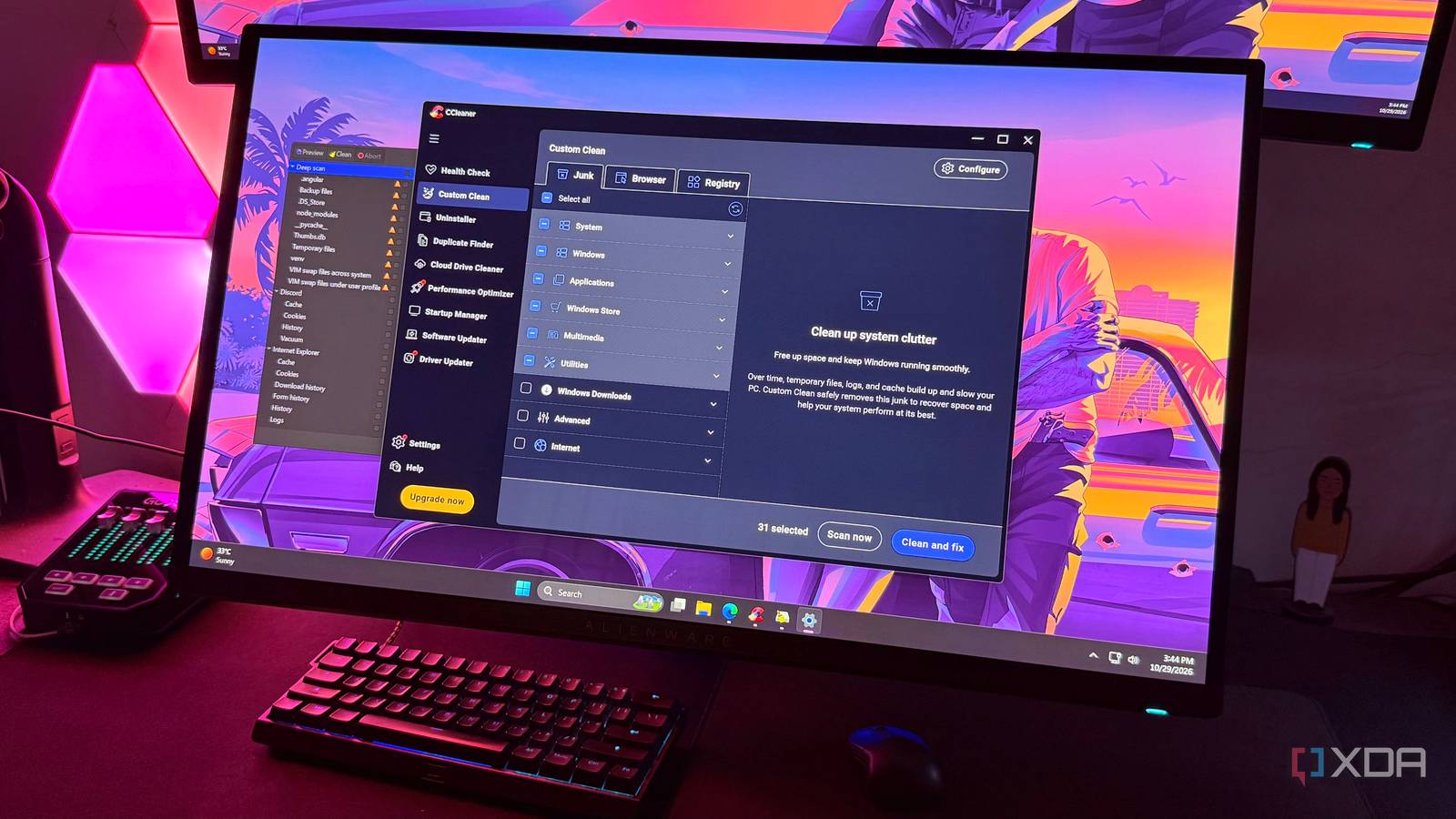
Published Oct 31, 2026, 7:31 AM EDT Hamlin has been in the tech field for over nine years. Since 2017, his work has appeared on MakeUseOf, Android Police, OSXDaily, Beebom, and more. He served as the Senior Editor at Valnet's MakeUseOf for over two years before joining XDA. He uses a high-end gaming rig for desktop use and a MacBook for traveling, but dislikes some of the quirks of macOS. You're more likely to catch him at the gym or on a flight than anywhere else. For a long time, CCleaner was one of those third-party tools I'd install on my PC without a second thought. Since I literally grew up with this software, I never felt the need to look for an alternative. Even when its reputation hit rock bottom by 2020, I continued using it out of habit, mostly because I was so familiar with it. I've seen so many people recommend BleachBit since then, but I never bothered giving it a try until recently. I decided to ditch CCleaner partly because of all the controversies in recent years, but also because I was getting tired of the upgrade prompts. Since BleachBit is completely free and open-source, I knew I wouldn't have to deal with any of that, which is what made it appealing at first. And after trying it out, I can confidently say that it offers way more than I expected. All I wanted was a cleaner that covered the basics, but BleachBit showed me how much junk I'd been overlooking over years of using CCleaner. BleachBit looks in places I never thought to clean Deep Scan targets certain file types that regular cleaning might overlook Just like any third-party cleaner, CCleaner can get rid of the usual Windows junk, browser data, and leftovers from apps that accumulate over time. In fact, it now even lets you clean files from AI tools. BleachBit, on the other hand, takes a slightly different approach to finding unnecessary files. Of course, you can still use it to clean normally, but its Deep Scan feature is what helps you find more junk. It looks for specific file types that might be scattered across your PC. These could be backup files, temporary files, and Thumbs.db files, or even developer-related folders like node_modules. By default, BleachBit prevents you from cleaning anything under Deep Scan unless you enable Expert mode from its Preferences menu. This makes sense because you don't want to accidentally delete your backup files or any other data you might still need. I highly recommend using the Preview feature before actually cleaning anything since it shows you exactly which files will be removed and how much space you could potentially free up. All in all, I'd treat Deep Scan results as something to inspect, not a list of files that need to be deleted just because BleachBit found them. You're not limited to its default cleaning options Winapp2.ini adds thousands of community-driven cleaners When you open BleachBit for the first time and scroll through the sidebar, you're not going to be particularly impressed with the number of cleaning options it has to offer. But the good news is that it supports the Winapp2.ini database, which actually has its roots in the CCleaner community. You can use it to add so many more cleaners than the ones already included. You just need to go to Preferences -> Updates, check the box next to Download and update cleaners from community (winapp2.ini), and restart BleachBit. You might have to restart it a second time if the additional cleaners don't appear right away, though. After I did this, I saw many cleaners in the sidebar that weren't there before, including ones for Adobe software, game installers, and even PowerToys. There's even a separate Utilities category now, which lists cleaning options for third-party tools like CrystalDiskInfo, MSI Afterburner, and even CCleaner itself. Sure, I probably won't use half of these cleaning options, but I still like that I can extend the cleaner without waiting for developers to add support for every app I use. CCleaner technically has more going for it But it's mostly just more of what I don't need At the end of the day, CCleaner isn't just a cleaner, even though the name suggests otherwise. If anything, it's more of an all-in-one PC maintenance utility and comes with several features you won't find in BleachBit. For instance, I've relied on its uninstaller for years, but these days I just use Windows 11's Settings app. Then, there's Duplicate Finder, which lets you scan for identical files taking up space. You also get a Startup Manager to control which apps launch with Windows. And let's not forget it can clean your registry, which has been a topic of debate for as long as I can remember. I could keep going about Performance Optimizer, Software Updater, and Driver Updater, but those are mostly locked behind a paywall. CCleaner is feature-packed, but aside from its uninstaller, I've mostly used it to clean temporary files, browser caches, and other junk on my PC. So, if a completely free app can take over and find even more junk, I don't see why I should keep putting up with CCleaner anymore. Sure, BleachBit's UI isn't fancy, but it's not like I'm cleaning my PC every week for that to matter. Looking back, I should've ditched CCleaner years ago I probably should've looked for alternatives when CCleaner's reputation started taking a hit, but I guess I was just too used to it to bother with anything else. Now that I've tried BleachBit, though, I get what the hype is all about. It has helped me find junk I never even thought to look for with CCleaner, and that's before considering all the community-driven cleaners it supports. And the fact that I get all of this for free without having to put up with upgrade prompts is reason enough to move on from CCleaner altogether. BleachBit BleachBit is a free and open-source PC cleaning tool that helps you remove temporary files, browser caches, and other application leftovers to free up storage space.
I stopped using CCleaner after finding a free open-source cleaner that finds more junk
Full Article
Original Source
Read the full article at Xda-developers →KhanList aggregates and links to publicly available news content. We do not host full articles from third-party sources. Always verify important information with original sources.