
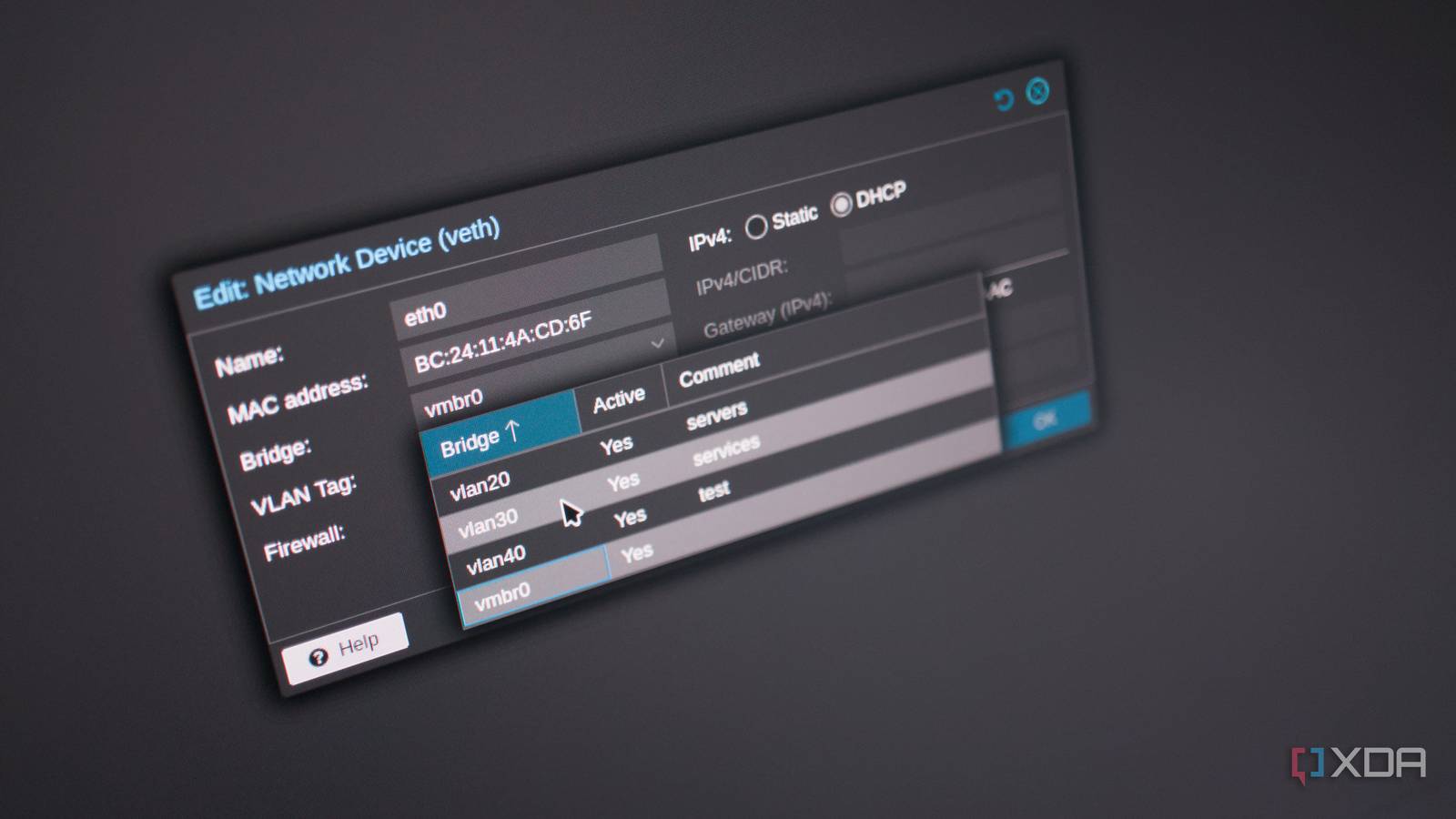
Published Nov 18, 2026, 1:00 PM EST Richard is the PC Hardware Lead at XDA and has been covering the technology industry for almost two decades. He's been building PCs since young, and when not creating content, you can often find him inside a chassis somewhere. Internet of Things (IoT) is brilliant and has allowed us to configure smart homes with countless sensors and devices to improve our daily lives. But having too many clients on a single network can cause congestion. But even if you don't have too many of these devices installed in your home, it may be a good idea to split them up from the rest of your home network. They may be running outdated software, not be fully secure, or simply cause a little too much noise. That's where VLANs come into play. The problems with sharing the LAN You may be running hardware with some vulnerabilities There's a reason smart home equipment gets a bad rep when it comes to security. Most experienced homeowners with a serious LAN setup will use virtual LANs (VLANs) to segment their network and split up clients. For our home network, I have everything segmented into different VLANs. Firstly, my servers and network gear are all in their own little bubble. Then I have one for security cameras, another for self-hosted services and apps, a fourth for trusted clients, one for IoT stuff, and finally a guest VLAN. What this allows me to do is configure the entire network with a set of conditions and rules, allowing specific clients to communicate with one another and access the outside world. For instance, a guest connecting to our home Wi-Fi while visiting won't be able to connect to any of our IP cameras, nor will they be able to access the OPNsense firewall, but they could log into Jellyfin and start streaming. This is by design, locking things down without sacrificing functionality or capability and offering a subpar experience. I don't trust anything, even the systems I built, set up, and manage. I don't know everything happening under the hood of my laptop, tablet, smartphone, or desktop. I simply trust that the OS, software, and respective maintainers all know what they're doing. The most I can do is ensure the network is as secure as possible and I don't do anything to jeopardize the security of my hardware. IoT devices go against this mantra as they often come with quirks and personalities, some of which can be detrimental to a secure LAN. But just because they may call home a few too many times, might want to share data with some random server on another continent, or not be fully patched with a security hole or two, it doesn't mean you have to immediately throw them all out. Running everything within a network sandbox of sorts can be a great way to keep the LAN safe without losing out on what these individual devices can bring to the table. The hidden beauty of a VLAN What makes a VLAN so appealing to a budding home network administrator is that they share the same physical infrastructure. Instead of going out and buying more network switches and using more cables, simply activate VLANs on compatible hardware, and you're good to go. By their very nature, a VLAN shares the same physical connections as other VLANs (and the LAN itself), but keeps all clients confined to firewall-set rules and conditions. My own VLAN setup relies on the OPNsense firewall, which also handles routing. Managed switches and wireless access points then ensure all clients stay within their assigned VLANs. I have all my homelab and networking equipment assigned to VLAN 1 using the subnet 10.0.10.0/24, while trusted clients are locked to 10.0.20.0/24. Both of these networks share the same switches and internet connection, but devices are separated at the Ethernet layer. The firewall rules are where the magic happens A VLAN doesn't do much without them Creating a VLAN doesn't automatically prevent devices on different networks from communicating. Even with a VLAN (or two) configured, my router would still route traffic everywhere and allow connections between subnets. A device on my dedicated IoT network could still reach equipment elsewhere in the house. That's why firewall rules are a vital step one must not overlook. OPNsense makes it easy to specify exactly where traffic is permitted to travel. For the IoT network, I wanted to block unnecessary access to trusted networks while allowing specific connections required for smart home functionality. I could permit a smart plug that requires an internet connection to reach its manufacturer's servers without receiving unrestricted access to my desktop PC or NAS. Similarly, an IoT device not requiring internet access could be fully blocked from accessing the wide area network (WAN). There are some special cases, such as Home Assistant, which needs to communicate with some of the smart home equipment on the IoT network. Rather than opening access to every server and client, I can allow the required direct connections between Home Assistant and those devices. This approach is much more manageable than trying to secure every individual appliance through whatever limited settings its manufacturer provides. It also gives me a central location to review and adjust network access. That said, the rules need to be configured carefully. I still have to allow essential services such as DNS, DHCP, and any connectivity required by particular integrations, things start to break. VLANs aren't difficult to set up Whether you're using an ISP router that supports VLANs or have a DIY firewall running software such as OPNsense, the process of creating VLANs and adding clients to them isn't terribly technical. Much of the grunt work is handled on the side of the router and firewall, and so long as you get the right rules and conditions in place, you'll have a much more secure network running with all your sensitive data and hardware protected.
I stopped letting my smart home devices share a network with my PC, and setting up an IoT VLAN took one afternoon
Full Article
Original Source
Read the full article at Xda-developers →KhanList aggregates and links to publicly available news content. We do not host full articles from third-party sources. Always verify important information with original sources.