
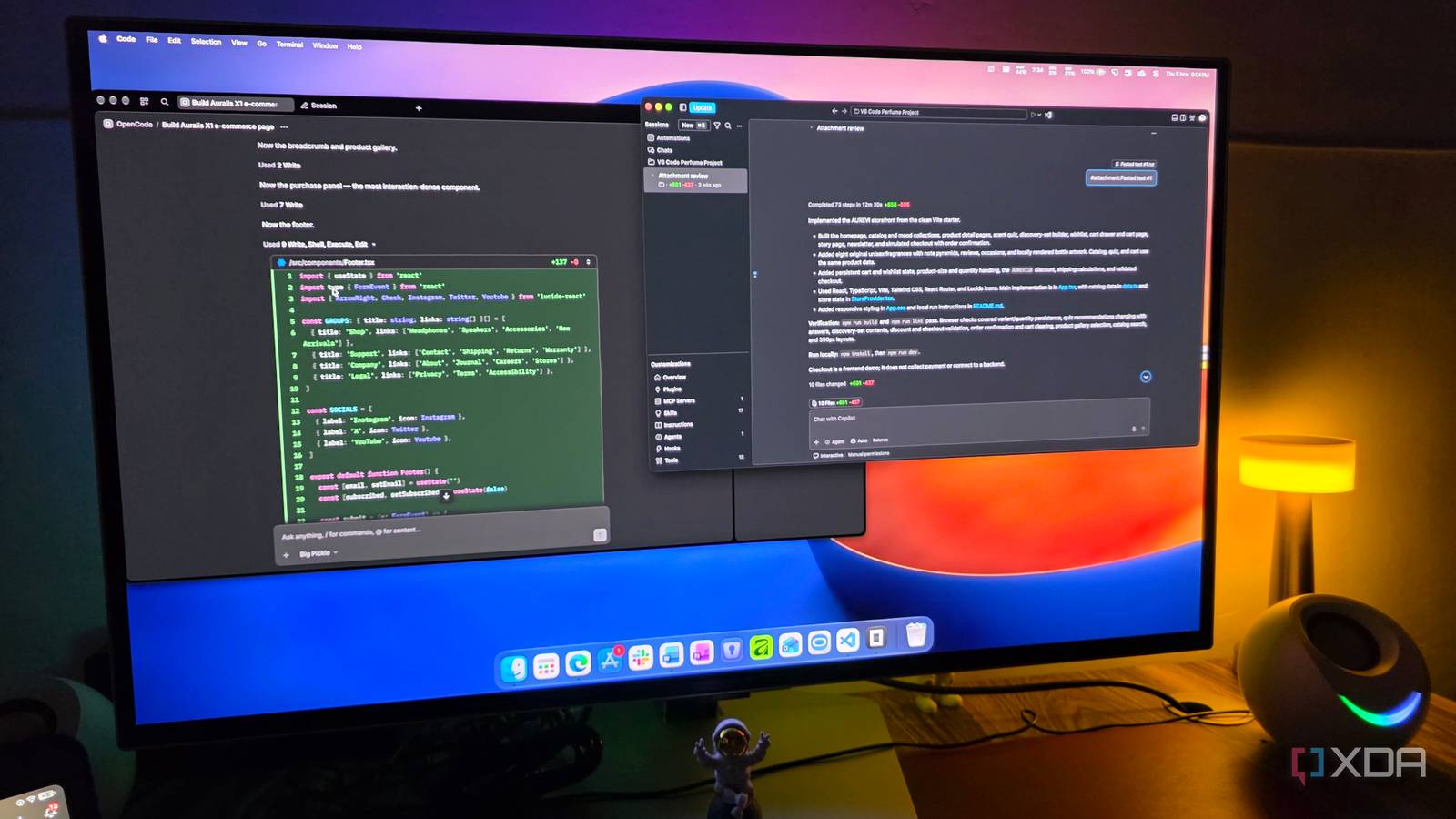
Published Nov 6, 2026, 7:30 AM EST Parth, a seasoned tech writer, wields the keyboard (or pen) with finesse to unravel the intricacies of both Windows and Mac operating systems. He has covered evergreen content on mobile devices and computers for multiple publications over the last six years. You can find his work on AndroidPolice, GuidingTech and TechWiser. Whether it’s demystifying system updates, deciphering error codes, or exploring hidden features, Parth’s prose guides readers through the binary maze. When not immersed in tech jargon, you’ll find him sipping chai, pondering the next software review, and occasionally indulging in a friendly debate about mechanical keyboards. I have tried several AI coding tools over the past few months, but I still haven’t found one that ticks every box. Some offer impressive AI models but come with expensive subscriptions, while others have excellent development environments but lack flexibility. Instead of hunting for another all-in-one solution, I decided to combine two of my favorite tools: OpenCode and Visual Studio Code. After experimenting with this two-stage workflow for a while, I can’t imagine coding any other way. One tool doesn’t need to do everything I have spent considerable time experimenting with AI coding tools like Cursor, Claude Code, Codex, Devin Desktop, and Google Antigravity. Cursor impressed me with its AI-first approach, Claude Code was excellent at understanding complex projects, and Google Antigravity offered a refreshing agent-driven experience. However, the constant switching started to feel like a productivity problem of its own. I was spending too much time learning new interfaces, adjusting settings, and figuring out the limitations of each platform instead of actually building something useful. Eventually, I realized I was approaching this all wrong. Why should I expect one tool to handle everything from generating the first line of code to polishing the final interface? That realization changed my approach entirely and made me rethink how I wanted to work. OpenCode became my starting point for every project Free AI models handle most of my workload OpenCode has become my go-to destination whenever I have a new app or website idea. Instead of opening VS Code and manually setting up the project structure, I launch the OpenCode desktop app, select my preferred AI model, and explain what I want to build. I appreciate its clean interface, which keeps the focus on my prompts, AI responses, and ongoing development tasks. For example, if I am building a personal finance app, I can ask OpenCode to create the initial dashboard, navigation, transaction management system, and other essential features. My goal is to complete roughly 85% of the project inside OpenCode before moving to VS Code. This approach lets me focus on ideas and functionality during the initial development phase instead of getting caught up in minor details. Also, I am no longer forced to depend on an expensive AI model for every little coding task. OpenCode gives me access to different AI providers, including free ones, and I can switch between them depending on what I am trying to achieve. For instance, I don’t necessarily need Claude’s most powerful model to create a basic settings page, generate reusable UI components, update documentation, or make minor layout adjustments. I can hand over such tasks to capable free models and still make meaningful progress. Of course, I don’t expect free models to solve everything. When I am dealing with complicated business logic, major architectural changes, or bugs that refuse to disappear, I switch to a more capable premium model. The beauty of this approach is that I get to decide when those expensive tokens are actually worth spending. I complete most of my projects inside OpenCode VS Code takes over for the finishing touches To put this workflow to the test, I decided to build a polished, premium e-commerce product page for a fictional pair of high-end wireless headphones. I launched OpenCode, selected DeepSeek, and gave it a detailed prompt describing my vision. I wanted an elegant storefront with premium typography, beautiful product visuals, smooth animations, and a layout that wouldn’t look out of place on a luxury audio brand’s website. DeepSeek handled most of the heavy lifting, from creating the initial structure to implementing the core design elements. After a few iterations, I had a functional page close to my original vision. Once I was satisfied with the foundation, I opened the same project in VS Code. This is where I fine-tuned the spacing, adjusted typography, polished smarter UI elements, and made other visual improvements. I didn’t need another round of AI prompts for these minor changes. The combination worked exactly as I had hoped. I deliberately avoid the OpenCode VS Code extension Separate applications work better for me I know OpenCode offers a VS Code extension that lets me access its AI coding capabilities directly inside my favorite editor. While that’s convenient, I prefer keeping the two applications separate. I like having OpenCode as my dedicated AI development workspace, where I can experiment with different models, generate code, and build most of the project without distractions. Once I am happy with the results, I simply open the same project folder in VS Code for manual adjustments, debugging, and final refinements. A smarter way to build software I have realized that I don’t need to rely on a single AI coding tool to handle everything. OpenCode and VS Code complement each other quite well, and this combination has changed how I approach new projects. With OpenCode, I get the freedom to experiment with free and premium AI models, build functional projects from scratch, and keep my AI spending under control. Once the heavy lifting is done, VS Code takes over for the final polish. It’s a simple workflow that gives me the best of both worlds. OpenCode OpenCode is an open-source alternative to Codex and Claude Code.
I started using OpenCode with VS Code, and now I can't imagine coding any other way
Full Article
Original Source
Read the full article at Xda-developers →KhanList aggregates and links to publicly available news content. We do not host full articles from third-party sources. Always verify important information with original sources.