
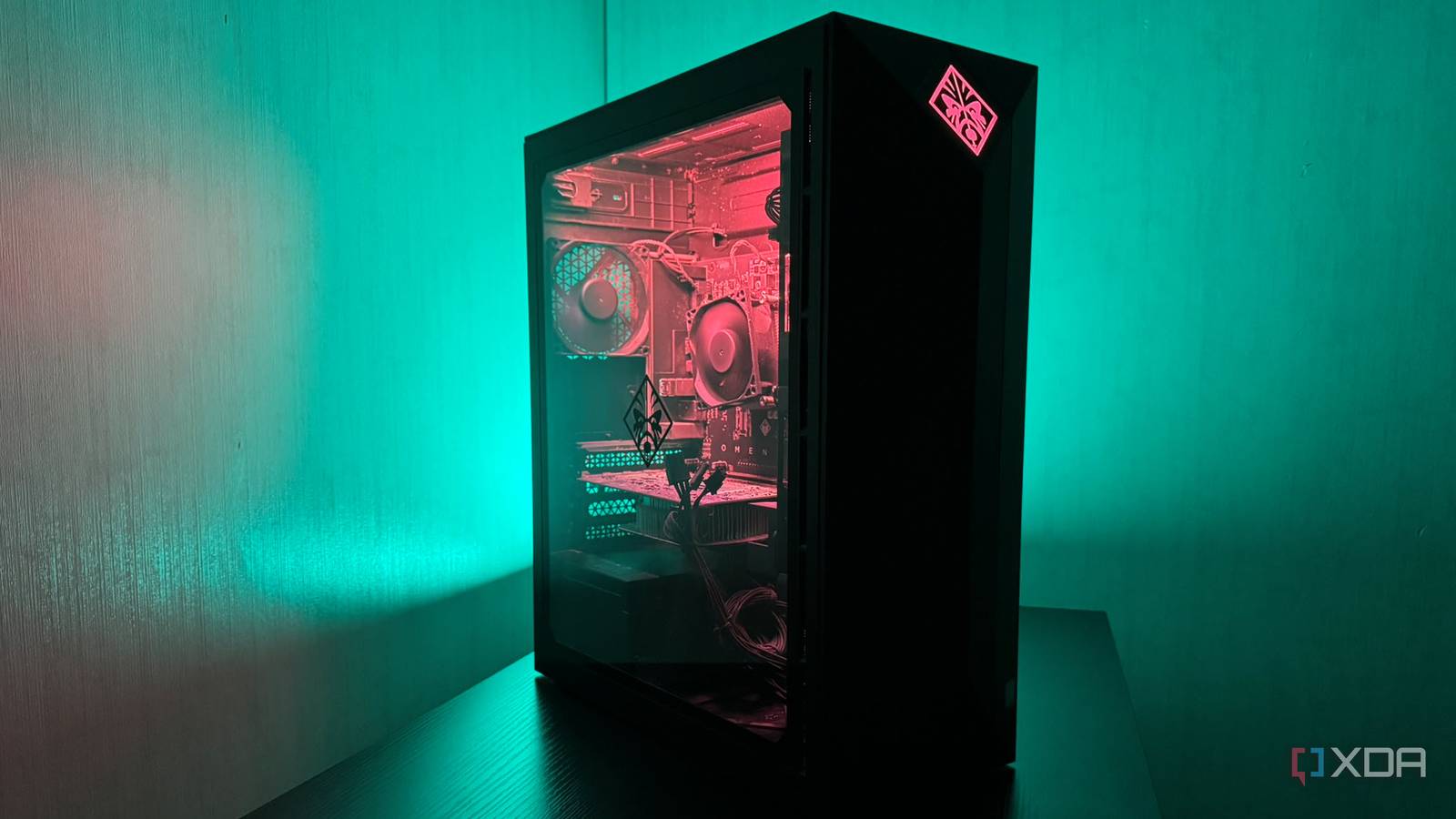
Published Nov 28, 2026, 8:00 AM EST Based in rural Minnesota, Brian Burgess worked in IT for 10 years before finding his passion for writing about consumer technology. Brian earned his degree in computer and network technology in 2000. He held various IT positions, including help desk support, router installations for IBM, database administration, and other associate network administration roles. He's been a personal technology journalist for 18 years and has written thousands of articles about Microsoft products and services, Android, iOS, streaming, and more. He has written for notable tech sites including XDA, InformationWeek, How-To Geek, Byte, groovyPost, and others. When he is away from the keyboard, you will hear him playing guitar, working outdoors, and watching Star Trek. I recently got a new PC to replace my old HP Omen gaming PC. I've been thinking about getting a multi-bay NAS for media storage, but I'm also on a tight budget. I was thinking of ways to repurpose the computer. The two ideas came together. Since a NAS is a computer-driven storage device, I figured I might as well add as much storage as I can and use it to store and serve my media. My gaming rig still has more horsepower than a typical home NAS. I wanted to run Jellyfin and Emby on separate ports. I also needed my Nvidia Shield Pro's Plex server to have access to the files on its storage drives. Doing so would let it act as a DIY NAS and media server at the same time. Cleaning up and sticking with Windows It accomplishes my goals The Omen runs Windows 11 Pro. Enthusiasts will ask why I didn't install OpenMediaVault (OMV) or TrueNAS. I have already turned an old Windows Home Server into a dumb NAS with OpenMediaVault. However, my old gaming rig is a temporary media server until I can afford a proper NAS. After that, I'll use the old gaming rig for something else. I'm also connecting external drives to it for additional storage, which isn't ideal for OMV's SMART health monitoring support. It accomplishes what I want, and I have a backup PC in case my new ABS machine goes out at some point. I can also use it for other smaller side projects while it continues to serve media. I didn't reformat and reinstall. I cleaned up space on the drives, and it gave me the chance to do some overlooked maintenance, like updating the local drives' firmware and installing a long-overdue BIOS update. I don't have to pick just one A benefit of turning a PC into a media server is not having to commit to just one platform. I installed Plex, Emby, and Jellyfin and ran each of them on a different port. I also plan on installing Navidrome to see what it can do with my ripped CD library. That lets me get familiar with each media server platform and decide which one I will stick with. Each one has its pros and cons, and I can move between them to fill the feature gaps I may want for my media. My old gaming rig includes an Intel i7 8700, 32GB DDR4 RAM, and a GeForce GTX 1060 3GB graphics card, which is considered legacy for gaming. But it is still plenty for transcoding tasks and running the media server software. I have been able to access my library reliably on all screens. Even my CD library remotely with Jellybox. Where the PC falls short of a NAS Adding a ton of storage is an issue Somehow, I've been getting by with a paltry 500GB Samsung M.2 NVMe drive I installed when I initially got the machine. There's also a 1 TB SATA drive for storage. That is plenty of room for media servers and their cache, plus other light software for small computer tasks. For storage, I connected a hodgepodge of different external drives of various sizes with my ripped media. The good thing about the old HP Omen is that it has plenty of USB 3.0 ports to connect multiple drives. However, I still yearn for a proper 4-bay NAS so I can fill it with 16TB or 20TB drives. I thought of getting a 16TB external drive, or a larger SATA drive, but storage isn't cheap. A WD 16TB external drive is nearly the same cost as a bare NAS, so I will keep getting by with what I have. Also, I can do more with my PC while streaming my media throughout my house. Accessing gaming PC storage on my Shield TV Pro I mounted it like a NAS Having a choice of server platforms made me realize I prefer to run Plex on my Nvidia Shield TV Pro. But since I moved the external drives connected to the Shield to my old gaming rig, I mounted them like a real NAS appliance. That also lets me clean up a mess of drives, cables, and hubs under my TV. I created a media share on my PC and mounted it on the Shield TV Pro through its network storage section. Once it was connected, I could play all the DVD, CD, and Blu-ray rips from my drive. The HP is connected to my network via Ethernet, and files seemed to play fine since all connectivity is Gigabit. The only times I had an issue were when using Plex on Wi-Fi devices, which is always a performance bottleneck. An old gaming PC can earn a place as a repurposed media server Gaming rigs are generally packed with powerful hardware to run for years and are upgradable. So, even when they lose their edge, they are well suited to be repurposed for other tasks. Using mine for storage and as a media server has been working well. However, keeping it powered on 24/7 isn't helping with electricity costs. For now, it works to consolidate all my media on one storage appliance.
I skipped buying an expensive NAS, and turned my old gaming PC into a media server
Full Article
Original Source
Read the full article at Xda-developers →KhanList aggregates and links to publicly available news content. We do not host full articles from third-party sources. Always verify important information with original sources.