
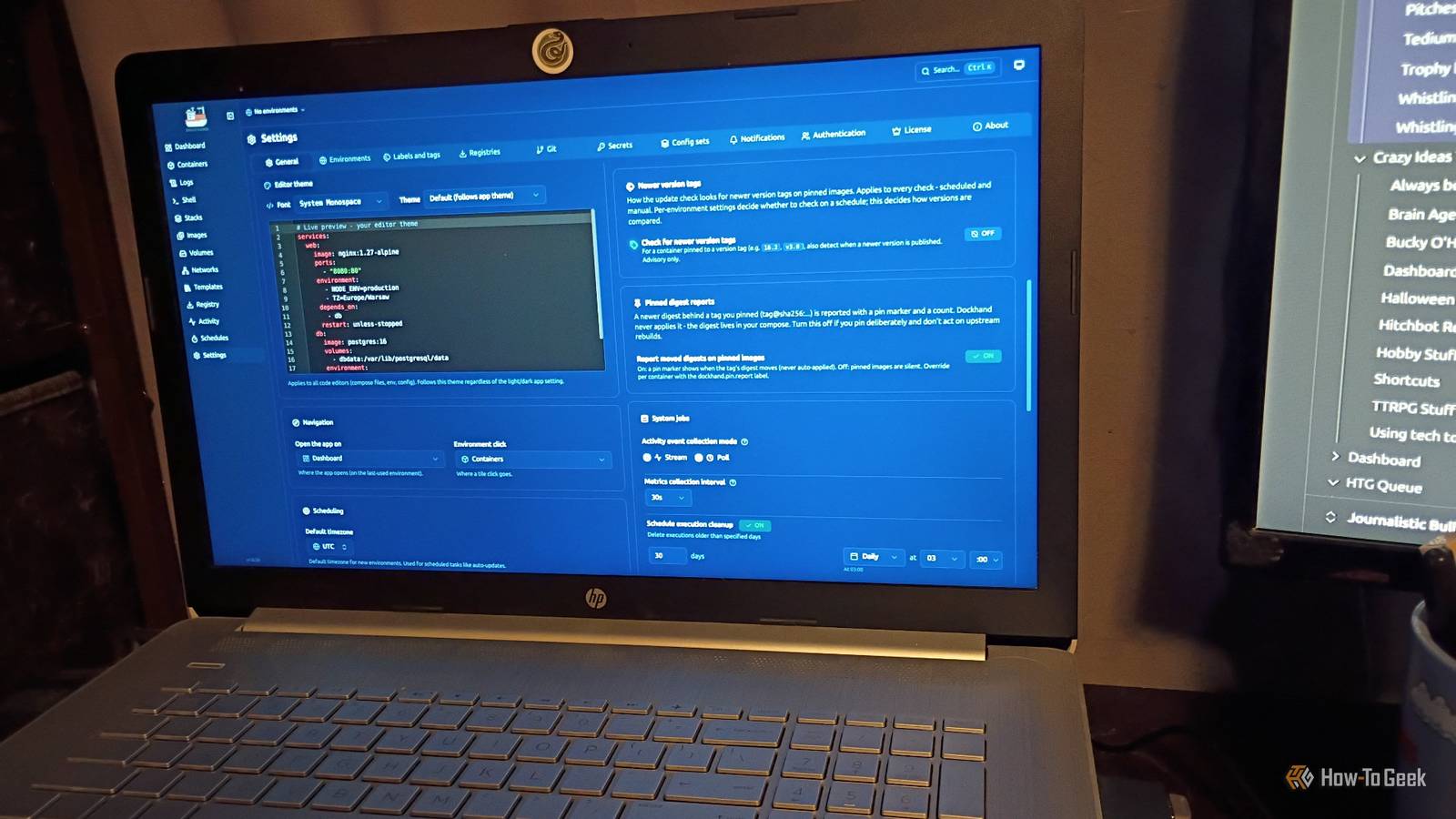
Published Nov 28, 2026, 8:00 AM EST Former radio and TV guy (I Heart Radio and PBS). Now a writer, researcher, and musician who writes about the absurdity of our modern world and other offbeat topics. Specializes in weird music, the old web, retro video games and tech, and researching strange, yet interesting things. His work has appeared in Vice, Tedium, Star Trek.com, Today I Found Out, Typebar, SyFy Wire, and How To Geek. Currently working on a variety of music, web, and writing projects. Visit him on the web at https://djbuckfreelance.neocities.org/. A long time ago, I spent far too much time using Docker without a container manager. Those were dark times. But I began using Portainer and all was well. I still love Portainer, but I realized that it actually has a bit too much for my usage case. After getting into some lively conversation with some folks online about Docker usage, I became aware of a few alternative container managers. One of them stood out: Dockhand. A reader recommended I give Dockhand a go. So I tried it out for a bit on one of my home lab PCs. I ended up liking it a lot and felt it had a few advantages for my workflow. Here's why I'm keeping it. Dockhand offers a UI that's better for my needs Versatility and a simple setup got me hooked Dockhand is pretty versatile and easy to use. You can literally use the GUI to add, manage, prune, and run containers (plus plenty of other things) in seconds. While I typically use open-source software for almost everything, I do need to mention that Dockhand is source-available, not open-source. It's currently BSL 1.1, but each version converts to Apache 2.0 four years after release. Basically, you can use it for personal projects, education, and stuff like a home lab without a problem. Production use by businesses and other organizations requires a commercial license. But I'm just one guy who does a bunch of projects in his budget home lab, so I'm good. So, why would I switch from something like Portainer? I have a lot of containers running at any given time. Some of them run 24/7, while others are dedicated to specific stacks on specific machines. I tend to use Docker Compose for a lot of my Docker work, so managing them became easier with the likes of Portainer. But Portainer is more of a powerhouse for multi-user workflows, multiple servers, and larger projects than what I'm doing in my garage. I installed Dockhand using the Docker Compose code on their website (although I put it on a different port). From there, I got started very quickly and immediately loved the interface. Scheduler is my favorite feature Automation without worry The first time I opened it up, I noticed authentication was off. That means anyone on my network could reach the Dockhand dashboard until I enabled it. Yikes. That's a security nightmare waiting to happen. So I set up a new user and enabled authentication under Settings. Next, I spent some time testing out a few Dockhand features right away and found myself impressed by just how easy and smooth it is to use. I particularly liked the scheduler tool. I like to keep things updated, but I'm also very absent-minded. It's super easy for something to slip my mind and cause me to ask "why did I walk in this room, again?" or "where did I leave my keys?" It often happens with my home lab. So I have definitely forgotten to perform an update or two in my time. So the scheduler helped me out a lot. It can trigger scheduled container and stack updates at a scheduled time of my choosing. It's also useful for basic housekeeping and maintenance tasks on my Containers. I am a little wary of external updaters that blindly swap Containers or data and, as I said before, I can be a little slow to update my apps. So this has helped me out tremendously since I began using it. Pruning at the click of a button has been quite helpful as well. I haven't had trouble keeping an eye on things since installing Dockhand, which is something I'm very happy about. In addition to the scheduler, Dockhand offers a vulnerability scan. It integrates Grype and Trivy to scan container images in search of vulnerabilities. Then, it can categorize them with a "severity threshold" from low to critical. You can also export and examine the reports. I like the opportunity to have an on-demand vulnerability scan, especially because Dockhand will block or reject an update or pull if it crosses my designated severity threshold. The ability to create templates is a phenomenal feature A quick and easy tester for different containers Dockhand has nifty and useful features with Templates. I've been experimenting with it a bit and found it'll let me quickly build a template, then deploy it. For example, I tested it with Dosbox-Staging. I opened up the Templates section, found DosBox-Staging/DosBox, and made sure the Compose file looked good (mapping to the correct port; mostly, everything was already filled in). Then I hit Create & Start to spin up the container. Templates are, well, templates. They store information (or a blueprint, if you will) for containers or Docker Compose stacks. So you can spin them down, remove them, add them, and restart them easily without retyping anything (volumes, ports, and other variables). I actually found this incredibly useful, as I enjoy testing different containers. When I consider features like these, along with the simple GUI for basic container maintenance in Dockhand, I'm very glad I started using it. Dockhand is great for a small operation like mine Giving up Portainer's extensive documentation, multi-user setup, and features made sense for me, but I still really like it. When I get back into multi-user systems at some point, I'll definitely deploy it. I still use it at the office. But for my hobby work, Dockhand is going to be the go-to. With a small home lab, a single user, and specific projects to work on, it's making things easier for me. I love the features that simplify Docker management and am very happy with Dockhand overall.
I swapped Portainer for Dockhand on my homelab, and I'm keeping it
Full Article
Original Source
Read the full article at Howtogeek →KhanList aggregates and links to publicly available news content. We do not host full articles from third-party sources. Always verify important information with original sources.