
Published Oct 8, 2026, 10:30 AM EDT Mahnoor Faisal is a tech journalist covering AI and productivity tools with bylines at XDA, SlashGear, MakeUseOf, Laptop Mag, and Android Police. She's been writing professionally since she was sixteen, and has since penned hundreds of articles. This includes in-depth coverage of AI tools like NotebookLM to breaking news across the AI space. Her passion for technology started when she received her first iPod Touch (4th generation) on her 8th birthday, and she's been deep in the tech world ever since. Currently pursuing a degree in computer science, Mahnoor brings both a journalist's eye and a technical foundation to her coverage of how AI is reshaping the way we work and learn. I'll admit it, I once never cared about the whole open-source versus closed-source debate. If an app worked well, looked good, and did what I needed it to do, that was usually enough for me. That's completely changed since I started paying more attention to what was actually running on my devices. That feeling has only deepened with the amount of vibe-coded apps that have entered the picture lately. It's easier than ever to build and ship an app, which is great in a lot of ways, but it also means I'm much less comfortable blindly installing something from a developer I've never heard of and handing it access to my files, photos, notifications, or whatever else it asks for. Open source doesn't automatically make an app trustworthy, of course. But being able to see how an app works, where it's coming from, and what the community around it has found gives me a little more confidence in what I'm putting on my devices. And, as I've spent more time exploring the open-source Android ecosystem, I've also realized that some of its best apps aren't compromises at all. So, when I recently set up a Samsung Galaxy from scratch, I knew exactly where I wanted to start. F-Droid Open source starts here Let's start from the bottom layer of the setup: where I was actually going to get all these open-source apps from in the first place. F-Droid is an app store built specifically around free and open-source Android software, and it's the very first thing I install on absolutely any Android device I get my hands on. This, of course, includes Samsung devices too! While you certainly always have the option to dig through GitHub repositories and hunt down APKs manually, that gets old very quickly. You need to keep track of which apps have updates available, head back to each repository, download the latest APK, and install it yourself every single time. The onus is also on you to discover new apps in the first place, which usually means keeping an eye on GitHub, Reddit, or whatever corner of the internet a developer happens to announce their project on. F-Droid takes most of that friction away. It puts thousands of free and open-source apps into a familiar app-store interface, so you can browse around, discover something new, install it, and keep it updated without turning the whole process into a chore. No more sketchy image tools Uploading images to completely random servers just to edit them has always felt ridiculous to me. Yet, that's exactly what I used to end up doing whenever I needed to quickly compress an image, convert it to another format, remove metadata, or make some other tiny change that didn't justify opening a full-blown editor. Whether that's a random app on the Play Store or a website I've never heard of, it just feels like a convenience that comes with more trust than it should really require. Image Toolbox has pretty much put an end to that habit for me. Rather than being one more basic photo editor, it's a giant collection of image utilities packed into a single open-source Android app. I can resize or compress an image, convert it between formats, edit or remove EXIF metadata, crop it, remove a background, add a watermark, stitch images together, or process a whole batch at once. Image Toolbox also includes OCR, PDF tools, document scanning, collage creation, barcode tools, hundreds of filters, and even optional AI-powered features for things like upscaling, denoising, and background removal. Instead of hunting down a different app or website every time some oddly specific image-related task comes up, chances are Image Toolbox already has a tool for it. LocalSend AirDrop, without the Apple part I might've finally given in and gotten a Samsung phone, but the rest of my setup is still heavily Apple. I have a MacBook Air and an iPad, which means moving files between everything can get annoying very quickly. AirDrop obviously isn't going to help me with the Galaxy, and while there are plenty of other ways to move files around, most of them add more steps than I want. LocalSend is essentially the cross-platform AirDrop I've always wanted. Install it on two devices connected to the same local network, and they can immediately find each other and send files directly between them. There's no cloud storage involved, no account to create, and I don't need to upload something somewhere just to download it again on the device sitting next to me. I've actually found LocalSend more seamless than AirDrop in a lot of situations, too. AirDrop has occasionally left me staring at a device that refuses to appear or sitting on "Waiting" for longer than it reasonably should. With LocalSend, my devices tend to show up almost immediately, and sending something usually takes just a couple of taps. Brave A browser with its priorities straight A fresh phone also means a fresh chance to reconsider the apps I normally install without even thinking about them, and the browser is probably the biggest example of that. Samsung obviously ships its own browser, and Chrome is already sitting there waiting for me too. But if I'm going through the effort of building a setup around open-source apps, immediately falling back to either of those felt a little counterproductive. That's why Brave is usually one of my first downloads. It's built on Chromium, so I still get the familiar browsing experience and compatibility I'd expect from Chrome, but it comes with a lot of the things I'd otherwise have to go out of my way to add. Brave Shields blocks ads, trackers, third-party cookies, and other annoyances by default, without me having to install a single extension or spend ten minutes digging through settings. Karakeep For everything I swear I’ll come back to I am absolutely terrible at keeping track of all the random things I find online. I'll open an interesting article, spot something I want to use for research later, save a Reddit thread, or come across a tool I know I'll want to revisit, and somehow all of it ends up scattered between browser tabs, screenshots, bookmarks, and messages I've sent to myself. Karakeep gives me one place to dump all of it. Despite looking like a bookmark manager at first glance, it can hold much more than links. I can save notes, images, PDFs, and webpages I want to come back to later, then organize everything into lists or just rely on search when I inevitably forget where I put something. The Android app is what makes it especially handy for me. If I come across something worth keeping, I can throw it into Karakeep straight from the share sheet instead of leaving another tab open and convincing myself I'll remember to come back to it later. There are plenty more where those came from The above are just a few apps I immediately ensured to install onto my Samsung phone. There are a bunch of other open-source apps I use regularly too, and my mind naturally keeps wandering to more that could probably earn a permanent spot on the device. That said, I didn't want to install open-source apps just for the sake of saying I had an open-source setup. The ones that made the cut first are here because they genuinely solve problems I run into all the time, and in a lot of cases, they do it better than the alternatives I'd normally reach for.
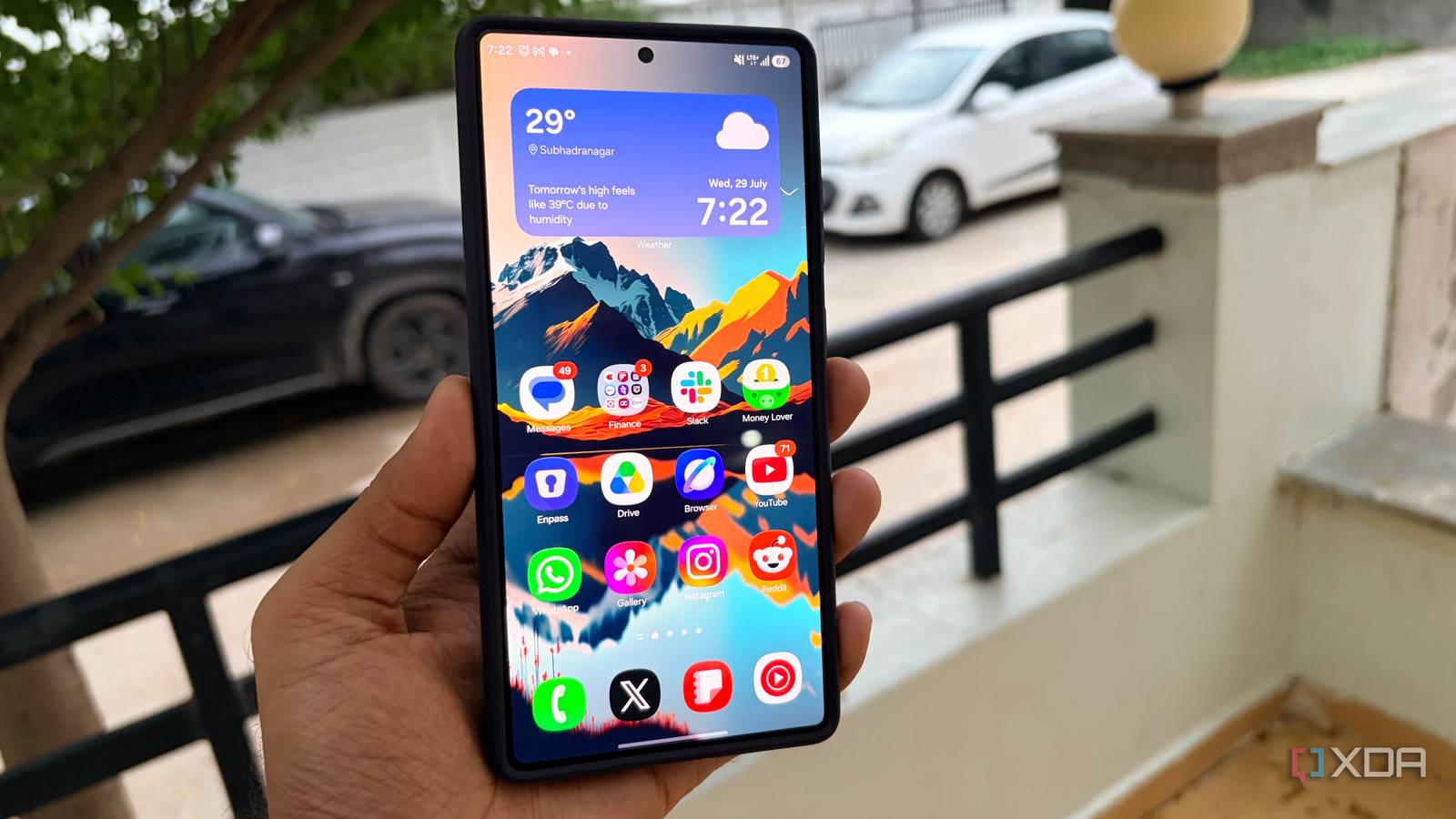
I set up a Samsung Galaxy from scratch, and these open-source apps were the first ones I installed
Full Article
Original Source
Read the full article at Xda-developers →KhanList aggregates and links to publicly available news content. We do not host full articles from third-party sources. Always verify important information with original sources.