
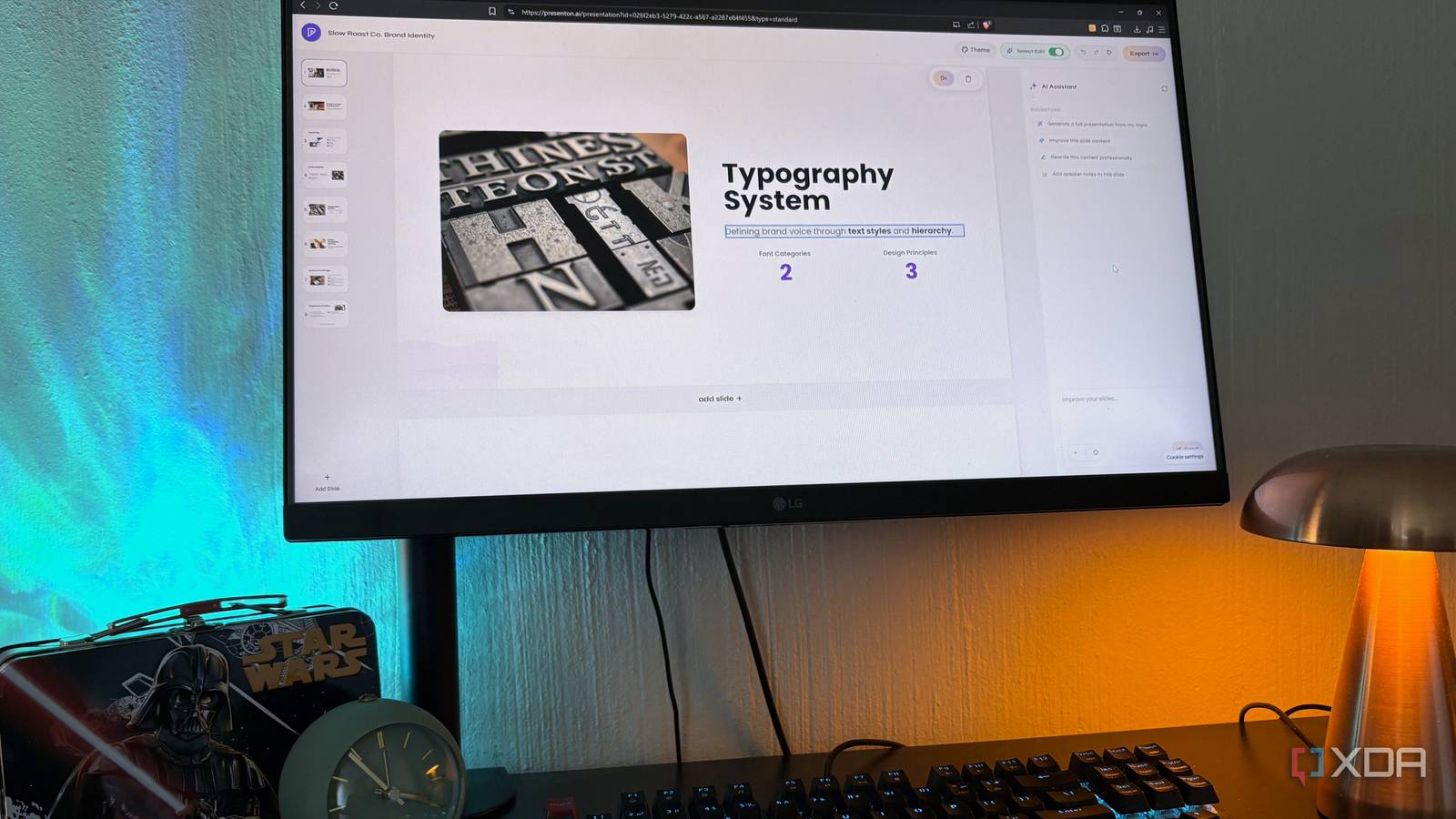
Published Sep 13, 2026, 10:30 AM EDT Nolen began their writing career in 2019, with three years dedicated to editing the Creative section at MakeUseOf. Their expertise lies at the crossroads of technology and creativity, covering areas like photography, video editing, and graphic design. Outside of work, you'll often find Nolen diving into a good book, writing their own stories, or playing video games. PowerPoint is a highly capable tool, and if you're fine with being in the Microsoft ecosystem then there's no reason to ditch it. However, Microsoft now keeps nudging you somewhere else, whether into Copilot, OneDrive, Teams, or whatever new AI feature they're trying to push. So if you're not so keen on that, then it might be worth looking at open-source instead. I wanted to stop thinking about what my slide software's vendor is doing next quarter and just focus on my slides and presentations. There were a couple of things I was looking for in my hunt for open-source alternatives: browser-based would be best, and compatibility with .pptx also mattered for when I need to send files to people who still use PowerPoint. Three tools stood out to me, but only one of them remained in my stack… OnlyOffice is basically PowerPoint, but with a different logo The most familiar option OnlyOffice was the obvious first stop because it bears the same office-style vibe as Microsoft 365, except it's open-source and self-hosted. The Presentation Editor is a tool inside the broader OnlyOffice suite and is a free desktop app on Windows, Mac, and Linux, and there's a browser version too if you go through their DocSpace Cloud. The ribbon interface is almost pixel-for-pixel PowerPoint, so I was productive within about ten minutes. There's also pptx compatibility which is non-negotiable if you have to send the files to people who do use PowerPoint and don't want the formatting to break. It has a full animation and transition library, slide masters with speaker notes and a presenter view, SmartArt chats, tables, and a plugin ecosystem for YouTube embeds and translation. Recently they added the ability to connect an AI model for chatbot and translation tasks right inside the editor, which I think is always a welcome touch - Ollama and LM Studio are supported. If you want something that's a near-replica of the PowerPoint experience, except being open and local, then OnlyOffice is probably your best bet. OnlyOffice Brilliant idea, but not for everyone Slidev is the wildcard here. It's an open-source presentation framework built by Anthony Fu, aimed at developers who want to write their slides in Markdown and version-control them like code. I only tested it briefly, but that was already plenty to see the appeal. You write slides as plain text in a .md file, Slidev renders them in your browser at localhost with hot reload, and the default themes look genuinely stunning. Better designed than most PowerPoint templates I've ever used, to be completely honest. It also does things PowerPoint can't touch. First-class code snippets with real syntax highlighting are the headline feature, and then there's Mermaid and PlantUML diagrams generated from text, LaTeX math, draw-and-annotate tools you can use live during presenting, and presenter mode you can control from your phone. It exports to real .pptx too. There's even a zero-install browser version at sli.dev/new that runs the whole thing in StackBlitz. But it's ultimately a developer tool. You build your slides by writing Markdown in a code editor, and if you're a developer giving a tech talk full of code snippets, Slidev is probably the best presentation tool on the planet. I'm not that person though. Slidev Presenton takes a completely different swing at PowerPoint It's self-hosted, open-source, and uses my local LLM Presenton's biggest selling point is that it's an AI presentation editor. That usually comes with a SaaS subscription and my content sitting on an unknown server, but Presenton is self-hosted and open-source, plus it hooks into your local LLM via Ollama or any OpenAI-compatible endpoint. You give it a prompt, upload a document with your notes or a reference, and it builds out a full editable deck. The output isn't like flattened screenshots either - every text block, image, chart, and table stays a separate object you can drag around and rewrite. The editor itself is a little more like a design tool, in fact, it feels similar to many of the vibe-coding and vibe-designing tools I've been testing lately, with a super clean and modern UI. The canvas editor is perfect for cleanup, or you can just ask the AI to redo a specific slide without regenerating the whole thing. The feature that actually got me though is the templates. I can upload one of my old PowerPoint decks and Presenton turns it into a reusable brand system, keeping the fonts, colors, and layouts, and every new deck I generate stays on brand automatically. That's the sort of thing PowerPoint should have shipped years ago. Presenton Three tools with completely different philosophies All three of these tools are legitimately good at what they set out to do. OnlyOffice is a solid pick if you love the PowerPoint workflow but hate the subscription, and Slidev is genuinely brilliant if you're a developer who wants slides in Git. Presenton was the one that stuck for me because that's just the layout and style of tools I've been working with a lot lately.
I replaced PowerPoint with three open-source tools, and only one stuck around
Full Article
Original Source
Read the full article at Xda-developers →KhanList aggregates and links to publicly available news content. We do not host full articles from third-party sources. Always verify important information with original sources.