
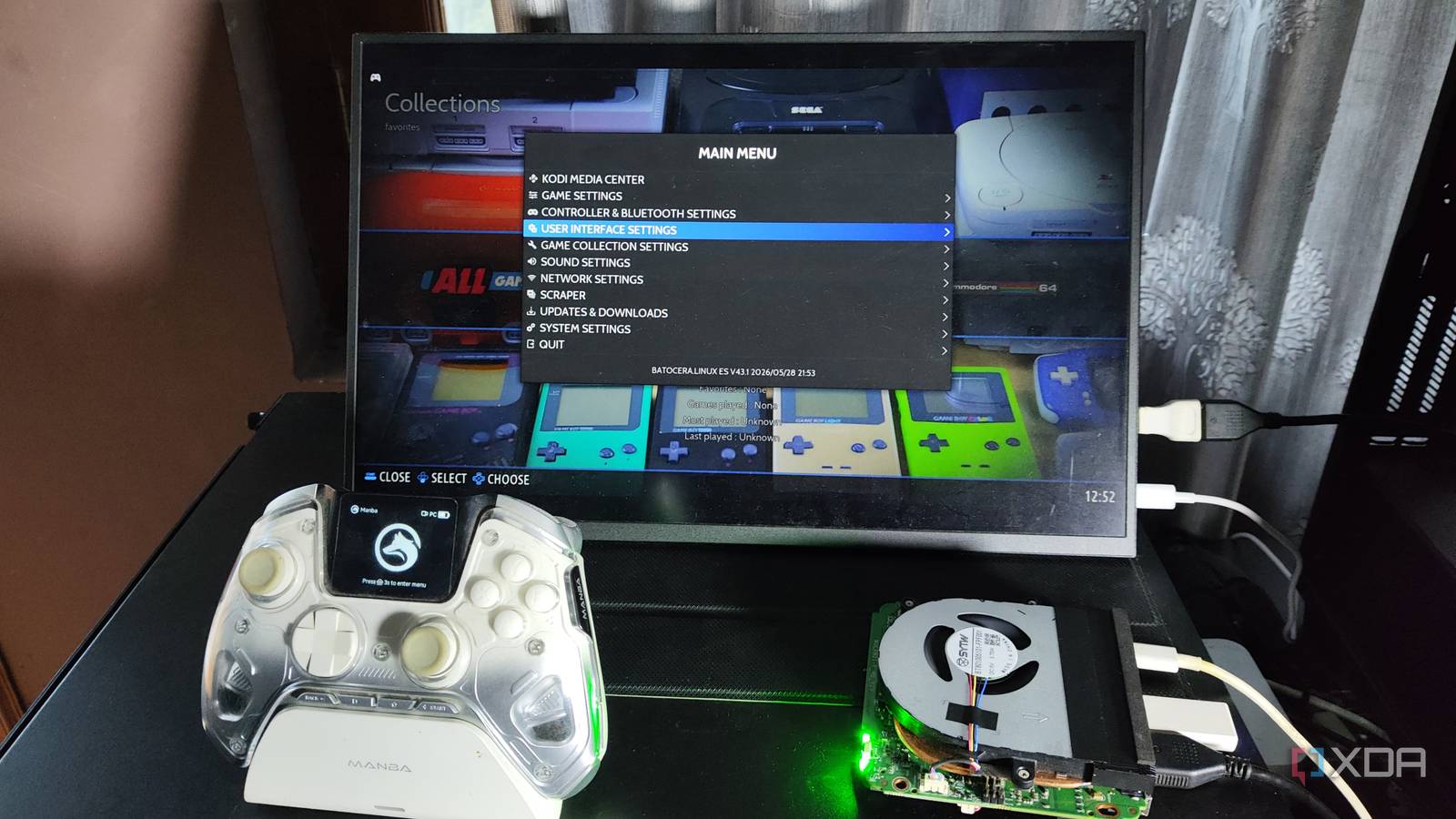
Published Oct 28, 2026, 11:00 AM EDT Ayush Pande is a PC hardware and gaming writer. When he's not working on a new article, you can find him with his head stuck inside a PC or tinkering with a server operating system. Besides computing, his interests include spending hours in long RPGs, yelling at his friends in co-op games, and practicing guitar. When you’re looking for cool beginner-friendly projects for your Raspberry Pi, a DIY emulation box is probably one of the most useful things you can build with your single-board computer. With something as new as the Raspberry Pi 5, you can even emulate a few 3D emulators, while retro consoles tend to work well without any performance issues. In fact, I’ve dabbled in my fair share of emulation distros for the RPi 5, and as long as I didn’t go too overboard with the scaling settings, it’d work well as a lightweight retro-gaming box. However, I recently decided to swap my tiny tinkering companion with an Intel N100 system for my old-school gaming needs, and it made my emulation box a lot more versatile. My N100 system supports more emulation cores Including the likes of Wii U and PS2 Although modern Raspberry Pi boards are fairly powerful, they tend to have lackluster emulation support for demanding consoles. Don’t get me wrong, most emulation-centric distributions support Nintendo 64, PlayStation 1, Dreamcast, and PlayStation Portable, and as long as your SBC doesn’t thermal throttle, you should get rock-solid frame rates in most titles. However, things start to get a little messy when you bring Wii, PlayStation 2, and a bunch of other consoles into the mix. And I’m not just talking about the performance, either. Many platforms don’t have emulation cores for somewhat newer consoles, with PS2 being a fine example. On my Raspberry Pi 5, AetherSX2 was the only PS2 emulator I could find online, and let me tell you, getting this thing up and running was an absolute pain. Since RetroPie doesn’t even have a native image for the SBC, I had to install the platform manually before I could pull the right scripts to install AetherSX2. In contrast, when I armed my N100 mini-PC with Batocera, I was able to run PS2 titles right from the get-go – a stark difference from my experience with the Raspberry Pi. But what really caught my eye while configuring the BIOS for different consoles was that my N100 node shipped with good ol’ Cemu, something that I could never even dream of running on my RPi 5 emulation box. And even if I could, my games wouldn’t run quite as well as they do on my N100… It’s also faster than my Raspberry Pi 5 emulation hub And I can scale the resolution up without massively affecting the performance Going back to the subject of PS2 emulation, the N100 can handle plenty of titles at playable frame rates even with the resolution scale dialed up a notch. Devil May Cry 3: Dante’s Awakening, Persona/SMT titles, and God of War 1 and 2 worked perfectly fine with the resolution crankedup to 1.25x. Tales of the Abyss, Ace Combat Zero: The Belkan War, and Armored Core: Another Age, the Prince of Persia trilogy, and Metal Gear Solid PS2 titles ran just as well on the N100, whereas my Raspberry Pi 5 would frequently run into performance issues unless I tweaked with a bunch of graphical settings. Of course, I’ve also got titles such as Burnout 3: Takedown, where the FPS wasn’t quite enough for me to enjoy the demolition experience. But for the most part, my N100 setup holds up well for PS2 emulation, and then there’s the whole Wii emulation core. Yoshi’s Wooly World and New Super Mario Bros. U ran pretty darn well on this seemingly weak system. Sadly, graphically-demanding titles such as Xenoblade Chronicles X were problematic, as the game wouldn’t hit above 22 FPS even with a bunch of tweaks. Leaving Wii U and PS2 games aside, I can also bump up the in-game resolution on my PSP, PS1, Dreamcast, and N64 titles a lot more on my N100 without massively crippling their performance. Even on the GameCube core, Metroid Prime, F-Zero GX, and Super Smash Bros. Melee would run well at 720p, and the N100 could handle lighter titles at even higher resolutions. Nevertheless, it’s still pretty impressive, even more so when you look at the N100’s pricing. A fully-functional N100 emulation box is more cost-effective than its Raspberry Pi counterpart When I bought my Raspberry Pi 5 (8GB) at launch, it cost around $80 (about $10 more for the shipping), and I invested another $18~ on all the accessories. But if I were to grab the same model now, I’d probably have to pay upwards of $200, and with the Raspberry Pi 5 needing an active cooler, microSD cards, and a micro HDMI adapter, it’d end up pushing close to $218. Then you’ve got a case and a boot SSD (alongside its own PCIe adapter) as optional accessories, which bump its cost up even more. Meanwhile, I’ve seen N100 mini-PCs retailing for $300-350, and that’s with a dedicated SSD and additional drive bays. If I were to opt for a similar SSD-powered Raspberry Pi 5 board, I’d probably close to $300. For a system that’s not only weaker than my N100 but also doesn’t support quite as many emulation cores, I can’t really recommend buying a high-end Raspberry Pi 5 board for just running 3D console titles. oaknode Mini PC N100
I replaced my Raspberry Pi 5 emulation box with an N100 mini-PC, and the difference is night and day
Full Article
Original Source
Read the full article at Xda-developers →KhanList aggregates and links to publicly available news content. We do not host full articles from third-party sources. Always verify important information with original sources.