
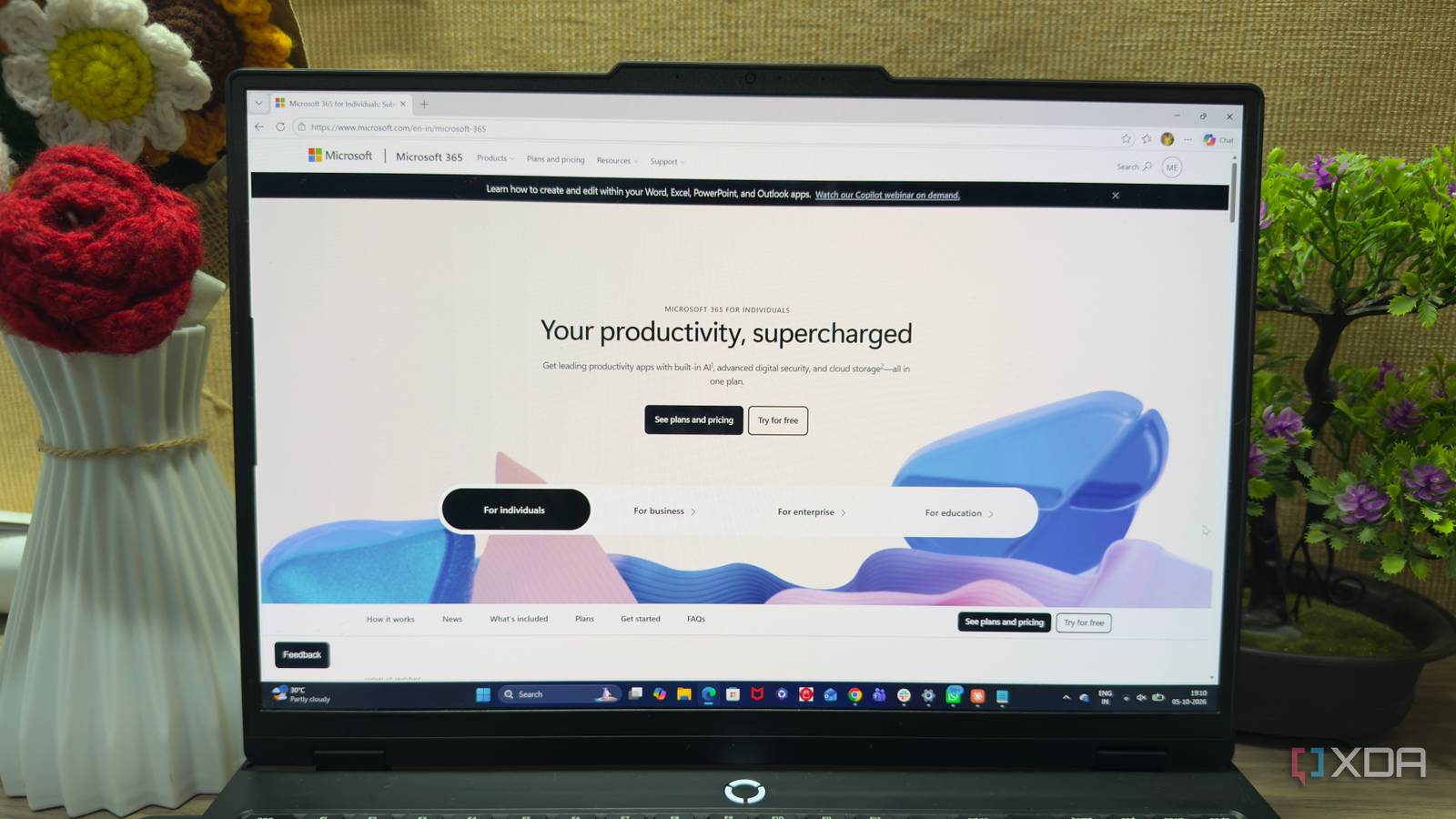
Published Oct 6, 2026, 5:30 PM EDT Beginning his professional journey in the tech industry in 2018, Yash spent over three years as a Software Engineer. After that, he shifted his focus to empowering readers through informative and engaging content on his tech blog – DiGiTAL BiRYANi. He has also published tech articles for MakeTechEasier. He loves to explore new tech gadgets and platforms. When he is not writing, you’ll find him exploring food. He is known as Digital Chef Yash among his readers because of his love for Technology and Food. I’ve used Microsoft 365 for years, so moving away from it felt like a bigger experiment than simply uninstalling a few apps. I wanted to see how far I could go with free, open-source software without making my daily workflow harder. Instead of looking for one package to replace everything, I tested different tools for different jobs and used them long enough to see where they actually fit. Everything worked more smoothly than I expected, but one part of the experience made me realize just how much I had taken a certain Microsoft app for granted. LibreOffice made me question my choice It challenged my need for Office LibreOffice is the first replacement that really makes me question whether I need Microsoft 365 at all. When I started using it, I expected plenty of compromises, but most never became a problem in my daily work. Writer handles the documents I create regularly, and I don't have to change much about how I work. Calc gives me everything I need for the spreadsheets I actually use, while Impress works well for the occasional presentation. The interface feels familiar enough that I can open any of the apps and get started without spending time learning a new workflow. I did notice some differences when working with Microsoft Office files, especially with formatting, but they haven't been enough to make me switch back. LibreOffice continues to handle my everyday office work without a subscription, and it has become a perfectly practical replacement. Nextcloud replaced OneDrive I took back control of storage Nextcloud is another replacement that fits into my workflow without requiring much adjustment. I mainly use it to keep my files available across devices, much like I did with OneDrive. Once I had it set up, I could access the same folders from my desktop, browser, and other devices whenever I needed them. What I like most is that my files are no longer tied to Microsoft's cloud. I decide where the data is stored, how much space I want, and which folders I want to sync. The desktop client also keeps the experience familiar because files appear directly in my file manager instead of forcing me to manage everything through a browser. It isn't completely maintenance-free, though. Since I'm running Nextcloud myself, updates, storage, backups, and occasional troubleshooting are now my responsibility. Still, that trade-off works for me. Nextcloud gives me the cloud storage experience I need while giving me much more control over where my files actually live. Joplin feels like the perfect OneNote Note-taking without all the clutter Joplin turned out to be one of the easiest Microsoft 365 replacements for me. I mainly wanted a simple place to write, organize, and find my notes, and Joplin covers those needs without making things unnecessarily complicated. I organize my notes into notebooks, add tags when needed, and can quickly search through everything when I need to find something. The editor also feels comfortable for everyday writing, so I didn't have to completely change how I take notes. I especially like that Joplin uses Markdown, which keeps my notes portable instead of locking them into a proprietary format. Another thing I appreciate is how flexible the app feels. I can use it across my devices and keep my notes organized in a way that makes sense to me. It doesn't try to turn note-taking into a huge productivity system, which I actually prefer. After using Joplin for a while, I stopped thinking about what I was missing from OneNote. For my note-taking needs, it simply works. Half-baked new Outlook made me switch to Thunderbird Thunderbird became my way out New Outlook is where my Microsoft 365 replacement experiment takes an unexpected turn. I had already moved away from Microsoft's other apps, but I still wanted a dependable email client. Unfortunately, the new Outlook experience doesn't feel like the Outlook I was used to. Some of the changes felt unnecessary, and I found myself spending more time adjusting to the new interface instead of simply managing my email. It also feels less like the complete desktop email client I had relied on for years. That was enough to make me look elsewhere. Thunderbird became the obvious option because I wanted something straightforward and open source. After installing it, I connected my email accounts and got back to basics without dealing with Microsoft's ecosystem. The interface isn't identical to Outlook, but that's not really the point for me. I want an email client that stays out of my way and gives me control over how I manage my inbox. Thunderbird isn't perfect, but it fits my current workflow better. I still miss Classic Outlook After replacing almost every part of Microsoft 365, Outlook is the one app I still genuinely miss. Classic Outlook wasn't perfect, but it was fast, capable, and felt like a proper desktop application. I only realized how much I valued that after switching away from it. What frustrates me is that Microsoft already had something that worked. Instead of improving the experience I liked, the new Outlook feels slower, more bloated, and increasingly focused on features I don't really need. Thunderbird works well enough for me, and I don't regret moving away from Microsoft 365. But I still hope Microsoft remembers what made Classic Outlook so good. I don't need more AI features or another redesign. I just want Outlook to feel fast, stable, and useful again. That's the version I'd happily come back to.
I replaced Microsoft 365 with free open-source apps, but this one app is hard to leave behind
Full Article
Original Source
Read the full article at Xda-developers →KhanList aggregates and links to publicly available news content. We do not host full articles from third-party sources. Always verify important information with original sources.