
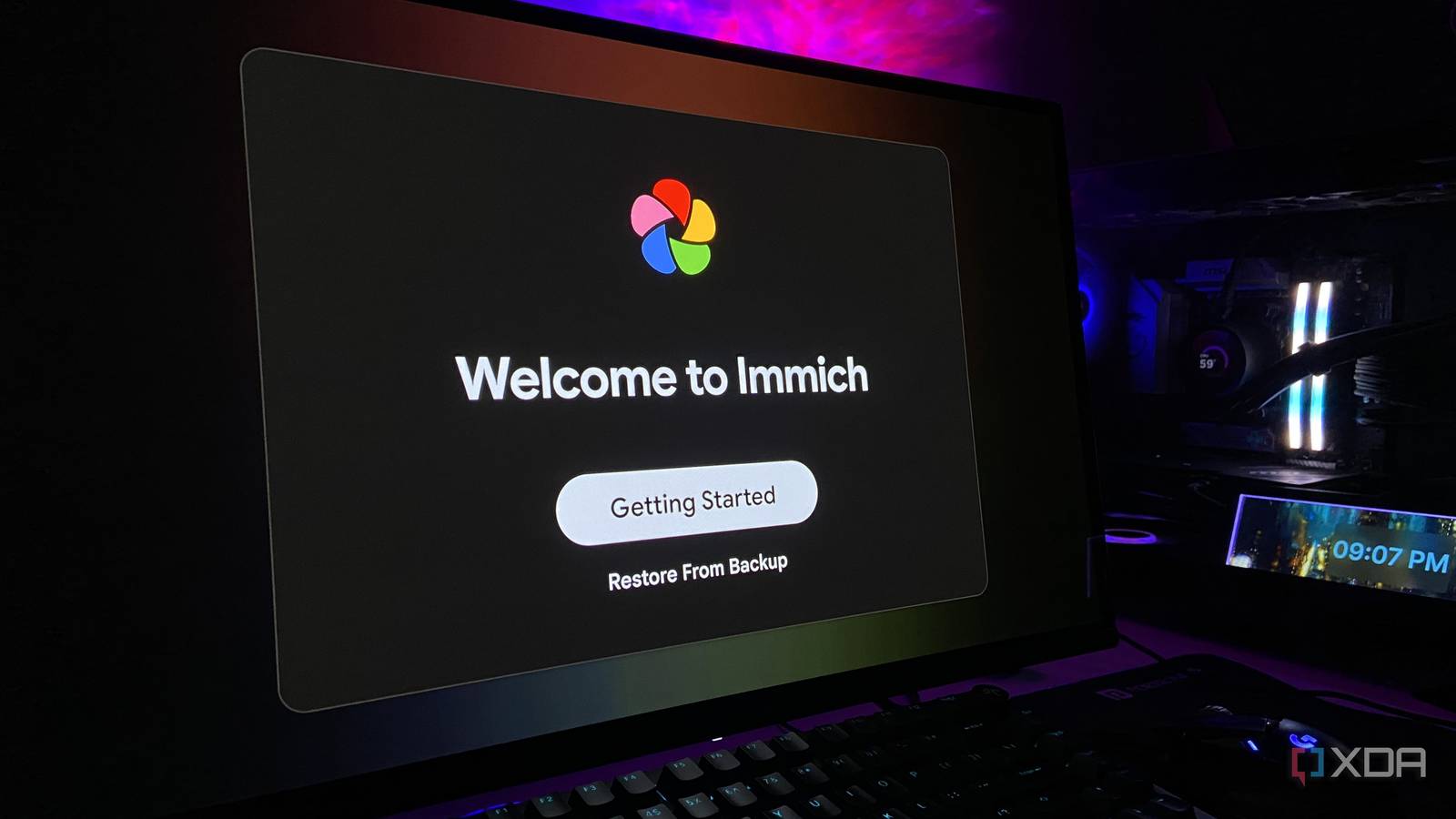
Published Aug 23, 2026, 6:00 AM EDT Abhinav pivoted from a career in banking to pursue his first love in writing. Even while working full-time, he continued contributing as an editor-at-large, a role he has held for more than 7 years. A lifelong tech enthusiast who has built three gaming and productivity powerhouse PCs since 2018, his passion for technology keeps him closely following the semiconductor industry, from NVIDIA and AMD to ARM. His MSc dissertation explored how artificial intelligence will reshape the future of work, reflecting his curiosity about the wider social impact of emerging technologies. There's a simple question you might've asked before heading into this article. "What's actually wrong with Google Photos?" For many years, it was the storage limits that kept getting tighter, the shrinking free tiers, and the added monthly cost of paying for one subscription after another. Today, there's an even more compelling reason to leave the ad giant's ecosystem. Google has silently expanded AI training on user media across a variety of its services, and it often opts people in by default through settings that sit outside the Web & App Activity controls. There's a chance that your photos are being used as training data for Google's expanding suite of AI models unless you go looking for the switch that opts you out. At the very same time, self-hosting is free and more accessible than ever. Most users are deterred from it assuming they'd need a dedicated home server running Linux, a weekend to set it all up, and a tolerance for forum threads. I was able to self-host a working private server without needing any of those things, and it was remarkably simple to do so. Immich lets you self-host your photo library Private, fully under your control, and running on hardware you own Immich is an open-source, self-hosted photo and video platform, and perhaps the closest thing the community has to a true Google Photos replacement. It runs as a small stack of Docker containers, including the server itself, a machine-learning service, a Postgres database, and a cache. Docker containers are essentially self-contained bundles that package software with everything it needs to run, so the whole stack behaves in the same way on any machine. The Postgres database is the catalog that records where each photo is and what is in it, without holding the photos themselves. The cache keeps frequently needed data close at hand so the server responds quickly. The machine-learning service has a rather special purpose, as it powers face detection and smart search. As far as ML is concerned, Immich uses a CLIP-based smart search (an AI model that matches your words to what's pictured, so "red car" finds the photo even if you never tagged it) in your background, so you can later search by typing what's in a photo rather than by date or folder. This smart indexing is one of my personal favorite features. Once the server is up and running, you can reach it from desktops, laptops, and phones with dedicated Android and iOS apps on their respective app stores. The mobile apps can also handle automatic uploads once you point them at your server's local address, which is really neat. Getting Immich up and running was the easiest part The challenge was the Linux layer beneath it on Windows 11 Most self-hosting guides assume every user has a dedicated machine for this sort of workload, and I did not. There's no home lab humming away in a cupboard here, and thanks to the current state of DRAM prices, there may not be one anytime soon. I don't have a spare Linux workstation to bring into service either. What I had, however, was more than enough, and it just was my Windows 11 PC, and a little bit of curiosity. Immich's installation was as straightforward as it could get. I only had to download two official files, set a database password, and run a single command to bring the stack up. The command, of course, was Docker Compose, which reads a single configuration file describing the stack and starts every piece at once, which is why bringing Immich took one line in the CLI environment rather than four services. On my machine, all four containers pulled and started on the very first attempt itself. It started to look suspiciously easy before I delved into the second step. The next layer was Docker and Linux, and on Windows 11, they now come from the same place. Docker Desktop uses the Windows Subsystem for Linux (WSL) as its engine, and WSL 2 runs a genuine Linux kernel inside a lightweight virtual machine that Windows manages. This was followed by enabling WSL, installing Ubuntu 26.04 LTS (which is, charmingly enough, codenamed "Resolute Raccoon"), installing Docker Desktop, switching on the integration that lets the two communicate, and then finally reach Immich. A self-hosted image library that's all mine made it all worth it Despite the challenges before the moment of truth All of this has to happen in a specific order, and, crucially, that was something that I got wrong a laughable number of times. I'd proceeded to set up WSL, install Docker Desktop, and simply forgot to install an actual Linux distribution. I spent a good while puzzled as to why there was no Linux to be found, before finally conceding and feeding the errors to Claude, which happened to de-mystify most of the process. I must confess, however, that some of these errors were my own doing. I typed Windows commands into the Linux shell and Linux commands into Windows PowerShell, never quite sure of which of the two I was addressing. As a result, I would run commands while sitting on the wrong filesystem. Funnily enough, I'm quite certain that, at one point, I may or may not have tried to shut down WSL from inside WSL, which is a little like trying to close a door while standing on it. It was all quite hilarious, but it goes to prove that anyone with more experience dabbling with WSL will have a much easier time than I did. Immich Key highlights Self-hosted iOS compatible Yes Immich is a self-hosted photo and video backup solution. Should you self-host Immich? If you've got the hardware for it, there's absolutely no reason not to give it a go while you keep paying for subscription fees. However, it's recommended that you inspect your particular self-hosting requirement. If your library runs to a few thousand photos, and you own a Windows PC, there's nothing stopping you. If, however, you are backing up hundreds of thousands of assets, you're looking for a tad more above the minimum requirement of 6GB-8GB memory that Immich recommends, alongside multiple CPU cores and a dedicated, sizable drive for the database.
I replaced Google Photos with Immich, and my entire photo library finally stays under my control
Full Article
Original Source
Read the full article at Xda-developers →KhanList aggregates and links to publicly available news content. We do not host full articles from third-party sources. Always verify important information with original sources.