
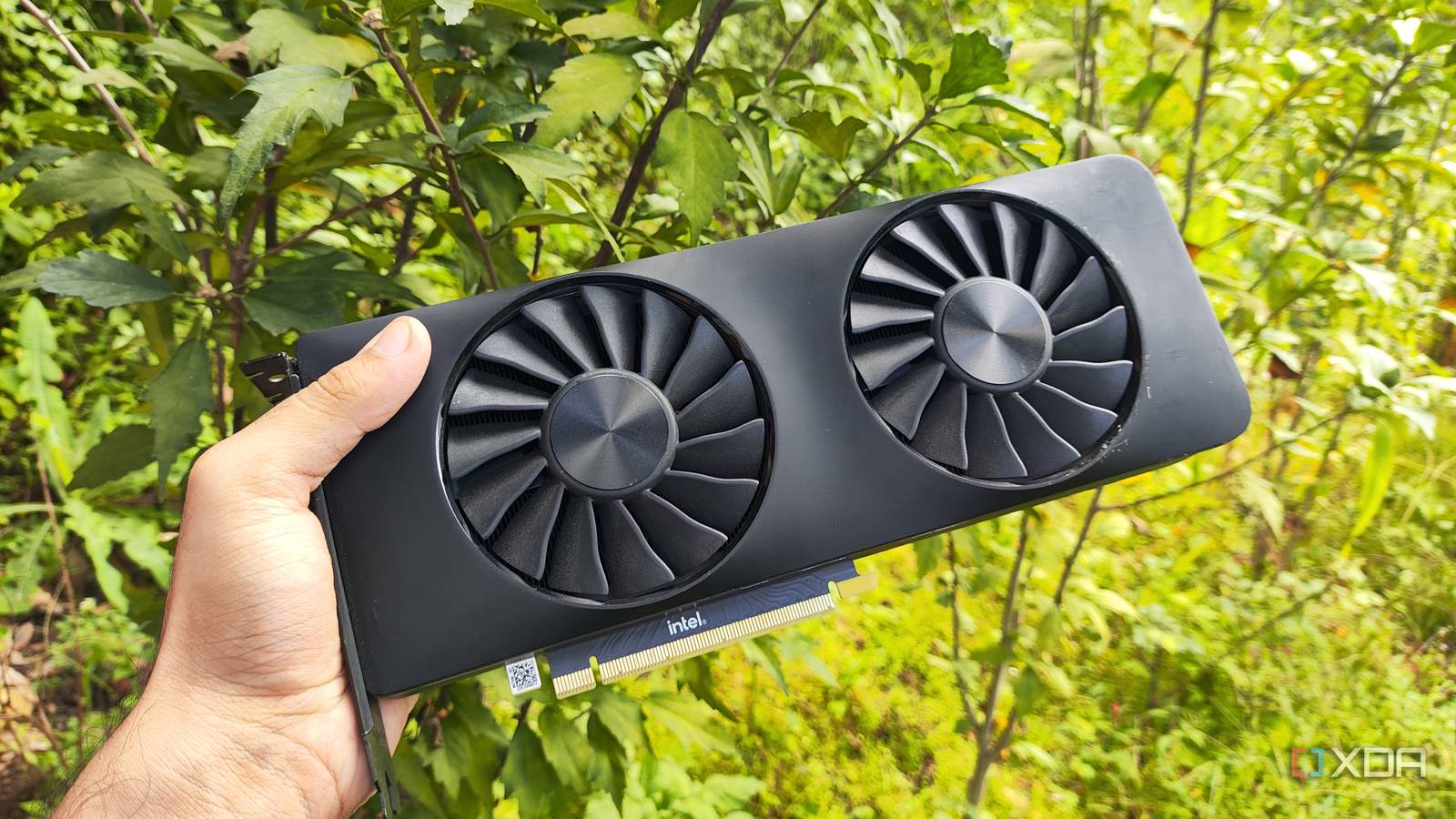
Published Sep 20, 2026, 4:30 PM EDT Ayush Pande is a PC hardware and gaming writer. When he's not working on a new article, you can find him with his head stuck inside a PC or tinkering with a server operating system. Besides computing, his interests include spending hours in long RPGs, yelling at his friends in co-op games, and practicing guitar. Over the last couple of months, I’ve tried running local LLMs on several servers, ranging from full-on RTX cards, NAS units, and old gaming PCs to random laptops and Raspberry Pi boards. To no one’s surprise, I’ve had the best luck with Nvidia cards, and not just modern ones featuring Tensor cores. In fact, I currently use an old GTX 1080 to run Gemma-4-E4B for my everyday productivity Docker apps, and this behemoth of a card can even drive the likes of GPT-OSS-20B and Gemma-4-26B-A4B at respectable speeds as long as I rely on MoE offloading. However, I still have an Intel Arc A750 that I bought a long time ago when it was discounted, and the only time I use it is when I need some video output for yet another old rig. So, I figured I could try running some LLMs on it as a weekend project. Truth be told, I had zero expectations from this aged GPU. And while I wouldn’t say it was able to run everything I threw at it as well as my GTX 1080, it’s still enough for my Gemma-4-E4B inference tasks. Setting llama.cpp for my Intel Arc A750 was a breeze And the same goes for passing the GPU to my llama.cpp LXC Since I wanted minimal interference from the underlying LLM-hosting platform, I decided to go with llama.cpp instead of Ollama and other inference engines. Likewise, Windows 11 was a terrible choice for this experiment due to its bloated nature, so I decided to go all out with yet another Proxmox-based LXC running llama.cpp. Since the only spare home server that can run Proxmox and support a dedicated GPU in my arsenal is an old rig containing two Xeon 2650 v4 CPUs alongside 64GB of DDR4 ECC memory, that’s the one I used as the guinea pig for this experiment. To my surprise, connecting the Arc A750 to this rig caused Proxmox to detect the card – a stark difference compared to my experience with my GTX 1080. Nevertheless, I manually updated the Vulkan drivers on my host by running apt install -y mesa-vulkan-drivers vulkan-tools libvulkan1. Since I wanted to see how well automatic GPU passthrough would go with my Arc card, I ran the bash -c "$(curl -fsSL https://raw.githubusercontent.com/community-scripts/ProxmoxVE/main/vm/debian-vm.sh)" command and chose Yes on the GPU passthrough page. Soon, the setup wizard began working its magic, and within a few minutes, my Debian LXC with GPU passthrough capabilities was fully operational. After repeating the driver installation process within this container, I ran the apt install glslc glslang-tools libvulkan1 vulkan-tools libvulkan-dev spirv-tools spirv-headers build-essential git cmake curl libxext6 command to grab all the necessary dependencies for my llama.cpp installation. Just to double-check my LXC’s GPU passthrough capabilities, I ran vulkaninfo | grep -i deviceName, and sure enough, Vulkan was detecting my Arc A750 as the only compatible device. So, I executed git clone https://github.com/ggml-org/llama.cpp to pull the inference engine’s files and cd llama.cpp to switch to its folder. Since I planned to use good ol’ Vulkan to drive llama.cpp, cmake -B build -DGGML_VULKAN=ON and cmake --build build --config Release -j$(nproc) were the only commands I needed to compile llama.cpp. My cheap Intel GPU is able to drive Gemma-4-E4B at respectable speeds The Arc A750 is a bit slower than my GTX 1080, but it’s not bad by any means Since Gemma-4-E4B is the model I rely on the most for my local inference tasks, it was the first one I wanted to test with my Intel Arc A750. Once I’d moved both Gemma 4 E4B and its associated MMPROJ file to the /root/models location, I ran ./llama-server -m "/root/models/gemma-4-E4B-it-Q4_K_M.gguf" --mmproj "/root/models/mmproj-gemma-4-E4B-it-BF16.gguf" -c 100000 --host 0.0.0.0 --port 8081 -ngl 999 within /root/llama.cpp/build/bin. Then, I launched the llama-server web UI and began prompting the LLM. To my surprise, the Intel Arc A750 was able to run Gemma-4-E4B at an average speed of 33 tokens/second, with small dips to 28 t/s occasionally. That’s about 4–6 tokens/second less than my GTX 1080, which is wild considering I expected this outdated first-gen Arc card to run well under the 15 t/s mark. I also tried tossing images, audio clips, and large spreadsheets at this setup, and it handled everything I threw at it with ease. Unfortunately, things took a turn for the worse when I threw my Mixture-of-Experts models into the fray… Mixture-of-Experts models are a different story They definitely work with MoE offloading, but their performance is far from impressive MoE models have become an essential part of my local LLM suite, as I can offload certain experts onto my CPU and system memory to mitigate the VRAM constraints on my old graphics cards. That’s pretty much how my GTX 1080, a GPU with merely 8GB VRAM, can handle the likes of Gemma-4-26B-A4B at 14+ tokens/second. Unfortunately, MoE offloading couldn’t give a drastic boost to my Intel Arc A750. When I tried to run Gemma-4-26B-A4B with 30 layers offloaded to the CPU, the Arc A750 could only generate 3.5 tokens/second. Granted, that’s not completely unusable if I leave it running in the background. But considering the GPU’s performance with Gemma-4-E4B workloads, I have to admit that I was rather disappointed with how terribly it ran the MoE model. Reducing the MoE layers to 20 would cause llama.cpp to crash, while setting it to 25 and reducing the context window to 10,000 tokens produced the same results. I even tried switching to GPT-OSS-20B, but the token generation rates still remained the same. I encountered a couple of GitHub threads that mentioned Intel GPUs performing terribly with MoE offload flags, so it might just be a bug with llama.cpp. Either way, my Arc A750 just isn’t powerful enough to drive bulky Mixture-of-Experts models. Still, I consider this experiment a success Despite the GPU’s terrible performance with MoE LLMs, I have to say that the Arc A750 is still viable for hosting local AI models. Sure, I wouldn’t go out of my way to buy an Arc GPU just to run LLMs on it. But since I already have one lying in my arsenal, I might just use it to drive Gemma-4-E4B and let my GTX 1080 focus on hosting GPT-OSS-20B. llama.cpp Llama.cpp is an open-source framework that runs large language models locally on your computer.
I recycled an old Intel Arc card for a local LLM server, and the results were surprisingly decent
Full Article
Original Source
Read the full article at Xda-developers →KhanList aggregates and links to publicly available news content. We do not host full articles from third-party sources. Always verify important information with original sources.