
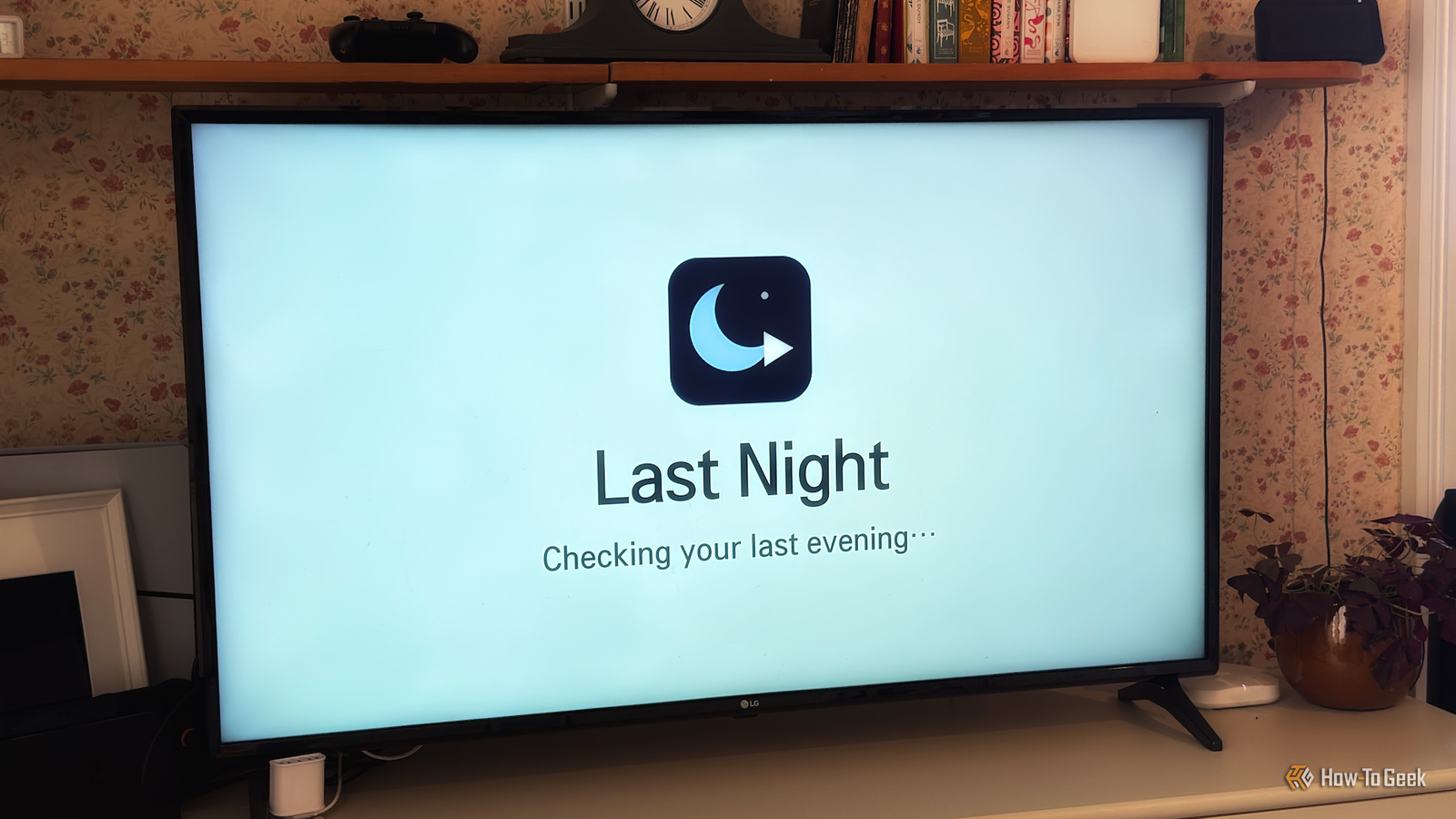
Published Nov 18, 2026, 2:00 PM EST Adam has a degree in Engineering and has a life-long interest in technology. He has been writing for over a decade for various print and online publications, with a focus on consumer tech. He joined How-To Geek in 2024 while working at Pocket-lint. As well as being a long-term fan of Apple products, he also has a strong interest in smart home tech, running a Home Assistant server at home to automate all his smart home devices. He believes that the ideal smart home should work with minimal interaction from the user, with automations running as if by magic rather than requiring you to push buttons on a control panel. You can find more of his work on Muck Rack. I rooted my smart TV after learning how some TVs can send home personal data, even when you've turned off all the permissions you can find. It seems to have made a difference, allowing me to block some services that I wasn't able to disable through the standard TV settings. Once my TV was rooted, I realized I could start creating apps to run on the TV. I decided to make my TV remember what I was watching last night and start it again at the push of a button. Rooting my TV makes almost anything possible An LLM can now read and write to the TV After watching the recent video from Gamers Nexus about how LG TVs can send home huge amounts of data and even showed how vulnerabilities could allow attackers to listen to you without your knowledge, I decided to root my TV to try to block as much of it as possible, with some success. One of the options once you've rooted your TV is to grant local SSH access, which can allow an AI coding tool such as Claude Code or Codex to access your TV. After experimentation, I found that these tools could take screenshots of the TV, allowing them to check the output of their code. This meant that it should be possible to get an AI to create apps that could run on my smart TV and test them out itself, using screenshots to determine what was showing on the TV screen at any moment, and adjusting the code accordingly. It would mean that I wouldn't need to sit there watching the screen, furiously typing that the text had appeared but it was too small to read or too far to the left. I wanted to build something genuinely useful The world doesn't need another home screen launcher If you look on TV forums on Reddit, you'll find hundreds of posts with very similar titles along the lines of "I built a custom home screen launcher for my TV," with a link to their repository. So many of these launchers look exactly like one another, and while replacing the usually terrible stock launcher is definitely worthwhile, there's really no need to keep reinventing the wheel. The thing is that you can effectively build anything you want, so building yet another launcher feels like a waste of time. There are so many other things you could do. I decided to make something that would solve a genuine problem in our home: my terrible memory. Most nights, we sit down in front of the TV, I turn it on, and then immediately ask, "What are we watching again?" Trying to remember the show we're currently watching is hard, especially with so many shows only dropping one episode a week, so we're constantly in the middle of watching multiple shows. It means that I usually end up flicking through multiple different streaming apps until I find the show that we were watching. With so many different streaming services these days, this can take some effort. I wondered if it would be possible to build an app to solve this problem. My TV remembers what we were watching last night One press opens the right app and starts playing the right content The first part of the system is fairly simple. A small program runs on the TV and starts working from 8:30 every evening, so that it doesn't track shows that the kids might watch on the TV earlier in the day. After that time, every few seconds it asks the TV's OS which app is on-screen and whether it's playing video in full screen. When the TV is turned off for the night, the program saves the last app that it saw playing. The next evening, when I select the Last Night tile on the TV's home screen, a second program opens that app. For BBC iPlayer and Disney+, the program can read the app's menus directly and send the relevant remote commands to navigate to the Continue Watching item in that app and start playing, or even open the playback link directly in the case of iPlayer. For other apps, such as Netflix, Apple TV, and Prime Video, the program isn't able to read the menus via the debugging tools. Instead, it takes a screenshot of the screen and uses the Tesseract text recognition engine to check the area of the screen where the "Continue Watching" section heading text should appear when that section is selected. If it doesn't find the right text, it sends the "Down" command and repeats the check until it confirms that it's in the "Continue Watching" section. It then sends the "OK" command, and the show that was last being watched starts to play. I've given my TV features it never had before It's amazing what's possible on even an old TV The upshot is that every evening, I select one tile on my TV's launcher, and the TV automatically opens the app that we were watching last night, navigates through the screen by itself, and plays the last show that was watched. I don't have to do anything other than select the app; everything else happens like magic. It works like a charm. From selecting the app to the content playing takes maybe fifteen seconds on the apps that require screenshots, and it's probably half that on iPlayer and Disney+. Even if I could remember what we were watching, it would probably take me that long to open the relevant app and navigate through it to the relevant content. My TV now has a feature that doesn't exist on the standard OS. It's genuinely useful; it runs entirely on the TV itself, and it was all built just by explaining to an AI what I wanted it to do. Just like with my jailbroken Kindle, my rooted TV is now far more useful than it ever was before; it can now show the live feed from my video doorbell when people are at the door, and it even runs my own custom teletext service. You don't have to make the same features as everyone else Using AI to create a beautiful home screen launcher is great, but it doesn't even touch the sides of what's possible. You can get a rooted TV to do incredible things, so it's worth considering what features you'd really love, as they may be easier to build than you suspect.
I made my TV remember what I was watching so I don’t have to
Full Article
Original Source
Read the full article at Howtogeek →KhanList aggregates and links to publicly available news content. We do not host full articles from third-party sources. Always verify important information with original sources.