
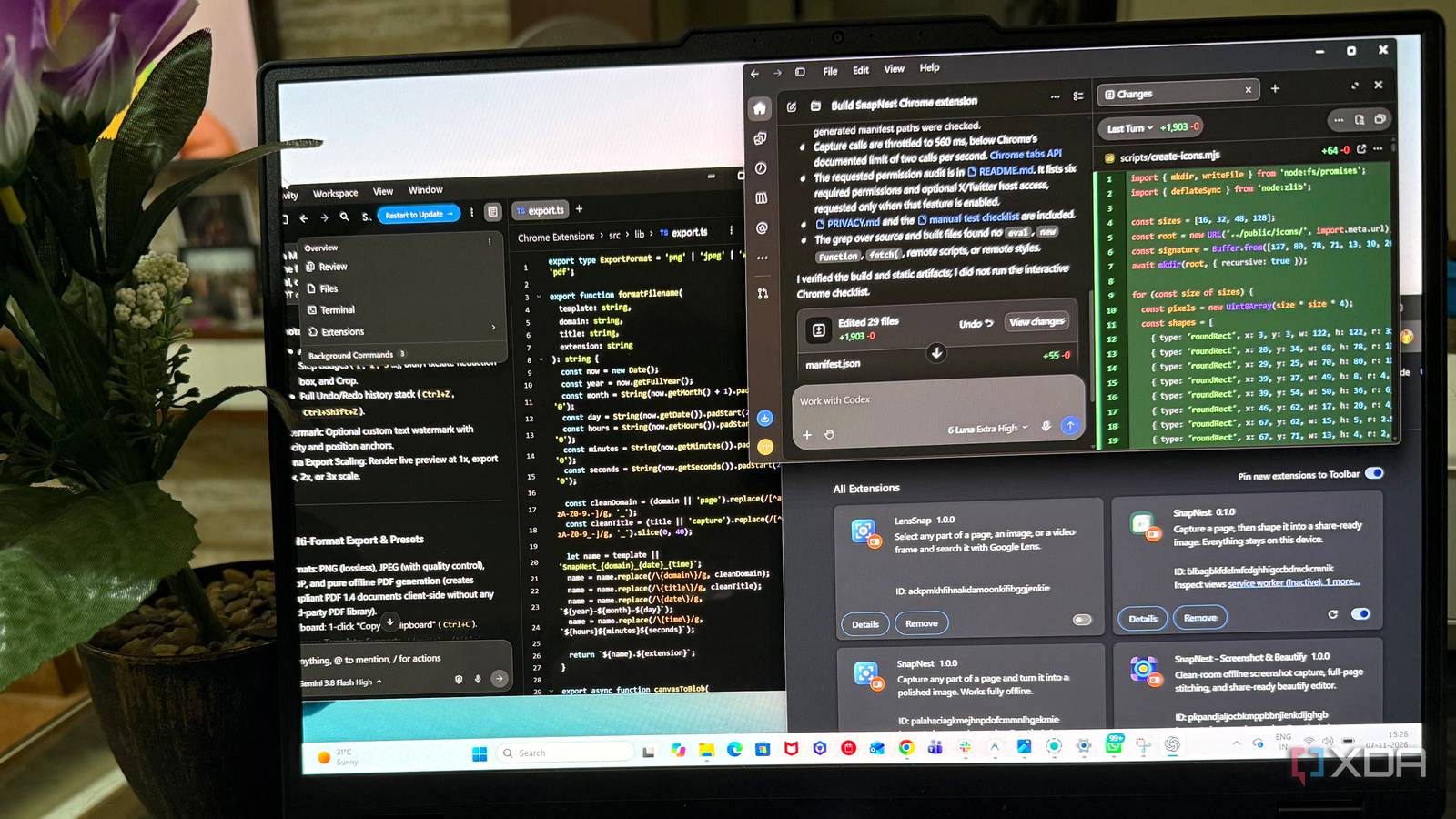
Published Nov 8, 2026, 7:30 AM EST Beginning his professional journey in the tech industry in 2018, Yash spent over three years as a Software Engineer. After that, he shifted his focus to empowering readers through informative and engaging content on his tech blog – DiGiTAL BiRYANi. He has also published tech articles for MakeTechEasier. He loves to explore new tech gadgets and platforms. When he is not writing, you’ll find him exploring food. He is known as Digital Chef Yash among his readers because of his love for Technology and Food. AI coding tools have made building software easier, but choosing the right one isn't always straightforward. I wanted to put three popular options to a practical test rather than rely on feature lists or coding benchmarks. So, I gave Claude Code, Codex, and Google Antigravity the same challenge and compared what they delivered. The results differed significantly, and one tool clearly stood out. Same prompt for fair comparison One prompt, three AI coding tools, and a real-world test For a fair comparison, all three tools received the same task: building a Chrome extension called SnapNest, a screenshot capture and beautification tool that works entirely offline. The goal was a practical extension, not just a basic tool with a few buttons. The prompt included multiple capture options, a built-in editor, customizable backgrounds, annotations, different export formats, and keyboard shortcuts. Privacy was another important requirement, with minimal permissions, no external scripts, and zero network requests. I also specified the development order, required error fixes after each stage, and asked for proper documentation. All three received identical instructions and deliverables, giving me a consistent basis for judging how well each tool could turn the brief into a polished, working Chrome extension. Codex The features worked, but the experience fell short Codex built most of the basic features mentioned in the prompt. I used the Luna 6 model to develop this in Codex. The extension was functional, but the experience wasn't quite up to the mark. The biggest issue was its interface. The fonts were tiny, and the color scheme wasn't particularly appealing. It made the editor less comfortable to work with. The editing controls were another drawback. Almost everything was in a side panel, making it hard to find specific settings quickly. Navigating between different settings felt unnecessarily confusing. Even the annotation tools had some usability issues. For example, the option to add numbered steps was available, just as requested, but the numbers appeared too small and weren't clearly visible on the screenshot. There was also no setting to increase their size, which made this feature less useful in practice. Codex did a reasonable job of implementing the core features, but its awkward layout and small usability issues made the finished extension less enjoyable to use. Google Antigravity Antigravity looked promising until I started editing Google Antigravity, powered by the Gemini 3.8 Flash model, gave me a better experience in terms of layout and organization. The editor was easier to navigate, and the different controls were arranged more neatly. I didn't have to spend much time searching for basic options, which made the editing process smoother. I also liked the export functionality. It supports multiple formats, including PDF, WebP, PNG, and JPG, making it convenient to save screenshots for different purposes. However, the annotation experience was a letdown. Instead of typing text directly onto the image, adding annotations opened old-fashioned JavaScript prompt dialog boxes. Even adding a watermark required entering text through a basic text box. The features worked, but the approach felt outdated and wasn't user-friendly. The blur effect also needed improvement, as the resulting background didn't look as polished as I wanted. Despite its better organization and useful export feature, the outdated annotation workflow and limited editing controls kept Antigravity from delivering a more polished experience. Claude Code The most polished extension of the three I used Claude Opus 5.5 in Claude Code, and it delivered the best experience of the three. Almost all the features mentioned in my prompt worked perfectly, and the editor's layout was well-thought-out. The controls were easy to find, and navigating between different editing settings felt natural. The numbered annotation feature was well implemented. Better sizing options made the numbers clearly visible on screenshots, addressing a usability issue I encountered with Codex. Another useful addition was the preset system, which allowed me to save up to 10 different styles. This made it easy to reuse preferred designs without adjusting the same settings for every screenshot. The blur effect was also noticeably better. Selecting a specific area of the screenshot and applying the blur produced a much cleaner result than the other two extensions. One minor annoyance was exporting. PDF export was placed separately rather than alongside PNG, JPG, and WebP in the same dropdown. Grouping all formats together would have made more sense, but this wasn't a deal-breaker. Ultimately, Claude Code got the functionality, layout, and usability right, making it my clear winner in this comparison. Development speed wasn't a major differentiator in this comparison. Antigravity finished the fastest, while Claude Code took the longest, but the gap wasn't particularly significant. What mattered more was the quality of the finished extension. Codex and Antigravity got several things right, but Claude Code delivered the most complete and comfortable result. If I had to choose one for my next project, Claude Code would be my first pick.
I made Claude Code, Codex, and Antigravity build the same Chrome extension, and only one was a keeper
Full Article
Original Source
Read the full article at Xda-developers →KhanList aggregates and links to publicly available news content. We do not host full articles from third-party sources. Always verify important information with original sources.