
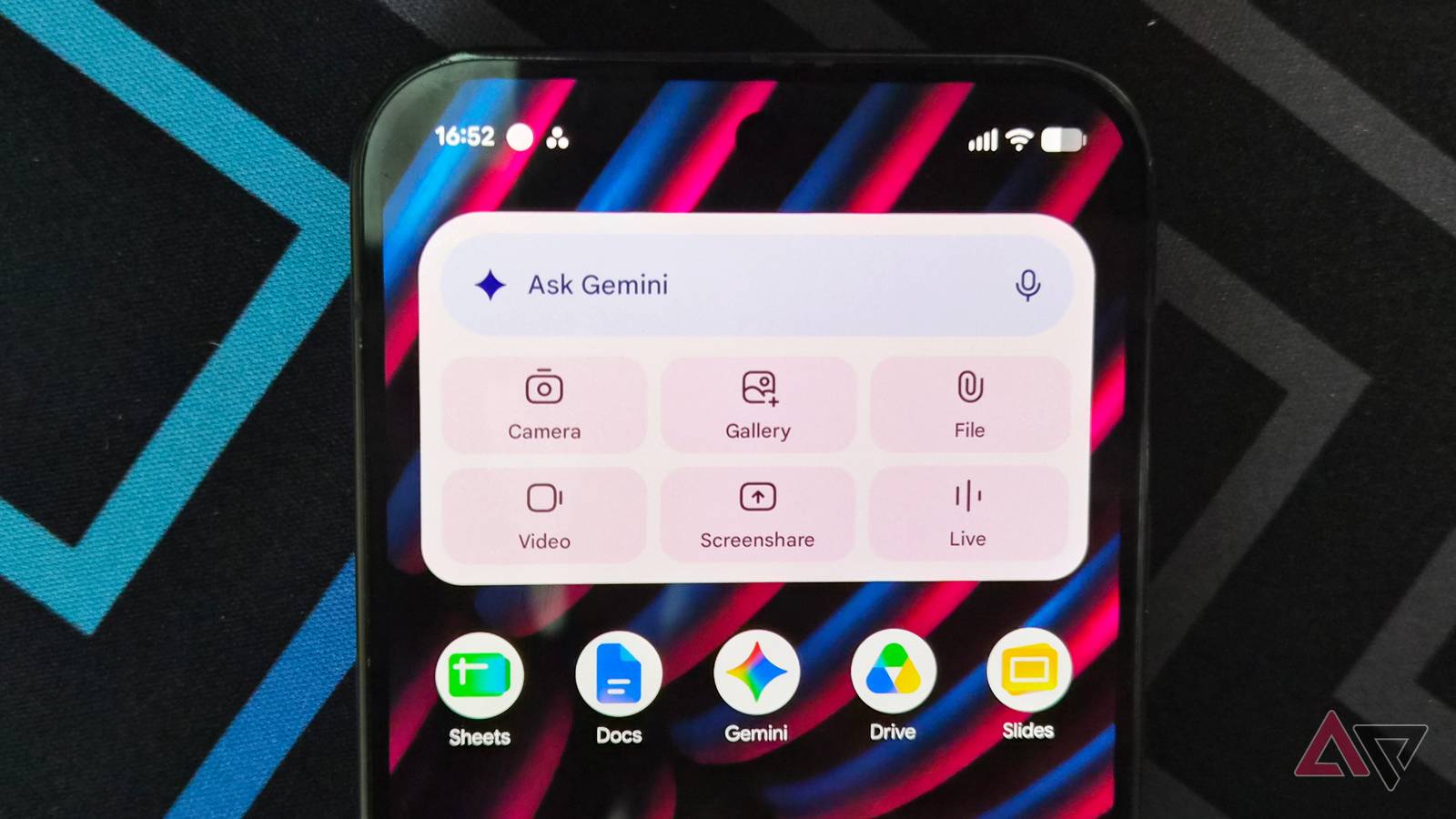
Published Nov 8, 2026, 5:00 PM EST Jade Bryan is a Feature Author at Android Police with over a decade of tech reviews and news reporting experience, stretching back to the Symbian era and the early days of Android. He covers the breadth of the mobile industry, specializing in operating system deep-dives, app testing, and hardware analysis. In his spare time, you can find him tinkering with his Android devices and wearables, seeking ways tech can improve daily life. He also enjoys playing MMORPGs, traveling, or feeding stray cats and dogs. Gemini integrates with Google Workspace apps like Docs, Sheets, and Slides, but I rarely use that integration. Instead, I use Gemini to pull up files and generate PDFs or docs without leaving the chat. Recently, Google added support for an in-chat file editor, and I've been testing whether I can ditch these apps for good, including my standalone PDF editor. After a few days of managing documents in Gemini, I've reached a conclusion. File generation in Gemini has leveled up Editing documents without leaving the chat Gemini's file generation is indispensable. I use it for converting reports, notes, images, or selected text into editable assets like docs or spreadsheets. It's not a direct file conversion, but rather a multimodal regeneration into another format that Google Workspace supports. Now, Google has given Gemini smarter editing and document-management capabilities, which I find more brilliant. This means I can open or tweak supported files in the chat, not just prompt Gemini to create a doc or slide deck from data or attachments. It seems like a modest upgrade, but it can boost productivity by several notches. Gemini has become even better at file editing Built-in PDF tool replaces Acrobat I don't have an Adobe subscription, and I don't plan on paying to unlock a signature tool or basic text markup. I rely on Microsoft Edge to fill out or sign a PDF without spending a cent. Because of that, I find the added PDF editing support one of Gemini's most practical enhancements. Currently, the PDF editor is available on both mobile and web builds of Gemini, while other formats like docs, raw text, and code blocks are limited to the desktop browser. This PDF functionality in Gemini only works for native files generated in the chat or within Google Workspace. It won't support arbitrary PDFs created outside Google's ecosystem, such as those from Adobe Acrobat or scanned images. Still, the available feature is handy if you live primarily on Google services. It also works on mobile, adding portability when you don't have access to a laptop or desktop. Creating and editing PDFs on the fly Gemini generates charts inside a file I've been using Gemini extensively for a few days now, mostly to generate and convert miscellaneous files and PDFs. For file creation, which has been available for several months, generating PDFs is straightforward. You provide a prompt that specifies the text or data you want to convert into a PDF layout. That process works similarly when you want Gemini to create downloadable copies of Docs, Sheets, or Slides. With this new Gemini feature, I can edit these files inside the chat window. For example, on mobile, I can open a PDF in the thread and tell Gemini exactly what changes I want. You can also highlight text or an area in the document and have Gemini revise it based on that selection. It detects the highlighted area, which feels far better than typing lengthy clarifications in the prompt box. You can tap and select text in the PDF viewer and ask Gemini to generate an equivalent chart or graph. Gemini handles Google formats with ease But there are quirks to take note of On the web, I can manage other file formats. I have only tested this with Docs, Sheets, and Slides, though it also supports code and Markdown files. Similar to PDFs, you can only preview and modify select formats, mostly those generated or converted inside Gemini. I tried exporting text files and spreadsheets, but Gemini sent me to an external link that goes to Drive or Docs. Instead, I convert that asset into another format or run an extraction, generating a local version I can edit in the conversation. Viewing files in Gemini on the web brings a few clear advantages over mobile. For one, it's easier to highlight specific sections of a document that I want Gemini to tweak. I also find opening files in a desktop browser faster. Most of the time, when I preview PDFs inside the Android app on my Pixel phone, the file either loads at a crawl or forces me to close and reopen the viewer. Gemini also hangs on mobile in some cases, which rarely happens on the web. I hope Google adds support for managing imported external files in the future, which would be a noticeable improvement. At least cross-device syncing in Gemini remains fluid, letting me jump to my laptop when I need to access files in the chat. Gemini is smarter, but it won't replace a dedicated office suite just yet Obvious bottlenecks appear when you try to turn Gemini into a standalone document editor. It has janky rendering and sluggish processing, which creates friction. I admit it won't fully replace Docs or Sheets in its current state, but for on-the-go and casual editing, especially with Google's formats, it's a reliable editor. If Google irons out these rough edges, Gemini could become a utilitarian powerhouse.
I let Gemini handle my Docs, Sheets, and PDFs for a week; there's one major catch
Full Article
Original Source
Read the full article at Androidpolice →KhanList aggregates and links to publicly available news content. We do not host full articles from third-party sources. Always verify important information with original sources.