
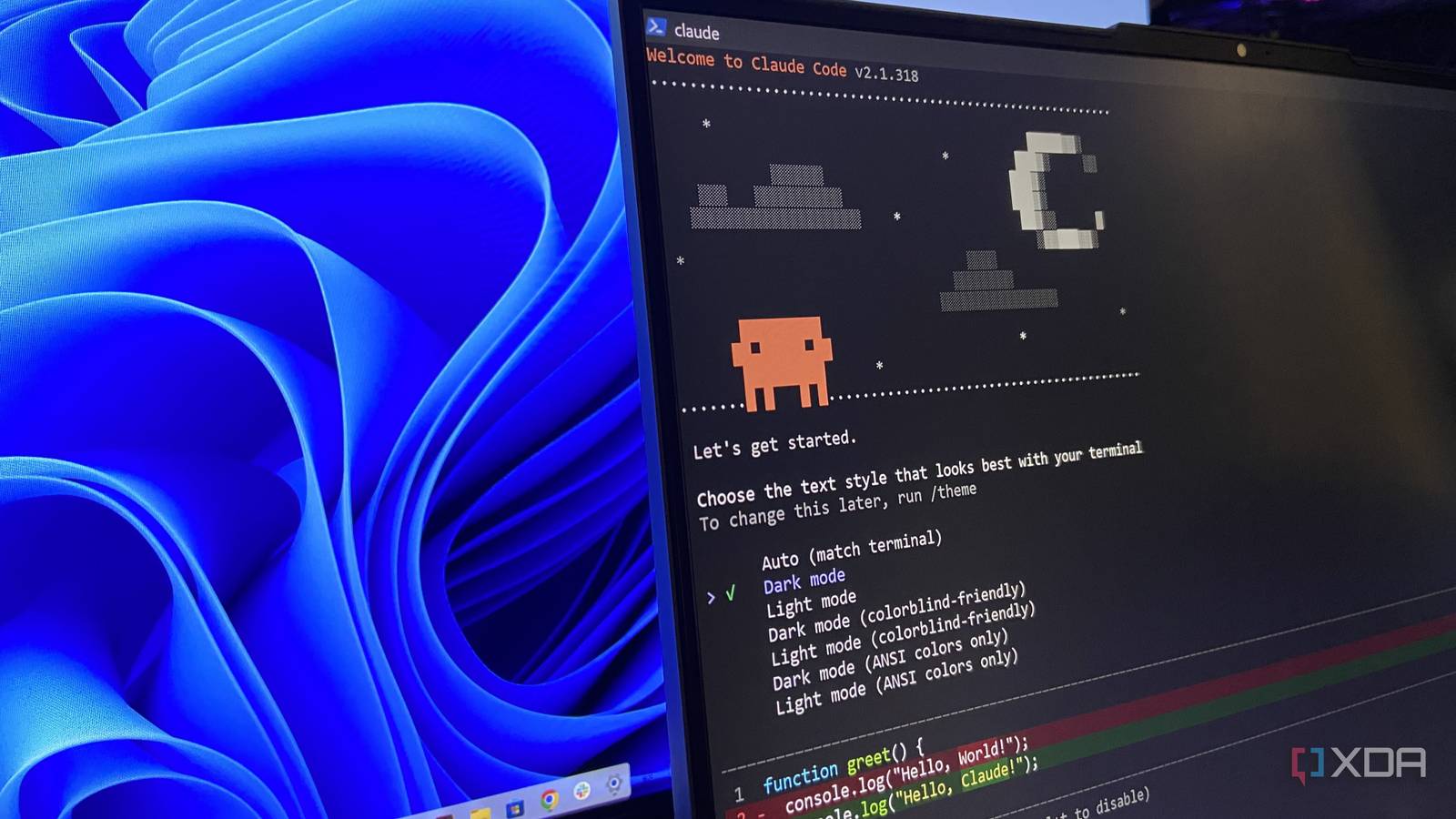
Published Nov 4, 2026, 7:01 PM EST Abhinav pivoted from a career in banking to pursue his first love in writing. Even while working full-time, he continued contributing as an editor-at-large, a role he has held for more than 7 years. A lifelong tech enthusiast who has built three gaming and productivity powerhouse PCs since 2018, his passion for technology keeps him closely following the semiconductor industry, from NVIDIA and AMD to ARM. His MSc dissertation explored how artificial intelligence will reshape the future of work, reflecting his curiosity about the wider social impact of emerging technologies. As a part of my job, I run various experiments on both of the machines I have at home, which includes my main desktop and a 2022 Lenovo Legion 5 Pro, which means that my SSDs fill up with leftover installers, packages, and files that I use once and never look at again. I've had my fair share of experience with both free and paid debloating tools, but making them work often means working alongside them. More often than not, they'd clean up a few gigabytes and then leave me chasing utilities I'd absent-mindedly deleted in bulk. So, I found myself wondering if I could build a debloating solution tailored to my laptop, which would exclude the files I might still want and look in places on my drive that generic debloaters could never reach. With that in mind, I handed the job to Claude Sonnet 5.5 through Claude Code, and it found 30GB of junk that I could get rid of in just three minutes. So far, it has worked better than any other cleanup utility I've ever used. I started with a storage audit with a free utility WizTree makes it easy to visualize your bloat Before jumping into PowerShell with Claude, I wanted to take a cursory glance at my drive and check every recommendation it would make against the numbers I'd tallied myself. To do this, I fired up WizTree, which is a free disk space analyzer that reads the NTFS Master File Table directly and scans an entire drive in a matter of seconds when run with admin privileges. I found a rather cluttered, disorganized drive after the run, just as I had expected from a laptop that hadn't seen any deliberate signs of maintenance since 2022. About 213GB of the C: drive was in use, and the treemap the utility uses for representation made some of the worst offenders visible from a mile away. My C:\Users folder alone accounted for over 110GB, and the Recycle Bin had been holding 20GB of files I had "deleted" but forgotten to empty from the bin. The device itself had telltale signs of a hamfisted job of maintenance, with a C:\Temp folder that hadn't been touched since June 2022, and a 3GB Drivers folder from the factory install. Certainly, Claude had plenty to work with. I exported the full scan as a CSV file and saved a text document detailing every installed app before handing off to Sonnet 5.5, which gave me a baseline for future reference and let me see whether Opus could discover this hidden mess on its own. Then, I let Claude Sonnet 5.5 work its magic It took one prompt, and my wish was its command The prompt I delivered was as simple as it could get, but I deliberately added certain exclusions to err on the side of caution with this run. "Debloat this 4-year-old Legion 5 Pro (running Windows 11 26H2). Find any junk files, caches, leftover installers, bloatware (both by the OEM and Microsoft) along with unneeded startup items. First, audit the files only. Change nothing, and give me a table of everything you would remove, along with its size and how safe it is to remove. Remove only the items I approve, and log each one with the space freed to debloat-log.md in this folder. Don't touch anything in OneDrive, System Volume Information, Recovery, Dev Drive, C:\Llama.cpp, C:\Games, Models folders, .ckpt files, or the Recycle Bin." As you can imagine, everything that I had excluded had a reason for doing so. OneDrive was obvious, since anything that's deleted here also disappears from the cloud copy. As for System Volume Information, it had to be protected as it holds the restore point I created before the run, acting as a safety net on the off-chance something went wrong. The Recovery folder on the other hand, holds the environment that Reset this PC and Startup repair rely on. Everything else that I had excluded, I did to protect my work on the PC. The Dev Drive is a 15GB virtual disk I use for testing, and Llama.cpp, my games folder, my model folders, and my .ckpt checkpoint files are all the test materials I routinely need. Also worth noting that before the test, I changed the permission mode in Claude Code from auto to manual, since Claude Code now starts in auto mode by default. This ensured that every file I deleted waited for my sign-off beforehand. Claude Code found 30GB of junk in three minutes Some of it had been sitting there since the day I unboxed it At medium effort, Sonnet 5.5 took about three minutes and twenty-three seconds to return a tiered list of junk files, bloatware, leftover installers and other startup items ranked by how safe they were to remove, at which point, I knew that it was a strong result already. I took a careful look through the categorized items, and found that junk and caches added up to about 8GB, whereas old installers and files came at 14GB. The apps Opus recommended for removal came to another 8GB. The oldest of finds had been there since day one of purchasing the laptop. C:\Drivers as it turns out, was Lenovo's factory driver dump from 2021, and it had company in the form of the Lenovo Companion app, a McAfee out-of-the-box upgrade task (which I'm surprised was a thing even in 2021) and Microsoft's usual suspects, with Clipchamp, Disney+, and Solitaire leading a list of 23 stock apps that I never once opened in my life. The rest, however, were my own doing. I discovered a ReasonLabs antivirus that I probably installed at some point and had forgotten long back, which had seven services set up right alongside Windows Defender. The other embarrassing items taking up space on the drive included Lavasoft's Web Companion, and a 4.5GB PanFone recovery folder from my iPhone 7 days in the C:\temp folder, which I assume I needed to fix a boot loop and get out of the DFU mode. Regardless, everything from that phone has long been backed up to iCloud, so the folder had no reason to stay. Claude also flagged a 4.5GB Nvidia shader cache, and since I no longer game on this laptop, that one may as well be three years old as well. An unexpected use-case for my $20 subscription? One of the things that most debloaters miss is the intelligence of a frontier model and its ability to recall training data to recognize what belongs on your PC versus what doesn't. In my experience, it has been entirely worth spending some of my tokens on a task that took just a little over three minutes and spared me hours of jumping from one folder to another. If you follow a similar approach, it's worth keeping in mind the safeguards I deployed that would help Claude easily separate the junk from the files that you may one day need. Claude is an AI assistant and LLM developed by Anthropic.
I let Claude Code debloat my 4-year-old Windows laptop, and it found 30 GB of junk I never needed
Full Article
Original Source
Read the full article at Xda-developers →KhanList aggregates and links to publicly available news content. We do not host full articles from third-party sources. Always verify important information with original sources.