
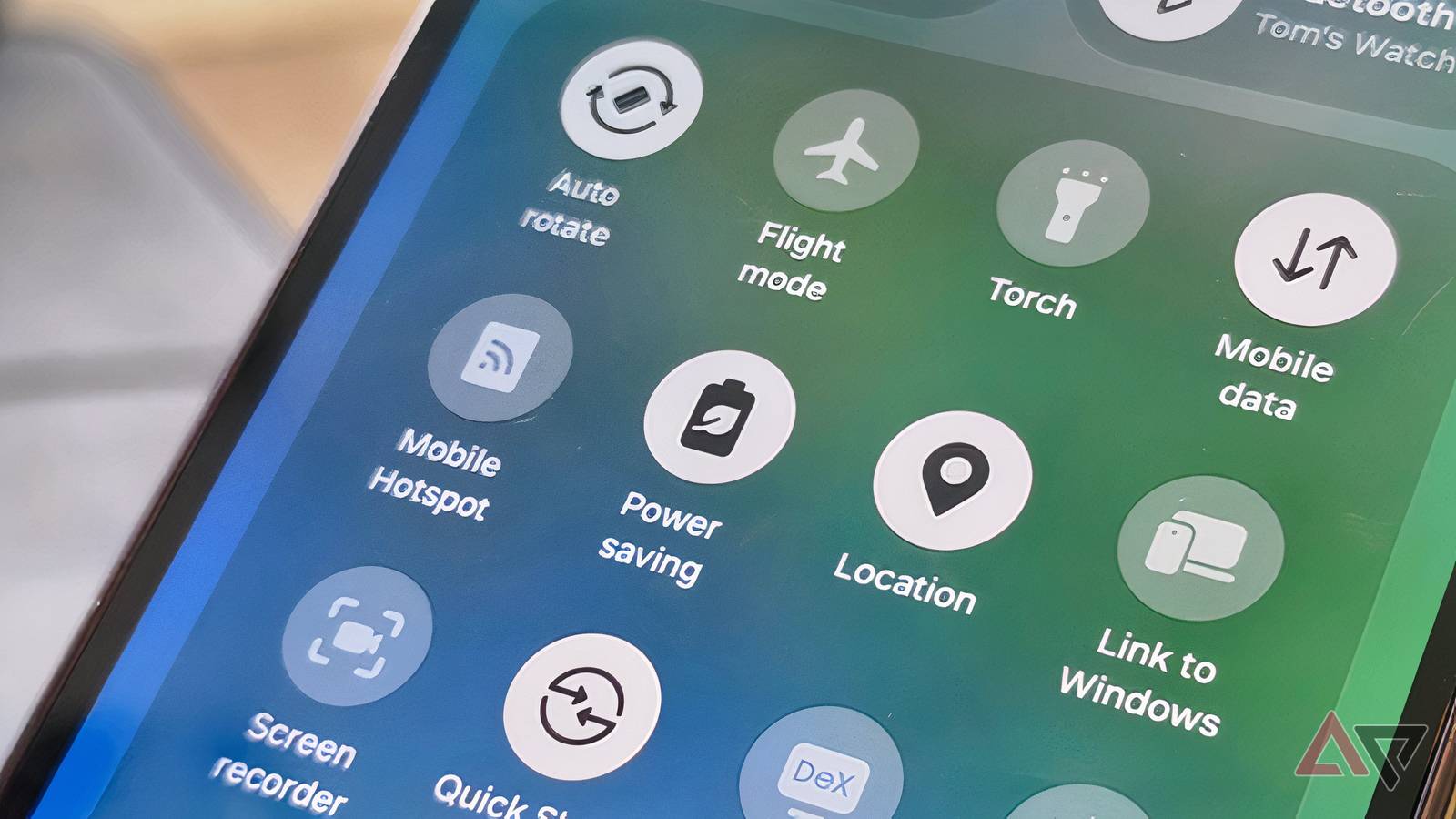
Published Nov 2, 2026, 6:00 AM EST Tom has been covering technology since 2019, having worked as part of the phones team at TechRadar and then as an editor at What to Watch. Since 2025 he’s been a freelance contributor for many more brands including Digital Trends. BGR, TechRadar Gaming, TechAdvisor and GamesRadar. He's written about myriad topics over his career including phones and tablets, headphones and earbuds, fitness and AV, and enjoys adding more beats to his repertoire. Outside of technology he’s also written reviews and features on games, movies and sports, having worked for many years as an editor at movie & TV website WhattoWatch. He's attended tech launches, product shows, movie premieres and game launches to do so. Tom is based in London, UK, and when not covering technology he does work in the film sector, enjoys to run, cycle, climb and play tennis, and plays several instruments. To me, a smartphone's most important feature is its battery life. I can live with an underpowered processor, lackluster cameras, or a cluttered user interface, but if the handset drains quickly, I just don't feel at home. It's why I love weird handsets like the 9,210 mAh-battery-packing Redmi Note 17 Pro Max, and am dismayed the Samsung Galaxy S27 Ultra reportedly won't get a 7,000 mAh battery like it should. My Galaxy Z Fold 8 Ultra doesn't have a great default battery life, and so I usually run it with Power Saving enabled. As a result, I've noticed a range of benefits beyond the phone's lasting power. One UI's Power Saving mode saved me And I'm far from alone Using a phone's Power Saving mode is common, at least among my peers, to squeeze extra hours out of a device. On my Galaxy, it's a dramatic boost of about 50%. Power Saving mode works by limiting some background phone features. Your device throttles network use, reduces location checks from apps, and stops syncing closed apps. On many devices, there's an extreme version, called Maximum, which force-closes all apps unless you manually open them. It makes your phone last even longer, useful in a pinch. I use power saving for the battery benefits, so I know my Fold Ultra will last a day of use. But I've noticed more benefits to the mode, which are equal draws. Keeping a low profile keeps the phone much cooler It's a chill reason Since I started using Power Saving full-time, I don't think my phone has overheated once. That's startling, given how frequently Qualcomm chips like the Snapdragon 8 Elite Gen 5 get warm. I'd wager this is thanks to the phone's reduced background activity. Devices get warm when their internals are working hard to carry out tasks, and Power Saving puts a pin in those tasks. Before, I'd sometimes find my phone warmed up easily, after a few minutes of a light game or a few pictures. But it's not been a problem for me since I started using the mode. The only thing that threatens to raise my phone's temperature now is wireless charging. I wish I'd known about this when a heatwave overpowered a different phone of mine! Reduced location use means privacy is guaranteed Drop a pin in security worries Your phone is always spying on you; it's a sad fact of smartphone use. Unless you turn off app location tracking on your Android, various apps will keep tabs on where you are at any time. This isn't for malicious reasons, but for innocent ones: location-based apps give you relevant information, your photos get location tags, and smart home apps know you're home. But it's still a privacy concern, knowing that all these big tech companies constantly know where you are and where you spend your time. Thankfully, one of the key things Power Saving mode disables is location information. Your handset stops repeatedly reporting your whereabouts to all your apps, giving you privacy and peace of mind. Not keen on using Power Saving mode but love privacy? You can separately disable Android background location access to boost battery life by a moderate amount. Less background activity means I get some peace of mind No apps, no notifications Phones inundate you with notifications; it's what they do. But sometimes you want peace of mind, and Maximum Power Saving helps. The mode combines the benefits of Power Saving mode and Do Not Disturb by minimizing the social apps that bombard you with messages, reminders, and emails. On my Galaxy, I can manually revive specific apps, so if I want peace but expect an important email, I can let Outlook run normally. Sometimes, when I'm on a video call in an app like WhatsApp, I'll use Maximum Power Saving and restore only WhatsApp, so my phone keeps its charge while I'm using just one app. A little bit of hardware, a lot of software There are loads of ways to boost your phone's power on Android, and we've written up guides on Settings toggles that keep your device lasting longer. A long-lasting Android phone usually means buying one with a large-capacity battery. But that's easier said than done, especially since mAh-packed cells are often mid-range. So knowing the software tricks is vital in keeping your phone going for ages between charges, and that includes knowing underrated Android battery features hidden in menus.
I keep my phone in power-saving mode 24/7; an incredible battery life isn't the only benefit
Full Article
Original Source
Read the full article at Androidpolice →KhanList aggregates and links to publicly available news content. We do not host full articles from third-party sources. Always verify important information with original sources.