
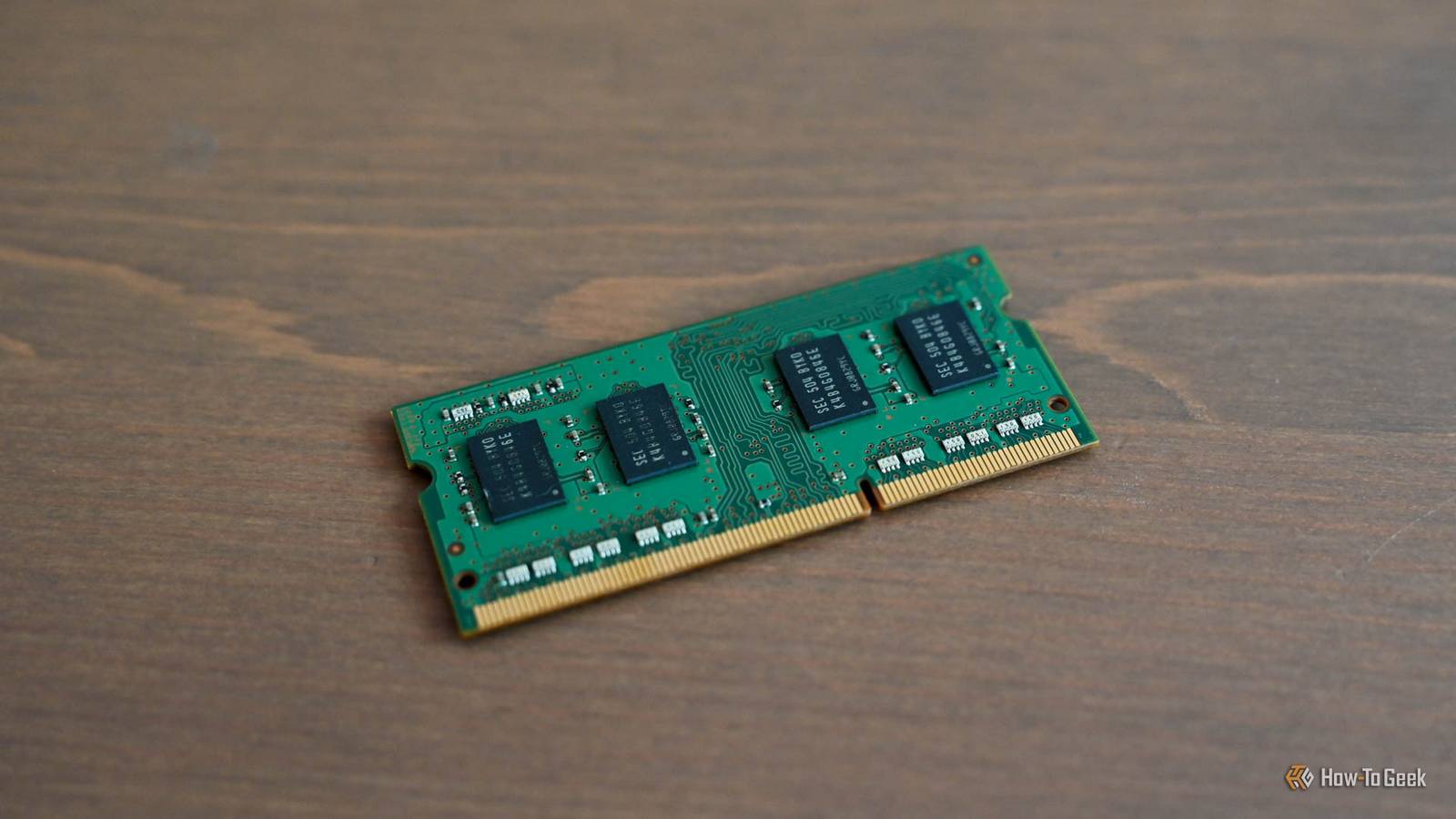
Published Nov 15, 2026, 12:30 PM EST Arol is a tech journalist who currently works as a contributor at How-To Geek since 2022. He first began writing online for the short-lived portal of Spanish-language gaming forum Emudesc in 2013. Years later, in 2017, he got his true start in tech journalism working for a small Google-focused site called Pixel Spot. He transitioned to a news and feature writer role at XDA Developers that same year, where he worked until 2021 before making the jump to other websites. Arol brings nearly a decade of writing experience, and the occasional hot take, to his writings. While he's a technology lover at heart, he holds computer hardware and smartphones particularly close to heart. You'll normally find him covering news, although he has also written the occasional deal, buyer's guide, how-to post, and round-up. He's also written for Android Police and MakeUseOf. He's also a Political Science student at the Central University of Venezuela, and a proud member of student movement Àgora UCV. When he's not writing, you'll probably find him hitting the gym, trying to ace a new hobby, reading his textbooks, or traveling. You can reach him at me@arolwright.com. Every time my machine starts choking on browser tabs and background apps, the old joke pops back: just download more RAM. It's pretty scarce these days, so the joke has actually gotten more common, believe it or not. There’s a genuinely weird, if utterly unrealistic, way to get close to that joke, and exploring it tells us a lot about how memory actually works under the hood. Can you actually download RAM? Physical memory can’t travel through a network cable Simply put, no. RAM is hardware: it’s a physical collection of DRAM chips, either stuck on a stick or soldered right onto your laptop's motherboard. There is no file you can grab from the internet that will add any of this to your computer. The "download more RAM" line has been a running joke for well over a decade, and the websites promising free memory downloads range from harmless pranks to outright malware traps. If any site offers to boost your RAM with a single click, they are either lying, or they want something from you. The joke does have a tiny grain of truth, though, because operating systems never actually rely solely on physical memory. Windows, macOS, and Linux use virtual memory to give applications their own address spaces and manage physical RAM efficiently. When memory pressure increases, the operating system can move some inactive memory pages to swap space or a page file on a storage device, freeing RAM for other tasks. Windows uses a paging file, Linux commonly uses swap space, and macOS uses swap files alongside memory compression. Compression keeps more data in physical RAM, while swapping moves selected memory pages to storage. When you have too many applications running, the operating system moves the pages of memory that are least used out to that storage and pulls them back when they are needed again. And this is where things get interesting. Linux can use swap partitions and swap files on supported storage devices, but not every filesystem is suitable. Swap requires reliable access to its backing storage, which makes network filesystems and userspace mounts considerably more complicated than ordinary local disks. An SSD works, and a traditional hard drive does too. With enough determined effort, even a folder that resides on someone else’s server will work. If Linux successfully activates the swap device, system-monitoring tools will report additional swap capacity. Your installed RAM remains unchanged, and the extra swap space won't behave like physical memory. So, you can’t download RAM. But you absolutely can make your computer borrow memory space from the internet, which is about as close to the joke as reality allows. How does this work, then? Mounting cloud storage and turning it into swap The whole trick requires two separate pieces working together: a tool that makes cloud storage appear like a normal local drive, and the swap system that is already built into your operating system. Linux is hands down the easiest platform for this, mainly because Windows generally won't let you put its page file on a network location. The first step is mounting cloud storage. Tools like rclone, which supports services like Google Drive, Dropbox, and OneDrive, can mount a remote account as a regular folder using FUSE, the Linux framework that allows ordinary programs to act as file systems. google-drive-ocamlfuse does this specifically for Google Drive. Once it's mounted, the cloud account shows up just like any other directory, and you can create, copy, and delete files within it. Next, we tackle the swap file itself. You create an empty file of whatever size you need, usually using the dd command to fill it with zeros, and you place it inside that mounted cloud folder. One experimental approach is to expose a file on a mounted filesystem through a loop device, creating a block-device interface that Linux can attempt to use as swap. However, this doesn't remove the underlying filesystem's limitations. With FUSE or cloud-backed storage, the arrangement may fail outright or become unstable because swap operations still depend on userspace services and network access. From there, mkswap formats it as swap space, and swapon tells the kernel to start using it. If the kernel accepts the loop device as swap, Linux should report the additional swap capacity. However, successful activation doesn't establish that the configuration is reliable under memory pressure. Nothing about your physical memory has changed, but the system now has an extra overflow area that technically exists on the internet. Rclone's VFS caching can stage data on local storage before uploading it to the cloud. Consequently, even if a cloud-backed swap experiment appears to work, much of the immediate disk activity may occur on the local cache rather than the remote service. This undermines the idea that the system is genuinely using cloud storage as an alternative to local swap. So in practice, part of that “cloud RAM” is actually just your local SSD wearing a disguise, with the actual upload happening afterward. The reason why almost no one does it Latency, crashes, and privacy make it a bad idea As you might imagine, the biggest issue here is speed. The reason why storage on a server thousands of miles away from you is slower than ultra-fast RAM chips just centimeters from your CPU. RAM access latency is typically measured in nanoseconds, while SSD operations take microseconds and network requests can take milliseconds. That puts remote storage several orders of magnitude behind physical memory, even before accounting for cloud API and filesystem overhead. Once the system starts depending on this kind of swap, it doesn't slow down so much as it grinds to a complete halt. Reliability is the next major problem. Swap requires fast, random reads and writes in small chunks, which is exactly what cloud storage services aren’t built for. They are designed around whole-file uploads, API rate limits, and syncing, not constant scattered access. Linus Tech Tips actually tried the Google Drive approach on camera, and the system crashed the moment it tried to write to the swap space. Cloud-backed swap can also introduce circular dependencies. If the userspace filesystem process needs memory to complete a swap operation while the system is struggling to reclaim memory, the resulting dependency can cause stalls or deadlocks. Then there’s privacy. Swap holds whatever was sitting in memory, which can include passwords, session tokens, and private documents. Swap data can contain sensitive information, including passwords, authentication tokens, and document contents. Although cloud storage providers commonly encrypt data in transit and at rest, that doesn't necessarily prevent the provider from accessing it. Client-side encryption would offer stronger protection, but would add complexity to an already impractical setup. Finally, better options exist. Linux's zram feature creates compressed block devices in RAM that can be used as swap space. This can increase effective memory capacity for compressible data without relying on slower disk storage, although compression consumes CPU resources. A regular swap file on a local SSD is vastly faster than any cloud alternative, and closing a few dozen browser tabs is completely free. When memory becomes a constant headache, a physical RAM upgrade remains the real fix. A fun experiment that proves real RAM matters Cloud-backed swap is an interesting thought experiment, but it doesn't turn internet storage into RAM. Even if you can get Linux to recognize remote storage as swap space, network latency, filesystem limitations, and reliability problems make it unsuitable for everyday use. The experiment illustrates why operating systems use swap as a fallback rather than a replacement for physical memory. If your PC regularly runs out of RAM, local swap and memory compression can help, but adding physical memory remains the most effective solution when an upgrade is possible.
I got tired of running out of memory, so I did the closest thing to "downloading more RAM" that I could find
Full Article
Original Source
Read the full article at Howtogeek →KhanList aggregates and links to publicly available news content. We do not host full articles from third-party sources. Always verify important information with original sources.