
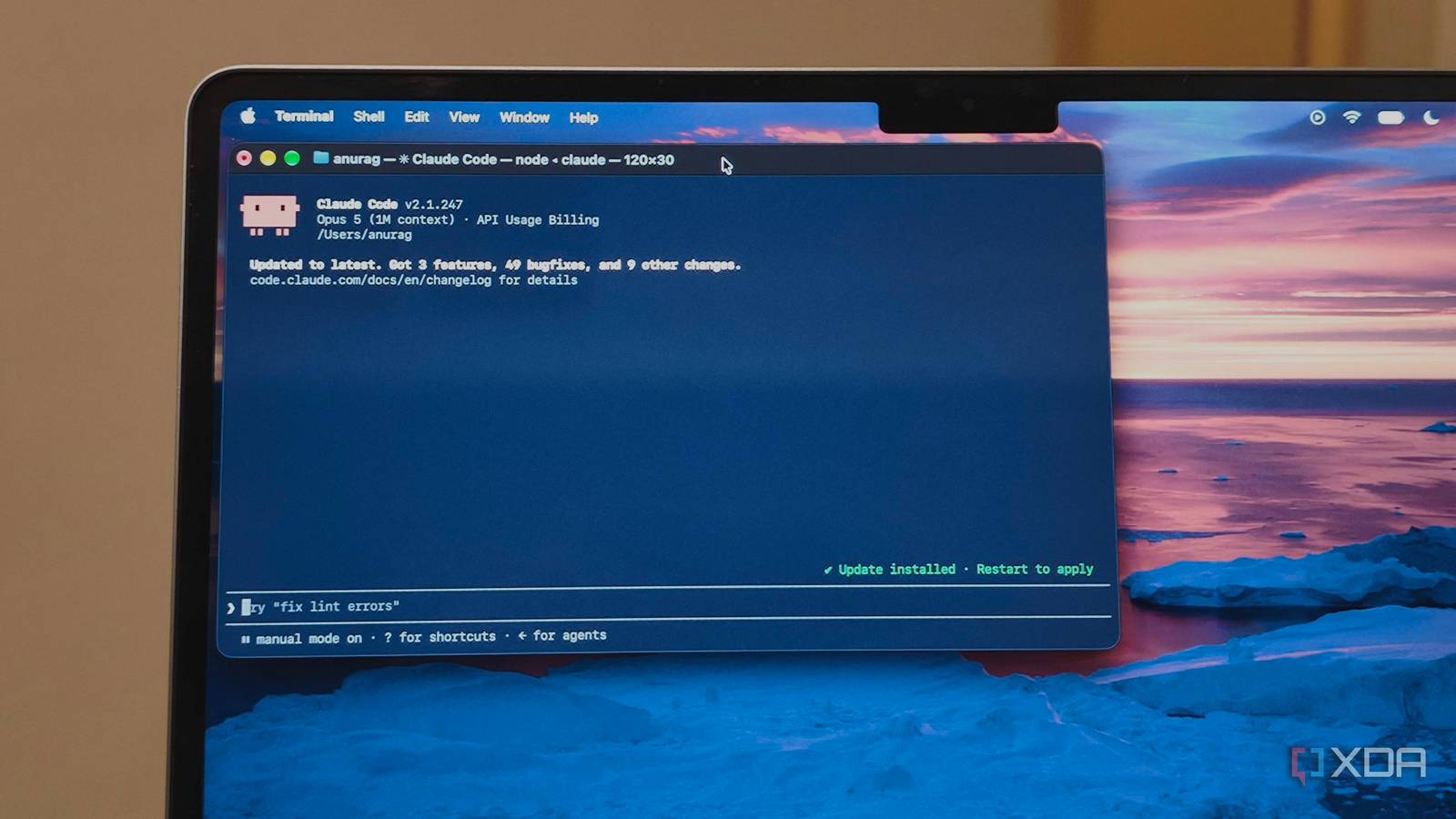
Published Sep 4, 2026, 2:00 PM EDT Anurag is an experienced journalist and author who’s been covering tech for the past 5 years, with a focus on Windows, Android, and Apple. He’s written for sites like Android Police, Neowin, Dexerto, and MakeTechEasier. Anurag’s always pumped about tech and loves getting his hands on the latest gadgets. When he's not procrastinating, you’ll probably find him catching the newest movies in theaters or scrolling through Twitter from his bed. I was reading an article from OpenAI, published earlier this year, about how the company changed its development environment to make apps more legible to Codex. The AI company says it exposed logs, metrics, and traces to Codex so the agent could reproduce bugs, validate fixes, and make the necessary changes. They have apparently been doing this at scale, which gave me an idea: why not give Claude Code read-only access to my server logs? I ended up doing exactly that. The result was that Claude Code actually started fixing bugs it caught while going through those logs. I only gave it permission to look I gave it a narrow, read-only view of the logs Credit: I run a SaaS tool which is backend-heavy and has a bunch of users. I am the only person working on it, so it's easy for me to overlook issues if the overall app is working fine. I have now given Claude code read-only access to the server, and now it acts like a second employee working on this app. Claude can observe errors from the running application and then trace them back to the files and functions that produce them. Normally, a coding agent has to work from a bug report, a stack trace I paste into the chat, or my description of what went wrong. But when I give it read-only access to the server, it can examine the evidence itself and keep searching if the first error message doesn’t provide an obvious answer. I started by having Claude go through the logs and report anything that looked important. Even that was useful because server logs contain plenty of routine noise, repeated warnings, and errors that disappear before I get around to investigating them. Claude can search through all of it without me deciding in advance which lines it should look at. If you don't wanna give your coding agent direct SSH access or raw terminal controls, you can route its actions through an MCP Server. Most MCP implementations allow you to explicitly toggle tools off. You can disable tools like query_rw or execute requests while keeping read-only tools active. My coding agent started fixing bugs on its own I have been ignoring those for some time The first real bug Claude picked up was related to performance and resource use. These problems are easy to overlook when an application keeps running, and nothing fails loudly. The logs gave Claude enough context to follow that behavior back through the codebase instead of treating the entry as an isolated warning. Claude examined the app’s configuration, the way it handled errors, and the database or query logic involved in the problem. It used that info to make changes across those areas rather than handing me a list of possible causes to investigate myself. This was the point where the experiment became interesting. Claude couldn’t push the fix to the server, restart anything, or make production changes on its own. I could review what it had changed and run the existing tests before deciding what to do with it. Those tests passed, so the proposed fix hadn’t broken the behavior they covered. Of course, passing tests don’t prove that the performance problem had disappeared from the live application. That would require deploying the change and checking the same logs again. However, Claude had already completed most of the work that normally makes debugging tedious. AI is joining the on-call workflow This will be a trend very soon Companies are already giving AI agents access to operational data used to debug software. As I mentioned above, OpenAI gives Codex access to logs, metrics, and traces through a local observability stack. The agent can reproduce a bug, change code, and inspect the telemetry to verify the fix. This workflow is appearing across observability tools. For example, Sentry gives Seer issue data and code context so it can identify a root cause, generate a fix, and open a pull request. Another example is Datadog’s Bits Investigation, which automatically investigates production alerts by working across logs, metrics, traces, infrastructure data, and runbooks. Incident.io has taken this further into incident response. Its AI SRE connects alerts with telemetry, code changes, service ownership, and previous incidents. It can identify the pull request likely to have caused an outage, suggest a repair, and prepare another pull request for review. It goes without saying that when you give AI this level of access to production, things can either work out really well or go terribly wrong. So, if you are working on a serious project, I would still recommend going the MCP route instead of letting AI do its thing, at least until better safeguards are in place. There have also been incidents in which AI has managed to breach sandboxes and hack systems.
I gave my coding agent read-only access to my server and it started fixing actual bugs
Full Article
Original Source
Read the full article at Xda-developers →KhanList aggregates and links to publicly available news content. We do not host full articles from third-party sources. Always verify important information with original sources.