
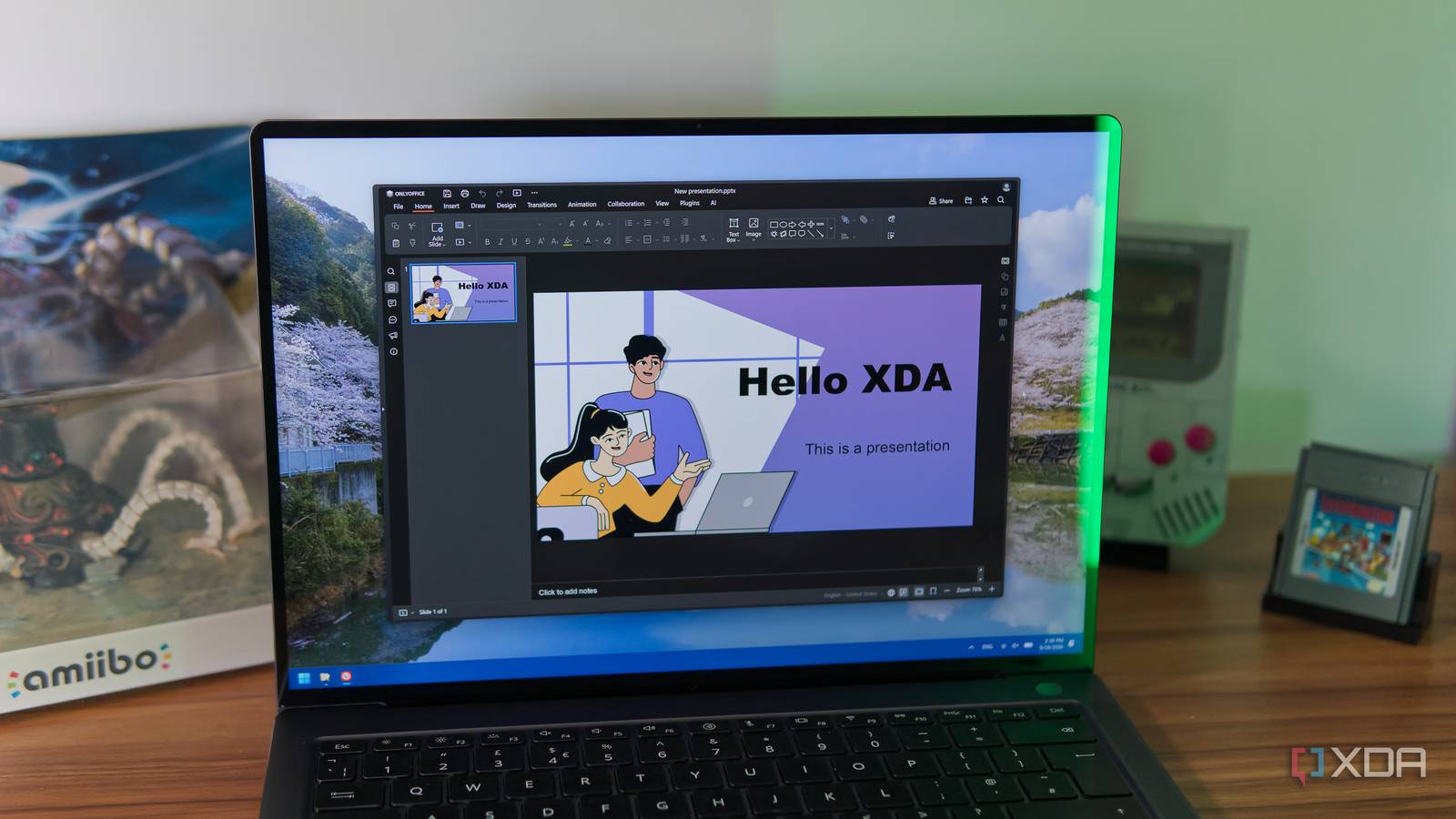
Published Sep 28, 2026, 3:30 PM EDT João has been covering the tech world for over 7 years, with a heavy focus on laptops and the Windows ecosystem. I also love all things tech and videogames, especially Nintendo, which he's always happy to talk about. Prior to joining XDA in 2021, he worked at Neowin: https://www.neowin.net/news/poster/jo%C3%A3o-carrasqueira/ Finding a good alternative to Microsoft's Office suite can be a challenge, especially if you don't want to spend money. That's especially true if you're looking for something that runs in your browser. LibreOffice may be considered a great alternative to Microsoft Office, but it's only available for free as a desktop application, with the web version requiring a payment. However, there's another solution on the market that may be even better. It's called OnlyOffice, and while I was already familiar with its desktop apps, I didn't realize it was also a fully fledged web-based tool. And if you're looking to escape Microsoft and Google, this is an excellent option. Documents, spreadsheets, and presentations are all here Like most office suites, OnlyOffice focuses on the three essential apps everyone has used at some point: Word, Excel, and PowerPoint. Of course, that's not what they're called here, but you get exactly what you'd expect: you can edit documents, manage spreadsheets, and create slideshow presentations. The OnlyOffice web apps aren't all too different from their desktop counterparts, which is to say they're pretty great for general use. Microsoft's offering may have some advanced features that can come in handy in certain workflows, but if you just want to write a paper and sift through a report in a spreadsheet, these apps are surprisingly capable. In the document editor, you can, of course, write using your choice of font options and sizes, set headings, align text, and all the basics. But you can also add images, tables, shapes, and charts, customize headings and footers, insert text in boxes, and even use a drop cap to begin a paragraph or page. You can write a report, paper, or seemingly even a book, if you want to. I spend most of my time in the spreadsheet editor, where I typically import CSV files with extensive datasets. OnlyOffice's web apps handle this just as well as the desktop apps, so I can take that data and create tables I can sort and filter as needed, which is not always guaranteed with a lot of the free software I've tried over the years. No matter which tool you're using, OnlyOffice also offers a pretty decent library of templates so you can get started a little more easily. It truly is a capable set of tools. It even has online collaboration I've been referring to this suite as simply OnlyOffice, but in reality, this is part of something called OnlyOffice DocSpace, which isn't just an office suite, it's an online collaboration platform. It's more geared towards enterprise users, but anyone can take advantage of some of its best features, which include real-time collaboration. For that, OnlyOffice DocSpace relies on the concept of rooms, and there are a few different kinds. A public room lets anyone access the document, even if they don't have an OnlyOffice DocSpace account, to view, edit, comment, and so on. You can create a "collaboration room", too, where other OnlyOffice users can sign in and work with you in real time. You can also create rooms specifically for filling PDF forms, where you can then easily review the responses given by other users. There are quite a few options, and a free account lets you create up to 12 rooms, which is already pretty solid. Because it's designed for enterprises, the way it works if you want full visibility over who's editing is that you invite people to create an account specifically within your DocSpace, rather than create a brand-new account that assigns them their own DocSpace. Of course, the same email can also be used for multiple DocSpace environments if needed, but it's something to keep in mind. It's (almost) completely free Even with some cloud storage As I've already alluded to, OnlyOffice DocSpace is free to use, though only to a point. Everything I've described so far is completely free to use. You can create and edit documents at will, use templates, and you can even keep them stored in your DocSpace account. A free account gets you 2GB of cloud storage, which is shared with all users you invite to your own server. Plus, as I've mentioned, the free account limits how many rooms you can create. Out of those, I'd say the 2GB storage limit is the biggest problem, though if you're mostly working with text-based files, that's still a good chunk of space. There's no reason to share your DocSpace with other users aside from collaborating on specific documents, either, so each person that's in your DocSpace can also have their own account if they want to edit files on their own. If you feel the need to pay up, things get fairly pricy, starting at $20/month for 250GB of storage, which also lets you create an unlimited number of users and rooms. But that's not the point of this article. As a free tool, OnlyOffice DocSpace is honestly very impressive. The editing tools are just as powerful as the desktop counterparts and they feel surprisingly smooth, with the added benefit of online collaboration and a small offering of cloud storage. It may not be as "generous" as Microsoft's or Google's offerings to those, but if you're looking for an alternative, this is a great one. OnlyOffice is excellent I was already a big fan of OnlyOffice's desktop apps, but the web-based version is honestly just as good. It's actually kind of interesting because with Microsoft Office, the web apps feel very lackluster and unpolished by comparison, but that's far from the case here. It's so good, in fact, that if you ever try using real-time collaboration inside the desktop apps, this actually relies on the web version of the tools, but most people wouldn't know any better. OnlyOffice
I found a free, browser-based Microsoft Office alternative and it made me forget about the original
Full Article
Original Source
Read the full article at Xda-developers →KhanList aggregates and links to publicly available news content. We do not host full articles from third-party sources. Always verify important information with original sources.