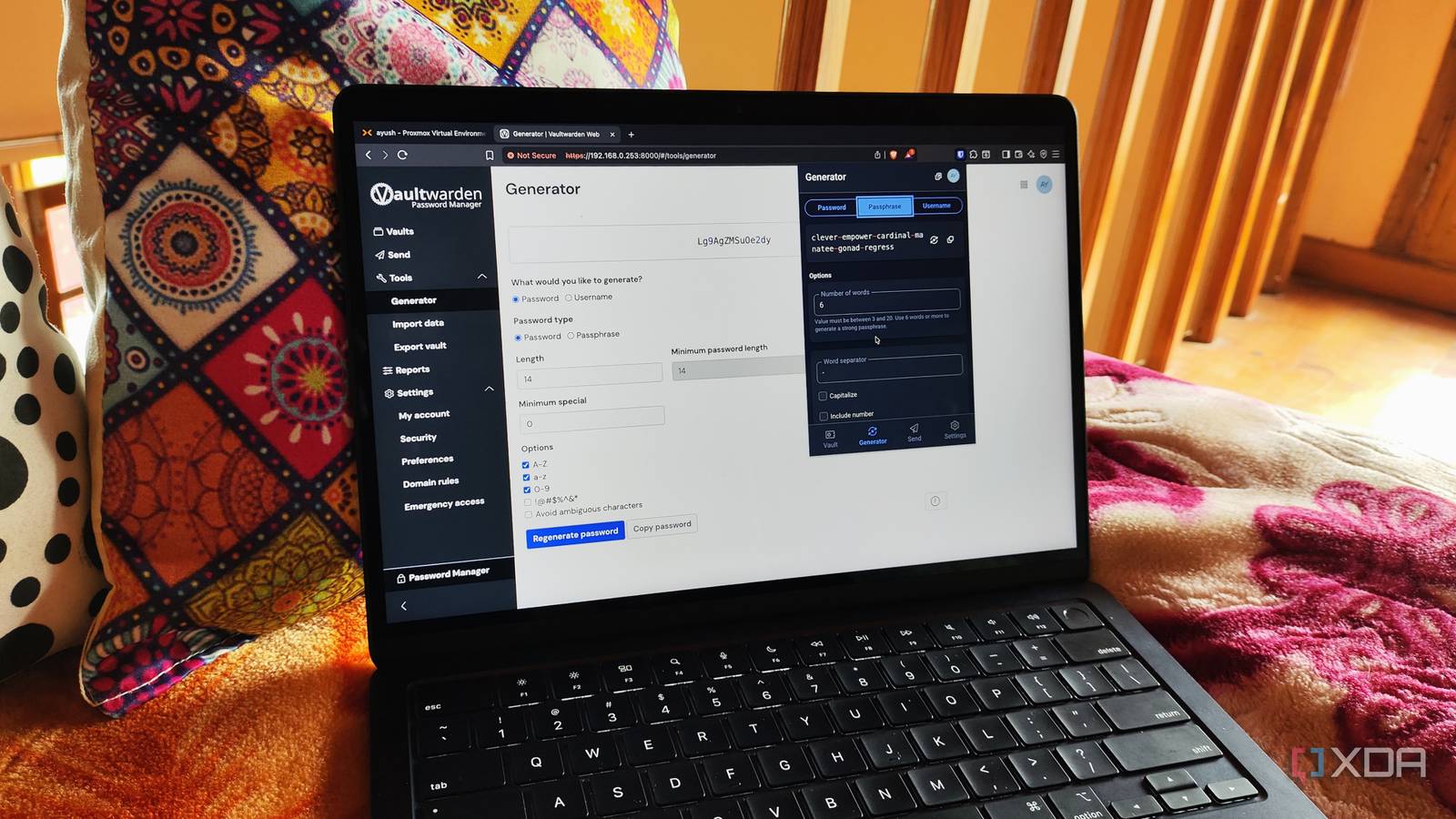
Published Aug 19, 2026, 4:00 PM EDT Beginning his professional journey in the tech industry in 2018, Yash spent over three years as a Software Engineer. After that, he shifted his focus to empowering readers through informative and engaging content on his tech blog – DiGiTAL BiRYANi. He has also published tech articles for MakeTechEasier. He loves to explore new tech gadgets and platforms. When he is not writing, you’ll find him exploring food. He is known as Digital Chef Yash among his readers because of his love for Technology and Food. I’ve been making small changes to my workflow lately, mostly by replacing tools I’ve relied on for years with simpler alternatives. I enjoy experimenting with open-source apps and self-hosted software because they give me more control while often fitting better into the way I work. Still, there was one change I had kept putting off. I had thought about making it several times, but always found a reason to leave things as they were. Recently, I finally decided to stop procrastinating and make the switch. It turned out to be one of those changes that makes your workflow feel simpler almost immediately. I was always hesitant hosting a password manager My one big self-hosting exception I’ve said this before: I don’t prefer self-hosting password managers. I’ve always treated them differently from the other services I run myself. For me, this was one category where I didn’t see much value in owning the setup and maintenance. I had looked at a few self-hosted options over time, but never seriously considered moving. I simply preferred leaving this particular tool alone rather than adding another service to manage. That changed recently. I decided to revisit my old assumption and see whether I still wanted to avoid self-hosting a password manager. Vaultwarden caught my attention The first setup that felt right What changed my mind was Vaultwarden. I had seen it before, but I never took the time to try it. This time, I decided to give it a proper shot and see if it could fit into my setup. The first thing I noticed was how simple the setup was. I already use Docker for several self-hosted apps, so getting Vaultwarden running felt familiar. I didn’t have to spend hours figuring things out or deal with a complicated setup. I followed the basic setup steps, got the container running, and had it ready without much trouble. That mattered to me because I didn’t want another self-hosted project that needed constant attention just to get started. Vaultwarden also felt lightweight and straightforward. It didn’t try to make the setup more complicated than it needed to be. I could add it to my existing setup without changing how I manage my other containers. At that point, I started feeling more confident about the switch. My workflow is the same Everything is still where I expect it to be The biggest surprise after switching to Vaultwarden was how little I had to change. Once everything was set up, it felt very close to using a regular cloud-based password manager. I wasn’t learning a completely new workflow or giving up the things I use every day. The browser extension was a big part of that. I could keep using it to save new passwords, fill in login details, and generate strong passwords when I needed them. It worked as expected, so I didn’t have to worry about where my passwords were stored. The mobile experience was just as useful. I could access my vault from my phone and use autofill when logging into apps or websites. Having the same vault available across my devices made the switch feel even more natural. Vaultwarden also covers the basic features I expect from a modern password manager, including secure notes, password generation, folders, and easy access to my saved credentials. I didn’t feel like I was moving to a stripped-down alternative just because I chose to self-host. That was probably the best part for me. I was expecting some compromises, but my daily workflow stayed almost exactly the same. The app simply became another part of my self-hosted setup instead of something I paid for every year. The part I can’t ignore The one thing I had to remind myself after moving to Vaultwarden was that self-hosting also means taking responsibility for the service. I no longer have someone else handling the server side, so I need to make sure everything stays safe and available. Backups are the biggest part of this for me. Losing access to a password vault would be a serious problem, so I don’t treat backups as optional. I keep regular backups of my Vaultwarden data and store a separate copy away from the main server. I also watch for updates and make sure I don't run an outdated version for too long. It doesn’t take much time, but it is something I now need to remember. For me, this extra responsibility is manageable because I already self-host other services. I use scheduled backups and periodically check that they work, so I’m not relying on a backup I’ve never tested. I'm keeping Vaultwarden After using Vaultwarden for a while, I don’t see myself going back to my old setup. What started as a change I kept putting off became a surprisingly easy decision once I actually tried it. I like that it fits the way I prefer to use software: simple, open-source, and under my control. It also feels good to remove one more subscription from my list. For now, Vaultwarden has earned a permanent place in my setup. Vaultwarden Key highlights Self-hosted Bitwarden alternative Vaultwarden is a self-hosted solution for storing paswords and credentials managed with Bitwarden.
I finally self-hosted my passwords, and it's simpler than I expected
Full Article
Original Source
Read the full article at Xda-developers →KhanList aggregates and links to publicly available news content. We do not host full articles from third-party sources. Always verify important information with original sources.