
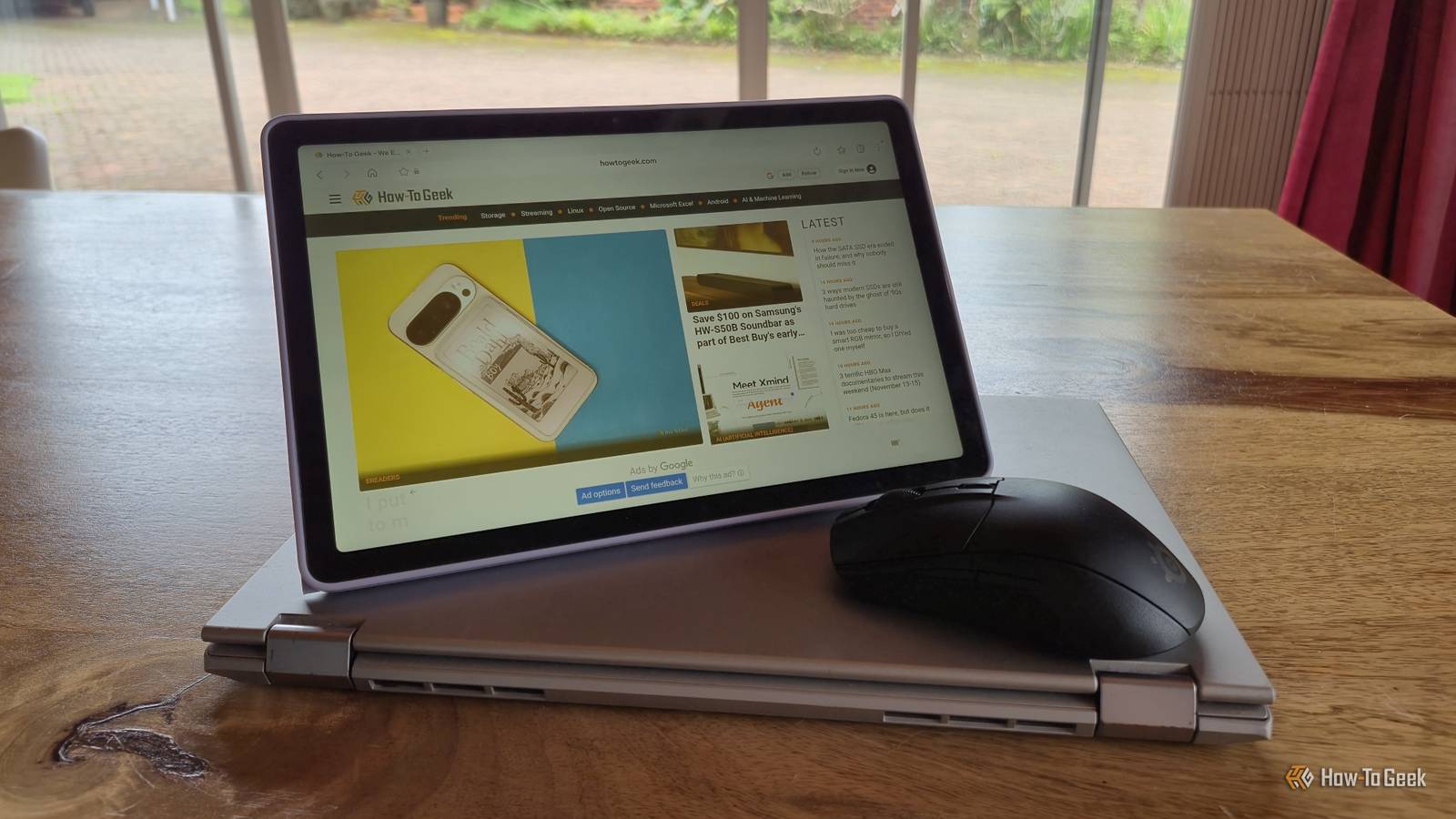
Published Nov 13, 2026, 10:30 AM EST Tyler is an journalist and content contributor at How-To Geek with over three years of experience covering the automotive and tech industries. His work focuses on delivering clear, well-researched, and engaging content that helps readers better understand the vehicles they drive and the technology that they use everyday. Before entering automotive media, he spent five years as an academic editor, developing a strong foundation in research methodology, factual accuracy, and structured analysis. This background informs his journalistic approach today, ensuring that every article balances technical insight with accessibility for a broad audience. For a long time, I mainly used my desktop PC at home for work. I have always had an old laptop, but haven't had much use for it. Recently, however, I started to travel around a bit more and needed to work more while I was on the move. I quickly found out just how slow and outdated my laptop was, and it didn't take long before I gave up on it. Looking for a quick solution, I decided to break out my Galaxy tablet and revisit an old Samsung feature that I hadn't thought about in a long time. While not new by any means, my Galaxy tablet was a lot newer than my laptop, and in a lot better condition. So I decided to try replacing my laptop with a fairly simple setup, using my tablet, a USB-C dock, and Samsung DeX. You don't need much to make it work Very little effort involved Samsung DeX is something that constantly slips my mind, and every time I come back to it, I am thoroughly impressed. It essentially turns your compatible Galaxy device into a desktop-style computer. It offers a desktop layout, taskbar, resizable windows, drag-and-drop file support, and keyboard and mouse shortcuts. We have a guide on How-To Geek that will walk you through setting it up. While the setup worked reasonably well for my use case, there are quite a few limitations that you should be aware of. My setup didn't change all that much from when I was using my laptop. All you really need to make this work is a USB-C hub for some extra ports, a keyboard, a mouse, and, of course, a Samsung Galaxy device that supports DeX. In my case, I was using a tablet, which meant that it also acted as the display. You can also use your Galaxy phone in this setup, assuming you have some kind of portable external display. In this case, you can connect your phone via a cable, with some displays also supporting a wireless connection. It made a strong case for replacing my laptop in a lot of ways DeX is impressively versatile DeX offers a pretty fantastic desktop environment, and in my use case I didn't find that there were many things I missed about a traditional laptop. In some ways it was even better. I often use both my phone and my computer together while working, often transferring files between them. DeX eliminated that in most ways. It is also really flexible. Being able to wirelessly connect to a display or plug it in when I wasn't out and about was really useful. I also had no problems with any external devices or drives that I wanted to use. In my case, I used my laptop for pretty light tasks. Samsung DeX was able to do most of the same things. I had access to apps like Microsoft 365, Slack, Google Meet, and Google Docs. The web browser experience was pretty good as well, as long as I stuck to Samsung Browser instead of using something like Chrome. Best of all, it achieved all of this with hardware that I already had lying around, meaning I didn't have to spend a cent to replace my laptop. It isn't all sunshine and roses, though There are some very clear limitations While DeX worked really well for me, there are a lot of cases where it still doesn't quite replace a laptop. The most obvious is for people who use their laptops for much heavier tasks than I do. You're obviously quite limited by the hardware in your Galaxy tablet or smartphone. You also have a much smaller pool of specialized applications to choose from, and DeX isn't really suitable for some specialized software. It is definitely more suited to light productivity users. Android apps also don't all necessarily behave like desktop apps, and sometimes you can run into issues where trying to use an app with a keyboard and mouse is less than ideal. You're also limited in terms of multitasking. While DeX does support multiple windows, Android app limitations, memory management, and inconsistent window resizing can get in the way. Ultimately, the laptop experience with DeX just isn't consistent. Some things work perfectly, and you'd be hard-pressed to tell that you weren't using a laptop. In other areas, you simply hit a brick wall. Samsung DeX can replace your laptop, but it really depends on what you want it to achieve After using Samsung DeX with my Galaxy tablet for some time now, I'm actually pretty impressed. So impressed that I'm not in a rush to go and replace my laptop anytime soon. It isn't a seamless experience, and there are some clear pitfalls, especially if you need your laptop to be able to do some heavy productivity tasks. For someone like me who isn't looking to do any specialized work, however, it did 90 percent of the things I'd want a laptop to do, and it did them all really well.
I ditched my laptop for a Samsung Galaxy and a $20 USB-C hub
Full Article
Original Source
Read the full article at Howtogeek →KhanList aggregates and links to publicly available news content. We do not host full articles from third-party sources. Always verify important information with original sources.