
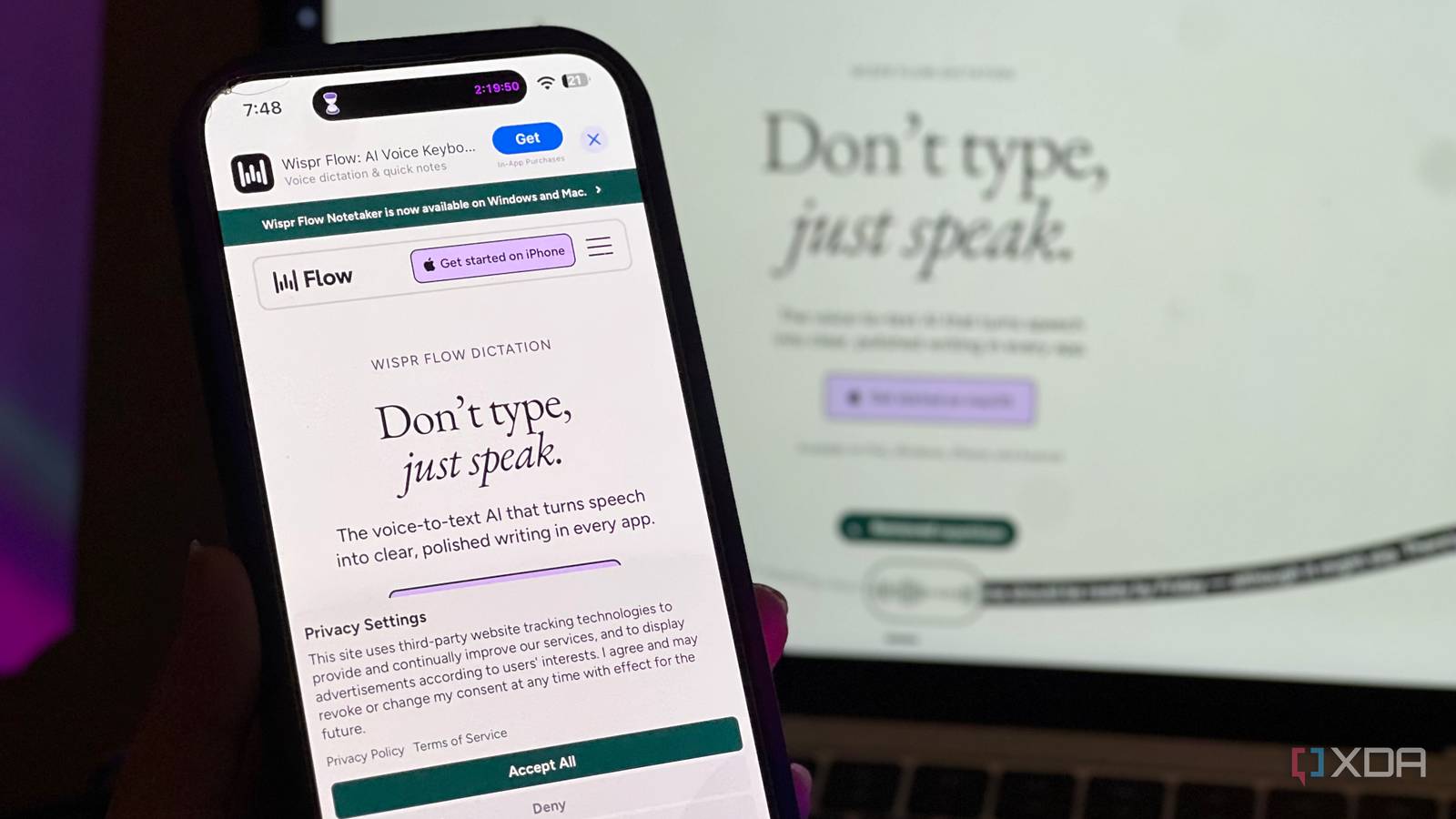
Published Oct 11, 2026, 6:00 AM EDT Mahnoor Faisal is a tech journalist covering AI and productivity tools with bylines at XDA, SlashGear, MakeUseOf, Laptop Mag, and Android Police. She's been writing professionally since she was sixteen, and has since penned hundreds of articles. This includes in-depth coverage of AI tools like NotebookLM to breaking news across the AI space. Her passion for technology started when she received her first iPod Touch (4th generation) on her 8th birthday, and she's been deep in the tech world ever since. Currently pursuing a degree in computer science, Mahnoor brings both a journalist's eye and a technical foundation to her coverage of how AI is reshaping the way we work and learn. Something about me is that I never seem to learn from past experiences. I probably should, but that's a conversation for another day. I've noticed this habit is particularly prevalent when it comes to the tech tools I discover. Whenever I see an app being hyped up endlessly on TikTok or Instagram, I tend to have the exact opposite reaction you'd expect. Instead of convincing me to try it, all that hype weirdly convinces me it isn't worth my time. NotebookLM was the first time this mindset backfired on me. I kept seeing people rave about it, and that stopped me from trying a tool that would eventually make my life so much easier. You'd think that experience would have taught me a lesson. Apparently not. When a certain AI dictation tool started appearing all over my social media feeds, I fell into the exact same trap. I dismissed it as another overhyped productivity app, convinced it couldn't possibly help me. Well, I finally gave Wispr Flow a shot, and for the second time, I'm kicking myself for not giving it a chance sooner. There's more going on than meets the ear If this is your first time hearing about Wispr Flow, it's an AI-powered dictation tool that lets you turn your speech into text in pretty much any app you use. Now, when you read the description of what the app does, you can likely see why I was hesitant to give it a shot. Voice dictation itself is nothing new, and it's existed for years. Most of our devices already ship with built-in voice typing capabilities, so the idea of downloading an entirely separate app to accomplish the same thing understandably didn't sound appealing to me. However, Wispr Flow isn't just another speech-to-text tool that listens to what you're saying and transcribes it into text. Instead of simply putting every word you say onto the screen, it uses AI to clean things up along the way. It automatically removes filler words, fixes punctuation, and can even figure out what you meant when you correct yourself halfway through a sentence. At this point, you might be wondering what difference speaking something out loud instead of typing it out can possibly make. I like to consider myself a pretty fast typist, but the reality is that speaking is often a whole lot faster than typing. My brain also has a habit of moving faster than my fingers can keep up with. With Flow, I can simply ramble to my heart's content, get my thoughts out while they're still fresh, and end up with properly formatted text that I can actually use. Whether I'm brainstorming an article, writing a lengthy prompt, or sending someone a message, it's made the entire process feel much more natural. Wispr Flow's accuracy and formatting are hard to beat It even knows when I change my mind mid-sentence What immediately impressed me when trying out Flow for the first time was just how accurate and well-formatted my spoken text was. With most dictation tools, you'll immediately find that the transcription consists of all sorts of imperfections. Names (especially a relatively unique one like mine) are almost always misspelled, stuttering in your speech is clearly reflected in the transcription, punctuation is practically nonexistent, and you often end up with a wall of text that requires almost as much effort to clean up as it would've taken to type everything out yourself. With Wispr Flow, though, my experience was completely different from the get-go. The tool cleans up your text as you talk, and claims a 90% zero-edit rate (compared to OpenAI Whisper's 71%, ElevenLabs' 63%, and Siri's 52%) according to its Wispr Zero-Edit Rate benchmark. The reason why Wispr does this so well, beyond the fact that it layers proprietary models on top of speech recognition, is because raw transcription is only the first step of its process. It does a lot of post-processing work as well. For starters, Flow can catch your corrections. It's human instinct to say something, stop for a second, rethink what you just said, and correct yourself. With most dictation tools, you'd end up with both the original statement and the correction in your transcript. Wispr Flow handles this differently through a feature called Backtrack. Say you're dictating a message to someone and mention that you'll send them a document on Thursday, only to immediately correct yourself and say Friday instead. Rather than including both statements in the final transcript, Flow can recognize that you've changed your mind and retain the corrected version. The tool doesn't just blindly transcribe your speech and clean it up for accuracy and redundancy. Instead, it takes the extra step of formatting lists and paragraphs, too. For instance, I've been using Wispr a lot for prompting LLMs, and my prompts often include lists of everything I'd like the model to do, specific instructions to follow, and requirements I want it to keep in mind. Wispr Flow recognizes when I'm listing things out and automatically formats them into bullet points instead of dumping it all into one massive wall of text. It also knows when to break up longer stretches of speech into separate paragraphs! Another thing that impressed me was how well Flow handles uncommon names and technical terminology. It does this through a combination of Context Awareness and a Personal Dictionary. The former uses relevant information from the app you're working in to understand what you're talking about, while the latter lets you teach Flow names and terms it might otherwise struggle to recognize. All the features above effectively combine to produce a seamless result — you don't need to spend much time tweaking the final transcription or correcting mistakes. In most cases, the text is ready to use as soon as Flow finishes processing it. I can use Wispr Flow across practically all my apps It doesn't care where I'm typing Over the past year or so, voice capabilities in AI chatbots have gotten significantly better. Both ChatGPT and Claude, for instance, have their own voice features that let you speak to the chatbot instead of typing everything out. While these are incredibly convenient, there's one obvious limitation: they're restricted to their respective platforms. I can't exactly use Claude's built-in voice dictation to draft an email or send someone a message on Slack. That's where Wispr Flow has a massive advantage. It doesn't really care which app or website I'm using. Whether I'm writing a prompt for ChatGPT, asking Claude to help me with something, drafting an email, or typing a quick message, I can use the exact same dictation tool across all of them. It's also available on macOS, Windows, iOS, and Android, so I'm not restricted to using it on just one type of device either. What makes the entire experience even better is just how easy it is to activate. On my MacBook, I've configured Flow to use the Option key as its shortcut. All I need to do is click into a text field, hold down Option, and start speaking. Once I'm done, I release the key, and Flow transcribes what I've said directly into the text field. You don't need Wispr Pro to get started Flow currently has three paid plans: Pro, Growth, and Enterprise. Pro costs $12 per user per month when billed annually, and it's the one most relevant to the audience reading this article. This plan gets you unlimited dictation, priority support, early access to new features, and a few additional perks. However, you don't actually need to pay to give Wispr Flow a shot. The free plan gives you access to its core dictation features, including AI-powered transcription, a personal dictionary, and snippets. The biggest limitation is the weekly word allowance. You get 2,000 words on desktop and 1,000 words on mobile. The tool also has a pretty generous referral program that lets you and a friend get a free month of Wispr Pro. I'm currently on my free month, and I'm seriously considering paying for Pro once it runs out, just because of how much time and effort I save using it every day!
I dismissed this hyped AI app for months, and now I use it for every Claude and ChatGPT prompt
Full Article
Original Source
Read the full article at Xda-developers →KhanList aggregates and links to publicly available news content. We do not host full articles from third-party sources. Always verify important information with original sources.