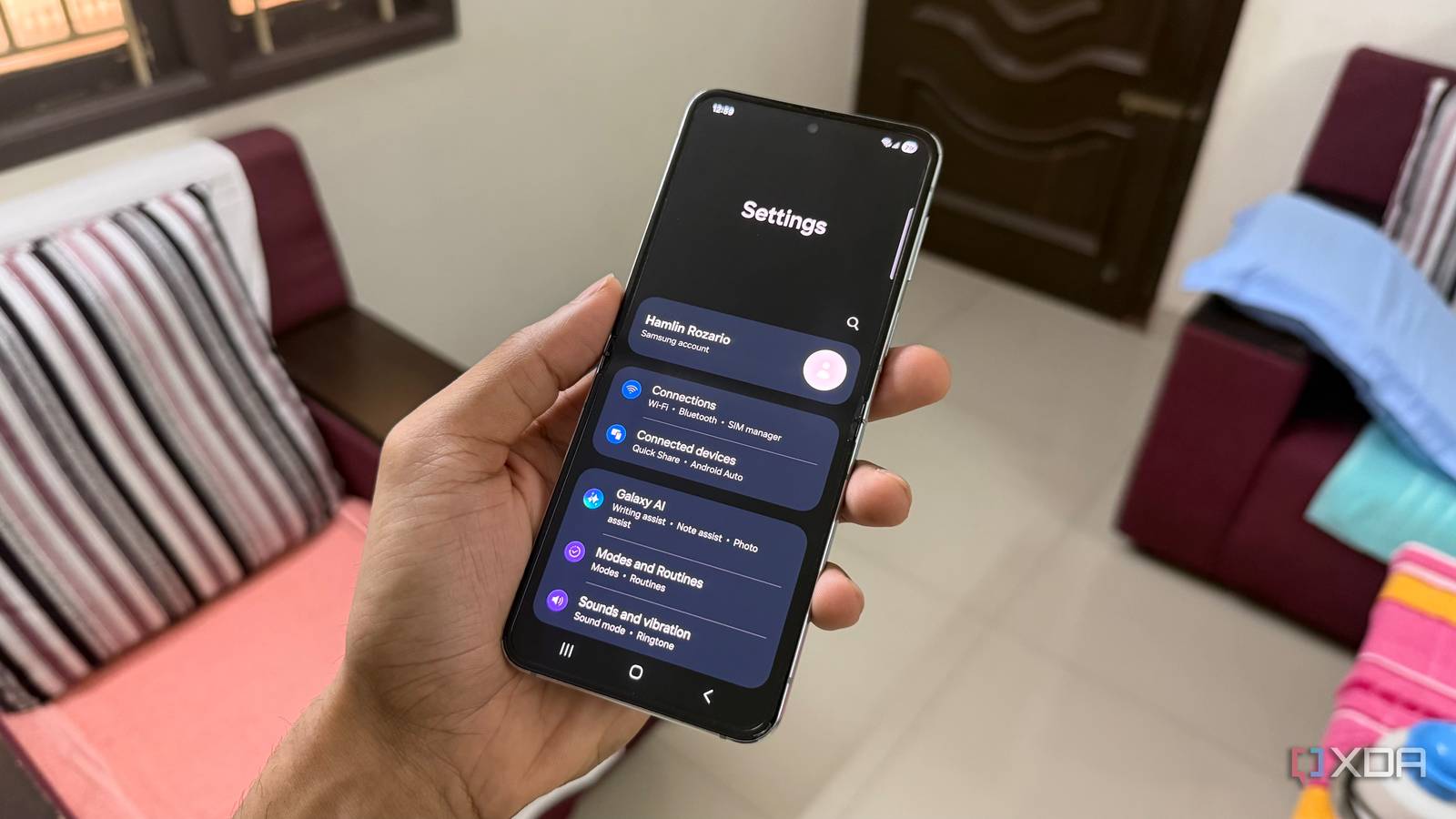
Published Jul 28, 2026, 7:00 AM EDT Hamlin has been in the tech field for over nine years. Since 2017, his work has appeared on MakeUseOf, Android Police, OSXDaily, Beebom, and more. He served as the Senior Editor at Valnet's MakeUseOf for over two years before joining XDA. He uses a high-end gaming rig for desktop use and a MacBook for traveling, but dislikes some of the quirks of macOS. You're more likely to catch him at the gym or on a flight than anywhere else. Most of us already know how to improve battery life on our phones. Things like Power Saving mode, lowering screen brightness, and enabling dark mode are common knowledge. Still, every now and then, I come across a setting that isn't advertised as a battery-saving feature at all, yet still makes a difference. This time, it was Samsung's Customization Service, a feature that I found buried in my Samsung account settings. I'll admit, battery life was the last thing on my mind when I came across it. I was more interested in limiting how much data Samsung was collecting to personalize its apps and services. But after disabling it, I noticed my Z Flip 5 was losing a little less battery while sitting idle. Of course, it didn't suddenly make my phone last an hour longer, but if it also means sharing less data with Samsung, any improvement is a nice bonus in my book. Needless to say, I haven't looked back since. Customization Service benefits Samsung more Is it really worth sharing your data for some personalized recommendations? If you look at Samsung's Privacy Notice for its Customization Service feature, you'll see how much data it can collect. It can use your device identifiers, information from your photos, your browsing history in Samsung Internet, and even your usage of third-party apps or services connected to your Samsung account. All that so Samsung can improve its services, recommendations, and display tailored ads. I'm sure some of you may find those suggestions useful, but I can't think of a single instance since I got this phone where I even checked them out. If anything, I feel like Samsung gets far more value from me leaving this feature enabled than I do. Most of the apps I use on my phone aren't Samsung apps, anyway. In fact, I've even removed some native apps like Samsung Internet, Samsung Notes, and Samsung TV Plus. Disabling it doesn't make my phone any less personal. And to be honest, I feel more comfortable now knowing there's one less "personalization" feature quietly processing my data in the background. Less background activity is always welcome You already knew that, but every little bit counts I'm not telling you anything groundbreaking because you probably already know the basics of improving battery life. Every unnecessary feature running in the background consumes at least some system resources, even if the impact is too small to notice on its own. While Samsung lets you limit battery usage for apps you don't use often, it's easy to overlook background features that are built into One UI itself, like Customization Service in this case. Since you can't limit its background activity separately, your only option is to turn it off. Just go to Settings -> Samsung account -> Security and privacy -> Customization Service and toggle it off. You're not going to miss it, but if you do, you can always turn it back on or even limit the apps and services it collects information from by going to Customized apps in the same section. I haven't noticed a thing since I disabled it a month ago, which tells me everything I need to know about how much it was benefiting me. Customization Service isn't entirely pointless But I'd rather have another background process out of my way If you rely on Samsung's apps and ecosystem in general, you may actually benefit from Customization Service more than I ever did. So, I don't want to completely write it off. Curated suggestions do make sense when you're already using Samsung Internet or Samsung News. At the end of the day, it comes down to how you use your phone and how much you're okay with data collection or battery impact. I've also seen some users on Reddit report that they couldn't enable Adaptive Battery after turning this feature off. But I tested it myself, and I was able to enable it just fine on my Z Flip 5 running One UI 8 despite Customization Service being turned off. And even if I couldn't, I still wouldn't turn the feature back on because I've never actually used Adaptive Battery at any point since I bought my phone in 2023. So, between sharing less data with Samsung and having one less process running in the background, it's an easy decision for me. And I don't see that changing unless I suddenly ditch my Google apps for Samsung's. I know how to personalize my phone better than Samsung All in all, I don't need Samsung deciding which content, recommendations, or ads are most relevant to me. I already know which apps I want to use, and most of them come from Google or other developers, anyway. So disabling Customization Service hasn't affected how I use my Z Flip 5 one bit. That slight improvement in battery life, even if it's merely a few minutes between charges, is well worth it considering I'm giving Samsung less data to build a profile of me.
I disabled this Samsung Galaxy setting and got better battery life as a bonus
Full Article
Original Source
Read the full article at Xda-developers →KhanList aggregates and links to publicly available news content. We do not host full articles from third-party sources. Always verify important information with original sources.