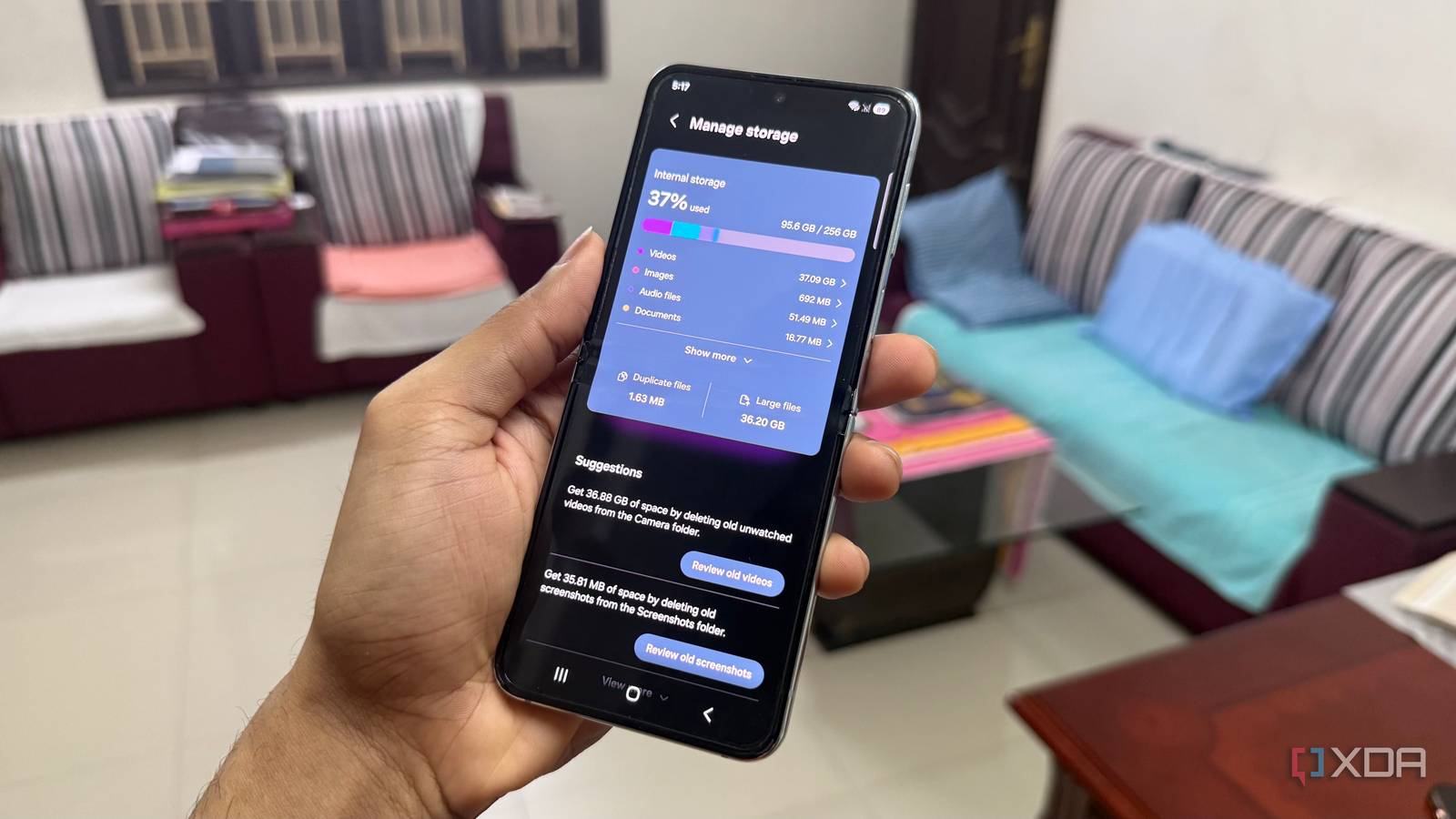
Published Aug 5, 2026, 7:30 AM EDT Hamlin has been in the tech field for over nine years. Since 2017, his work has appeared on MakeUseOf, Android Police, OSXDaily, Beebom, and more. He served as the Senior Editor at Valnet's MakeUseOf for over two years before joining XDA. He uses a high-end gaming rig for desktop use and a MacBook for traveling, but dislikes some of the quirks of macOS. You're more likely to catch him at the gym or on a flight than anywhere else. Whenever I've switched to a Samsung phone in the past, I never gave its preinstalled apps much of a chance. I'd spend the first few minutes replacing them with Google's alternatives because I was already familiar with them, especially since I use many of them on my PC and iPhone. For instance, Samsung Browser was usually the first to go, since it was the first app I saw sitting in the dock. But recently, I wanted to give Samsung's native apps a fair shot on my Z Flip 5. Part of the reason was that I'm not nearly as tied to Google's ecosystem as I used to be. In fact, I don't even use Chrome anymore after switching to Edge on my desktop and Safari on my iPhone. That made me realize I was replacing Samsung's apps more out of habit than because I actually thought they were worse. Sure, some of them are still unnecessary duplicates, whereas others are passable at best. However, these apps stood out because they actually do a few things better than Google's alternatives. Samsung Browser One week with Samsung Browser made Chrome feel basic When Chrome had all my saved passwords, bookmarks, and browsing history from my desktop, I didn't need a reason to justify replacing Samsung Browser. It was simply the browser I was already using everywhere else. But now that I've switched to Microsoft Edge on my PC and Safari on my iPhone, that ecosystem advantage is no longer there. For the first time, I could judge Samsung Browser on its own merits rather than immediately write it off as another duplicate app. The first feature that made me appreciate Samsung Browser is its ad-blocking support. Unlike Chrome on desktop, its Android app still doesn't support extensions, and I don't think Google would ever add ad blocker support, given that advertising is its biggest source of revenue. Another unique feature I like is Video Assistant, which I use to open embedded videos in Samsung's own player instead of relying on the website's built-in video controls. Other than that, I like being able to choose exactly which shortcuts appear in the toolbar. Chrome's customization options just feel limited by comparison. My Files This is how a proper file manager should work If I ever switch to a non-Samsung phone, I probably won't miss the Samsung Browser as much, but My Files is a different story. Files by Google was never really the kind of file manager I wanted to use, but it got the job done whenever I just needed to find a recent download or free up some storage. Now that I've used My Files, I don't see myself going back to a file manager that gives me so little control. This app straight up lets me browse folders the same way I would on my PC, and that alone was enough to win me over right away. It's more capable once I actually start managing files. My Files lets me connect to my NAS, which means I can access files stored on my home server without copying them to my phone first. It also supports SMB, FTP, and SFTP connections, making it easy to browse shared folders on a PC or connect to a remote file server. There's also the option to use Storage Share if I ever want to access files on another Samsung phone. That said, what I like most is that it brings together my local storage, cloud storage, and USB drives in one place, so I don't have to jump between multiple apps just to find the file I'm looking for. Samsung Notes Google Keep is great, until you need to do more For quick note-taking, Google Keep is pretty much all you really need, whether that's a shopping list or a link you want to come back to later. That's exactly how I used it for years, which is why I didn't feel Samsung Notes was worth switching to, especially since I didn't have an S Pen. But now that I've given it a chance, I can confidently say that it's built for much more than quick notes. In comparison, Google Keep works more like a digital sticky note board than a proper notebook. Even though I'll probably never get the most out of Samsung Notes until I upgrade to a Z Fold or Galaxy S Ultra, it's still capable even without an S Pen. One of my favorite features is Note Assist, which can quickly format, summarize, and translate notes. Google Keep, on the other hand, doesn't have any comparable AI features built in. Samsung Notes also lets me annotate PDFs and even record audio while taking notes. I can even get to the exact point of the recording by simply tapping what I wrote, which is incredibly useful for work meetings. Some Samsung apps really are better I remember treating most of Samsung's apps as nothing more than bloatware, but if there's one thing I learned from this experience, it's that just because Google owns Android doesn't mean every one of its apps is automatically the better choice. I still rely on a few Google apps every day, but these Samsung apps have given me a reason to stop replacing them out of habit. Of course, there are better third-party browsers, file managers, and note-taking apps out there, but that tight integration with One UI is hard to beat. And if a preinstalled app is good enough, I'd rather skip the hassle of downloading another app that takes up space.
I replaced Samsung's default apps one by one, and only these were worth keeping
Full Article
Original Source
Read the full article at Xda-developers →KhanList aggregates and links to publicly available news content. We do not host full articles from third-party sources. Always verify important information with original sources.