
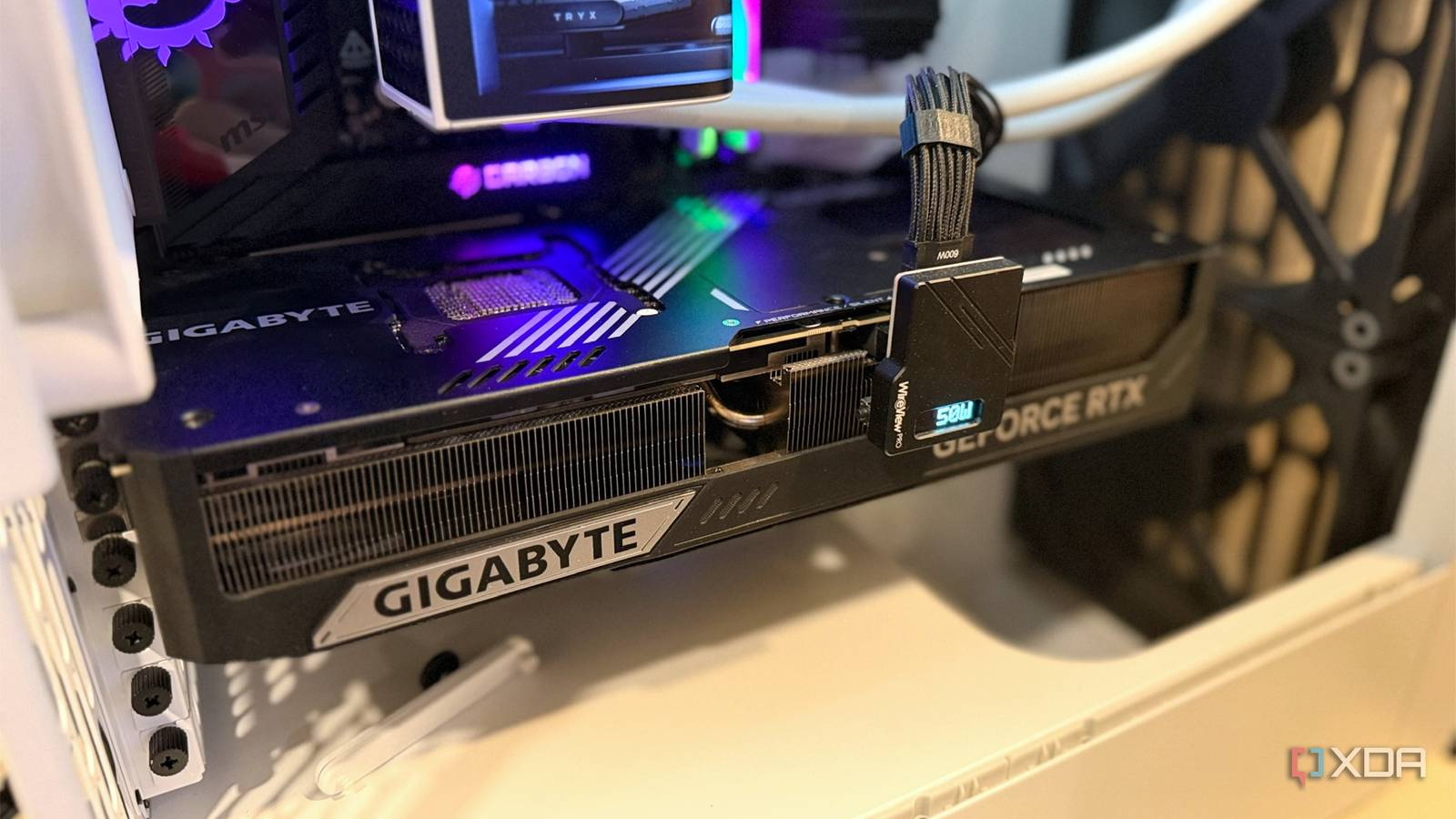
Published Aug 29, 2026, 4:30 PM EDT Hamlin has been in the tech field for over nine years. Since 2017, his work has appeared on MakeUseOf, Android Police, OSXDaily, Beebom, and more. He served as the Senior Editor at Valnet's MakeUseOf for over two years before joining XDA. He uses a high-end gaming rig for desktop use and a MacBook for traveling, but dislikes some of the quirks of macOS. You're more likely to catch him at the gym or on a flight than anywhere else. For years, I saw GPU sag as more of an aesthetic issue than something I needed to worry about. I'll admit it's an eyesore to see the far end of my GPU dip a few millimeters through the tempered glass, but as long as it worked normally, I didn't lose sleep over it. That's pretty much how I treated my old 3-slot ROG Strix RTX 3090, which sagged for about two years inside my case without a support bracket. It wasn't until I replaced it with a 2-slot liquid-cooled RTX 4090 that I started wondering whether I'd underestimated the problem. Despite being thinner and lighter than my air-cooled RTX 3090, my RTX 4090 still wouldn't sit completely level in the same PCIe slot. At that point, I had more to worry about than the GPU itself. Now, I can't say my old GPU permanently damaged the slot because my 4090 still works perfectly fine after four years, but seeing a smaller card sag in the same slot was enough to convince me this is more than an aesthetic issue you can overlook. GPU sag goes beyond aesthetics Think about all that weight hanging off your PCIe slot, and you'll see why When you install a GPU horizontally, the PCIe slot and the screws holding its rear bracket to the case are basically what keep the whole thing in place. That wasn't much of a concern a decade ago, when GPUs were relatively small, but take one look at how much today's flagship GPUs weigh, and it's a different story. For instance, my old ROG Strix RTX 3090 weighed close to 4lbs, which I thought was pretty hefty at the time, but the ROG Astral 5090 weighs significantly more at about 6.7lbs, and it's thicker with a 3.8-slot design. That makes the RTX 5090 heavier than my liquid-cooled RTX 4090 with the radiator. Even though the PCIe slot doesn't support all the weight on its own, a massive chunk of it still extends several inches away from the board. The farther that weight extends from the slot, the more leverage it can put on the GPU's PCB and the PCIe slot itself. And when you leave a card installed that way for years without an anti-sag bracket, it's not hard to see how that constant stress can eventually take its toll. I don't think my PCIe slot can handle another hefty GPU My lighter RTX 4090 still sags in the exact same slot One of the main reasons I went with a liquid-cooled RTX 4090, besides cooling, was that I didn't want another hefty air-cooled GPU hanging off my motherboard. I've already seen my Strix RTX 3090 sag by the two-year mark, so the last thing I wanted was to put my PCIe slot through that much stress all over again. Yes, my RTX 4090 is heavier at 6lbs, but most of that extra weight comes from the radiator, which is mounted to the case. The card itself is still considerably lighter and only takes up two slots. So when you see a thinner card dip slightly in the same PCIe slot, you start to wonder whether your previous GPU's sag may have had something to do with it. Even though I haven't had any issues using my RTX 4090 for the last four years without additional support, I certainly don't have the confidence to install another hefty air-cooled card in there, especially not something like the ROG Astral RTX 5090. At the very least, I'll make sure to order an anti-sag bracket if my next GPU doesn't include one in the box. Reinforced PCIe slots make this less of a concern But an anti-sag bracket addresses two problems at once Unless you buy an entry-level motherboard these days, you shouldn't have to worry too much about whether your PCIe slot can handle heavy GPUs. Even B850 boards come with reinforced PCIe slots, so this isn't really a premium feature anymore. Even though my X570 board already had reinforcement, I've seen how newer X870E boards use improved designs to support heftier cards like the RTX 5090. That said, a reinforced PCIe slot only addresses the mechanical stress on the PCIe connector. No amount of PCIe reinforcement will stop your GPU from sagging or its PCB from flexing under all that weight. And that's exactly why you should still consider an anti-sag bracket. By supporting the far end of the card, you're not only keeping the GPU level and taking stress off its PCB, but also reducing the leverage on the PCIe slot in the first place. There's a reason why many aftermarket GPUs come with a sag bracket these days, but if yours doesn't include one, you can pick up a universal bracket for next to nothing on Amazon. ARGB GPU support bracket You don't need an RGB anti-sag bracket, but if you want it to blend in with the rest of your build, this one's a nice option and well worth the premium. Not taking GPU sag lightly again At this point, I feel lucky to have gotten away with using two flagship GPUs on the same PCIe slot for six years. I'm sure the lighter, liquid-cooled RTX 4090 helped reduce some of the stress after I upgraded, but seeing it still sag was all I needed to know it's not just an eyesore. If I ever upgrade to a 3- or 4-slot GPU down the line, I won't even install it without an anti-sag bracket from day one, no matter how much PCIe reinforcement the motherboard manufacturer claims to offer.
I didn't think GPU sag mattered until my PCIe slot started showing the damage
Full Article
Original Source
Read the full article at Xda-developers →KhanList aggregates and links to publicly available news content. We do not host full articles from third-party sources. Always verify important information with original sources.