
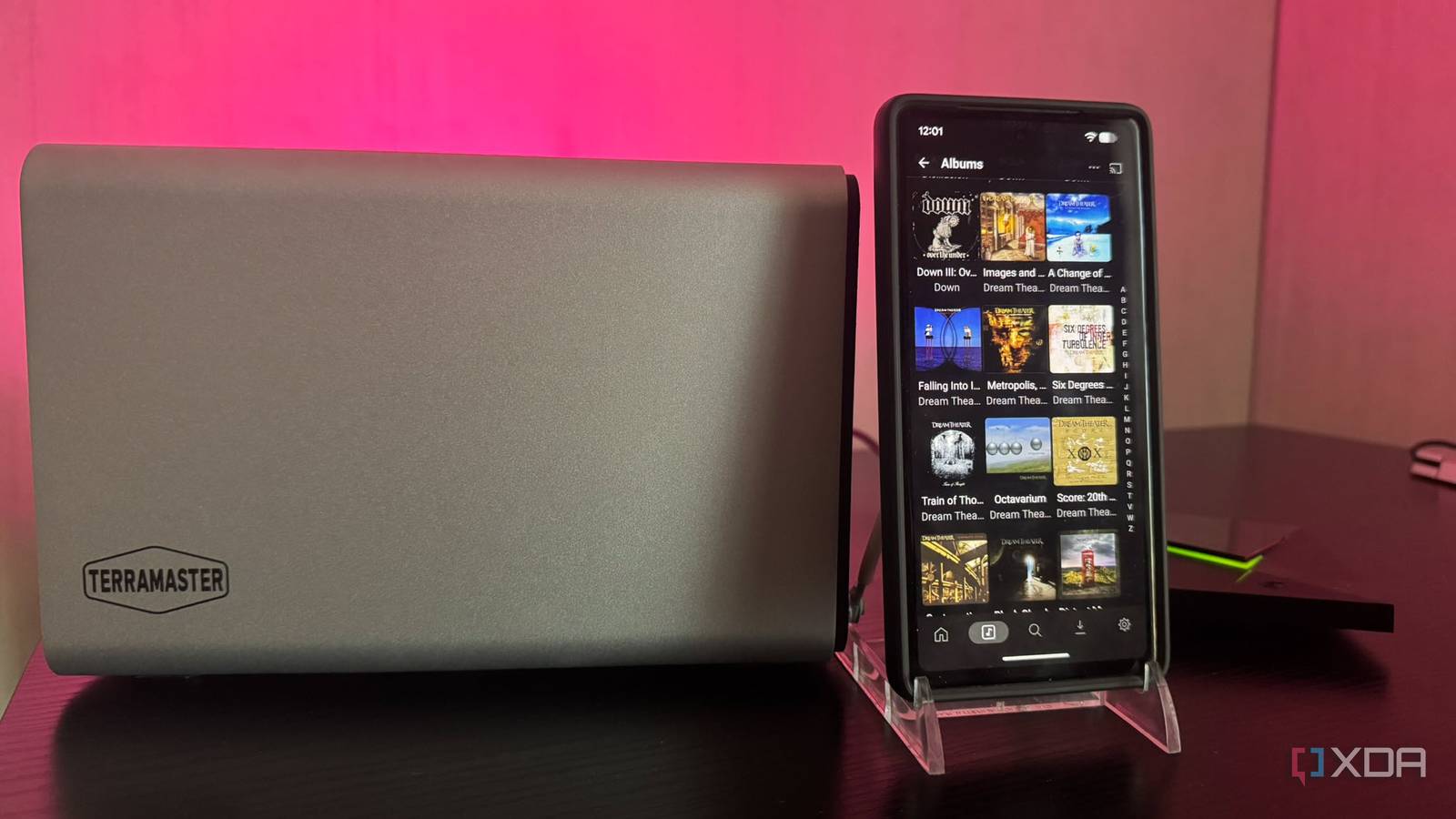
Published Nov 20, 2026, 11:30 AM EST Based in rural Minnesota, Brian Burgess worked in IT for 10 years before finding his passion for writing about consumer technology. Brian earned his degree in computer and network technology in 2000. He held various IT positions, including help desk support, router installations for IBM, database administration, and other associate network administration roles. He's been a personal technology journalist for 18 years and has written thousands of articles about Microsoft products and services, Android, iOS, streaming, and more. He has written for notable tech sites including XDA, InformationWeek, How-To Geek, Byte, groovyPost, and others. When he is away from the keyboard, you will hear him playing guitar, working outdoors, and watching Star Trek. I've had media scattered around on various external drives. I formatted the drives as exFAT so I could easily swap media between devices, including my Shield TV Pro. I could move different media formats and file types around between server platforms like Plex and Jellyfin. However, I got tired of playing "Hot Potato" with media and finally put everything on my NAS. With everything on a single appliance, I could access media across all devices. I mounted the storage device on my Shield for Plex to access my collection. Since the consolidation, I have ditched the USB drives and hubs. Now I have easier media management, and there's less clutter under my TV. External drives and hubs are only good to a point When I first got my Shield, I thought it was great; I could connect my existing external USB drives and serve media to all screens. But my collection kept growing. The Shield's two USB 3.0 ports served their purpose for a while. I mainly had DVD, standard Blu-ray, and CD rips on the drives. I also had some photos and music videos thrown on the drives. But once I started ripping my UHD 4K Blu-ray collection, I had to add more drives. As storage costs kept rising, I added a power-through hub to connect my older mechanical external drives. Eventually, the underside of my TV was filled with drives, cables, and power cords. Everything was getting tangled up, and I wasn't always sure which drive contained what. However, I will give it to the Shield and Plex; they could access and play my media from all the drives, no matter how haphazardly they were organized. Adding a NAS to my Shield and ditching USB drives Out with the old and in with the new Connecting, or mounting, my NAS on the Shield was a piece of cake. I have a basic TerraMaster F-424 Plus, and once I installed the drives and added the media, I just connected it to my Shield for Plex. On the Shield, I used the remote to go to Settings - Device Preferences > Storage > Network storage. The Shield automatically discovered the NAS, and I simply selected it. I connected as a registered user, entered my username and password, and selected WORKGROUP for the domain. Then I went to Plex Web and pointed my movies folder to the share path on my NAS. I waited for the library updates to complete, then removed my external drives as a source. I checked my movies on Plex, and a few were missing art. The movies played, but I refreshed the metadata a second time, and it was good to go. I then changed the paths for the other media libraries in Plex Web and removed the external drives I no longer needed. The one library I had the most trouble with was my ripped CD collection. All of my albums were there, but a lot of the artwork was missing, or albums were listed as unknown. I made a user error when moving my rips to the NAS and labeling my folder structure correctly. Once I fixed it and rescanned my libraries, everything was there, and the Plexamp music companion app worked. I can still add external drives if I want Once all my media was coming from a central appliance, I could remove the external drives and hubs connected to my Shield that had held my media for so long. Even though I removed my external drives, I will still use a flash drive or connect an external drive to view photos or a downloaded video that doesn't fit in my media library. For instance, I might have a video a colleague created at work for me to watch. Or, I might have a home video a family member sent that I want to watch on the big screen. With both USB ports on my Shield open now, I can easily connect a drive to show the presentation, video, or photos on my TV. Sometimes I will use it to connect a drive with music since my television is connected to my AV receiver. Either way, there is far less clutter under my TV. Power cords, cables, hubs, and drives are only present if I really need them. Otherwise, my media is fed to Plex on my Shield from my NAS. It has really allowed me to consolidate and clean things up. My media experience is better with a centralized appliance instead of a bunch of drives I got by consuming my media on my Shield Pro with connected external drives for years. But it wasn't the most elegant setup, and management wasn't always easy. I kind of kept it for my DVD rips and music listening, which didn't require much disk space. However, as my collection grew, especially with 4K rips, I knew it was time to combine my media on a single storage device. Plus, I can still use a USB drive if I need to.
I connected my NAS to Plex on my Nvidia Shield, and I’m ditching USB drives for media
Full Article
Original Source
Read the full article at Xda-developers →KhanList aggregates and links to publicly available news content. We do not host full articles from third-party sources. Always verify important information with original sources.