
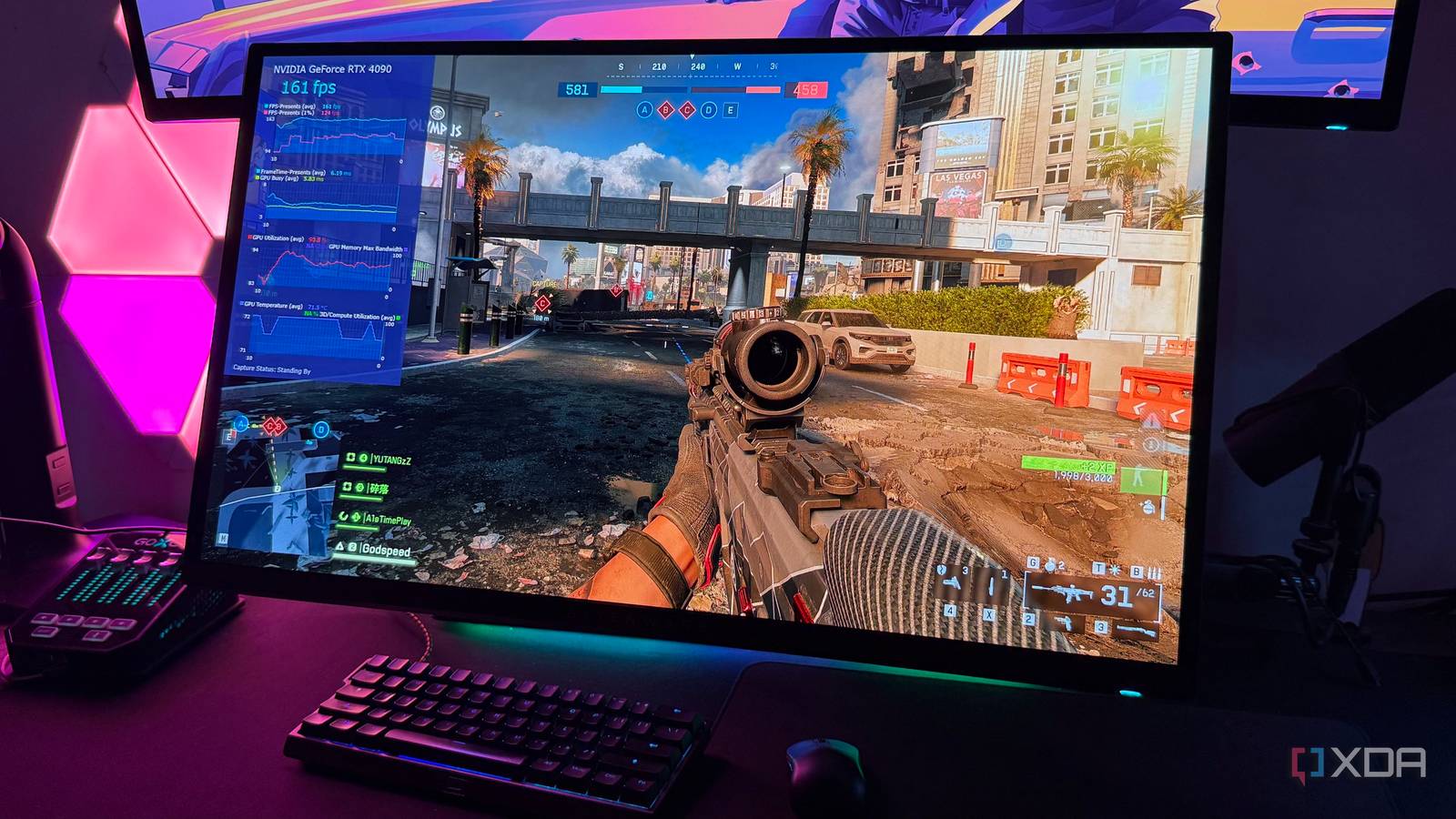
Published Nov 25, 2026, 8:00 PM EST Hamlin has been in the tech field for over nine years. Since 2017, his work has appeared on MakeUseOf, Android Police, OSXDaily, Beebom, and more. He served as the Senior Editor at Valnet's MakeUseOf for over two years before joining XDA. He uses a high-end gaming rig for desktop use and a MacBook for traveling, but dislikes some of the quirks of macOS. You're more likely to catch him at the gym or on a flight than anywhere else. Back when I used to chase 4K gaming, I believed that native rendering was the only way to get the best possible image quality. You can't really blame me for that when early iterations of DLSS made games look like someone smeared Vaseline all over my screen. It wasn't until last year, with DLSS 4, that upscaled footage finally looked comparable to native 4K and convinced me to start using it way more often. In fact, I still remember Nvidia claiming that it could look better than native rendering. That claim made me wonder how much of those improvements had to do with the way DLSS handles anti-aliasing rather than upscaling itself. Many games these days force temporal anti-aliasing (TAA), which isn't exactly ideal for image clarity. But when you use DLSS, you're replacing the game's anti-aliasing implementation with Nvidia's. So, you'd think DLAA, which is essentially DLSS without upscaling, would look even better. Spoiler alert: it does, but by how much, and at what cost? The loser was obvious, though: TAA It's become a necessary evil in modern gaming A decade ago, TAA was considered a compelling alternative to MSAA. It was far less taxing on the GPU and did a great job of reducing shimmering. But we've gone from having TAA as one of the options alongside MSAA, SMAA, and FXAA to not even being able to turn it off in many games. That's partly because games these days are developed with the expectation that TAA will help clean up noise from rendering techniques like screen space reflections (SSR), ambient occlusion, and global illumination. The problem with TAA is that it blends information across multiple frames, so finer details tend to appear less defined than they should, especially in motion. Take a look at the palm trees in my 007 First Light comparison. Notice how the individual leaves appear fuller and more defined with DLSS Quality and DLAA? That's while standing still. With TAA, they start to blur together when I move around. So, even though I'm rendering the game at native resolution, the image ends up looking softer than it does with DLSS Quality. It's a tough call between DLSS Quality and DLAA At this point, you're chasing the last few percent of image quality Now, don't get me wrong. Just like TAA, DLSS and DLAA are both temporal anti-aliasing techniques in the sense that they rely on information from previous frames. But Nvidia uses a trained neural network to reconstruct the image, which does a better job of distinguishing finer details from aliasing artifacts. So, you don't get the same "smoothed-out" effect. If you compare DLSS Quality and DLAA, the difference in detail isn't as pronounced despite the former upscaling from 960p to 1440p. You may not be able to spot it in the screenshots, but the overall image looks just a tad sharper. I have to look at the thinner branches of the trees to really tell the difference. That's not something I ever do once I actually start playing the game. What I do notice, though, is the FPS hit, which is around 20–40%, depending on the game and how GPU-bound I am. In Cyberpunk 2077, my frame rates dropped from over 80FPS with DLSS Quality to under 50FPS with DLAA. In 007 First Light, I went from 45 to 35FPS with path tracing enabled. DLAA is still worth it when you have the headroom But I wouldn't lower other graphics settings just to use it That FPS tax might be a dealbreaker for many of you, but I do actually use DLAA sometimes. Not because I'm chasing the best image quality at all costs, but because it's perfect when you're CPU-bound. If your GPU usage is low, you won't have to sacrifice as much performance. In Battlefield 6, for instance, my frame rate only dropped by about 12%. Enabling DLSS Quality, on the other hand, barely improved my numbers compared to native TAA at 1440p, so I may as well use DLAA and get that extra detail. Unfortunately, I don't have that kind of GPU headroom in most of the AAA titles I play these days, even with an RTX 4090 at 1440p. I don't mind using DLAA if I'm able to hit around 100FPS, but I'm not going to dial down graphics settings just to get there. For instance, I'd much rather play Cyberpunk 2077 with DLSS Quality and path tracing than disable the latter and play with DLAA. Any headroom my GPU has is better spent on improving the lighting, shadows, or reflections than making an already sharp image look even sharper. It all comes down to what you're chasing For me, the choice is between DLSS and DLAA because at no point during my testing did I feel like native TAA was worth using over DLSS Quality. Even if I'm CPU-bound and get only a 10% FPS boost, I'll still take it because I'm also getting better anti-aliasing. As for DLAA, if you're already exceeding your FPS target at native resolution, I don't see why you wouldn't want to use it and get a sharper image. But considering how hard it is to tell the difference between DLSS Quality and DLAA without actively looking for it, you're probably better off sticking to the former unless you're CPU-bound and you know the FPS hit isn't outrageous.
I compared DLAA, DLSS Quality, and native TAA, and the winner wasn't obvious
Full Article
Original Source
Read the full article at Xda-developers →KhanList aggregates and links to publicly available news content. We do not host full articles from third-party sources. Always verify important information with original sources.