
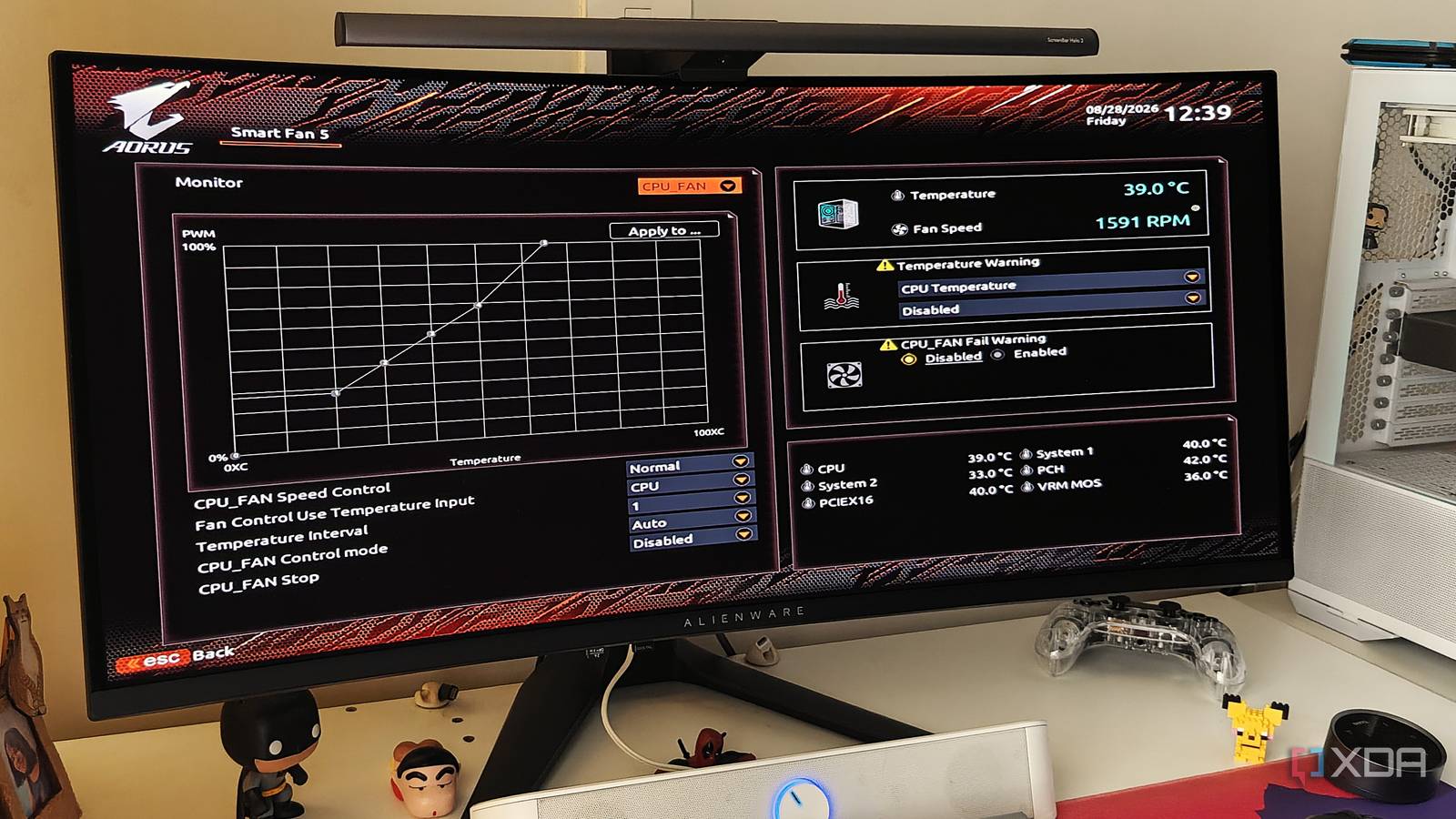
Published Sep 1, 2026, 12:00 PM EDT After a 7-year corporate stint, Tanveer found his love for writing and tech too much to resist. An MBA in Marketing and the owner of a PC building business, he writes on PC hardware, technology, and Windows. When not scouring the web for ideas, he can be found building PCs, watching anime, or playing Smash Karts on his RTX 3080 (sigh). My first brush with PC building happened nearly 20 years ago in 2007. It had been seven years since I had gotten my first PC, an HP pre-built with an Intel Pentium III processor. It was time to upgrade to something faster, and, hence, my first custom build was powered by Intel's Core 2 Duo chip (the E7300, if I remember correctly). The excitement of building and enjoying a new PC was enough for me to ignore nearly everything else that goes into the setup. Optimizing BIOS settings, partitioning the hard drive, and overclocking the CPU were some of the things I was absolutely clueless about back then. I must have spent years leaving performance on the table before I realized my mistakes. Picking the wrong RAM slots It all started in the build phase Today, installing two DIMMs in slots A2 and B2 is second nature, but two decades ago, I probably installed my RAM sticks in whichever slots looked best. I wasn't aware of the impact of installing the RAM in the incorrect slots, and since the PC didn't show any obvious errors, I never revisited the issue, leaving dual-channel performance on the table. If only I had checked the motherboard manual, the recommended A1-B1 or A2-B2 combination would have been clear. Most likely, I was using DDR2 RAM, but the performance loss of using single-channel memory was still there. I remember reinstalling the RAM only a few years later, when I finally realized my mistake. This wasn't a BIOS or Windows setting, but rather a simple mistake that became a blunder in terms of real-world impact. Using the default fan curves for years My PC was cooked, and I didn't even know We all know that the pre-configured fan curves in the BIOS aren't the best, but I didn't know that back then. My newly built PC was booting and functioning well, and the fans were spinning. Whether they were too loud or too slow, I accepted either scenario as in-spec behavior. I didn't know that I could mess around with my CPU or case fans, and tune them to my liking. BIOS capabilities twenty years ago may not be what they are now, but Windows utilities like SpeedFan still allowed significant control over fan behavior. My CPU probably lost a significant amount of performance to overheating, and it could have been avoided simply by changing some points on a graph. Creating a single partition It works now, but it wasn't a good idea back then You probably know that multiple drive partitions aren't needed anymore, but until just a few years ago, it was common practice to have at least one partition in addition to the main system partition. This wasn't just blind conformism either; having additional partitions protected you from data loss if you needed to reformat your OS. I remember reinstalling the OS on my Windows XP system on more than one occasion, and extra partitions would have helped me a lot. Whether it was oversight or superstition that prevented me from partitioning the drive better, I can't say. My C: drive went through many reincarnations, so more partitions would have given it a longer life. Staying away from CPU overclocking I missed out on a major performance boost Credit: FlickrCredit: Flickr The Core 2 Duo era was one of the golden periods of CPU overclocking, with 50–60% frequency boosts being easily achievable on air cooling. These chips had made the jump from 65nm to 45nm (shocking, I know), so users could force higher clocks without the need to amp up the voltage too much. This was legitimately a massive and free performance boost available simply by tweaking the BIOS. Since I stayed away from the BIOS for a few years after building my first PC, overclocking seemed like too big a task. I preferred the safety of stock settings to the hassle and unpredictability of overclocking. Messing with the frequency and voltage of my CPU was unthinkable, so I mentally put overclocking in the "don't touch" bucket. The first few years of my PC journey weren't the best I'm not proud of missing out on settings and best practices that would have been obvious to many other users. I was just venturing into custom PC building, and gravitated toward safe defaults instead of maxed-out performance. My next build was drastically different, and I had learned a lot more by then, but I still wish I was an enthuiast in the mid-2000s.
I built my first PC almost 20 years ago, and these 4 blunders prove I didn't know what I was doing
Full Article
Original Source
Read the full article at Xda-developers →KhanList aggregates and links to publicly available news content. We do not host full articles from third-party sources. Always verify important information with original sources.