
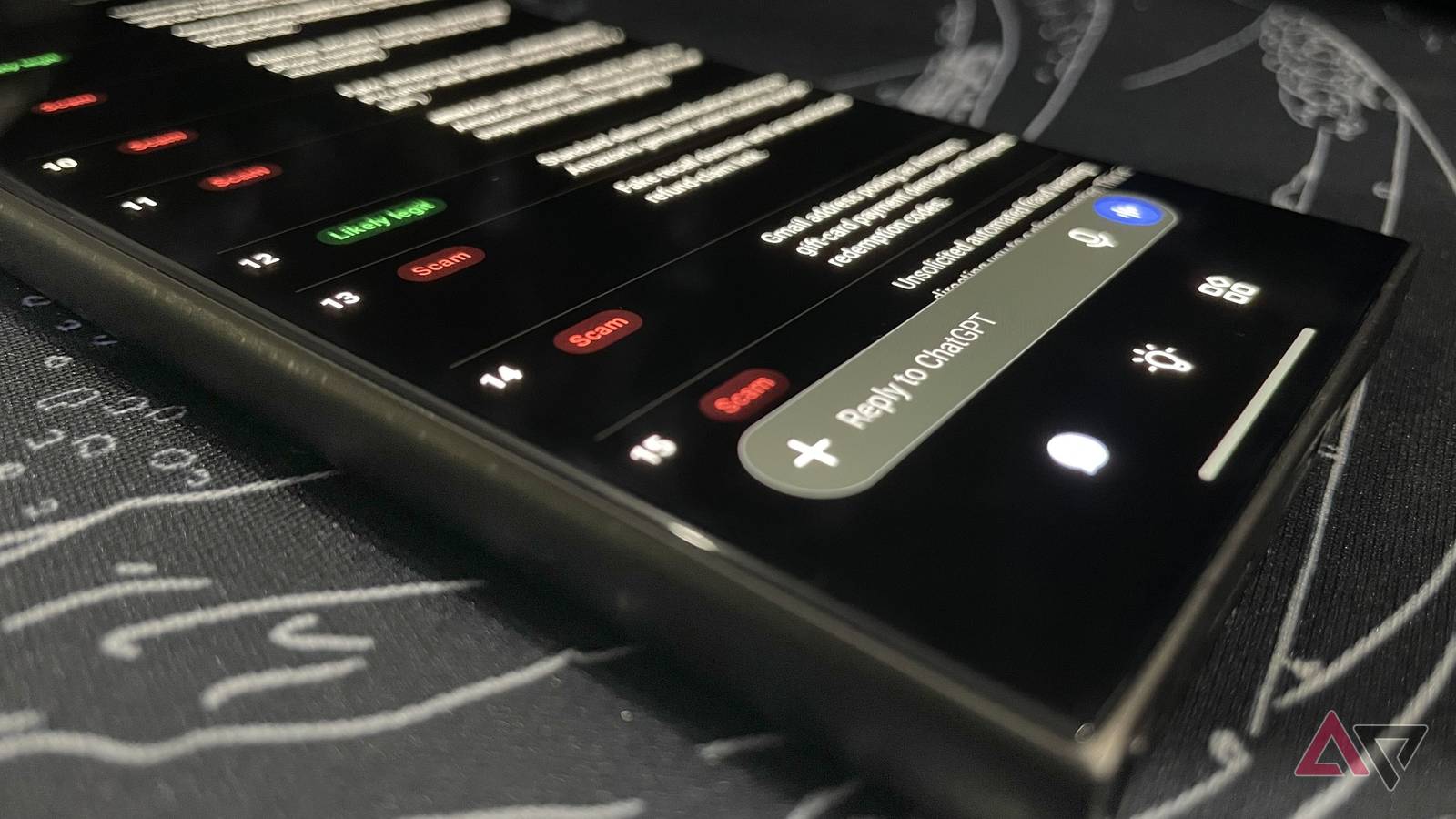
Published Nov 15, 2026, 11:00 AM EST Haroun authors features for Android Police, covering Samsung, Google, and the wider Android ecosystem. He first joined in 2021, cutting his teeth on over 300 news stories before moving on to features and how-tos. A one-time OnePlus die-hard who genuinely couldn't stand Samsung, he's since done a full about-face — he now daily-drives a Galaxy S24 Ultra and keeps an S23+, S22+, and his old S20 within arm's reach, which gives him a lot of hardware to put through its paces. He's a medical doctor with a decade-plus obsession for consumer tech, and his coverage has also appeared on How-To Geek and Android Authority. When he's not buried in Google's apps or a Samsung settings menu, he's trying to get his chess rating past 1500 or playing table tennis/football. Amazon took down more than 70,000 phishing websites and 14,000 scam phone numbers in 2025. With Black Friday deals everywhere, scam emails will likely become even more rampant. So, I decided to test whether your AI chatbot can catch these scam emails for you. I gave the free tiers of Gemini, ChatGPT, and Claude 20 emails and texts: 15 modeled on scams the FTC and Amazon have warned about, and five written like real Amazon messages. All three models performed well at the start, but only one could reliably tell real from fake. Let me explain. All three caught the fake Amazon messages Fake orders, refunds, and gift card demands I started the test with 15 scam messages mixed with five written like actual Amazon messages. The scams included fake order confirmations, Prime renewal threats, refund phishing, a WhatsApp "Amazon recruiter" message, a gift card demand, and an Instagram DM asking for my password. The three tools got all 20 correct. They flagged the scams and identified the legitimate messages without raising false alarms. I also tried a pattern scammers love: a text with the link amazon.com.order-review[.]net. The amazon.com at the beginning makes it look legit. But the real domain is order-review[.]net. All the tools flagged it and correctly explained why. Claude gave the most practical next steps. It mentioned reporting scam texts to 7726, the US carrier spam number. Meanwhile, ChatGPT cited Amazon's help pages, while Gemini leaned on forum posts. They couldn't agree on a real Amazon email Gemini called it a scam In my first test, I sent all 20 messages together in one prompt. For this one, I used single messages in new private chats: an Amazon sign-in alert from account-update@amazon.com with no links, and a refund email that linked to amazon.com. Gemini first said it was impossible to tell for certain. In a second run, it said the same email was almost certainly a phishing scam and called the Houston sign-in location a fear tactic. Then I tried the refund email. Gemini gave no verdict and just sent general safety tips. Claude grew more suspicious each time Like Gemini, Claude initially said it couldn't verify the sign-in email from the text alone. But the second time, it said to treat it as suspicious, whereas Gemini outright called it a scam. It also doubted the refund email, saying the sender's address looked less typical. ChatGPT got it right every time In all my runs, ChatGPT correctly called the sign-in email legitimate. It also cleared the refund email. It still told me to verify by checking the email's headers, Amazon's Message Center, or forwarding the email to verify@amazon.com, which is Amazon's service for confirming messages. It was the only chatbot to mention that service. Which chatbot is most helpful when you've already clicked Gemini had the most complete checklist I told all three tools I'd clicked a link in a scam email and entered my password and card details to see which would give me the most helpful tips. Gemini covered everything you'd want to check in that situation: Call your bank and block the card Change your Amazon password and sign out of all devices Turn on two-step verification Check your orders and saved addresses Report it to Amazon and the FTC But it also opened with a big "WARNING: Immediate Financial Risk" label, which is the last thing you want to see when you're panicking. ChatGPT was more mindful of the situation Unlike Gemini's panic-inducing opening statement, ChatGPT started with "Act immediately, but don't panic." It was the only one to tell me to secure my email account and check it for forwarding rules a scammer might have added. It also asked follow-up questions to figure out how exposed I was. It pretty much covered Gemini's advice but skipped the FTC report; still, it's the answer I'd want at that moment. Claude's advice was less reliable Claude gave some reasonable tips, like calling the bank first and changing any reused passwords, starting with your email. But it skipped signing out of all devices and reporting to the FTC. It also told me to forward the email to reportphishing@amazon.com, an email I couldn't find on Amazon's pages. Amazon lists reportascam@amazon.com for reporting suspicious messages. Ask ChatGPT, but check with Amazon first All three AI tools can spot scams, but ChatGPT was the only one that consistently recognized real messages. False alarms might not seem like a big deal, but they can be harmful. You could skip a genuine Amazon warning or ignore a request to secure your account. If you're still unsure, the safest option is to check with Amazon: check the Message Center in your account or forward the message to verify@amazon.com. To reduce the number of scam messages you get, check out these Gmail settings for blocking AI scams.
I asked Gemini, ChatGPT, and Claude to spot Amazon scams
Full Article
Original Source
Read the full article at Androidpolice →KhanList aggregates and links to publicly available news content. We do not host full articles from third-party sources. Always verify important information with original sources.