
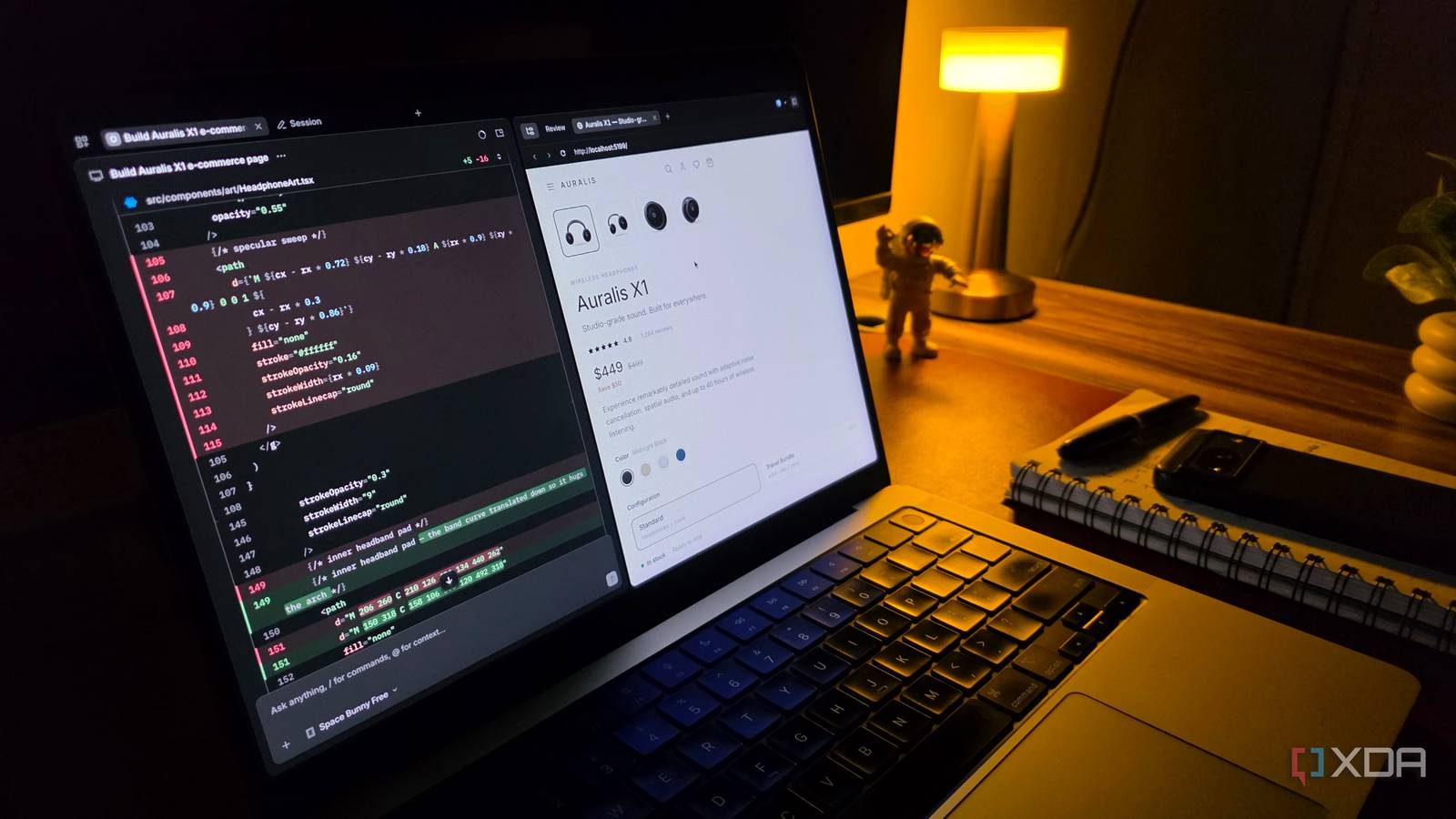
Published Nov 16, 2026, 3:30 PM EST Parth, a seasoned tech writer, wields the keyboard (or pen) with finesse to unravel the intricacies of both Windows and Mac operating systems. He has covered evergreen content on mobile devices and computers for multiple publications over the last six years. You can find his work on AndroidPolice, GuidingTech and TechWiser. Whether it’s demystifying system updates, deciphering error codes, or exploring hidden features, Parth’s prose guides readers through the binary maze. When not immersed in tech jargon, you’ll find him sipping chai, pondering the next software review, and occasionally indulging in a friendly debate about mechanical keyboards. There is no shortage of AI coding tools out there. I have experimented with everything from Claude Code and Codex to Google Antigravity, and while each has its strengths, there is one thing they have in common: getting the most out of them can become expensive. I was considering adding yet another AI coding subscription to my monthly expenses when I came across OpenCode. Unlike most alternatives I had explored, this open-source tool promised a flexible coding environment, access to different AI models, and a polished desktop experience without locking me into another subscription. Why I nearly paid again I was about to purchase Cursor I already had active plans for Claude Code, Codex, and Google Antigravity. Claude Code was my go-to for complex projects and polished UI designs; Codex came in handy for debugging and code improvements; and Antigravity impressed me with its combination of IDE and agentic coding capabilities. Despite having all three at my disposal, I was considering adding Cursor to the mix. Cursor’s polished interface, powerful agentic capabilities, and tight editor integration were tempting enough to make me reach for my credit card. But then I started questioning whether I really needed a fourth AI coding subscription. That’s when I came across OpenCode. At first, I dismissed it as another terminal-based coding assistant. However, once I found its standalone desktop app, support for multiple free AI models, and open-source nature, I decided to give it a shot before spending another dime. And I am glad I did. OpenCode was hiding in plain sight The desktop app immediately impressed me I have explored plenty of AI coding assistants over the past few months, but somehow OpenCode had slipped under my radar. I had heard about it before, but I always assumed it was another terminal-based tool designed for experienced developers. As someone who prefers a proper GUI, I never seriously considered adding it to my workflow. That changed when I visited OpenCode’s website and started exploring what it actually offered. There is a desktop app, support for different AI providers, and even a selection of free models to get started. The best part is, I don’t need another subscription just to access the software. I have nothing against terminal-based coding tools, but I prefer working with a visual interface where I can manage projects, review changes, and keep track of what my AI agents are doing. OpenCode’s desktop app immediately felt like something I could use every day. Another thoughtful touch is the integrated browser, which lets me inspect the results of my coding tasks without switching applications. I finally have complete model freedom OpenCode offers serious agentic capabilities One of my biggest frustrations with AI coding tools is being tied to a particular ecosystem. OpenCode changes that completely. I can choose from different AI providers, experiment with free models, or even connect local models through Ollama. I don’t necessarily need an expensive model to fix a minor CSS issue or create a simple component. OpenCode isn’t just another AI chatbot that creates code snippets. It comes with dedicated Plan and Build agents. I can use Plan to map out a project without modifying files, then switch to Build to implement changes. It can edit files, execute terminal commands, and handle multi-step development tasks. I can even create custom agents, configure permissions, and unlock more features through MCP servers. I created a complex website using OpenCode My experience with OpenCode I wanted to see whether OpenCode could handle a real development project instead of just fixing bugs or generating basic code snippets. So, I challenged it to build a fully functional travel website from scratch, complete with destination pages, search filters, hotel listings, responsive layouts, and a polished booking interface. I started with free models to establish the website’s foundation, generate reusable components, and handle basic styling. To my surprise, they did a solid job. However, when it came to refining the UI, adding complex interactions, and troubleshooting stubborn issues, I switched to premium models for better results. I like how seamlessly I could move between different models without affecting my workflows. I didn’t have to export the project or jump between multiple coding applications. Everything happened inside OpenCode. The final result wasn’t perfect on the first attempt, but after several rounds of refinements, I had a polished, responsive travel website that looked surprisingly professional. OpenCode handled the entire development process. It offers more than I expected I went into OpenCode expecting another interesting experiment, but I came away with a tool that deserves a permanent place in my workflow. It doesn’t try to wow me with flashy features or unnecessary complexity. Instead, it gets the fundamentals right with a clean desktop interface, powerful coding agents, and the freedom to choose my preferred AI models. I am not saying goodbye to my current AI coding tools yet, but OpenCode has convinced me to keep my credit card in my wallet for now. OpenCode OpenCode is an open-source rival to the likes of Claude Code and Codex.
I almost paid for another AI coding tool, but this free open-source alternative won me over
Full Article
Original Source
Read the full article at Xda-developers →KhanList aggregates and links to publicly available news content. We do not host full articles from third-party sources. Always verify important information with original sources.