
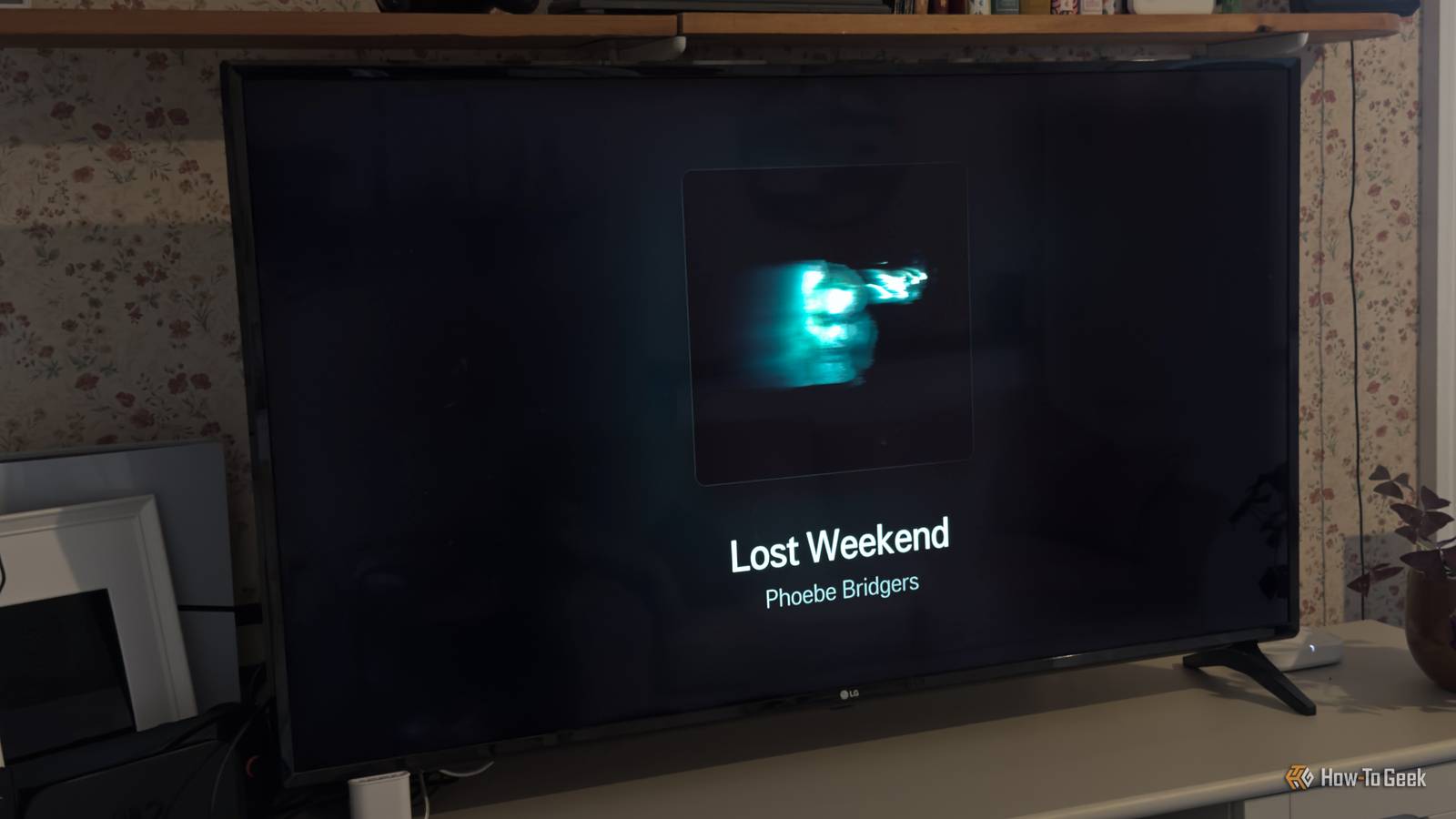
Published Nov 24, 2026, 6:30 PM EST Adam has a degree in Engineering and has a life-long interest in technology. He has been writing for over a decade for various print and online publications, with a focus on consumer tech. He joined How-To Geek in 2024 while working at Pocket-lint. As well as being a long-term fan of Apple products, he also has a strong interest in smart home tech, running a Home Assistant server at home to automate all his smart home devices. He believes that the ideal smart home should work with minimal interaction from the user, with automations running as if by magic rather than requiring you to push buttons on a control panel. You can find more of his work on Muck Rack. We play a lot of music in our living room when we're not watching TV. The trouble is that we only have a small smart speaker, so the sound quality is poor. I wanted a way to get high-quality audio in the living room without having to splash out on expensive audio equipment. It took me far too long to realize that I already had everything that I needed. By adding my TV as a player in Music Assistant, we can now listen to music in much higher quality. Listening to music through a smart speaker doesn't cut it I really wanted my grandad's old setup When I was growing up, I used to love going to my grandparents' house. Every day we spent there started the same way. My grandad would get up, go and sit in his special chair in the living room, and listen to classical music playing through his high-end Bang & Olufsen system. I always dreamed of being able to do the same, but I've never been able to justify buying an expensive sound system for the living room. Instead, we've been making do with a small smart speaker, which doesn't give anything like the same experience. Music Assistant can stream music directly to my TV I can choose my LG TV as a music player It was a long time before it dawned on me that I already had much better audio equipment right there in my living room. My TV is hooked up to an old LG 5.1 surround sound system, with five speakers and a subwoofer. The sound quality isn't amazing, but it's far better than a small smart speaker can offer. I wanted a way to be able to play music from a variety of sources through the TV, which could then pass the audio to the surround sound system via the optical audio output. I was already using the perfect solution: Music Assistant. Music Assistant is a free and open-source music system that can run alongside Home Assistant and allows you to play music from a wide variety of sources, including local files as well as popular streaming services such as Spotify and Apple Music. It also allows you to set devices as music players and stream music to them. The first thing I did with my LG TV was add it as a DLNA player in Music Assistant. This meant I could select the TV as a target in Music Assistant and stream music through the TV. Sendspin Cinema gave me a reason to keep the screen on My TV can be exposed as a Sendspin player Using my TV this way worked well. With the TV sound muted and the surround sound system turned on, I could play music through the surround sound speakers, which sounded so much better than my smart speaker. The main problem was that playing music through the TV using DLNA brought up the LG music player, which popped up over the top of the album artwork I was trying to display. I wondered if there was another option, and I discovered Sendspin Cinema. This is an app that turns my TV into a Sendspin player, so it appears in Music Assistant as a Sendspin device. Playing music this way displays full-screen album artwork without any LG overlays. It did take some setting up on my old TV, since it wasn't intended to run on the older Chromium 53 engine my TV uses. With the help of AI, I was able to patch it, and after a few aborted attempts, I got my TV working as a Sendspin player in Music Assistant. A recreation of Cover Flow lets me choose what to play from the sofa I now have the world's biggest iPod The benefit of using this setup was that there were no LG pop-up players appearing on the screen. This meant that I could keep the music playing but display my own images on the TV. On my Mac, I'd already set up a version of the old Cover Flow view of album covers that you used to get on iPods, and while I'd managed to get it running on my TV, an annoying LG music player icon was always on the screen. Now, using Sendspin Cinema, I finally have the exact setup I want. I can open the Cover Flow app on my TV, select an album or playlist, and have the music play through my surround sound speakers. The album artwork and track list appear on the screen, and I can even see live lyrics for songs that support them. While my surround sound speakers will never match the sound quality of my grandad's system, the experience is so much nicer than it was before. I have rich sound with deep bass and proper stereo separation that you can't get from a single smart speaker. My only regret is that I didn't set it up sooner. You don't always need to buy more devices I could have easily gone out and bought a dedicated audio system for the living room, but I didn't really need to. I could use the equipment I already had to get far better sound than I had before. Using Cover Flow on the TV, I also have a much more satisfying way to choose what to listen to, and I couldn't be happier.
I added my TV to Music Assistant instead of buying more speakers
Full Article
Original Source
Read the full article at Howtogeek →KhanList aggregates and links to publicly available news content. We do not host full articles from third-party sources. Always verify important information with original sources.