
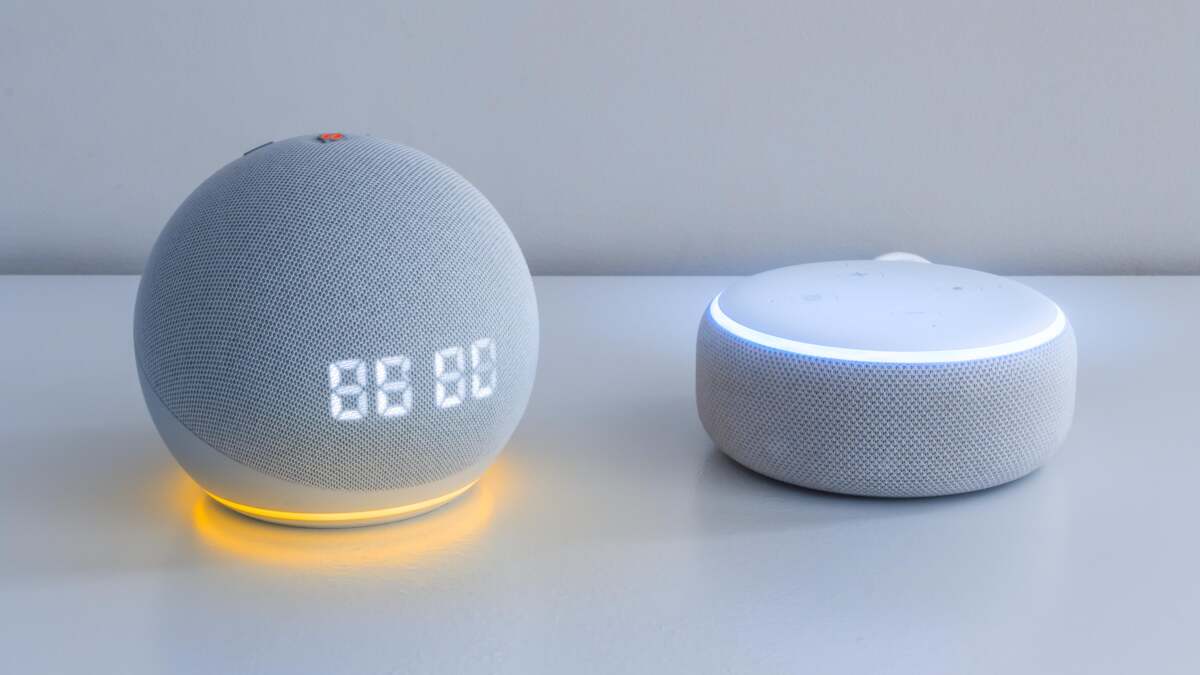
Daniel Oropeza Daniel Oropeza Shopping Editor ExperienceDaniel is Lifehacker's Shopping Editor covering tech deals and reviewing TVs, headphones, speakers, and projectors. He earned his master’s in journalism from Columbia University and has reported for the Miami Herald. He lives in Atlanta. Read Full Bio and Emily Long Emily Long Freelance Writer ExperienceEmily Long is a freelance writer based in Salt Lake City. After graduating from Duke University, she spent several years reporting on the federal workforce for Government Executive, a publication of Atlantic Media Company, in Washington, D.C. She has nearly a decade of experience as a freelancer covering tech (including issues related to security, privacy, and streaming) as well as personal finance and travel. In addition to Lifehacker, her work has been featured on Wirecutter, Tom’s Guide, and ZDNET. Emily has also worked as a travel guide around the U.S. and as a content editor. She has a masters in social work and is a licensed therapist in Utah. Read Full Bio November 20, 2026 Add as a preferred source on Google Add as a preferred source on Google Credit: Panthere Noire - Shutterstock Table of Contents Amazon’s Black Friday and Cyber Monday sale has officially started—but keeping track of the best discounts yet to land and figuring out which deals are worthwhile can be a challenge. As an alternative, you can have Alexa give you a heads-up about deals on products you already know you want to purchase, so you don’t have to spend time sorting through the noise. Amazon Prime subscribers in the United States who also have Echo smart speakers can enable deal alerts to receive notifications 24 hours before discounts go live and even have your Alexa purchase these items for you. First, open the Amazon Shopping app or go to Amazon’s website via a browser and add products you want alerts for to your Wish List, your Shopping Cart, or a Saved for Later list.Then head to the Alexa mobile app and go to More in the top left (the three horizontal lines) > Settings > Notifications > Amazon Shopping and toggle on Deal Recommendations under the Shopping Recommendations options. This ensures you’ll receive notifications for items that appear in your shopping activity. If Alexa finds an upcoming deal on something in your Saved for Later, your Wish List, or in your Shopping Cart, you’ll receive a pop-up alert on your Echo Show display or see a yellow light ring on your Echo speaker. You can also ask, “Alexa, what are my notifications?” to hear a list of deals it has compiled thus far. You can also say "Alexa, let me know when [product name] goes on sale." What do you think so far? Alexa can detect deals up to 24 hours in advance, so you can either ask it to remind you again when a deal starts or request that it buy the item when the deal goes live. Simply say, “Alexa, buy it for me,” and it’ll charge the default payment and send the item to the default delivery address on your account. Our Best Editor-Vetted Early Black Friday Deals Right Now Deals are selected by our commerce team Lifehacker has been a go-to source of tech help and life advice since 2005. Our mission is to offer reliable tech help and credible, practical, science-based life advice to help you live better. Our Mission Our Team Newsletter © 2001-2026 Ziff Davis, LLC., A ZIFF DAVIS COMPANY. ALL RIGHTS RESERVED. Lifehacker is a federally registered trademark of Ziff Davis and may not be used by third parties without explicit permission. The display of third-party trademarks and trade names on this site does not necessarily indicate any affiliation or the endorsement of Lifehacker. If you click an affiliate link and buy a product or service, we may be paid a fee by that merchant.
How to Set Up Alexa Wishlist Alerts for Black Friday and Cyber Monday
Full Article
Original Source
Read the full article at Lifehacker →KhanList aggregates and links to publicly available news content. We do not host full articles from third-party sources. Always verify important information with original sources.