
Loftia: Multiplayer Guide Published Nov 3, 2026, 10:02 PM EST Allyson Cochran is a Chicago-based Editor at TheGamer who has worked as a journalist since 2020 and in games journalism since 2022. She holds a bachelor’s degree in journalism and focuses primarily on guides, previews, and developer interviews, with particular expertise in cozy indie games and live-service FPS titles. She has interviewed numerous game directors, including those of games like Overwatch and Dead by Daylight. Allyson has written and edited thousands of guides, and she genuinely loves every minute of it. Loftia is all about building your dream life, making adorable homes, and collecting enough cute furniture to make your Pinterest board jealous. But what's a cozy adventure without your besties tagging along? If you're hoping to bring your friends along for the ride, you'll want to get familiar with the game's social features before planning your next big island adventure. From exploring the world together to figuring out how the multiplayer side of things works, there's a bit of setup involved. To add friends in Loftia, press Esc to open the menu, then select the three-person icon labeled 'Friends'. From here, you can search for other players using their usernames and send them friend requests. You can also access your existing friends list and invite people directly to join you. Once you've added your friends, you can create a group through the same menu. Groups allow you to explore Loftia together, which it easier to enjoy the game's activities with your favorite people. There is one important thing to keep in mind: you and your friends must be on the same server to play together. Thankfully, you aren't permanently locked to one server, so you can switch servers and join your friends whenever you want. Is There Cross-Play? Loftia does not currently support cross-play, as the game is only available on PC right now. However, the developers are actively researching and testing the possibility of bringing cross-play to the game in the future. It's also worth remembering that you will need to purchase Loftia separately on each platform you want to play on. So, even if cross-play becomes available in the future, owning the game on one platform won't automatically give you access to another.
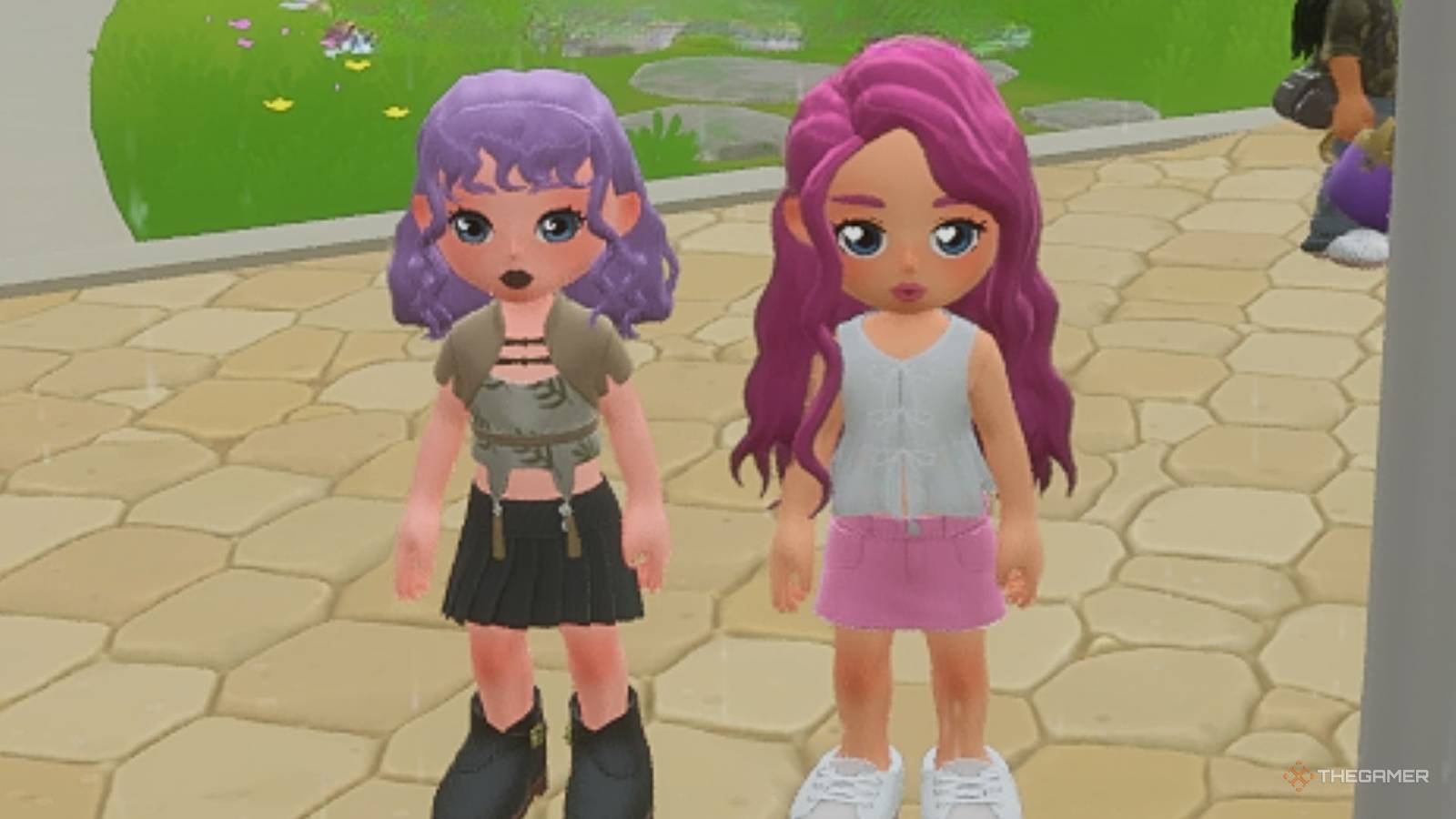
How To Play With Friends In Loftia
Full Article
Original Source
Read the full article at Thegamer →KhanList aggregates and links to publicly available news content. We do not host full articles from third-party sources. Always verify important information with original sources.