
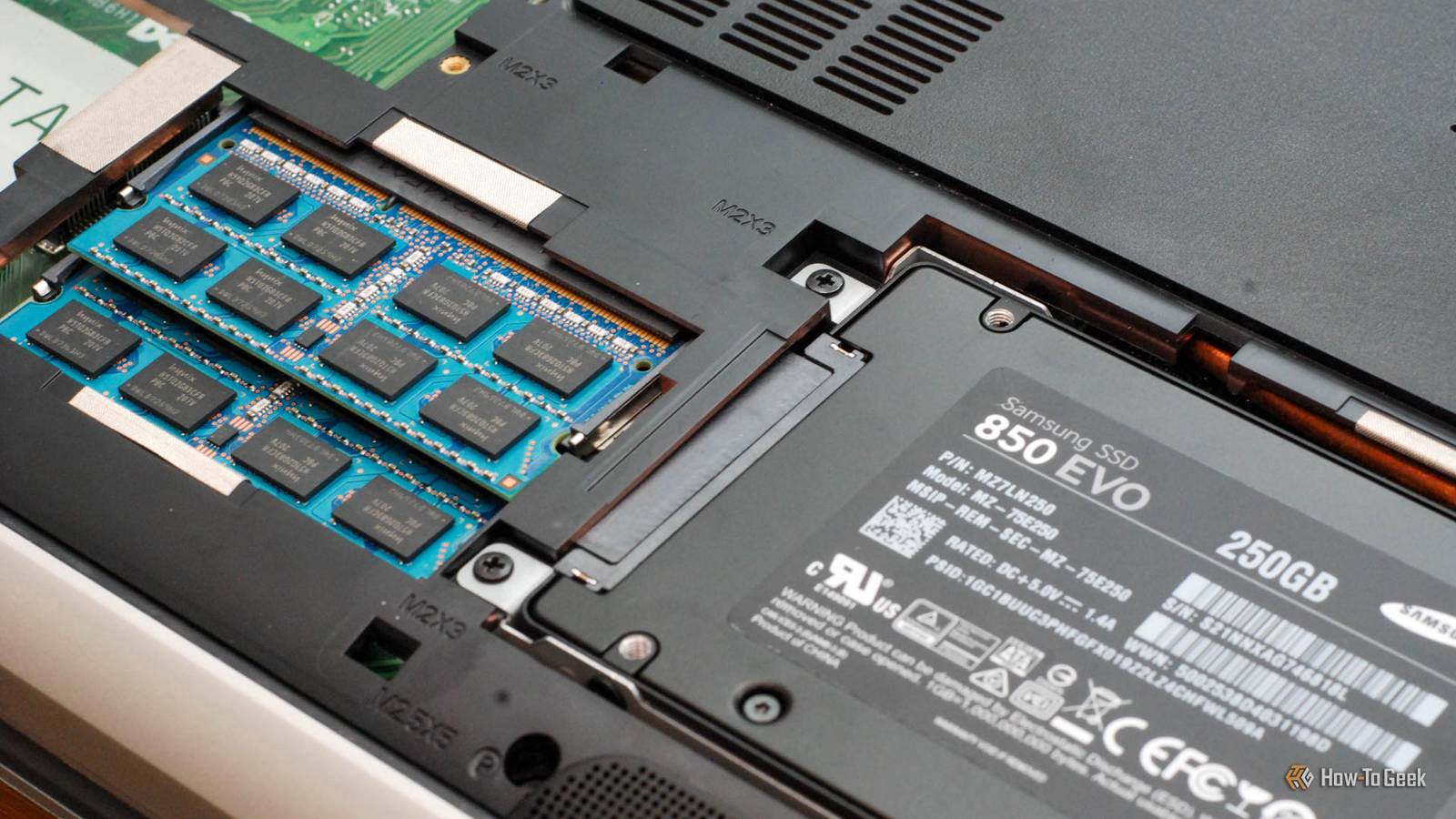
Published Nov 12, 2026, 5:30 PM EST Sydney Butler is a technology writer with over 20 years of experience as a freelance PC technician and system builder and over a decade as a professional writer. He's worked for more than a decade in user education. On How-To Geek, he writes commerce content, guides, opinions, and specializes in editing hardware and cutting edge technology articles. Sydney started working as a freelance computer technician around the age of 13, before which he was in charge of running the computer center for his school. (He also ran LAN gaming tournaments when the teachers weren't looking!) His interests include VR, PC, Mac, gaming, 3D printing, consumer electronics, the web, and privacy. He holds a Master of Arts degree in Research Psychology with a minor in media and technology studies. His masters dissertation examined the potential for social media to spread misinformation. Outside of How-To Geek, he hosted the Online Tech Tips YouTube Channel, and wrote for Online Tech Tips, Switching to Mac, and Helpdesk Geek. Sydney also wrote for Expert Reviews UK. He also has bylines at 9to5Mac, 9to5Google, 9to5Toys, Tom's Hardware, MakeTechEasier, and Laptop Mag. If you didn't live through the transition from PATA (Parallel ATA) to SATA (Serial ATA) in the early 2000s, it can be hard to understand how much of a revolution it was. PATA was finicky, bulky, and slow. SATA was the first proper redesign of drive interface technology in decades, and for a time, it was good. Today, SATA is seen as the poor man's interface with a "mere" 600MB/s of theoretical bandwidth for SATA III. That was a standard released in 2009, so why no SATA IV? Why the dead end? The best thing about the first SATA SSDs was the port you already owned Not everything is about you, SSDs It's important to understand that SATA was never designed for SSDs in the first place. This was an interface meant to keep up with the improving speeds of mechanical hard drives. A 600MB/s cap is still more than enough to handle a typical hard drive even in 2026, but somewhat ironically, even hard drives have overtaken SATA III at the high end. The thing about SSDs is that they can make use of multiple, parallel lanes of data. A hard drive only has so many read heads that can provide a data stream. SATA SSDs very quickly saturated the available bandwidth, which was a huge step up from HDDs, and added the benefits of effectively zero seek time. But the potential of the SSD crammed into a form factor designed as a drop-in replacement for hard drives was largely wasted. SATA SSDs spent 15 years chasing the same last 40 MB/s Almost, but not quite To give you an idea of how stagnant SATA SSD technology has been, consider the 2011 Samsung 830, which came out two years after SATA III and tops out at 520MB/s read speeds. The latest 8TB Samsung 870 EVO SATA III drive can achieve 560MB/s. That's 40MB/s short of the theoretical maximum for the SATA III interface, and it likely will never be reached because of overheads and bottlenecks inherent to the technology. Consider that Samsung's PCIe 3.0 970 EVO Plus (which happens to be what my gaming PC uses) is over six times faster than this at 3.5GB/s, and it's clear from a performance perspective SATA is kaput. And a PCIe 3.0 drive is two generations behind, and itself a fraction of the near 15GB/s real-world speeds the best PCIe 5.0 drives can achieve. It's worth noting that faster SATA has been attempted. In the SATA-IOs FAQ on the subject, it details SATA over PCIe, known as SATA Express. The organization notes that there were serious roadblocks to simply doubling SATA to 12Gbps, with concerns about power efficiency and significant redesigns of the controllers. SATA Express went nowhere and never really gained any traction. M.2 gave PC builders a better place to put flash It slots right in Today the preferred format is an M.2 slot using the NVMe protocol. Generally, this gives the SSD four PCIe lanes, adding up to a staggering amount of total bandwidth and excellent parallel performance when accessing random data stored on the NAND memory chips. It's far more compact than SATA SSDs, which are mostly air on the inside anyway. There's no separate power connector, since the power comes directly through the M.2 slot. Cooling is easy, since you can directly access the chip packages. Laptops and desktop PCs don't need SATA drive bays, allowing for more compact designs, and if you need more than the one or two slots included with your motherboard, adding an expansion card for more drives to a PCIe slot is cheap and easy. Yet, modern motherboards still have some SATA ports, and for good reason. The big one is that SATA hard drives are absolutely still relevant, and mass storage without the need for fast transfer rates will likely always be important. There are also plenty of SATA SSDs out there, and they are perfectly usable for most applications. I’d keep the drive and retire the era While the SATA interface really is ready for the trashcan of history, the actual drives are still relevant and usable. Techspot ran several gaming tests to see how much better an NVMe SSD will do than a SATA model. In these tests, most games, including Cyberpunk 2077, show barely any difference in performance or loading times when comparing NVMe to SATA. While the difference between a mechanical hard drive and any SSD is enormous, most software that you'll actually use these days won't see much benefit from massively fast SSDs. The real benefit comes from applications like video editors, or anything that needs to move huge amounts of data around. Right now, the typical person probably doesn't care if a file operation takes two seconds or five. That makes SATA SSDs useful to own, and in the current economic climate, even a good deal if you need high-speed storage, but in the long run their days are numbered.
How the SATA SSD era ended in failure, and why nobody should miss it
Full Article
Original Source
Read the full article at Howtogeek →KhanList aggregates and links to publicly available news content. We do not host full articles from third-party sources. Always verify important information with original sources.